
billion-context-dsh
v0.2.9
Published
Active Context Pruning (ACP) for the DeepSeek Harness — model-driven context management as a CompactionEngine backend.

Maintainers
 tyanyin
Readme
billion-context-dsh
⚠️ 测试版声明——请勿用于生产环境 本项目(v0.2.9)仍处于开发中的测试版。DeepSeek Harness 本身也处于公开测试版阶段。请勿将两者用于工程化 / 生产环境——预期会有破坏性变更与粗糙之处。
为什么?
当对话变长,模型会耗尽上下文。多数工具直接硬截断——悄悄丢弃早期消息。billion-context-dsh 给模型一个 compress 工具:由 LLM 决定何时、压缩什么,写成高保真摘要,保留关键细节(文件路径、决策、错误信息)的同时回收上下文空间。
与 DSH 内置的自动压缩(用自动生成的摘要替换一段范围)不同,billion-context-dsh:
- 模型驱动 —— 摘要由模型自己书写,没有第二次 LLM 摘要调用
- 只建议、不强令 —— 自动策略只 nudge(提醒),是否压缩、何时压缩由模型决定
- 持久且可恢复 —— 压缩范围成为 checkpoint 节点,原文保留在 append-only 会话日志中;
decompress可恢复,search_context可在块内查找 - 长任务稳得住 —— 每一步都接着前面的成果走,关键结论持续可用、不断叠加,超长任务更容易跑完
- 上下文始终精简 —— 每次请求都只用少量、精炼的上下文,只保留关键信息;不做大段统一压缩,细节不随之衰失,token 消耗自然更低
这是 billion-context-pi(Pi 编码代理适配器)在 DeepSeek Harness 上的移植:压缩内核(acp-kernel)原样复用,适配层针对 DSH 的 durable-surface 模型重写——经过验证的映射关系见 docs。
安装
💡 想让 DeepSeek Harness 帮你装? 本仓库本身就运行在 DSH 上:把 docs/INSTALL.md 交给会话里的 agent,它会读取指南、解析 你的 profile、编辑组合配置并验证挂载。前提:① 配置写在
~/.dsh下,需要 你批准一次文件权限;② 装完让它调用acp_status自证。
npm install billion-context-dsh💡 v0.2.0 起支持
dsh plugin一键安装(bundle)。包已声明dsh.bundlemanifest,DSH 的插件命令会把它装进 profile 并自动应用补丁(等价于下面的组合行):
dsh plugin --profile web add billion-context-dsh装完重启 dsh(bundle 层在启动时组合)。需要自定义 config(如
modelContextLimit / prompts)时仍建议手写组合行——bundle 补丁
(cordis.patch.yml)只插入无 config 的默认行。
就这样。然后在需要压缩后端的位置加组合配置——两种范围,按需选择:
全局生效(host 平面,所有模式)——推荐。在你的 profile 补丁(如 ~/.dsh/profiles/web/cordis.patch.yml)中追加:
# ACP 作为全局压缩后端:四个模型工具 + `/acp` 命令 + nudge + ACP 提示词段,
# 对所有模式(standard / code / minimal / cordis / 自定义预设)生效。
# 必须同时禁用 host 的 compaction-basic:同一 realm 内两个后端同时
# provide `ctx.compaction` 会冲突。
- id: compaction-basic
  disabled: true

- insert:
    - id: compaction-acp
      name: 'billion-context-dsh'
      config:
        modelContextLimit: 128000   # 可选;省略时自动探测模型真实窗口(回退 128000)
(可选)自定义提示词文案 —— config.prompts。 所有模型可见的提示词(普通/紧急 nudge 首句、上下文分解、增长行、批量提示、tier 蒸馏行、范围表、ACP system prompt 段、四个工具描述)默认直接复用 acp-kernel 的 renderNudgeText——效率提示、上下文分解、压缩规则、批量提示全部来自 kernel 原文,仅范围表换成 surface-seq 版(kernel 用 mNNNNN 引用,我们架构没有 <acp> 标签;seq 范围表同样携带 [tool X% | text Y%] 组成占比并 oldest-first 排序,与 kernel 展示语义一致)。覆盖任一 nudge 槽位后自动切换到模板渲染。模板支持命名占位符(如 nudge 的 {pct}、{philosophy}、范围表的 {surface}),构造期校验:占位符拼写错误会在引擎启动时抛错(fail-fast),而不是把字面 {pct} 漏进模型上下文:
      config:
        modelContextLimit: 128000
        prompts:
          nudge:
            normal: '上下文使用率 {pct}%。这是效率提示——请尽早压缩保持上下文精简。'  # 中文 nudge 首句
          tools:
acpStatus: '报告 ACP 块账本:压缩块数、回收 token、当前上下文压力。' # 自定义工具描述可配置槽位清单、每槽可用占位符、空串/null 语义见 docs/configurable-prompts-design.md。未配置 prompts 的部署直接使用 kernel 渲染(对齐 kernel/pi,见设计文档 v6)。
单模式生效(agent preset 的 compaction realm)。先在该 realm 内禁用(或删除)原有的 dsh-compaction-basic 行,再插入本引擎——同一 realm 内两个后端不能并存:
# 先禁用 realm 内默认后端(或直接删掉这一行)
- id: compaction-basic
  disabled: true

# 再插入本引擎
- id: compaction-acp
  name: 'billion-context-dsh'
  config:
    modelContextLimit: 128000   # 可选;省略时自动探测模型真实窗口(回退 128000)
每个 agent 只留一个上下文管理器。 两个后端同时 provide
ctx.compaction会冲突——同一 realm 内切勿并存。完整安装与验证指南见 docs/INSTALL.md。
工作原理
DSH 的每个模型请求都派生自其 append-only 会话日志(surface)。ACP 语义直接映射到这一模型:
| ACP 概念 | DSH 实现 |
|---|---|
| compress 工具遮蔽一段范围 | 持久化 surfaceOp: { op: 'replace' }——模型书写的摘要成为 checkpoint 节点;原文保留在日志中 |
| refs(m00001 标签) | surface seq,由 nudge 的可压缩范围表携带 |
| nudge("效率提示——尽早压缩保持精简") | 由内核的压力决策在 agent/pre-step 注入——效率通知 + 上下文分解 + 压缩规则,语气对齐 kernel/pi;绝非命令 |
| decompress | 从日志只读恢复被遮蔽的原文 |
| search_context | 从日志重建块摘要 + 被遮蔽原文的统一文档集,交 acp-kernel searchBlocks(hybrid:词干化 + CJK bigram + 字符 n-gram 模糊)打分;命中回链所属块 |
| acp_status | CONTEXT BREAKDOWN(tool/text/summaries 占可见总量)+ 压缩块账本 + nudge 决策行;不含上下文窗口;支持 scope/view/tool/sort/limit 钻取 |
| 块状态 | 内存内核状态 + 日志重建账本(无旁车文件) |
| 分层蒸馏(T2/T3) | 再次压缩某块的摘要节点 = 蒸馏该块(tier 2),蒸馏 tier-2 块得 tier 3;tier 与内核块 id 持久化进日志,重启后内核状态从日志再水合、可继续蒸馏 |
| 压缩记账(影子价格) | shadowedTokenCount(宿主占用率据此扣减)用宿主 token-meter 的词汇计价(ctx.tokenMeter.measure 优先,src/host-tokens.ts 精确镜像兜底)——绝不混用插件内部的 CJK 感知估算(那是展示货币,混用会把宿主账本扣成负数、卡死中文会话,issue #54) |
承载性的压缩指引(工具、哲学、摘要规则、tier 蒸馏/浓缩规则)注册为一次性系统提示段;每条 nudge 携带精简版(效率提示 + 哲学 + 上下文分解 + 压缩规则 + 范围表 + 批量提示)。刻意不做自动摘要:自动策略只 nudge 模型(compactIfNeeded 返回 null)。
视频讲解
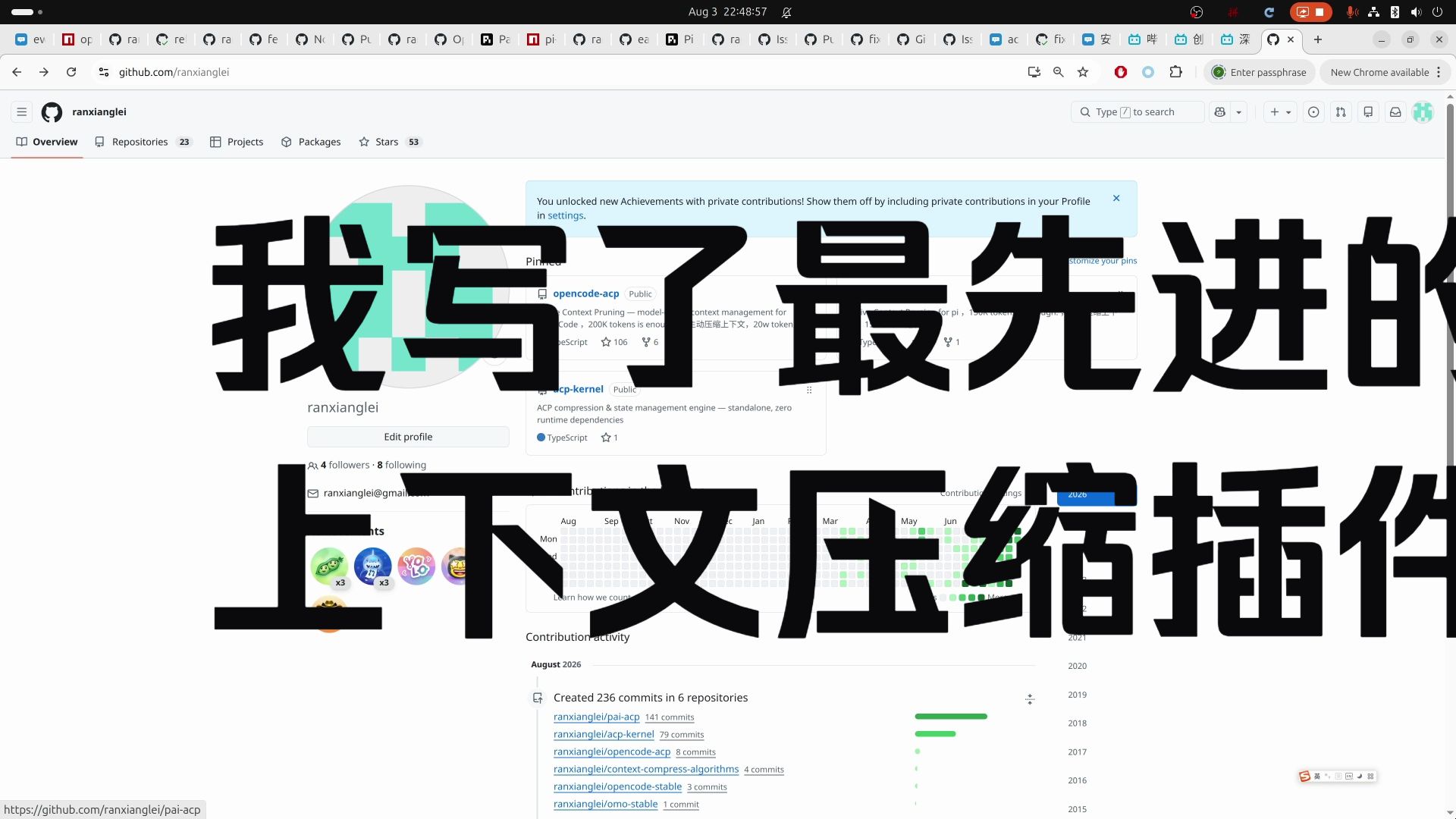
本项目继承的 ACP 哲学讲解——主动上下文压缩如何在约 20 万 token 内保持会话精简(opencode-acp 与 billion-context-pi)。视频原作者:裘香莲(B 站 UP 主),非本项目制作。
模型工具
| 工具 | 作用 |
| --- | --- |
| compress | 用你书写的紧凑摘要替换 seq 范围(边界自动平衡到 tool-call/result 配对点);对某块的摘要节点再次压缩 = 分层蒸馏(tier 2/3) |
| decompress | 恢复已压缩块的原始内容(只读);接受 acp_status 显示的 bN 或 compaction id |
| search_context | 按关键词搜索压缩块摘要与原文(acp-kernel hybrid 检索:词干化 + CJK bigram + 模糊);命中回链所属块 |
| acp_status | CONTEXT BREAKDOWN(tool/text/summaries 占可见总量)+ 压缩块账本 + nudge 决策行;不含上下文窗口。支持钻取:scope:"compressed" 逐块、scope:"uncompressed" + view:"messages"/"ranges" 逐消息/区间,tool 过滤、sort 排序、limit 截断。钻取行 ref 是内核 mN——可直接作为 compress 的 startSeq/endSeq(自动映射为 live surface seq);Surface: 的 seq 同样可用 |
| /acp | 从命令栏执行 status / compress / decompress;status 额外展示 human-side 窗口信息(estimated context、context window 来源、压缩账本、nudge 仲裁——nudge: idle/ACTIVE — reason 及距下一次 nudge 还差多少 token,与 nudge 路径同一内核判定) |
上游项目与致谢
本项目是一个移植/派生项目,站在以下上游工作的肩膀上——全部为 MIT 许可。衷心感谢 ranxianglei 和 DeepSeek Harness 团队创建并开源这些项目:
| 上游项目 | 作者 | 角色 | |---|---|---| | billion-context-pi | ranxianglei | 本项目移植的 Pi 编码代理适配器;适配器设计、工具语义与本项目默认配置的来源 | | acp-kernel | ranxianglei | 框架无关的上下文压缩引擎——原样复用(refs、blocks、tiers、nudge 决策、search、status) | | opencode-acp | ranxianglei | ACP("模型决定何时压缩、压缩什么")设计的源头 | | DeepSeek Harness | DeepSeek AI | 本项目所扩展的宿主平台(compaction 能力接缝、agent preset、持久化会话日志) |
本项目原样复用 acp-kernel 的压缩内核与 billion-context-pi 的默认行为;DSH 适配层(会话事件投影、持久化表面事务、模型工具、nudge、配置)为本仓库原创。上游版权与许可归其各自作者所有;本项目的许可条款见 LICENSE。
配置
| 键 | 默认值 | 含义 |
|---|---|---|
| modelContextLimit | 自动探测(回退 128000) | 用于内核压力决策的上下文窗口;显式配置时优先且跳过探测 |
| autoModelContextLimit | true | 从模型 API 自动探测真实窗口(agent.ctx.llm.resolveModelInfo);探测失败回退默认值,/acp 命令展示窗口来源(模型工具 acp_status 不含窗口信息) |
| nudgeMinContextLimitPct | 内核默认 0.45 | Nudge 窗口下界(用量占比)——仅作配置校验,增长路径的触发没有百分比下限——与 billion-context-pi 相同的默认值 |
| nudgeMaxContextLimitPct | engine 默认 0.70(内核/pi 默认 0.75) | 过限线:超过此值则无论增长与否都触发 nudge——刻意低于宿主 compaction-basic 的 80% 自动压缩线,保证强制 nudge 先触发;显式配置优先 |
| nudgeEmergencyThresholdPct | engine 默认 0.85(内核/pi 默认 0.95) | 紧急 nudge(绕过每轮去重)——从 0.95 下调:95% 时模型已无操作空间且会被 80% 自动压缩线遮蔽;显式配置优先 |
| coreOverrides | — | 任何其他 acp-kernel Config 覆盖(billion-context-pi 的 coreOverrides 逃生口) |
| autoTools | true | 在 ctx.tools 注册四个模型工具 |
| autoCommand | true | 在 ctx.commands 注册 /acp 命令 |
| autoNudge | true | 当内核建议时向 agent/pre-step 注入 nudge |
| prompts | — | (可选)自定义提示词文案:nudge / 范围表 / system prompt / 工具描述按槽位覆盖(模板 + 命名占位符,构造期校验;见上文「自定义提示词文案」与 docs/configurable-prompts-design.md) |
开发
npm install
npm run typecheck   # 严格 TS
npm test            # node --import tsx --test tests/*.test.ts
npm run build       # tsup 打包(内联 acp-kernel)+ .d.ts
dist/index.js 自包含,仅外链 @deepseek-ai/* 接缝包(由宿主部署提供)。
架构
src/
├── index.ts        # AcpCompactionEngine(CompactionEngine 后端)+ 接线
├── messages.ts     # M1: 会话事件 ↔ acp-kernel CoreMessage 投影
├── state.ts        # M2: 每会话内核状态
├── region.ts       # M5: 持久化区域事务 + 日志重建块账本
├── tools.ts        # M3: compress / decompress / search_context / acp_status
├── nudge.ts        # M4: 内核压力决策 → 注入的建议式 nudge
├── system-prompt.ts# M4: 一次性 ACP 指引段(让 nudge 保持简短)
├── config.ts       # 内核配置组装(阈值 + coreOverrides)
├── window.ts       # 自动上下文窗口探测(LLM 运行时探测,回退 128000)
└── commands.ts     # M4: /acp 斜杠命令
License
MIT