bootstrap-to-do-list
v1.0.0
Published
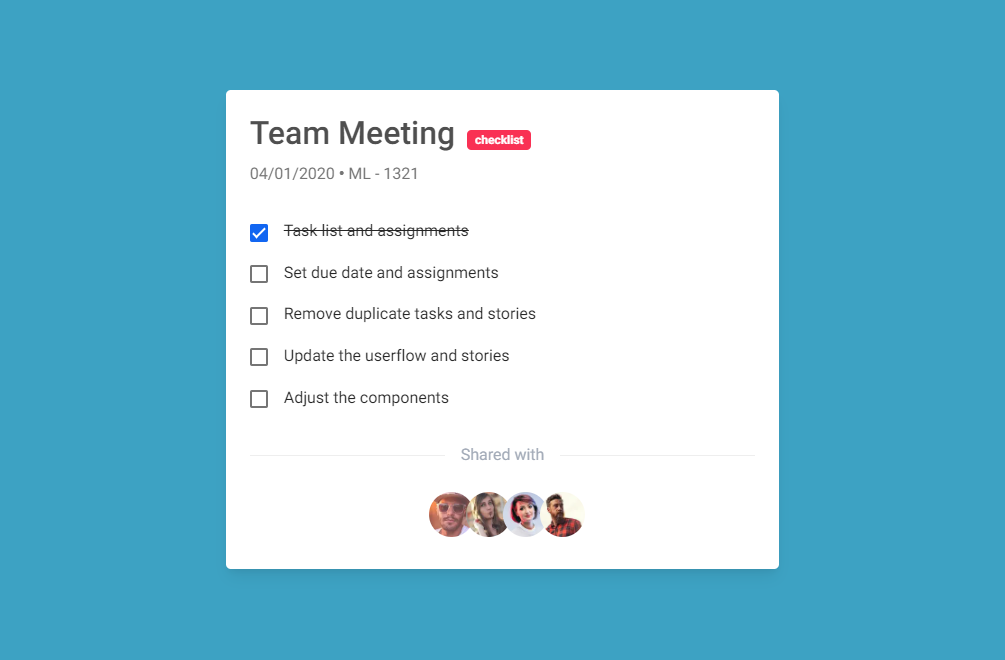
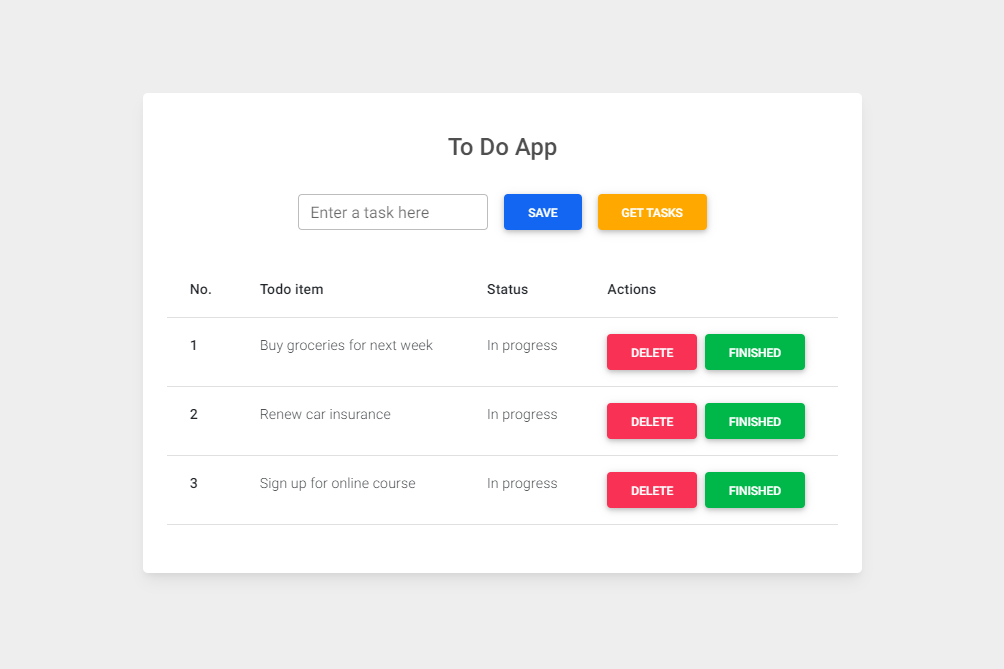
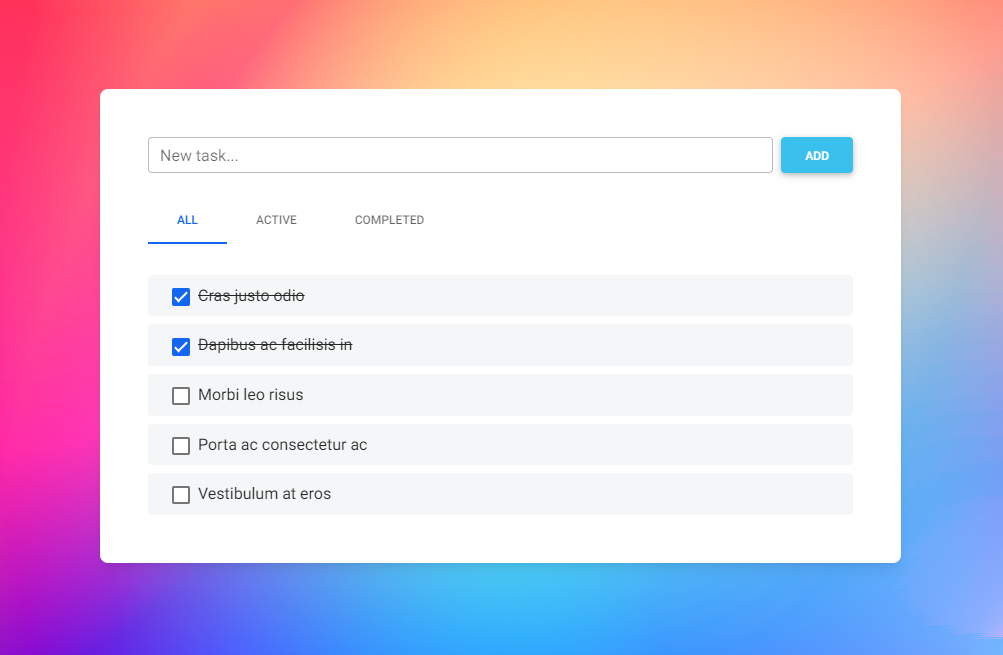
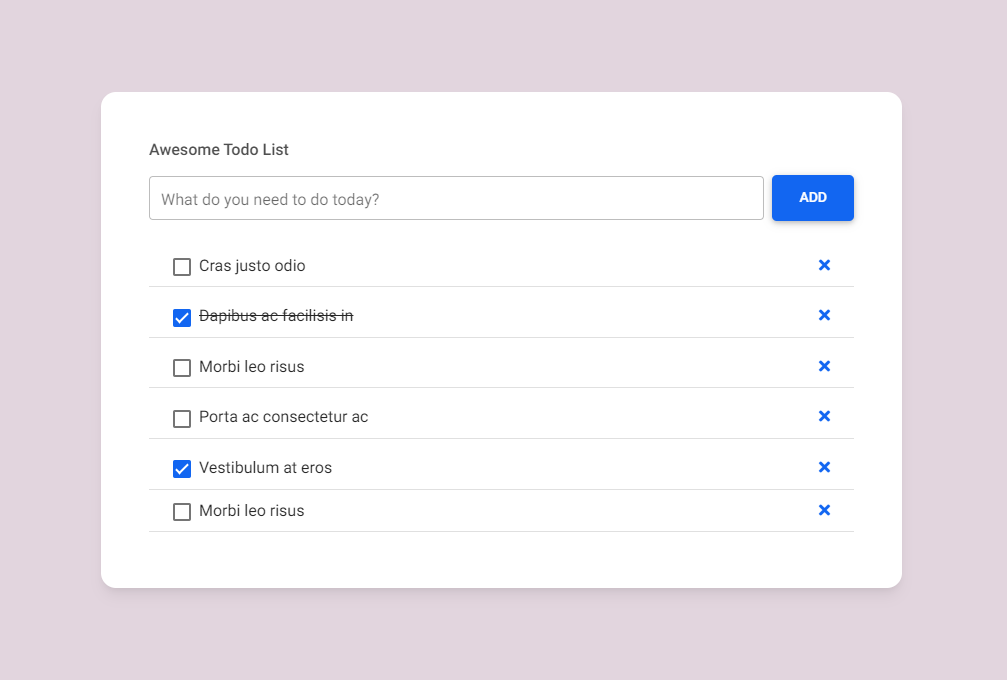
Responsive To Do Lists built with the latest Bootstrap 5. Various variants of design and functionality.
Downloads
61

Maintainers
 mdbootstrap
Readme
Responsive To Do Lists built with the latest Bootstrap 5. Various variants of design and functionality.
Check out Bootstrap To Do Lists Documentation for detailed instructions & even more examples.
Basic example
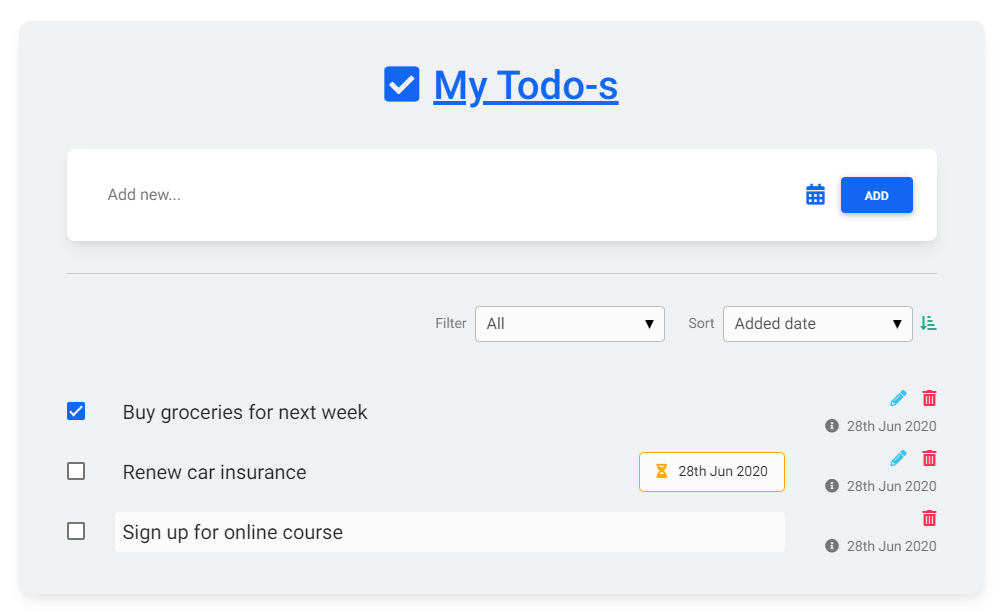
<section class="vh-100">
  <div class="container py-5 h-100">
    <div class="row d-flex justify-content-center align-items-center h-100">
      <div class="col">
        <div class="card" id="list1" style="border-radius: .75rem; background-color: #eff1f2;">
          <div class="card-body py-4 px-4 px-md-5">

            <p class="h1 text-center mt-3 mb-4 pb-3 text-primary">
              <i class="fas fa-check-square me-1"></i>
              <u>My Todo-s</u>
            </p>

            <div class="pb-2">
              <div class="card">
                <div class="card-body">
                  <div class="d-flex flex-row align-items-center">
                    <input type="text" class="form-control form-control-lg" id="exampleFormControlInput1" placeholder="Add new...">
                    <a href="#!" data-mdb-toggle="tooltip" title="Set due date"><i class="fas fa-calendar-alt fa-lg me-3"></i></a>
                    <div>
                      <button type="button" class="btn btn-primary">Add</button>
                    </div>
                  </div>
                </div>
              </div>
            </div>

            <hr class="my-4">

            <div class="d-flex justify-content-end align-items-center mb-4 pt-2 pb-3">
              <p class="small mb-0 me-2 text-muted">Filter</p>
              <select class="select">
                <option value="1">All</option>
                <option value="2">Completed</option>
                <option value="3">Active</option>
                <option value="4">Has due date</option>
              </select>
              <p class="small mb-0 ms-4 me-2 text-muted">Sort</p>
              <select class="select">
                <option value="1">Added date</option>
                <option value="2">Due date</option>
              </select>
              <a href="#!" style="color: #23af89;" data-mdb-toggle="tooltip" title="Ascending"><i class="fas fa-sort-amount-down-alt ms-2"></i></a>
            </div>

            <ul class="list-group list-group-horizontal rounded-0 bg-transparent">
              <li class="list-group-item d-flex align-items-center ps-0 pe-3 py-1 rounded-0 border-0 bg-transparent">
                <div class="form-check">
                  <input
                    class="form-check-input me-0"
                    type="checkbox"
                    value=""
                    id="flexCheckChecked1"
                    aria-label="..."
                    checked
                  />
                </div>
              </li>
              <li class="list-group-item px-3 py-1 d-flex align-items-center flex-grow-1 border-0 bg-transparent">
                <p class="lead fw-normal mb-0">Buy groceries for next week</p>
              </li>
              <li class="list-group-item ps-3 pe-0 py-1 rounded-0 border-0 bg-transparent">
                <div class="d-flex flex-row justify-content-end mb-1">
                  <a href="#!" class="text-info" data-mdb-toggle="tooltip" title="Edit todo"><i class="fas fa-pencil-alt me-3"></i></a>
                  <a href="#!" class="text-danger" data-mdb-toggle="tooltip" title="Delete todo"><i class="fas fa-trash-alt"></i></a>
                </div>
                <div class="text-end text-muted">
                  <a href="#!" class="text-muted" data-mdb-toggle="tooltip" title="Created date">
                    <p class="small mb-0"><i class="fas fa-info-circle me-2"></i>28th Jun 2020</p></a>
                </div>
              </li>
            </ul>
            <ul class="list-group list-group-horizontal rounded-0">
              <li class="list-group-item d-flex align-items-center ps-0 pe-3 py-1 rounded-0 border-0 bg-transparent">
                <div class="form-check">
                  <input
                    class="form-check-input me-0"
                    type="checkbox"
                    value=""
                    id="flexCheckChecked2"
                    aria-label="..."
                  />
                </div>
              </li>
              <li class="list-group-item px-3 py-1 d-flex align-items-center flex-grow-1 border-0 bg-transparent">
                <p class="lead fw-normal mb-0">Renew car insurance</p>
              </li>
              <li class="list-group-item px-3 py-1 d-flex align-items-center border-0 bg-transparent">
                <div class="py-2 px-3 me-2 border border-warning rounded-3 d-flex align-items-center bg-light">
                  <p class="small mb-0">
                    <a href="#!" data-mdb-toggle="tooltip" title="Due on date">
                      <i class="fas fa-hourglass-half me-2 text-warning"></i>
                    </a>
                    28th Jun 2020
                  </p>
                </div>
              </li>
              <li class="list-group-item ps-3 pe-0 py-1 rounded-0 border-0 bg-transparent">
                <div class="d-flex flex-row justify-content-end mb-1">
                  <a href="#!" class="text-info" data-mdb-toggle="tooltip" title="Edit todo"><i class="fas fa-pencil-alt me-3"></i></a>
                  <a href="#!" class="text-danger" data-mdb-toggle="tooltip" title="Delete todo"><i class="fas fa-trash-alt"></i></a>
                </div>
                <div class="text-end text-muted">
                  <a href="#!" class="text-muted" data-mdb-toggle="tooltip" title="Created date">
                    <p class="small mb-0"><i class="fas fa-info-circle me-2"></i>28th Jun 2020</p></a>
                </div>
              </li>
            </ul>
            <ul class="list-group list-group-horizontal rounded-0 mb-2">
              <li class="list-group-item d-flex align-items-center ps-0 pe-3 py-1 rounded-0 border-0 bg-transparent">
                <div class="form-check">
                  <input
                    class="form-check-input me-0"
                    type="checkbox"
                    value=""
                    id="flexCheckChecked3"
                    aria-label="..."
                  />
                </div>
              </li>
              <li class="list-group-item px-3 py-1 d-flex align-items-center flex-grow-1 border-0 bg-transparent">
                <p class="lead fw-normal mb-0 bg-light w-100 ms-n2 ps-2 py-1 rounded">Sign up for online course</p>
              </li>
              <li class="list-group-item ps-3 pe-0 py-1 rounded-0 border-0 bg-transparent">
                <div class="d-flex flex-row justify-content-end mb-1">
                  <a href="#!" class="text-danger" data-mdb-toggle="tooltip" title="Delete todo"><i class="fas fa-trash-alt"></i></a>
                </div>
                <div class="text-end text-muted">
                  <a href="#!" class="text-muted" data-mdb-toggle="tooltip" title="Created date">
                    <p class="small mb-0"><i class="fas fa-info-circle me-2"></i>28th Jun 2020</p></a>
                </div>
              </li>
            </ul>

          </div>
        </div>
      </div>
    </div>
  </div>
</section>
#list1 .form-control {
border-color: transparent;
}
#list1 .form-control:focus {
border-color: transparent;
box-shadow: none;
}
#list1 .select-input.form-control[readonly]:not([disabled]) {
background-color: #fbfbfb;
}How to use?
Download MDB 5 - free UI KIT
Choose your favourite customized component and click on the image
Copy & paste the code into your MDB project
▶️ Subscribe to YouTube channel for web development tutorials & resources