bootstrap-weather
v1.0.0
Published
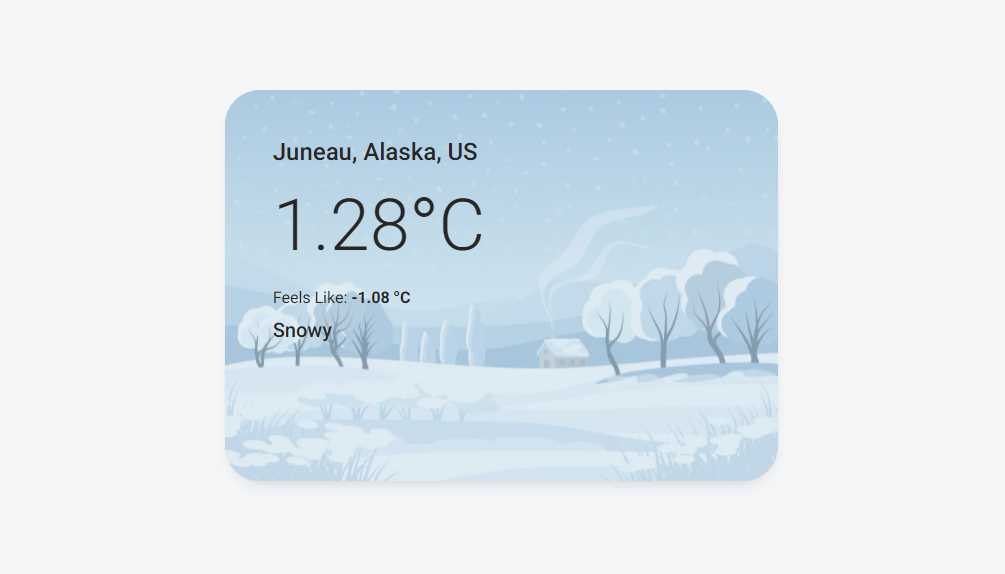
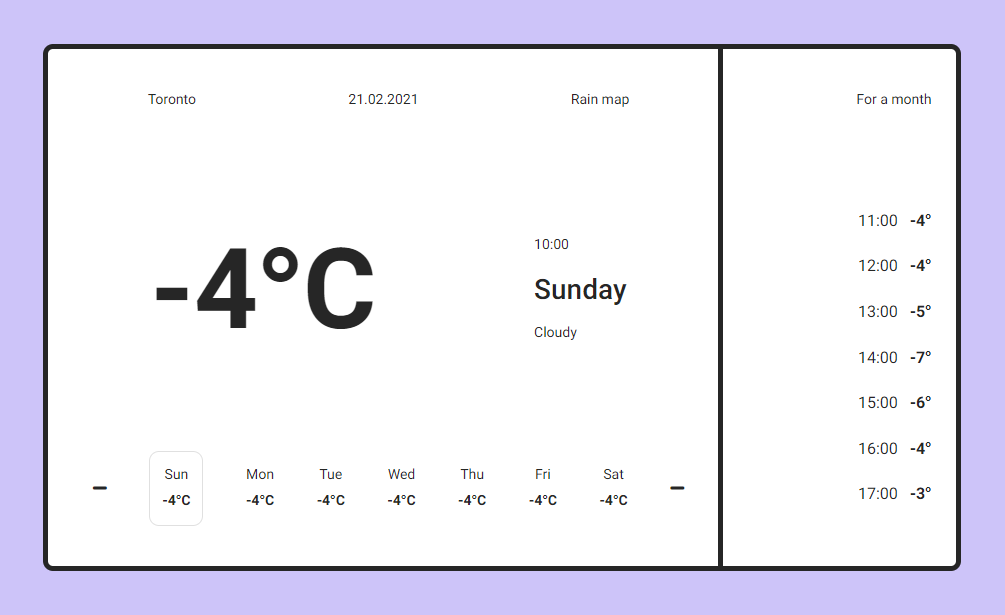
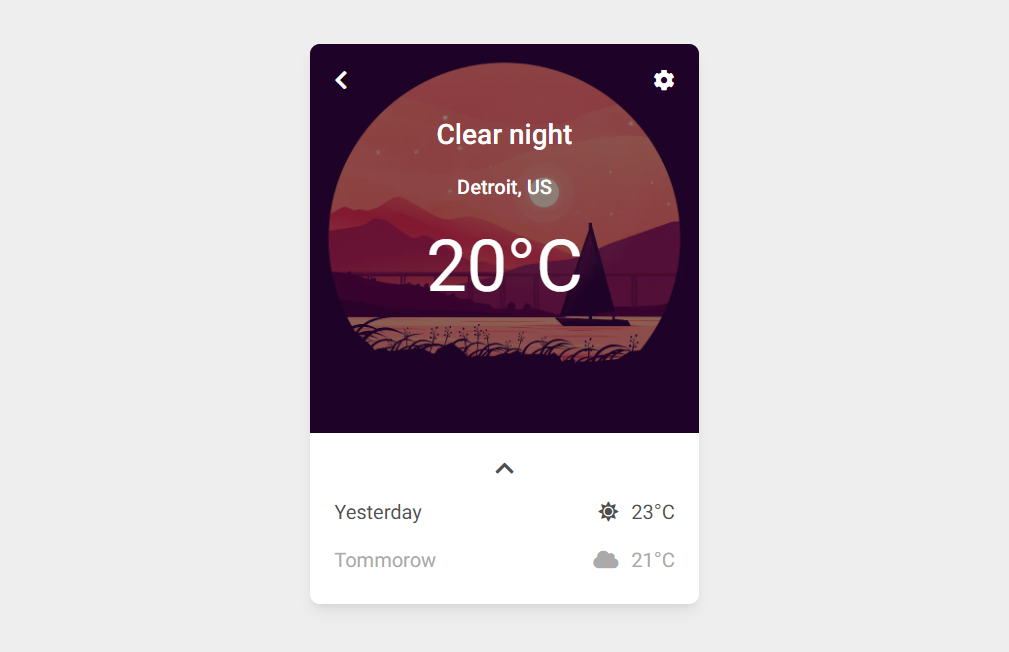
Responsive Weather templates built with the latest Bootstrap 5. Examples of UI with icons, cards, real data from API, interactive animated backgrounds.

Maintainers
 mdbootstrap
Readme
Responsive Weather templates built with the latest Bootstrap 5. Examples of UI with icons, cards, real data from API, interactive animated backgrounds & more
Check out Bootstrap Weather Documentation for detailed instructions & even more examples.
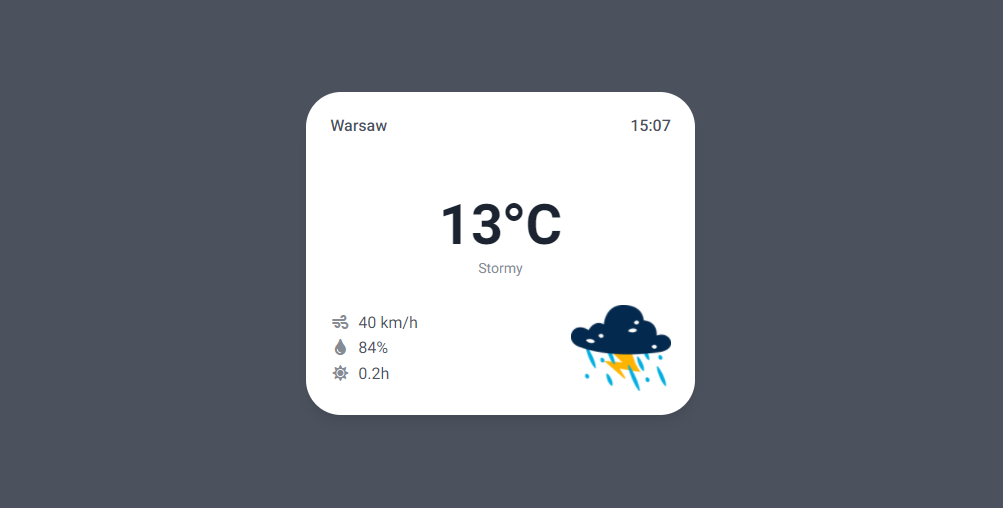
Basic example
<section class="vh-100" style="background-color: #4B515D;">
  <div class="container py-5 h-100">

    <div class="row d-flex justify-content-center align-items-center h-100">
      <div class="col-md-8 col-lg-6 col-xl-4">

        <div class="card" style="color: #4B515D; border-radius: 35px;">
          <div class="card-body p-4">

            <div class="d-flex">
              <h6 class="flex-grow-1">Warsaw</h6>
              <h6>15:07</h6>
            </div>

            <div class="d-flex flex-column text-center mt-5 mb-4">
              <h6 class="display-4 mb-0 font-weight-bold" style="color: #1C2331;"> 13°C </h6>
              <span class="small" style="color: #868B94">Stormy</span>
            </div>

            <div class="d-flex align-items-center">
              <div class="flex-grow-1" style="font-size: 1rem;">
                <div><i class="fas fa-wind fa-fw" style="color: #868B94;"></i> <span class="ms-1"> 40 km/h </span></div>
                <div><i class="fas fa-tint fa-fw" style="color: #868B94;"></i> <span class="ms-1"> 84% </span></div>
                <div><i class="fas fa-sun fa-fw" style="color: #868B94;"></i> <span class="ms-1"> 0.2h </span></div>
              </div>
              <div>
                <img src="https://mdbcdn.b-cdn.net/img/Photos/new-templates/bootstrap-weather/ilu1.webp" width="100px">
              </div>
            </div>

          </div>
        </div>

      </div>
    </div>

  </div>
</section>
How to use?
Download MDB 5 - free UI KIT
Choose your favourite customized component and click on the image
Copy & paste the code into your MDB project
▶️ Subscribe to YouTube channel for web development tutorials & resources
More examples
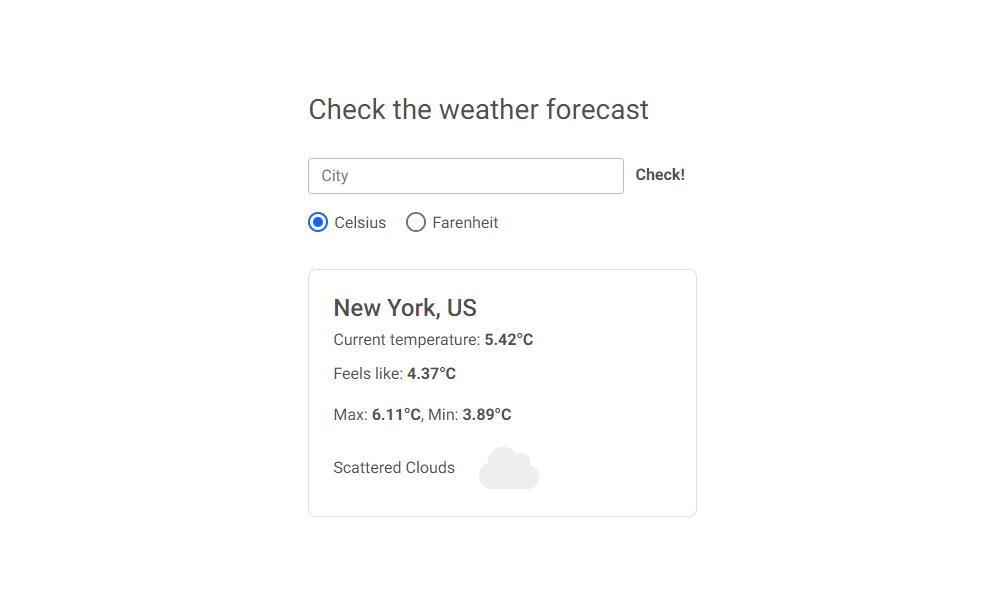
Bootstrap Current Weather animated App:
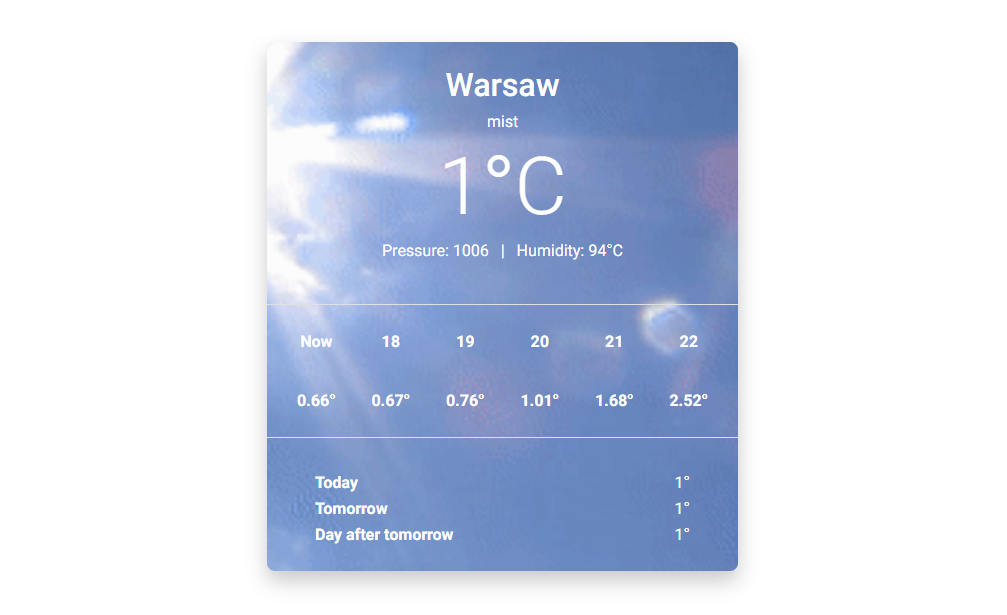
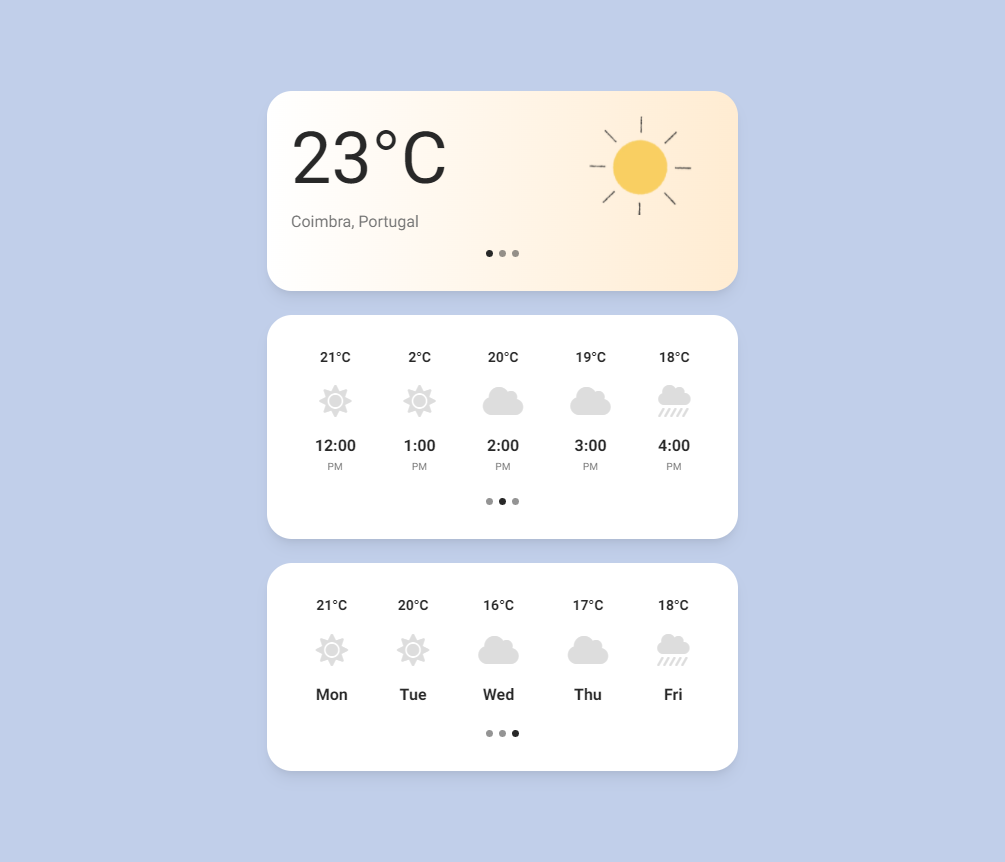
Bootstrap Current Weather info card: