
broken-char
v1.5.1
Published
CLI tool to detect problematic characters and writing style issues in codebases

Maintainers
 incrediblecrab
Readme
Broken Char


A comprehensive CLI tool to detect problematic characters and writing style issues in codebases. Finds characters that may display as red blocks, cause parsing errors, or indicate AI-generated content.
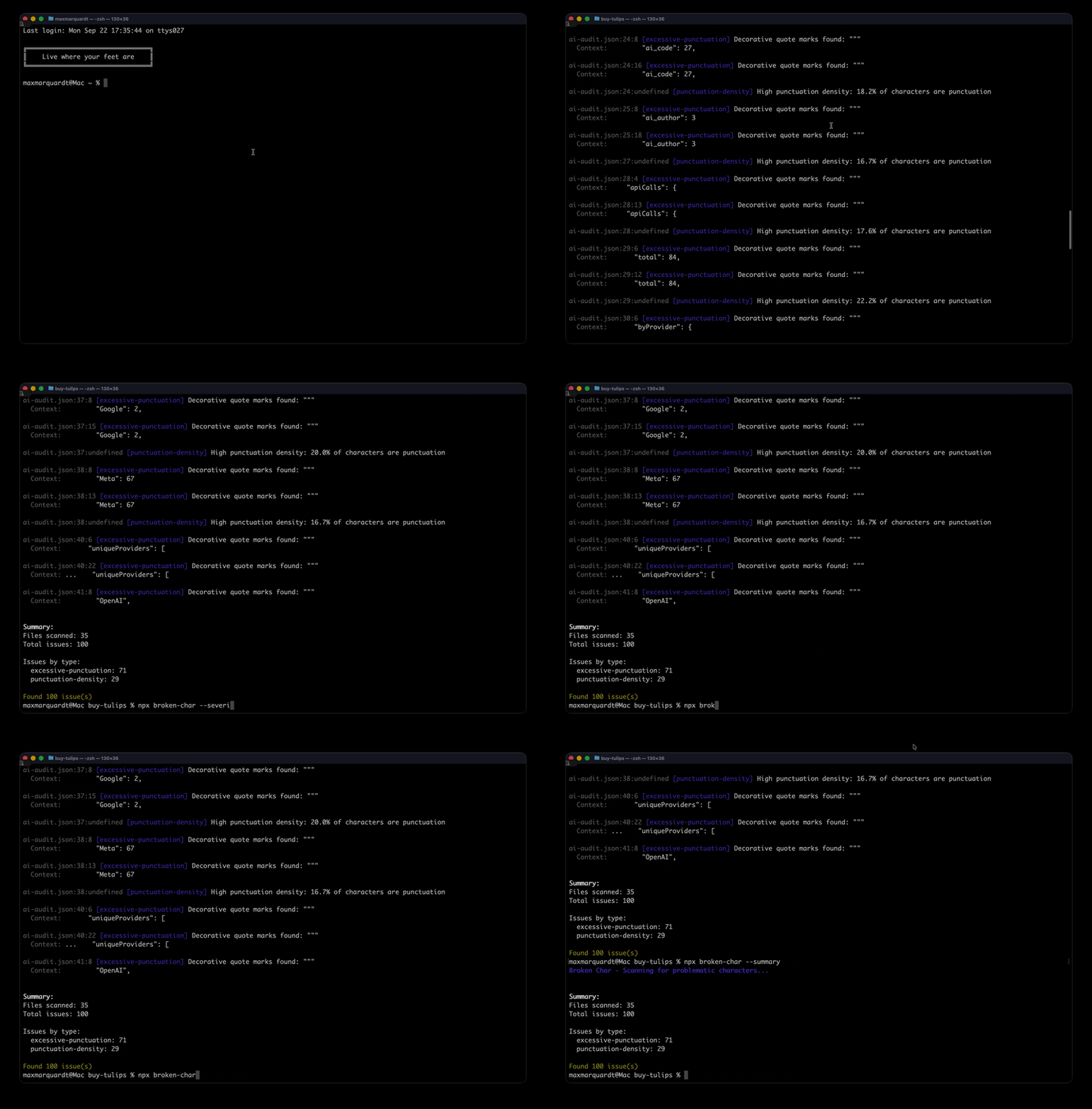
Features
- ✓ Detects ALL control characters that display as red blocks
- ✓ Finds emojis, unicode symbols, and ASCII art in code
- ✓ Identifies excessive punctuation patterns
- ✓ Recursive directory scanning with glob patterns
- ✓ Configurable severity levels and output formats
- ✓ Fast performance with minimal dependencies
- ✓ Zero security vulnerabilities
Installation
npm install -g broken-charUsage
broken-char [path] [options]Examples
# Scan current directory recursively
broken-char

# Scan specific file
broken-char src/app.js

# Scan directory with custom pattern
broken-char src --pattern "**/*.{js,ts}"

# Show only high severity issues (control chars that display as red blocks)
broken-char --severity high

# Find ALL non-ASCII characters
broken-char --all-non-ascii

# Output as JSON for CI/CD integration
broken-char --json

# Quick summary without details
broken-char --summary

# Disable specific checks
broken-char --no-emoji --no-punctuation

# Custom ignore patterns
broken-char --ignore "**/vendor/**" "**/third-party/**"
Options
-p, --pattern <pattern>- Glob pattern for files to include (default:**/*)-i, --ignore <patterns...>- Glob patterns for files to ignore (default: node_modules, .git, dist, build)--no-emoji- Disable emoji detection--no-unicode- Disable unicode symbol detection--no-ascii-art- Disable ASCII art detection--no-punctuation- Disable excessive punctuation detection--no-control-chars- Disable control character detection--all-non-ascii- Enable comprehensive non-ASCII character detection--severity <level>- Minimum severity level: all, high (default: all)--json- Output results as JSON--summary- Show summary only--max-issues <number>- Maximum number of issues to display (default: 100)
What It Detects
1. Emojis and Unicode
- All emoji characters (comprehensive emoji-regex detection)
- Unicode symbols (arrows, mathematical operators, currency symbols, etc.)
- Replacement character (�)
2. ASCII Art
- Box drawing characters (╔╗╚╝║═╠╣╦╩╬)
- Block elements (▀▁▂▃▄▅▆▇█)
- Geometric shapes (■□▢▣▤▥▦▧▨▩)
- Braille patterns
- Mathematical symbols
- Private Use Area characters
- And many more decorative Unicode blocks
3. Excessive Punctuation
- Em dashes (—)
- En dashes (–)
- Multiple consecutive hyphens (--)
- Excessive exclamation marks (!!!)
- Excessive question marks (???)
- Decorative quotes ("" '')
- High punctuation density
4. Control Characters (ALL)
- C0 Control Characters (0x00-0x1F):
- All 32 C0 controls including null byte, bell, escape, etc.
- These typically display as red blocks or cause display issues
- Common whitespace (tab, LF, CR) excluded by default
- C1 Control Characters (0x80-0x9F):
- All 32 C1 extended controls
- Often display as red blocks in modern systems
- DEL character (0x7F)
- All marked as high severity (except tab/LF/CR)
5. Comprehensive Non-ASCII Detection (optional)
When enabled with --all-non-ascii, detects ALL characters above ASCII range:
- Latin Extended (À-ÿ and beyond)
- Greek, Cyrillic, Hebrew, Arabic, etc.
- CJK characters (Chinese, Japanese, Korean)
- Mathematical symbols
- Emoji and pictographs
- Any character with code point > 127
- Categorizes by Unicode block for easy identification
API Usage
const {
  scanFiles,
  detectEmojis,
  detectControlCharacters,
  detectAllNonAscii
} = require('broken-char');

// Scan entire directory
const results = await scanFiles('./src', {
  checkEmoji: true,
  checkControlChars: true,
  severity: 'high'
});

console.log(`Found ${results.totalIssues} issues in ${results.fileCount} files`);

// Use individual detectors
const text = fs.readFileSync('file.txt', 'utf8');
const emojis = detectEmojis(text, 'file.txt', 1);
const controlChars = detectControlCharacters(text, 'file.txt', 1);
const nonAscii = detectAllNonAscii(text, 'file.txt', 1);
Default Ignore Patterns
By default, the following are ignored:
**/node_modules/****/.git/****/dist/****/build/****/*.min.js**/*.map
Exit Codes
0- No issues found1- Issues found or error occurred
Development
# Install dependencies
npm install

# Run tests
npm test

# Run linter
npm run lint
Use Cases
- CI/CD Integration: Fail builds containing problematic characters
- Code Quality: Enforce consistent character usage across teams
- Security: Detect hidden control characters that could affect parsing
- Accessibility: Find characters that may not display correctly
- Content Moderation: Identify potential AI-generated content patterns
Performance
- Scans thousands of files in seconds
- Minimal memory footprint
- Supports large codebases
- Early exit when max issues reached
Changelog
v0.0.1
- Initial release
- Detects ALL control characters (C0, C1, DEL) that display as red blocks
- Comprehensive emoji and Unicode symbol detection
- ASCII art and box drawing character detection
- Excessive punctuation pattern detection
- Optional comprehensive non-ASCII character detection
- Recursive directory scanning with glob patterns
- JSON output for CI/CD integration
Resources
Publisher
Max's Lab of Things Visit mlot.ai
License
MIT