
browser-evm-signer
v0.3.0
Published
Route EVM transactions to browser wallets for signing — standalone library, no MCP dependency

Maintainers
 nikicat
Readme
browser-evm-signer


Sign EVM transactions from Node.js using your browser wallet. No private keys in your code — ever.
Most blockchain libraries require you to paste a private key or mnemonic into your app. browser-evm-signer takes a different approach: it opens your actual browser wallet (MetaMask, Rabby, etc.) for every signing action. You review and approve each transaction just like any dapp interaction.
Sister package for TRON: browser-tron-signer. Both share an internal wallet-signer-core substrate that's bundled into each package at build time (not a runtime dep).
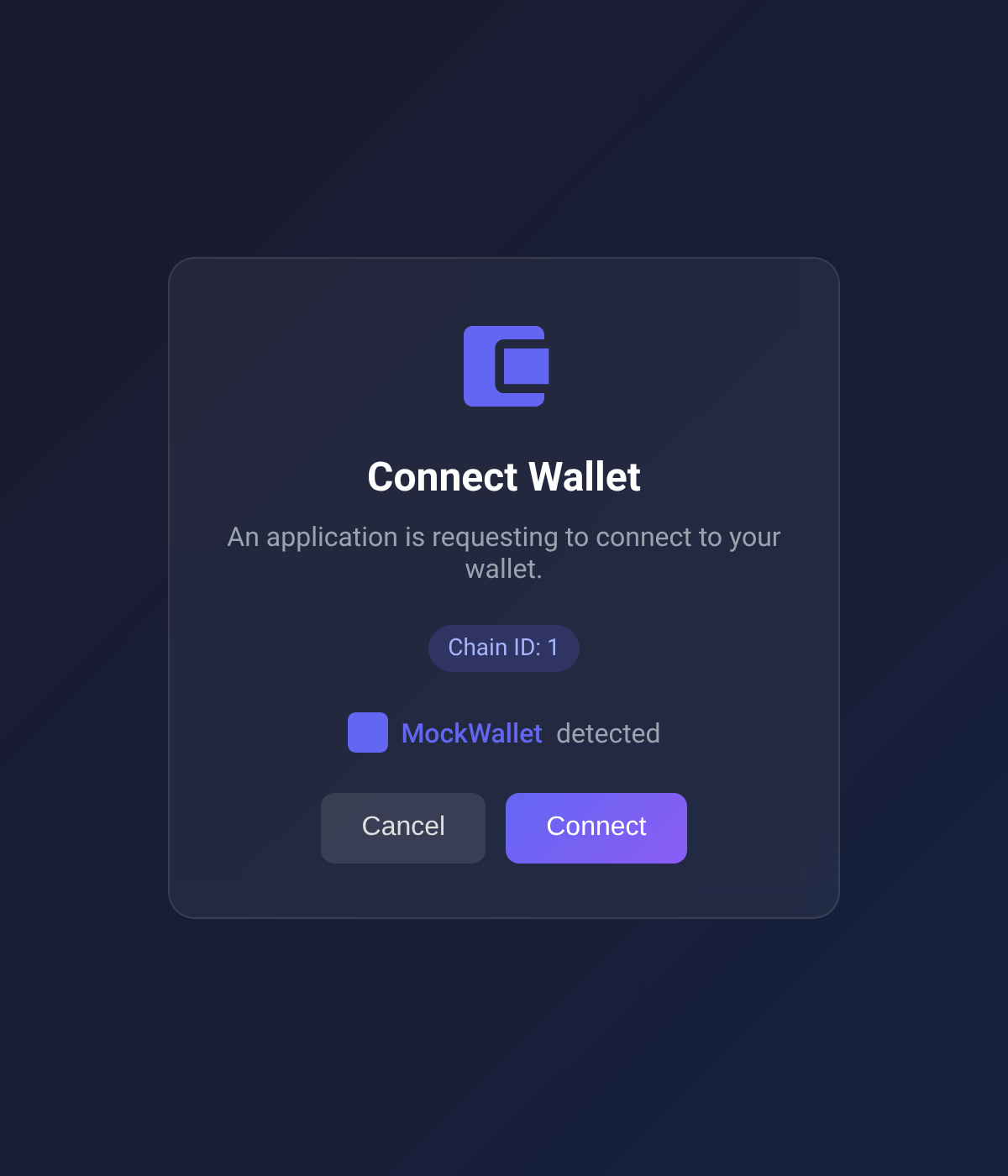
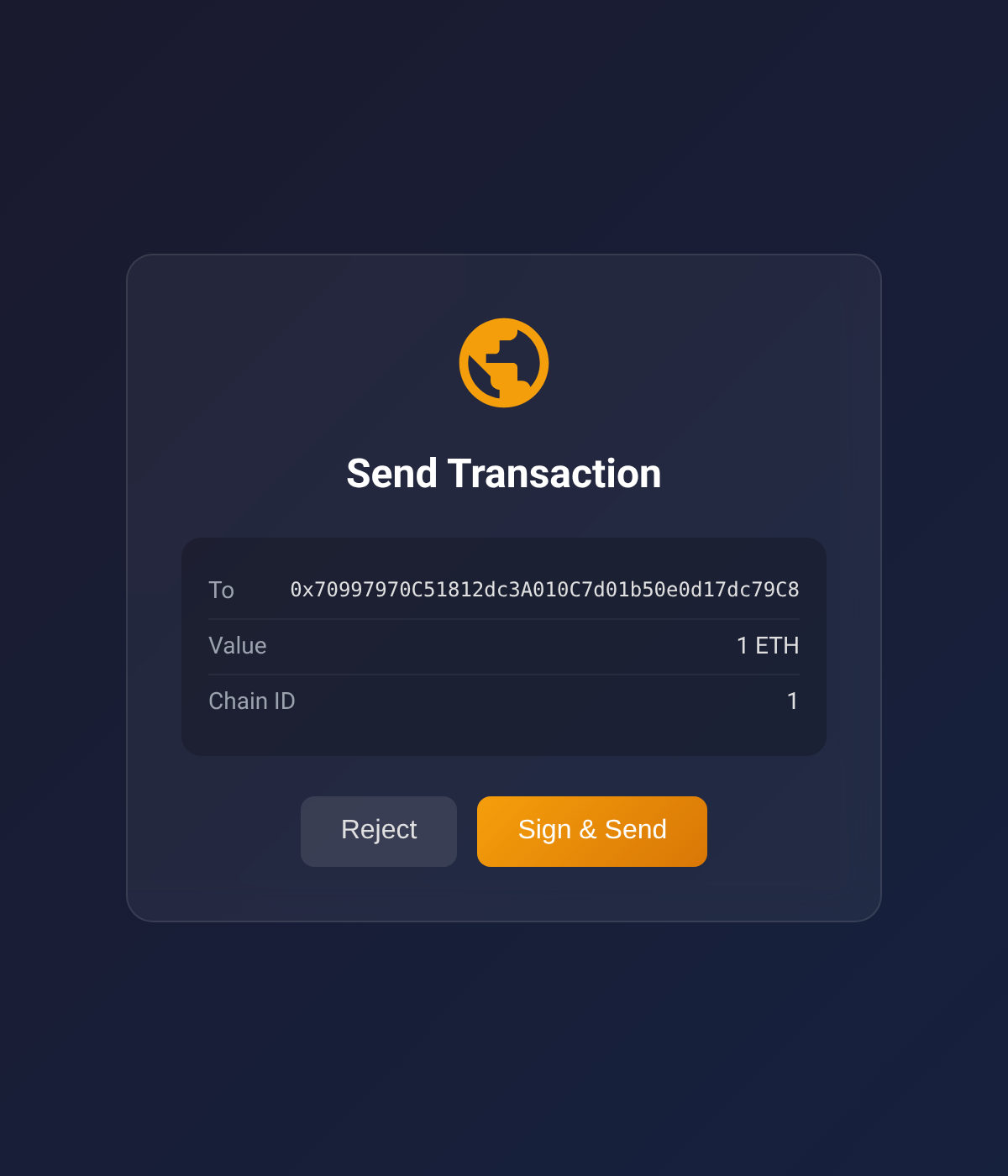
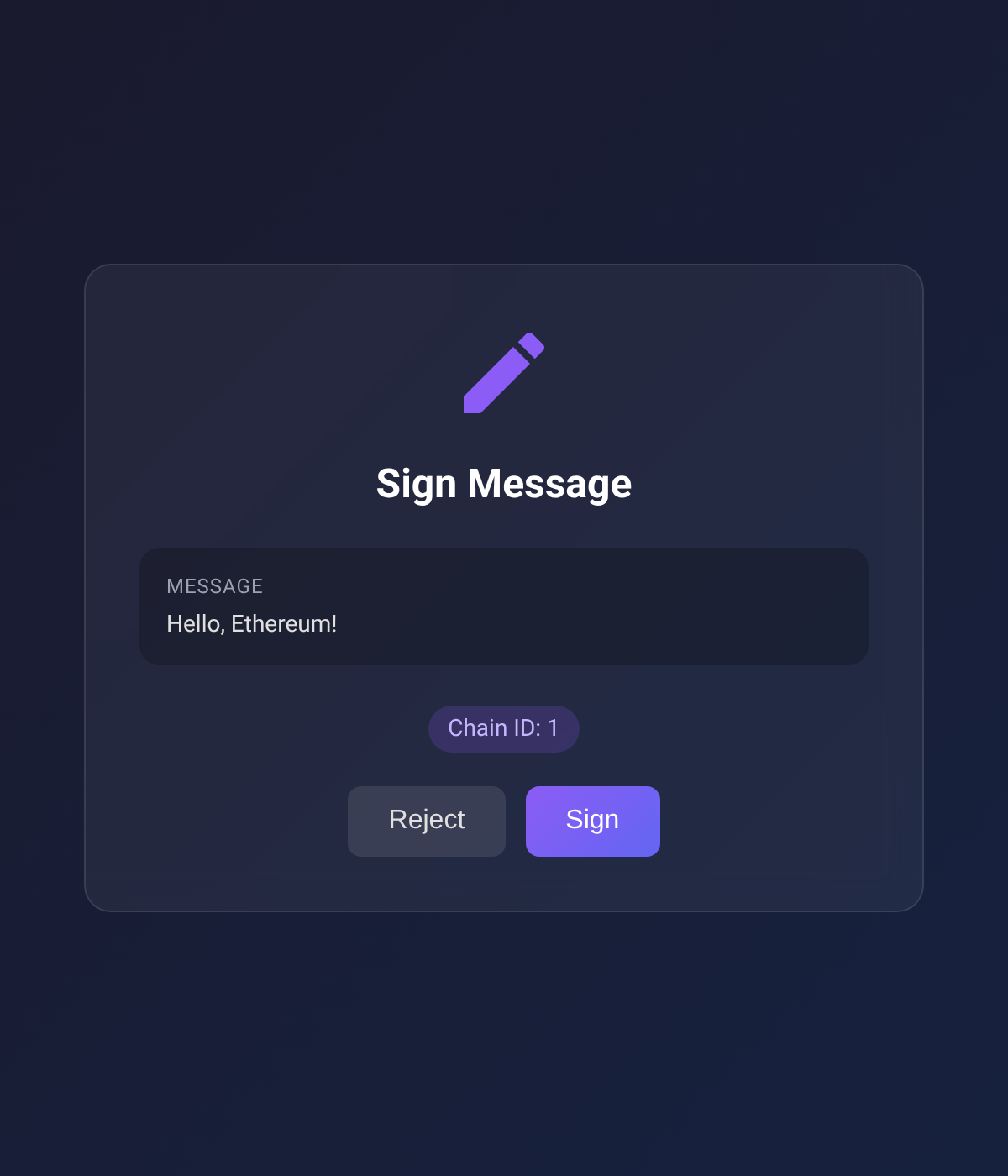
| Connect Wallet | Send Transaction | Sign Message |
|:-:|:-:|:-:|
|  |
|  |
|  |
|
Why?
- No private keys in code — keys stay in your browser wallet, never touch your server
- User approves every action — connect, send, sign all require explicit browser approval
- Works with any EIP-6963 wallet — MetaMask, Rabby, Coinbase Wallet, and more
- First-class viem support — drop-in transport and account adapters
- 8 chains built-in — Ethereum, Polygon, Arbitrum, Optimism, Base, Avalanche, BNB, Sepolia
Install
npm install browser-evm-signer viemNo separate install needed for the shared substrate — wallet-signer-core is bundled into this package at build time. viem is a peer dep so consumers share a single copy.
Quick Start
import { WalletSigner } from "browser-evm-signer";

const signer = new WalletSigner();

// Opens your browser — connect your wallet
const { address } = await signer.connectWallet();
console.log("Connected:", address);

// Opens your browser — approve the transaction
const { txHash } = await signer.sendTransaction({
  to: "0xRecipient...",
  value: "1000000000000000000", // 1 ETH in wei
});
console.log("Sent:", txHash);

// Opens your browser — approve the signature
const { signature } = await signer.signMessage({ message: "Hello world" });
console.log("Signed:", signature);

await signer.shutdown();
Every method that touches your wallet opens a browser window with an approval page. Nothing happens without your explicit consent.
viem Integration
Use connectWalletViem to get a viem-compatible account and transport — then use the standard viem WalletClient API:
import { createWalletClient } from "viem";
import { mainnet } from "viem/chains";
import { WalletSigner, connectWalletViem } from "browser-evm-signer";

const signer = new WalletSigner();
const { account, transport } = await connectWalletViem(signer);

const client = createWalletClient({ account, chain: mainnet, transport });

// Standard viem API — transactions route through your browser wallet
const hash = await client.sendTransaction({ to: "0x...", value: 1n });
How It Works
Your Node.js app                    Browser
────────────────                    ───────
signer.sendTransaction(...)
  │
  ├─► Starts local HTTP server
  ├─► Opens browser to approval page ──►  Wallet approval UI
  │                                        │
  │   Waits for user action...             User reviews & approves
  │                                        │
  ◄─── Result returned ◄──────────────────┘
  │
└─► { txHash: "0x..." }- Your code calls a signing method
- A local HTTP server spins up and opens a browser page
- The page discovers your wallet via EIP-6963 and shows the approval UI
- You approve (or reject) in your wallet
- The result flows back to your Node.js code
API Reference
WalletSigner
const signer = new WalletSigner({
  port: 3847,            // HTTP server port (default: 3847, env: EVM_MCP_PORT)
  defaultChainId: 1,     // Default chain ID (default: 1, env: EVM_MCP_DEFAULT_CHAIN)
  openBrowser: true,     // true | false | custom (url) => void function
});
| Method | Description | Opens Browser |
|--------|-------------|:---:|
| connectWallet(options?) | Connect wallet, get address | Yes |
| sendTransaction(params) | Send ETH or call a contract | Yes |
| signMessage(params) | Sign a message (personal_sign) | Yes |
| signTypedData(params) | Sign EIP-712 typed data | Yes |
| getBalance(params) | Read ETH balance via RPC | No |
| start() | Start HTTP server explicitly | No |
| shutdown() | Stop server, cancel pending requests | No |
connectWalletViem(signer, options?)
Returns { account, transport } for use with viem's createWalletClient.
walletSignerTransport(signer, options?)
Creates a viem custom transport. Wallet methods go through the browser; read methods go to RPC.
Supported Chains
| Chain | ID | |-------|---:| | Ethereum | 1 | | Sepolia | 11155111 | | Polygon | 137 | | Arbitrum One | 42161 | | Optimism | 10 | | Base | 8453 | | Avalanche | 43114 | | BNB Smart Chain | 56 |
Error Handling
WalletSigner rejects with a WrongWalletAddressError (re-exported from wallet-signer-core) when the user connects an account that doesn't match the from / address you required. Use findWrongWalletAddressError(err) to walk through wrapped causes (viem typically wraps signer errors):
import { findWrongWalletAddressError } from "browser-evm-signer";

try {
  await signer.sendTransaction({ from: "0xRequired...", to: "0x...", value: "1" });
} catch (err) {
  if (findWrongWalletAddressError(err)) {
    // user connected the wrong account — clear cached address, prompt again
  }
  throw err;
}
License
MIT