
canvas-globe-angular
v1.4.1
Published
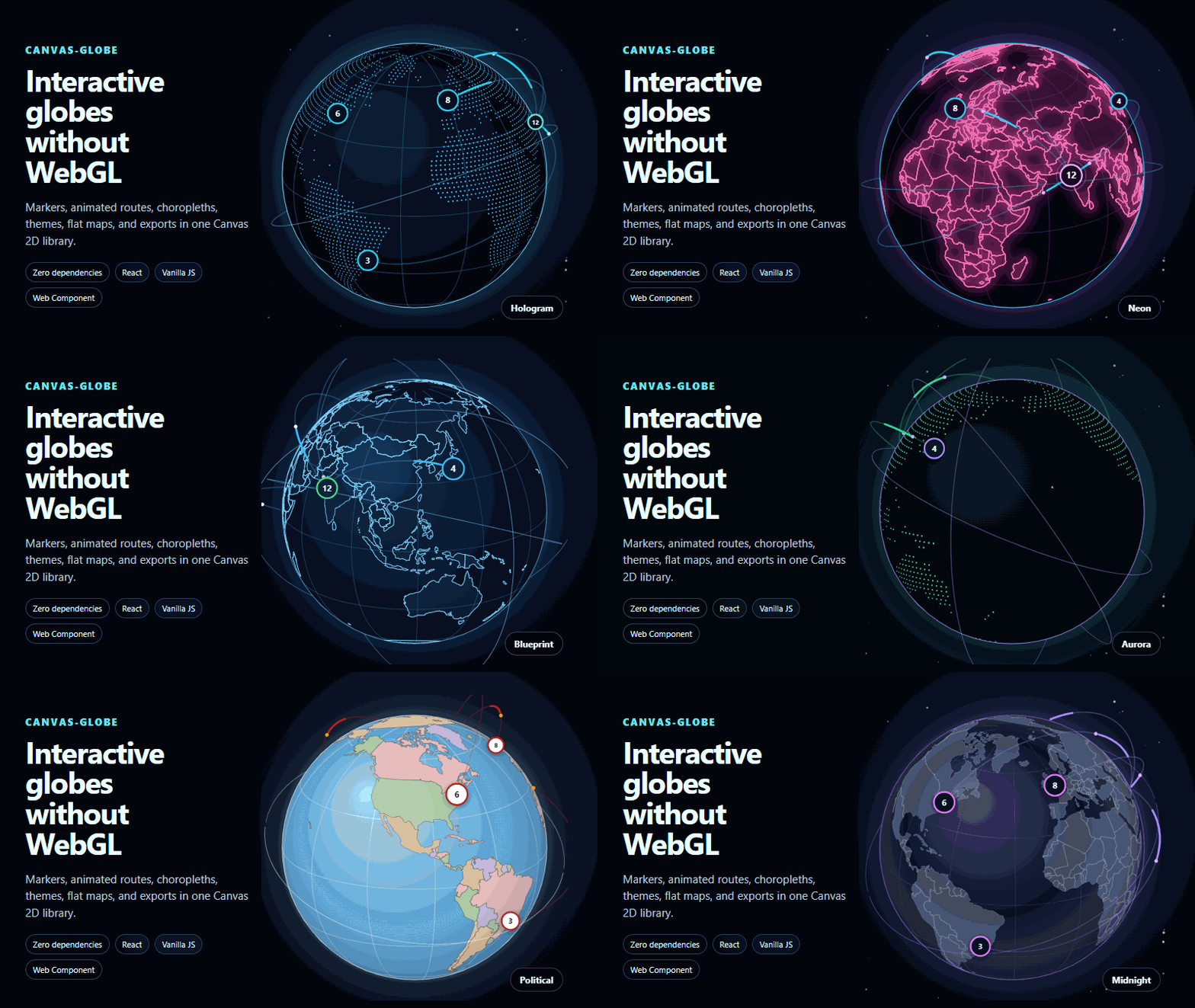
Angular standalone component for interactive 3D globes and world maps rendered with Canvas 2D.

Maintainers
 shri-hari
Readme
CanvasGlobe for Angular
Important: a commercial license is required for production use
CanvasGlobe is proprietary commercial software. Purchase a production license, configure the supplied license key, and review the license agreement.
The official Angular standalone component for CanvasGlobe. It provides Angular inputs, outputs, lifecycle cleanup, and access to the underlying globe instance.
npm install canvas-globe-angular canvas-globeimport { Component } from "@angular/core";
import { CanvasGlobeComponent } from "canvas-globe-angular";
@Component({
selector: "app-audience-map",
standalone: true,
imports: [CanvasGlobeComponent],
template: `
<canvas-globe
licenseKey="your-license-key"
[markers]="markers"
[options]="{ preset: 'hologram', tooltip: true }"
(markerClick)="openMarker($event.marker)"
/>
`,
})
export class AudienceMapComponent {
markers = [{ lat: 23.03, lon: 72.58, count: 12, live: true }];
openMarker(marker: unknown) { console.log(marker); }
}Documentation: https://canvasglobe.swiftools.com/integrations/angular
Support and licensing: [email protected]
Angular SSR and hydration
The component can be imported by an Angular SSR route. It renders the canvas
shell on the server and creates CanvasGlobe only after Angular runs the
component in the browser. No custom isPlatformBrowser wrapper is required.
Keep the parent width stable to avoid a layout shift during hydration:
@Component({
  standalone: true,
  imports: [CanvasGlobeComponent],
  template: `
    <canvas-globe
      class="audience-globe"
      [markers]="markers"
      [options]="{ preset: 'hologram', ariaLabel: 'Customer locations' }"
    />
  `,
  styles: [`.audience-globe { display: block; width: min(100%, 44rem); aspect-ratio: 1; }`],
})
export class AudienceGlobeComponent {
  markers = [{ lat: 23.03, lon: 72.58, count: 12 }];
}