
cf-local-helpers
v0.0.9
Published
A dashboard for managing Cloudflare Workers local resources (KV, D1, R2) during development

Maintainers
 bimsina
Readme
Cloudflare Workers Local Helpers
A dashboard for managing Cloudflare Workers local resources (KV, D1, R2).

⚠️ Warning: This dashboard should only be used in development mode and never deployed to production. It provides direct access to your local Cloudflare resources and should not be exposed publicly.
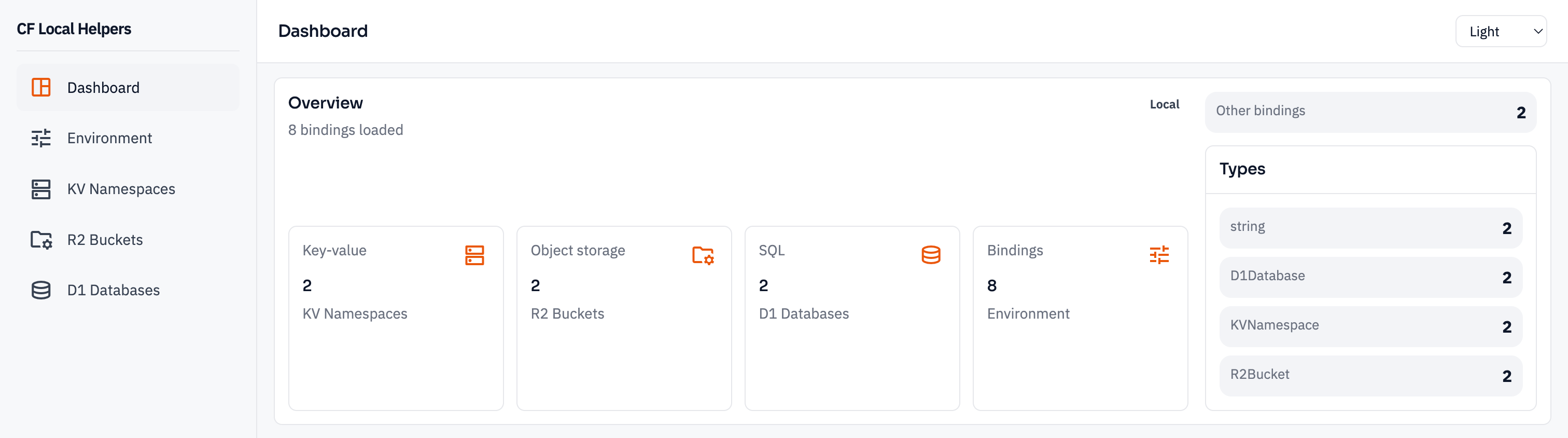
Features
1. KV Editor
- View all KV namespaces
- List, search, and filter keys
- Create, edit, and delete key-value pairs
- View key expiration and metadata

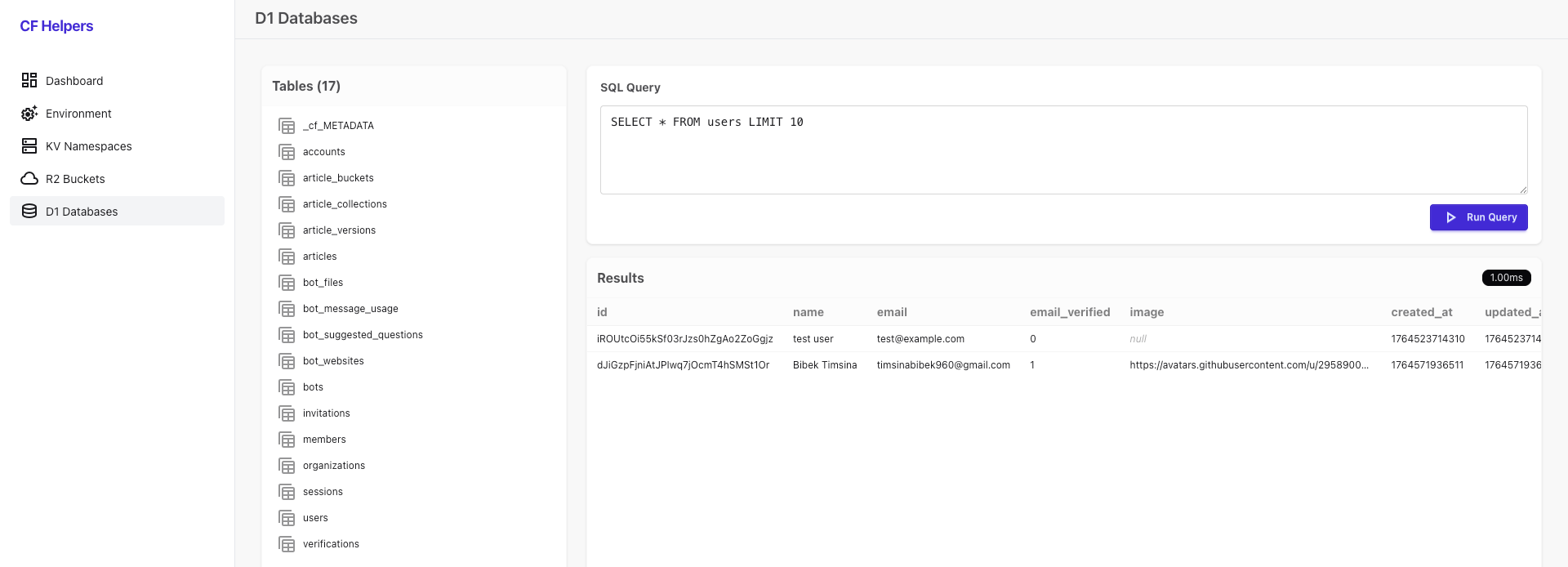
2. D1 Explorer
- View all D1 databases
- Browse tables and schema
- Run custom SQL queries with a built-in editor
- View query results in a table format with execution time
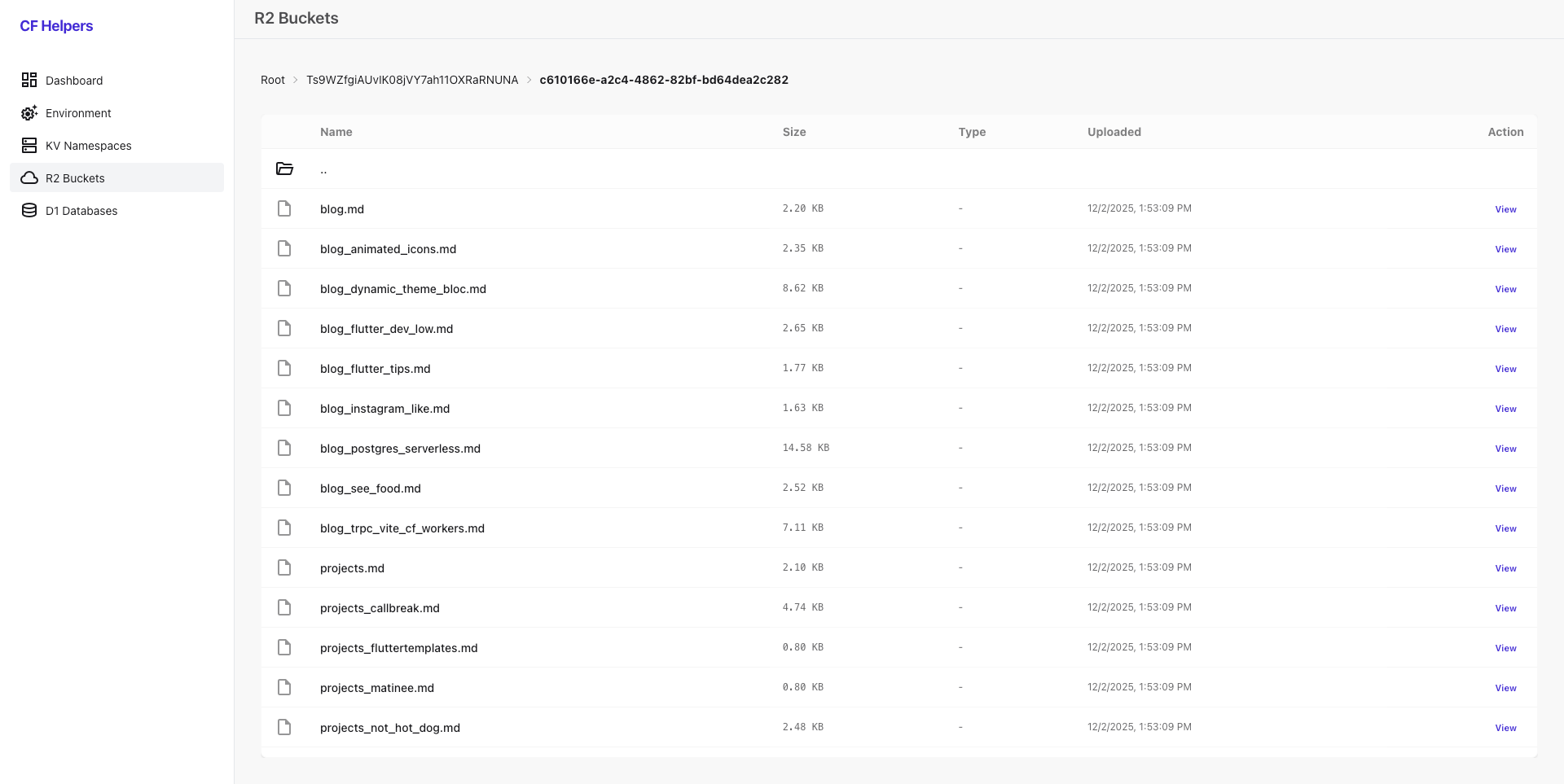
3. R2 Browser
- Navigate R2 buckets and folders (breadcrumbs support)
- View object metadata (size, type, uploaded date)
- Preview images directly in the dashboard
- Download files
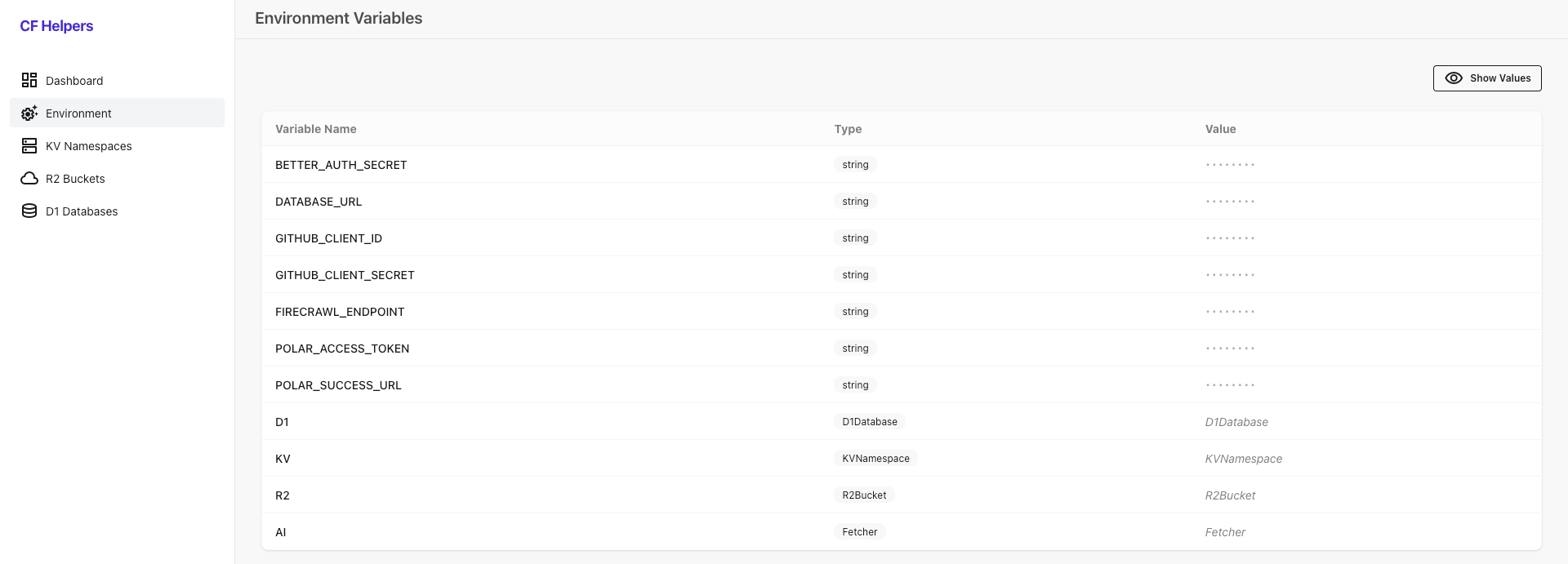
4. Environment Variables Viewer
- Inspect all environment variables and bindings bound to your worker
Tech Stack
- Hono (hono.dev)
- HTMX (htmx.org)
- TailwindCSS (tailwindcss.com)
- DaisyUI (daisyui.com)
- AlpineJS (alpinejs.dev)
How to use
1. Installation
Add the package as a development dependency:
npm
npm install cf-local-helpers --save-devyarn
yarn add cf-local-helpers --devpnpm
pnpm add cf-local-helpers --save-devbun
bun add cf-local-helpers --save-dev2. Quick Start
To see the dashboard in action with sample data:
# Clone the repository
git clone https://github.com/bimsina/cf-local-helpers.git
cd cf-local-helpers

# Install dependencies
pnpm install

# Build package
pnpm build

# Run the example project
pnpm dev
This will start the development server with sample D1 databases, KV namespaces, and R2 buckets pre-configured. Visit http://localhost:8787/dashboard to access the dashboard.
3. Usage Examples
Pure Cloudflare Worker
export default {
  async fetch(request, env, ctx) {
    const url = new URL(request.url);

    if (url.pathname.startsWith("/dashboard")) {
      const { default: createHandler } = await import("cf-local-helpers");
      const dashboard = createHandler({ basePath: "/dashboard" });
      return dashboard.fetch(request, env, ctx);
    }

    return new Response("Hello World!");
  },
} satisfies ExportedHandler<Env>;
Hono
import { Hono } from "hono";

const app = new Hono();

app.all("/dashboard/*", async (c) => {
  const { default: createHandler } = await import("cf-local-helpers");
  const dashboard = createHandler({ basePath: "/dashboard" });
  return dashboard.fetch(c.req.raw, c.env, c.executionCtx);
});

export default app;
TanStack Start
import { createFileRoute } from "@tanstack/react-router";

export const Route = createFileRoute("/api/dashboard/$")({
  server: {
    handlers: {
      GET: async ({ request }: { request: Request }) => {
        const { default: createHandler } = await import("cf-local-helpers");
        const dashboard = createHandler({ basePath: "/api/dashboard" });
        return dashboard.fetch(request, env);
      },
      POST: async ({ request }: { request: Request }) => {
        const { default: createHandler } = await import("cf-local-helpers");
        const dashboard = createHandler({ basePath: "/api/dashboard" });
        return dashboard.fetch(request, env);
      },
    },
  },
});
Itty Router
router.all("/dashboard/*", async (request, env, ctx) => {
  const { default: createHandler } = await import("cf-local-helpers");
  const dashboard = createHandler({ basePath: "/dashboard" });
  return dashboard.fetch(request, env, ctx);
});