
chill-fetch
v2.0.2
Published
A npm package that allows you to fetch apis easily using javascript.
Downloads
12

Maintainers
 swarga-codes
Readme
Chill Fetch
Chill-Fetch is a npm package that allows users to easily and seamlessly fetch api in Javascript. Currently, it supports methods like :
- GET
- PUT
- POST
- DELETE
- PATCH
It helps you avoid writing the same repetitive fetch code for fetching your APIs in your project.
With that said, let us learn about it in detail:
About
The module comprises of several parameters based on your requirements and the type of API you are trying to fetch.
The parameters are Url, Method, Headers, and Body, which is arranged as follows:
chillFetch(url,method,headers,body)It is not necessary to fill all the parameters like for example if you are making a GET or DELETE request you don't need to include the body.
Whereas on the other hand if you are working with POST, PUT or PATCH you can include the body in the form of Javascript Object which will be converted to JSON inside the function.
Let's take the example where you need to make a POST request using username and password to register, it can be done as:
const body={
  name:"Markus",
  password:"somepassword"
}
const headers={
  "Content-Type":"application/json"
}
async function registerUser(){
  await easyFetch("https://www.example.com/register","POST",headers,body);
}- So, that's pretty much about the function description and now let's move on to it's installation and usage.
Here's how do you install it and use it in your code:
Installation
- Pretty simple just do
npm install chill-fetchornpm i chill-fetchboth works.
Usage
In Vanila Javascript:
- Let us demonstrate it using an example below where I fetched data using the fakestore API. The screenshot of the title of the products displayed are as follows:
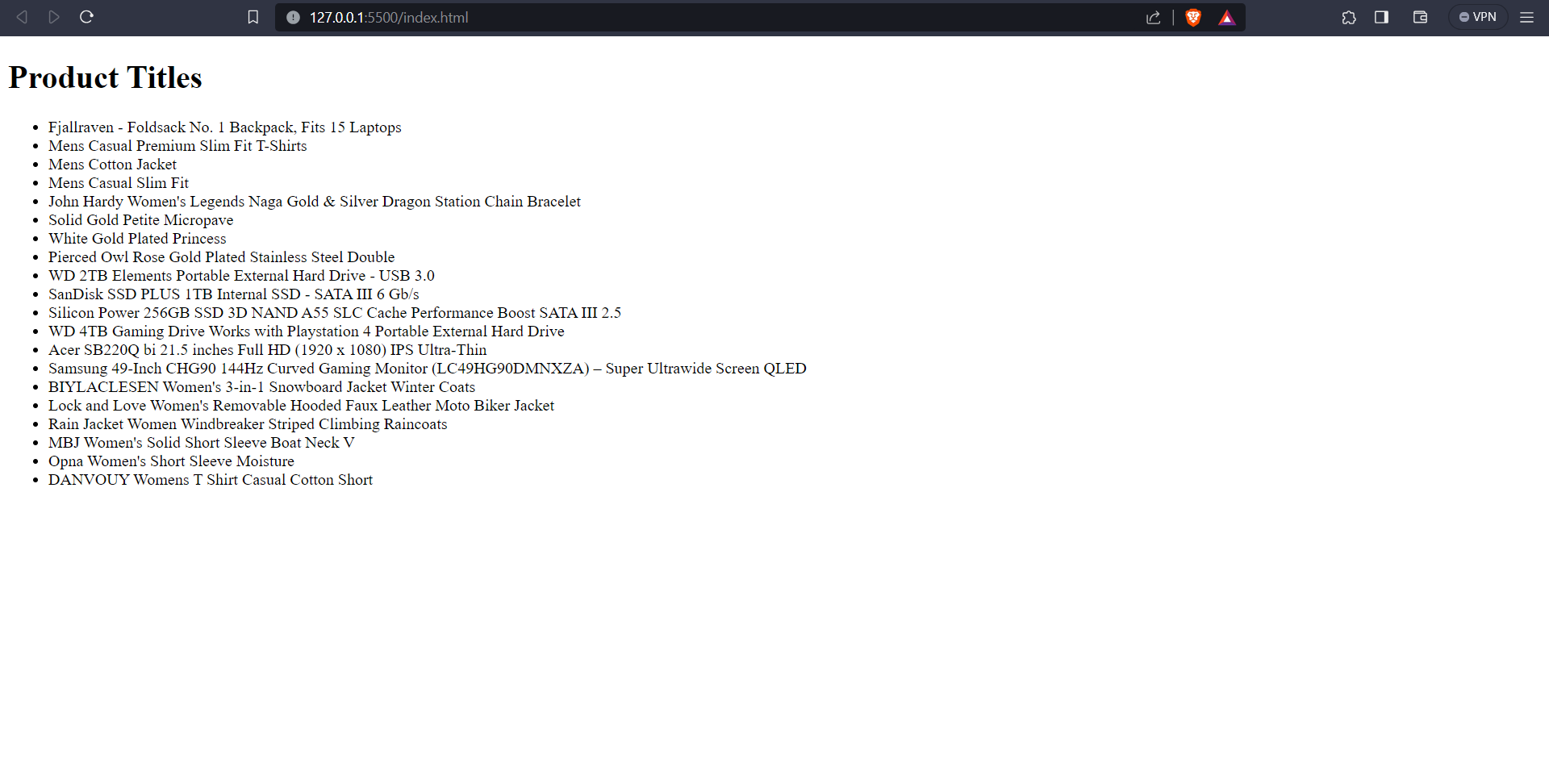
- Now here's the HTML and Javascript code for it:
index.html
<!DOCTYPE html>
<html lang="en">
<head>
    <meta charset="UTF-8">
    <meta name="viewport" content="width=device-width, initial-scale=1.0">
    <title>Product Title</title>
</head>
<body>
    <h1>Product Titles</h1>
    <ul class="products">

    </ul>
    <script type="module" src="main.js"></script>
</body>
</html>
main.js (here I am directly importing chillFetch from the node_modules folder)
import chillFetch from "./node_modules/chill-fetch/index.js"
const productList=document.querySelector('.products')
async function fetchProducts(){
    const products=await chillFetch('https://fakestoreapi.com/products','GET')
    const productItems= await products.map(product=>{
        return `<li>${product.title}</li>`
    })
    productList.innerHTML=productItems.join(" ")

}
fetchProducts()
In React.js:
- Let us demonstrate it using the same example as above but in react.js:
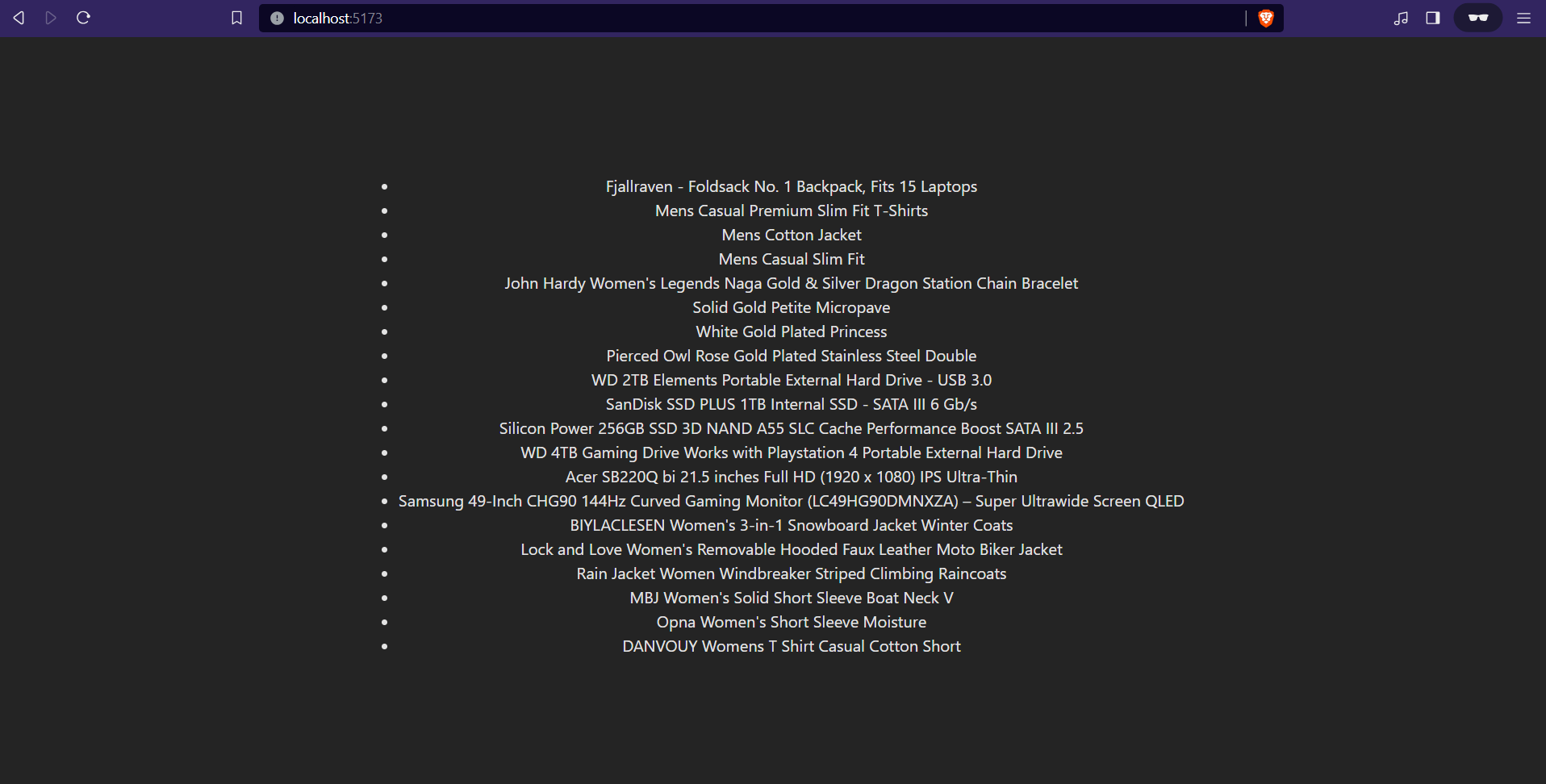
- Here's the code for it below:
import { useEffect, useState } from 'react'
import './App.css'
import chillFetch from 'chill-fetch'
function App() {
  const[products,setProducts]=useState([])
  const fetchProducts=async()=>{
    setProducts(await chillFetch("https://fakestoreapi.com/products","GET"))
  }
useEffect(()=>{
fetchProducts()
},[])

  return (
    <>
    <ul>
      {products?.map((product)=>(
       <li>{product.title}</li>
      ))}
      </ul>
    </>
  )
}

export default App;
If you like the package then do star the repo, the GitHub link for the package is given below:
- :star: https://github.com/Swarga-codes/fetchpackage :star: