
claude-hook
v0.3.0
Published
TypeScript middleware framework for Claude Code command hooks

Maintainers
 kozachenko
Readme
claude-hook
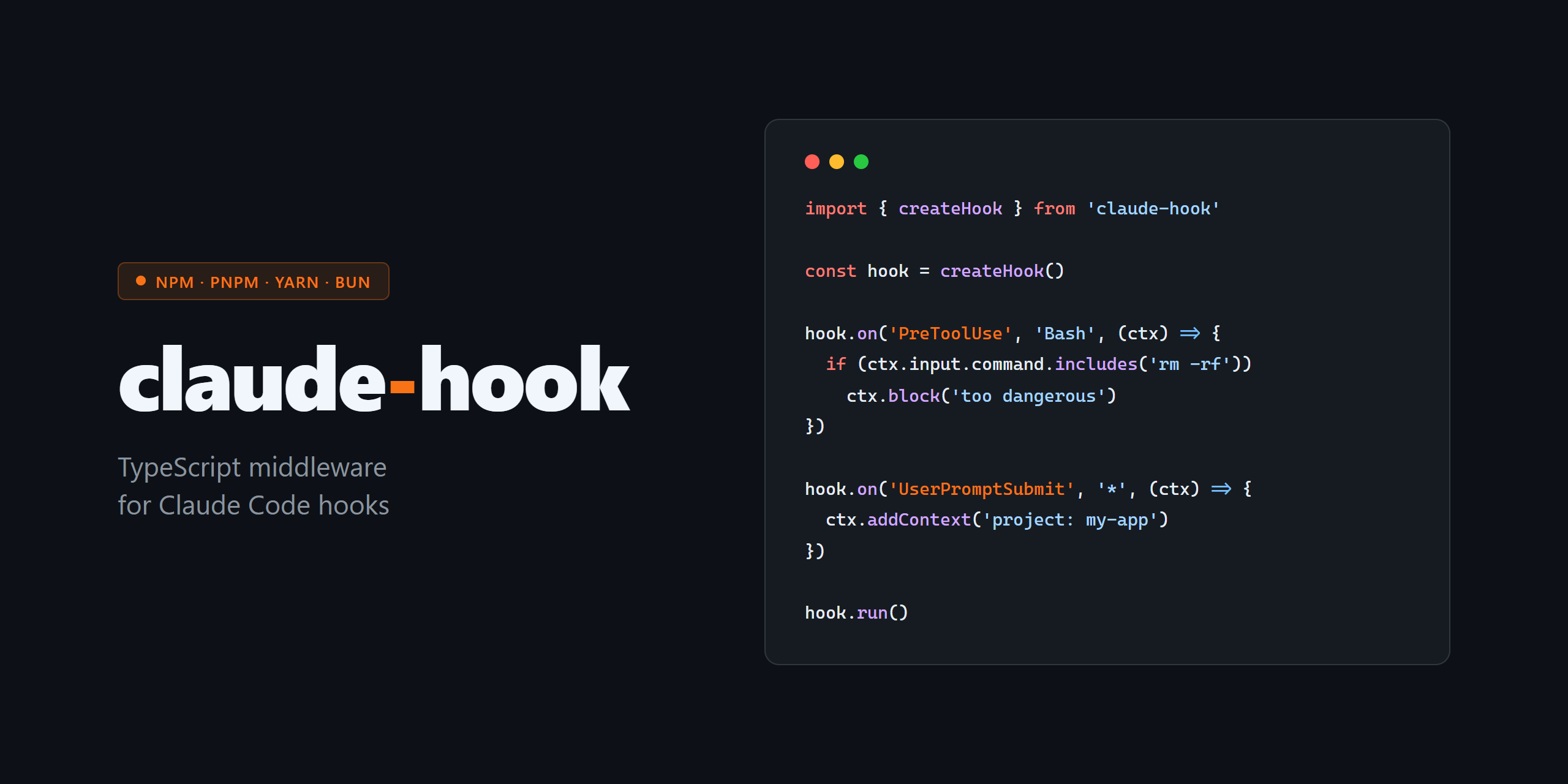




TypeScript middleware framework for Claude Code command hooks.
Instead of writing raw shell scripts that parse JSON with jq and manage exit codes manually, you write typed TypeScript handlers.
import { createHook } from 'claude-hook'

const hook = createHook()

hook.on('PreToolUse', 'Bash', (ctx) => {
  if (ctx.input.command.includes('rm -rf'))
    ctx.block('destructive commands are not allowed')
})

hook.on('UserPromptSubmit', '*', (ctx) => {
  if (ctx.prompt.toLowerCase().includes('drop table'))
    ctx.block('SQL DDL not allowed in this project')
})

hook.run()
Installation
# npm
npm install claude-hook

# pnpm
pnpm add claude-hook

# yarn
yarn add claude-hook

# bun
bun add claude-hook
Requires Node.js 18+ or Bun 1.0+.
How it works
Claude Code invokes your script as a subprocess and pipes a JSON event to stdin. Your script reads it, decides what to do, writes JSON to stdout (optional), and exits with code 0 (continue) or 2 (block).
claude-hook handles all of that plumbing. You just register handlers.
Quick start
- Create
.claude/hooks/index.ts:
import { createHook } from 'claude-hook'

const hook = createHook()

hook.on('PreToolUse', 'Bash', (ctx) => {
  if (ctx.input.command.startsWith('curl'))
    ctx.block('outbound requests require review')
})

hook.run()- Point Claude Code at your script in
.claude/settings.json:
{
  "hooks": {
    "PreToolUse": [
      {
        "matcher": "Bash",
        "hooks": [{ "type": "command", "command": "npx claude-hook run .claude/hooks/index.ts" }]
      }
    ]
  }
}
Or with pnpm / yarn / bun:
{ "type": "command", "command": "pnpm dlx claude-hook run .claude/hooks/index.ts" }
{ "type": "command", "command": "yarn dlx claude-hook run .claude/hooks/index.ts" }
{ "type": "command", "command": "bunx claude-hook run .claude/hooks/index.ts" }
One script can handle multiple event types — register as many hook.on() calls as you need.
API
createHook()
Returns a HookHandler instance.
hook.on(eventName, matcher, handler)
Registers a handler for an event.
eventName— one of the supported event names (see table below)matcher— filters which tool/file/etc triggers this handler (mirrors Claude Code's own rules):'*'— match all'Bash'— exact match'Edit|Write'— pipe-separated OR list'mcp__.*'— JavaScript regex (when the string contains special characters)
handler—(ctx) => void | Promise<void>
Returns this for chaining.
hook.run()
Reads stdin, routes to matching handlers, writes output, exits. Call once at the end of your script.
Context API
All contexts expose:
| Property / method | Description |
|---|---|
| ctx.event | Raw parsed event object |
| ctx.sessionId | Current session ID |
| ctx.cwd | Working directory |
| ctx.hookEventName | Event name |
| ctx.suppress() | Set suppressOutput: true |
PreToolUseContext
hook.on('PreToolUse', 'Bash', (ctx) => {
  ctx.toolName             // 'Bash'
  ctx.input                // { command: string, description?: string }
  ctx.block('reason')      // exit 2, block the tool call
  ctx.allow()              // explicitly allow (skip permission prompt)
  ctx.modify({ command: 'echo safe' })  // rewrite tool input
  ctx.addContext('info for Claude')
})

// On PermissionRequest events, suggestions from Claude Code are also available:
hook.on('PermissionRequest', '*', (ctx) => {
  ctx.permissionSuggestions  // e.g. [{ type: 'setMode', mode: 'acceptEdits', destination: 'session' }]
})
PostToolUseContext
hook.on('PostToolUse', 'Bash', (ctx) => {
  ctx.toolName    // 'Bash'
  ctx.input       // tool input
  ctx.output      // tool response
  ctx.error       // error string (PostToolUseFailure only)
  ctx.durationMs  // execution time in ms
  ctx.addContext('feedback for Claude')
})
UserPromptSubmitContext
hook.on('UserPromptSubmit', '*', (ctx) => {
  ctx.prompt             // user message text
  ctx.block('reason')
  ctx.addContext('extra context injected before Claude sees the prompt')
  ctx.setTitle('Session title')
})
UserPromptExpansionContext
hook.on('UserPromptExpansion', '*', (ctx) => {
  ctx.prompt             // original slash command input, e.g. '/compact'
  ctx.commandName        // command name, e.g. 'compact'
  ctx.commandArgs        // arguments string (empty if none)
  ctx.commandSource      // 'projectSettings' | 'globalSettings' | etc.
  ctx.expansionType      // e.g. 'slash_command'
  ctx.block('reason')
  ctx.addContext('extra context')
  ctx.setTitle('Session title')
})
StopContext
hook.on('Stop', '*', (ctx) => {
  ctx.lastAssistantMessage  // last message Claude produced
  ctx.block('not done yet') // prevent Claude from stopping
})
SessionStartContext
hook.on('SessionStart', '*', (ctx) => {
  ctx.source  // 'startup' | 'resume' | undefined
  ctx.model   // e.g. 'claude-sonnet-4-6'
  ctx.setEnv('NODE_ENV', 'production')  // persists to CLAUDE_ENV_FILE
})
FileChangedContext
hook.on('FileChanged', '.env|.envrc', (ctx) => {
  ctx.filePath  // absolute path to changed file
  ctx.setEnv('UPDATED', '1')
  ctx.block('env file changed, session restart recommended')
})
CwdChangedContext
hook.on('CwdChanged', '*', (ctx) => {
  ctx.oldCwd  // previous working directory
  ctx.newCwd  // new working directory
})
ElicitationContext
hook.on('Elicitation', '*', (ctx) => {
  ctx.block('automated sessions do not support interactive prompts')
})
ElicitationResultContext
hook.on('ElicitationResult', '*', (ctx) => {
  ctx.prompt  // the original elicitation prompt
  ctx.result  // the user's answer
})
StopFailureContext
hook.on('StopFailure', '*', (ctx) => {
  ctx.error  // error message describing what went wrong
})
NotificationContext
hook.on('Notification', '*', (ctx) => {
  ctx.notificationType  // e.g. 'info' | 'warning' | 'error'
  ctx.message           // notification text
})
InstructionsLoadedContext
hook.on('InstructionsLoaded', '*', (ctx) => {
  ctx.reason  // why instructions were loaded
  ctx.files   // list of loaded CLAUDE.md file paths
})
TaskCreatedContext / TaskCompletedContext
hook.on('TaskCreated', '*', (ctx) => {
  ctx.taskId       // unique task identifier
  ctx.description  // task description
})
WorktreeCreateContext / WorktreeRemoveContext
hook.on('WorktreeCreate', '*', (ctx) => {
  ctx.worktreePath  // absolute path to the worktree
})
For all other events, the handler receives a GenericContext with ctx.block(reason) and base properties.
Supported events
| Event | When it fires | Blockable | Context class |
|---|---|---|---|
| PreToolUse | Before any tool call | yes | PreToolUseContext |
| PostToolUse | After successful tool call | no | PostToolUseContext |
| PostToolUseFailure | After failed tool call | no | PostToolUseContext |
| PostToolBatch | After a batch of tool calls | yes | GenericContext |
| PermissionRequest | When permission dialog shows | yes | PreToolUseContext |
| PermissionDenied | After permission denied | no | PreToolUseContext |
| UserPromptSubmit | Before Claude sees your message | yes | UserPromptSubmitContext |
| UserPromptExpansion | When a slash command expands | yes | UserPromptExpansionContext |
| SessionStart | Session begins or resumes | no | SessionStartContext |
| SessionEnd | Session ends | no | GenericContext |
| Stop | Claude finishes a turn | yes | StopContext |
| StopFailure | Claude turn ended with error | no | StopFailureContext |
| SubagentStart | Subagent spawned | no | GenericContext |
| SubagentStop | Subagent finished | yes | StopContext |
| TaskCreated | Task created | yes | TaskCreatedContext |
| TaskCompleted | Task completed | yes | TaskCompletedContext |
| WorktreeCreate | Git worktree created | yes | WorktreeCreateContext |
| WorktreeRemove | Git worktree removed | yes | WorktreeRemoveContext |
| FileChanged | Watched file changed on disk | yes | FileChangedContext |
| CwdChanged | Working directory changed | yes | CwdChangedContext |
| ConfigChange | Claude Code config changed | yes | GenericContext |
| TeammateIdle | Teammate agent went idle | yes | GenericContext |
| PreCompact | Before context compaction | yes | GenericContext |
| PostCompact | After context compaction | no | GenericContext |
| Elicitation | Claude needs user input | yes | ElicitationContext |
| ElicitationResult | Elicitation answer received | yes | ElicitationResultContext |
| InstructionsLoaded | CLAUDE.md / rules loaded | no | InstructionsLoadedContext |
| Notification | System notification | no | NotificationContext |
Exit codes
| Code | Meaning |
|---|---|
| 0 | Continue normally |
| 2 | Block the action (stderr message shown in transcript) |
ctx.block(reason) sets exit code 2 automatically.
TypeScript
All event payloads and context classes are fully typed. Import types directly:
import type { PreToolUseEvent, BashToolInput } from 'claude-hook'License
MIT