
claude-master-setup
v1.0.3
Published
Fail-closed adaptive coding loops for Claude Code — project-first bootstrap, JSON state, validation gates, and compute-aware agents.

Maintainers
 anupdangi22
Readme
Claude Master Setup
v1.0 — A fail-closed coding harness for Claude Code.
It understands your repository first, routes work (direct → delegated → parallel), blocks cheating completions, and only finishes when validation is GREEN.
npx claude-master-setup@latestThen in Claude Code: /bootstrap → /loop "smallest shippable behaviour".
What this product is
| It is | It is not |
|---|---|
| A shared Claude Code runtime (agents, hooks, scripts) | A chat wrapper or IDE |
| Project memory in .master/ JSON | A docs dump into CLAUDE.md |
| Adaptive loops with hard gates | Unlimited autonomous coding |
| Opt-in skills + optional runtime checks | A full CI/CD platform |
Upgrade note: Current release is 1.0.3. If you are on 0.6.x or early 1.0.x,
re-run npx claude-master-setup@latest (or update the plugin). Use one install path only.
Quick start
1. Prerequisites
- Node.js 18+
- Claude Code installed and logged in
- A git repository (required for parallel worktrees)
2. Install (pick one)
npm (recommended — shared runtime + statusline):
cd your-project
npx claude-master-setup@latest
Plugin:
claude plugin marketplace add AnupDangi/Claude-Master-Setup
claude plugin install master@claude-master-setup
# refresh catalog + plugin (also happens via Claude Code background auto-update):
claude plugin marketplace update claude-master-setup
claude plugin update master@claude-master-setup
How updates work after you push to GitHub
| Layer | What happens on git push |
|---|---|
| Marketplace catalog | Updated immediately on GitHub. Claude Code background-refreshes the clone; or run marketplace update. |
| Installed plugin | Users get new code only when .claude-plugin/plugin.json version bumps (e.g. 1.0.2 → 1.0.3). Same version = cache kept. |
| Release tag | CI creates master--v{version} when the version fields change on main. |
Maintainers: bump both plugin.json and marketplace.json plugins[0].version together, push to main, and users’ auto-update can pick it up.
Use either npm or plugin — not both. Dual install double-fires hooks.
If both are present: npx claude-master-setup --repair (keeps npm, disables plugin),
or uninstall one path. Check with npx claude-master-setup --doctor.
3. Bootstrap, then loop
/bootstrap
/loop "add input validation to the checkout total"
| If you installed… | Commands are… |
|---|---|
| npm | /bootstrap, /loop, /status, … |
| plugin | /master:bootstrap, /master:loop, … |
Re-issuing /loop while active steers (running) or resumes (paused).
Architecture
System layout
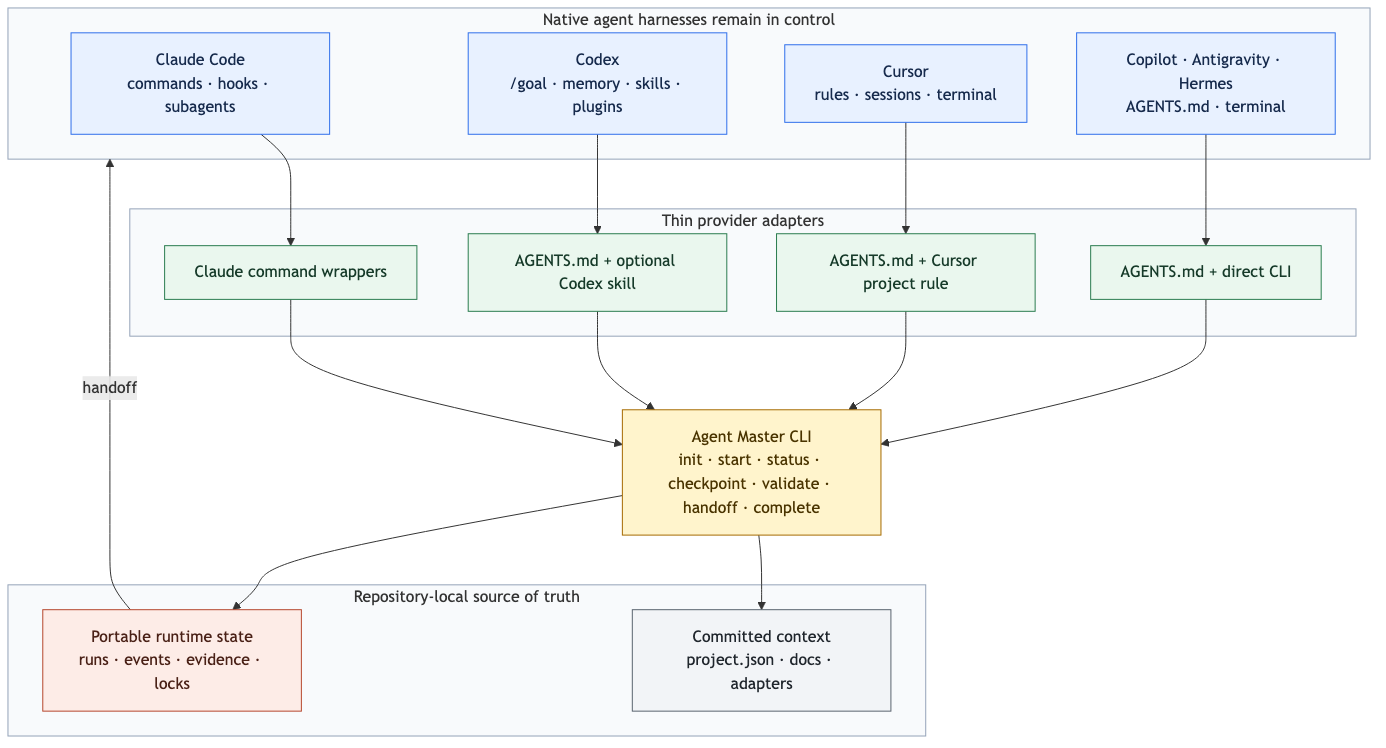
Editable source: docs/architecture.mmd. Regenerate with npm run docs:diagrams.
| Layer | Location | Role |
|---|---|---|
| Framework | ~/.claude/ (+ claude-master-setup/) | Agents, commands, hooks, scripts — install once |
| Project | repo root | Mission, facts, loop state, evidence docs |
The loop reads JSON state, not a documentation bundle. Framework manuals stay out of
consumer CLAUDE.md.
Control plane (fail-closed)
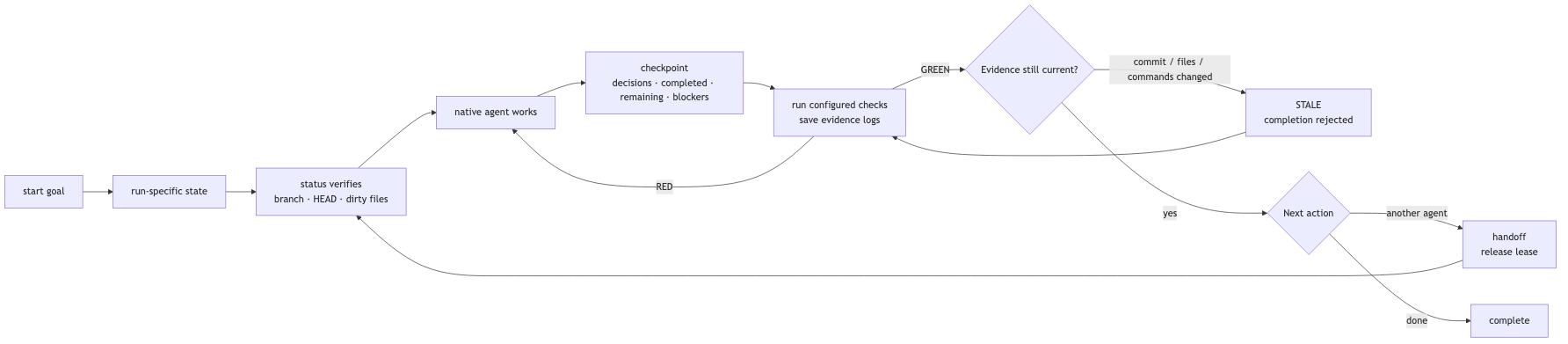
Hard rules:
- Delegated/parallel cannot Write/Edit product files until
assigned_agentsis set - Completion needs GREEN validation +
ship_completed - Non-direct also needs
validation.agent == "validator"andAGENT_TASK.mdwith## Objective - No git progress across iterations → stall pause + handoff
Loop phases
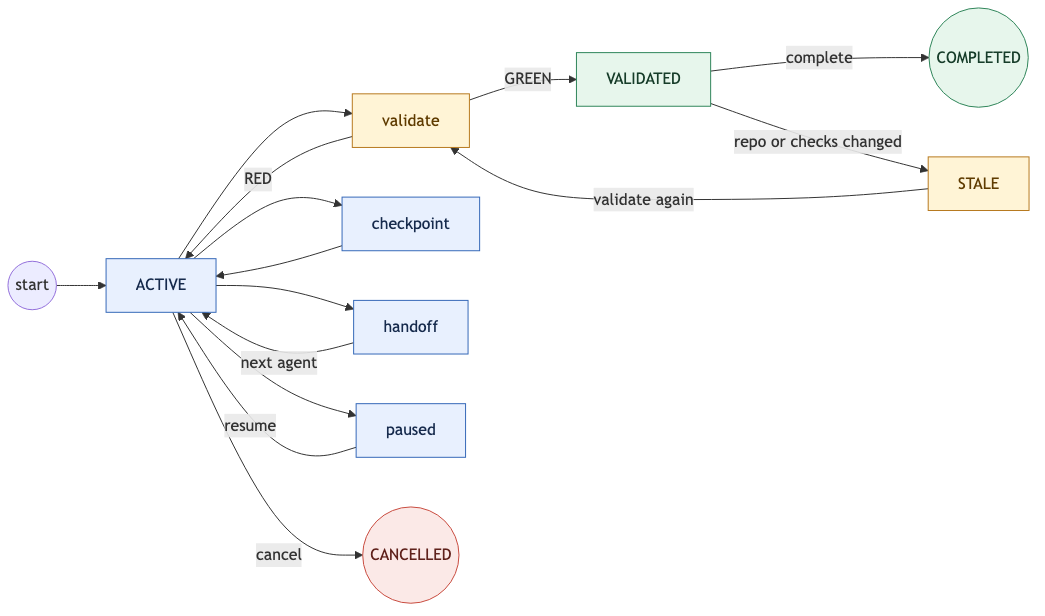
| Phase | What happens |
|---|---|
| GATE | Clarity check; UI work without DESIGN.md → pause |
| PLAN | Route direct / delegated / parallel; ≤3 skill paths |
| BUILD | Implement + focused tests; respect owned_files |
| VALIDATE | validate_cmd / validate.sh (+ optional runtime_check) |
| REVIEW | Quality + security for important/sensitive changes |
| SHIP | Commit; sync evidence docs when maturity warrants |
| COMPLETE | Handoff + events; <loop-complete/> or promise tag |
Routing: simple → direct · medium → one implementer · complex → planner + ≤3 worktrees.
Mode may downgrade only (parallel → delegated → direct). Upgrade requires the planner.
Docs policy
Install creates an empty .master/docs/. Docs are written from repository evidence
at bootstrap or SHIP — never bulk-copied from templates.
templates/master-docs/ are section outlines (headings only). Agents may peek; they
must not cp those files into the project.
Commands
| Command | Purpose |
|---|---|
| /bootstrap | One-time: infer mission, maturity, .master/ facts |
| /loop "task" | Run until done or max iterations; steer / resume if active |
| /status | Mode, routing reason, agents, recent events, recovery hint |
| /pause | Persist a blocker + handoff |
| /cancel | Stop the loop + handoff |
| /handoff | Refresh structured handoff (optional claude-mem bridge) |
Examples:
/loop "fix tax rounding on checkout"
/loop "add OAuth login" --max-iterations 5
/loop "migration verified" --completion-promise "migration is verified"
Defaults: max_iterations from .master/project.json → iteration_budget (else 2).
Project files you should know
After install + bootstrap:
your-project/
├── CLAUDE.md                 # ≤40 lines: mission, stack, run/verify
└── .master/
    ├── project.json          # maturity, validate_cmd, iteration_budget, runtime_check
    ├── state/
    │   ├── loop.json         # active machine state
    │   ├── handoff.json      # cross-session resume
    │   └── history/events.jsonl
    └── docs/                 # evidence-generated (optional files)
Never committed by the harness: .env, .github, or framework agents into the project.
Skills
On install, a curated allowlist is installed into ~/.claude/skills via
npx skills (best-effort; network failures warn).
During /loop, ensure-skills.sh may install up to two allowlisted missing matches,
then inject ≤3 skill paths.
# Suggest matches for a task
bash ~/.claude/claude-master-setup/scripts/install-skill.sh --suggest "deploy to vercel"

# Allowlisted install
bash ~/.claude/claude-master-setup/scripts/install-skill.sh vercel-labs/agent-skills \
  --skill "web-design-guidelines"
Discovery order: project .claude/skills + .agents/skills → user skills → plugins.
Off-allowlist sources are suggested, not auto-installed. Edit
templates/skills-allowlist.json to change the curated set.
Checklist — are you missing something?
Use this after install. If a row fails, fix it before expecting good loops.
| Check | How | If missing |
|---|---|---|
| Claude Code present | claude --version | Install Claude Code first |
| Harness installed | ls ~/.claude/claude-master-setup/scripts/setup-loop.sh | Re-run npx claude-master-setup@latest |
| Statusline (npm path) | test -x ~/.claude/statusline.sh | Re-run installer; see setup |
| Project seeded | test -f CLAUDE.md && test -f .master/project.json | Run installer in the project, then /bootstrap |
| Not dual-installed | npx claude-master-setup --doctor exits 0 | --repair, or uninstall plugin / npm framework |
| Desktop notify (optional) | Stop shows macOS banner on loop complete/pause | Re-run installer; set MASTER_DESKTOP_NOTIFY=0 to disable |
| Validation works | bash ~/.claude/claude-master-setup/scripts/validate.sh | Set validate_cmd in .master/project.json |
| UI product has DESIGN | .master/docs/DESIGN.md for React/Vue/etc. | /bootstrap or write DESIGN before BUILD |
| Runtime truth (apps) | Optional runtime_check in project.json | e.g. "curl -sf http://localhost:3000/health" |
| Git for parallel | git rev-parse --is-inside-work-tree | Init git before parallel mode |
| Loop stuck? | /status | Read pause_reason / events; /loop to resume or /cancel |
Common gaps
- No tests / no
validate_cmd— gate stays weak; add a real test script. - UI without DESIGN.md — loop should pause; don’t skip it.
- GREEN unit tests, dead app — set
runtime_checkfor a smoke URL. - Expecting auto-magic architecture — harness pauses on ambiguity; answer
/pausequestions. - Huge first prompt — start with the smallest shippable behaviour.
Enhance it (for power users)
| Goal | What to change |
|---|---|
| Stricter validation | .master/project.json → validate_cmd, runtime_check |
| More / fewer iterations | iteration_budget or /loop ... --max-iterations N |
| Custom skills | Drop skills in project .claude/skills or extend the allowlist |
| Visual product | Keep .master/docs/DESIGN.md current |
| Architecture history | Append ADRs to .master/docs/DECISIONS.md |
| Debug a loop | /status + .master/state/history/events.jsonl |
| Parallel slices | Complex prompts with multi-surface signals; git required |
Maintainer / framework edits: see CLAUDE.md. Control-plane files need
HARNESS_ALLOW_PROTECTED_EDITS=1.
Deep dives: setup · loop · security · changelog
Verify the package (maintainers)
npm test
npm run docs:diagrams   # regenerate README diagram PNGs from docs/*.mmd
npm pack --dry-run
Diagrams must stay as committed PNGs + absolute GitHub URLs so npm and GitHub both show images (npm does not render Mermaid).
License
MIT © Anup Dangi