
claude-notification
v1.2.1
Published
Native macOS notifications for Claude Code — with custom icon, click-to-focus terminal, and contextual messages
Downloads
98

Maintainers
 narulakeshav
Readme
claude-notification
Native macOS notifications for Claude Code — with the Claude icon, click-to-focus terminal, and contextual messages.
Built because terminal-notifier's -sender and -appIcon flags are broken on macOS Ventura+, and osascript notifications can't use custom icons.
What you get
- Claude icon on every notification
- Click notification to focus your terminal
- Contextual body — shows permission requests, idle prompts, etc.
- Project name in the title (e.g. "Claude Code · my-project")
- Sound alerts
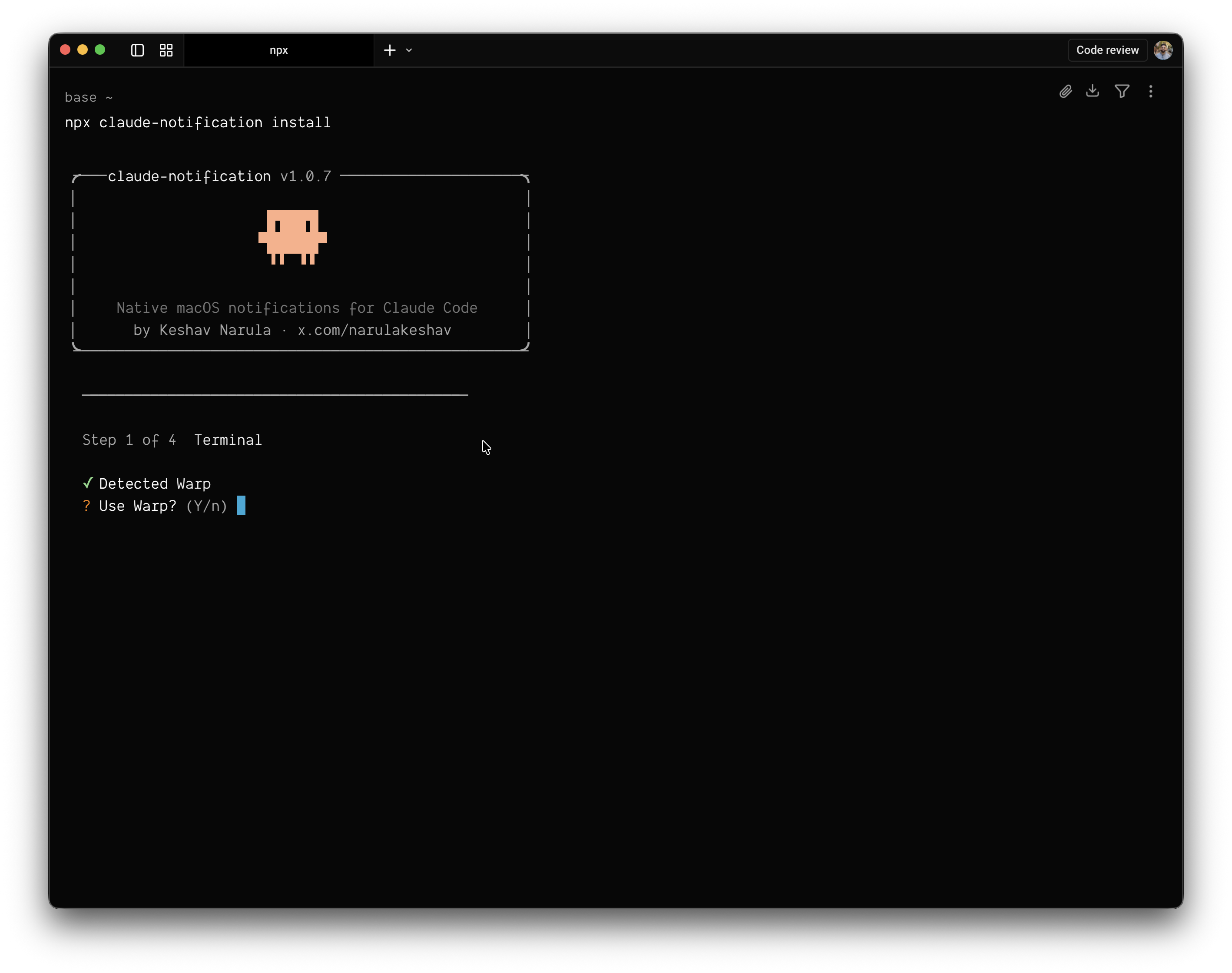
Install
npx claude-notification installThis will:
- Detect your terminal (Warp, iTerm2, Terminal, VS Code, Cursor, Kitty, Alacritty, Ghostty)
- Compile a lightweight native macOS app (~100KB)
- Sign it (ad-hoc, no Apple Developer account needed)
- Register it with macOS for notification permissions
- Auto-configure your Claude Code hook in
~/.claude/settings.json
Requirements
- macOS 13+ (Ventura, Sonoma, Sequoia)
- Xcode Command Line Tools (
xcode-select --install) - Claude desktop app installed (for the icon)
Test
npx claude-notification testUninstall
npx claude-notification uninstallRemoves the app, config, and Claude Code hook.
How it works
The installer creates a minimal .app bundle at ~/Applications/Claude Notification.app. This is the only way to get a custom notification icon on modern macOS — notifications inherit the icon from the sending app bundle.
Claude Code's notification hook pipes JSON context (message, type, working directory) to the app via stdin. The app parses this to show contextual notifications.
Supported terminals
| Terminal | Auto-detected | |----------|:---:| | Warp | Yes | | iTerm2 | Yes | | Terminal.app | Yes | | VS Code | Yes | | Cursor | Yes | | Kitty | - | | Alacritty | - | | Ghostty | Yes |
Terminals not auto-detected can be selected during install.
License
MIT