
claudeprofile
v1.0.5
Published
CLI tool for managing LLM provider profiles and configurations

Maintainers
 mustafamagdy
Readme
claudeprofile
A CLI tool for managing diffferent Claude provider profiles and configurations. Switch between Anthropic, zAI (Zhipu GLM), MiniMax, and OpenRouter profiles with ease.
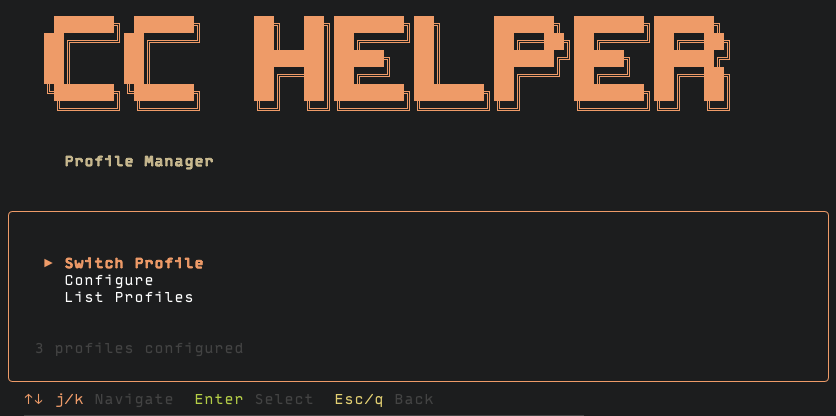
Features
- Interactive TUI for profile management
- Support for multiple LLM providers:
- Anthropic - Official Claude API
- zAI (Zhipu GLM) - GLM models
- MiniMax - MiniMax API
- OpenRouter - Unified API for multiple providers
- Easy profile switching
- Custom configuration for API tokens, base URLs, and models
Quick Start
Run directly without installation:
npx claudeprofile
# or
bunx claudeprofile
Or install globally:
npm install -g claudeprofile
claudeprofile
Usage
Navigate the menu with:
↑/↓orj/k- NavigateEnter- SelectEscorq- Back/Exit
Menu Options
- Switch Profile - Select a configured profile to use
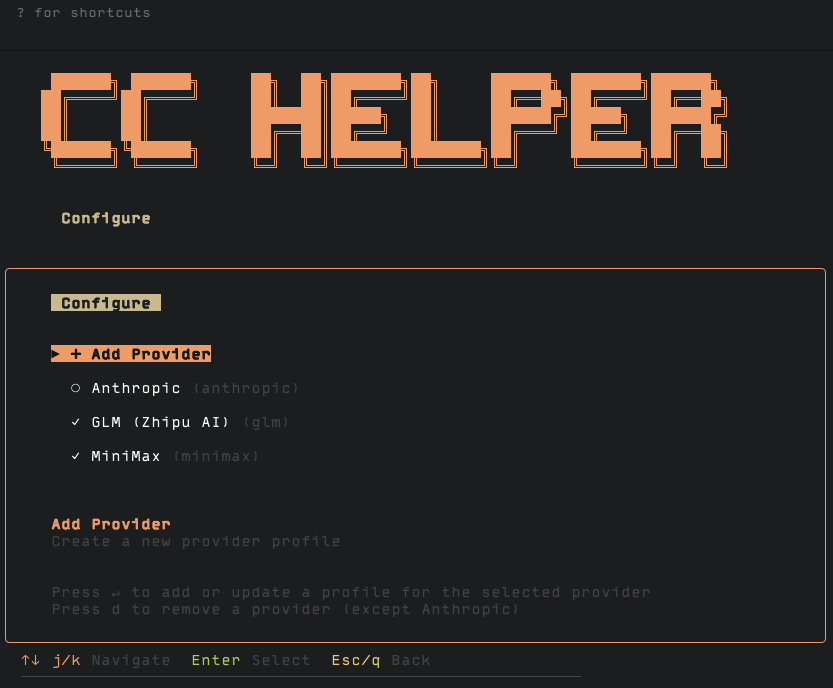
- Configure - Add or edit provider configurations
- List Profiles - View all configured profiles
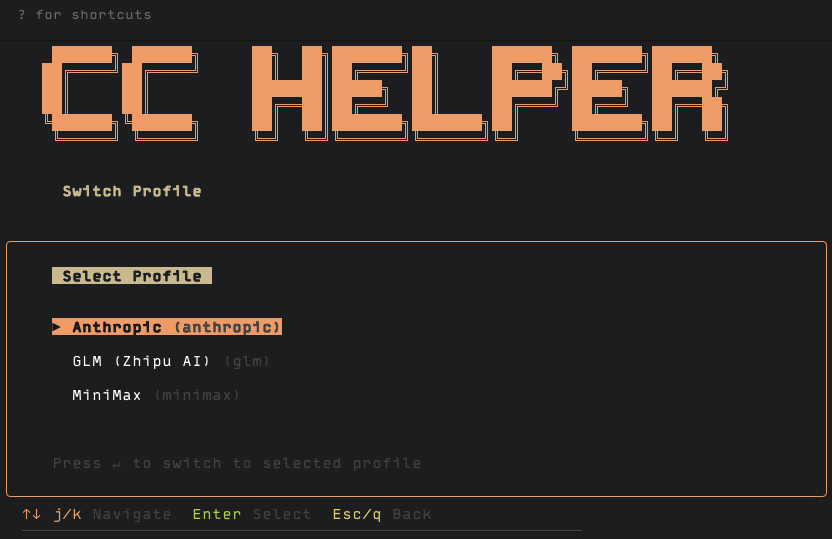
Configuration
Profiles are stored in ~/.config/claude-profiles/ as JSON files.
Example Profile Structure
{
  "name": "My Provider",
  "provider": "zai",
  "auth_url": "https://z.ai/manage-apikey/apikey-list",
  "env": {
    "ANTHROPIC_AUTH_TOKEN": "your-token-here",
    "ANTHROPIC_BASE_URL": "https://api.z.ai/api/anthropic",
    "ANTHROPIC_MODEL": "GLM-4.7"
  }
}
Requirements
- Node.js 18+
- A terminal that supports ANSI colors
License
MIT