
claudeslide
v1.4.1
Published
CLI tool for editing PowerPoint files with AI assistance
Downloads
91

Maintainers
 ameyanagi
Readme
ClaudeSlide
Edit PowerPoint presentations using Claude's native XML understanding.
English | 日本語
ClaudeSlide transforms PPTX files into an editable workspace where Claude can directly read, understand, and modify presentation content through XML manipulation.
Why ClaudeSlide?
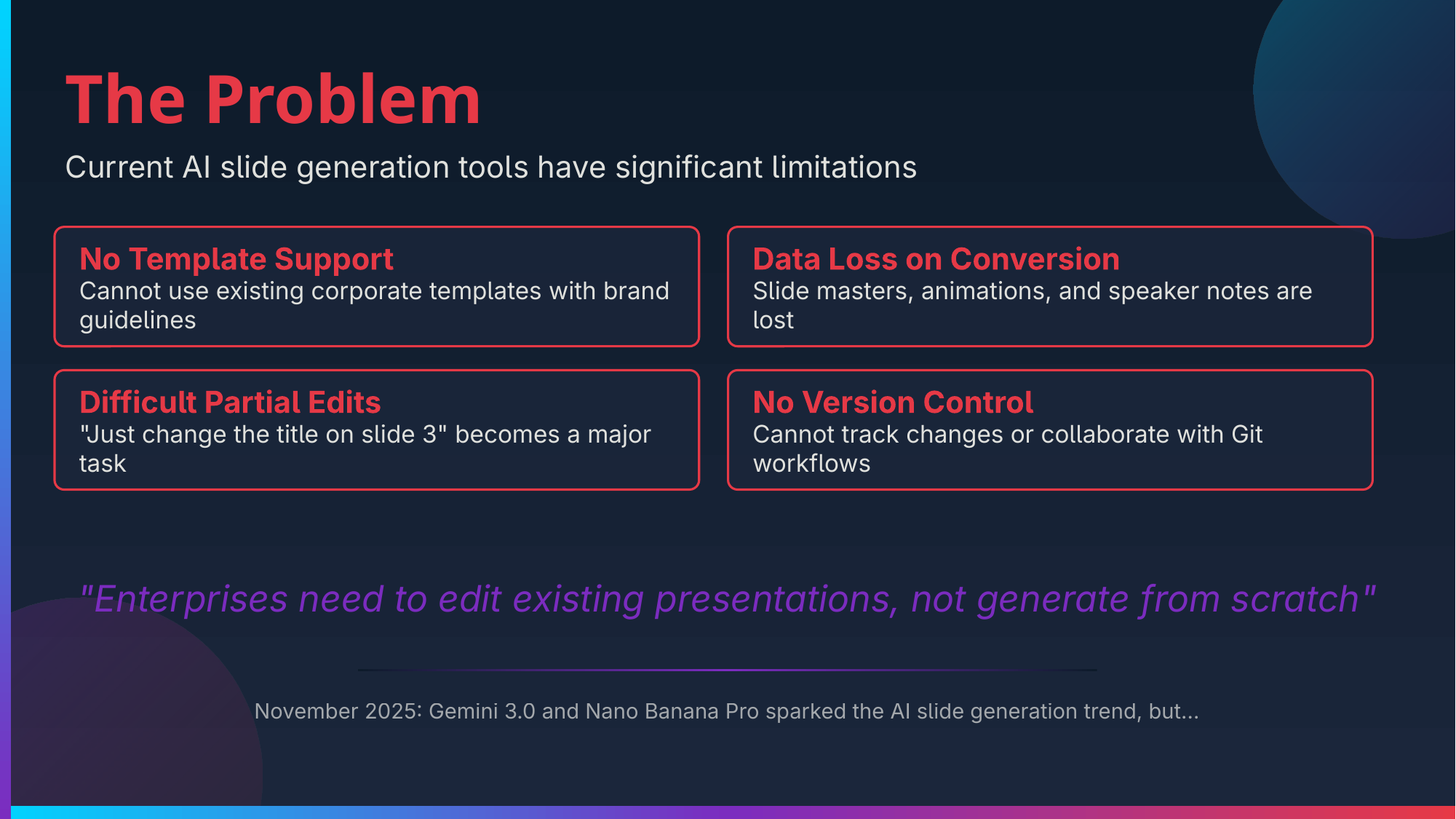
The Problem
Editing PowerPoint programmatically has traditionally required specialized libraries and APIs (python-pptx, Apache POI, OpenXML SDK). These tools have steep learning curves, limited flexibility, and often can't handle complex formatting or custom layouts well.
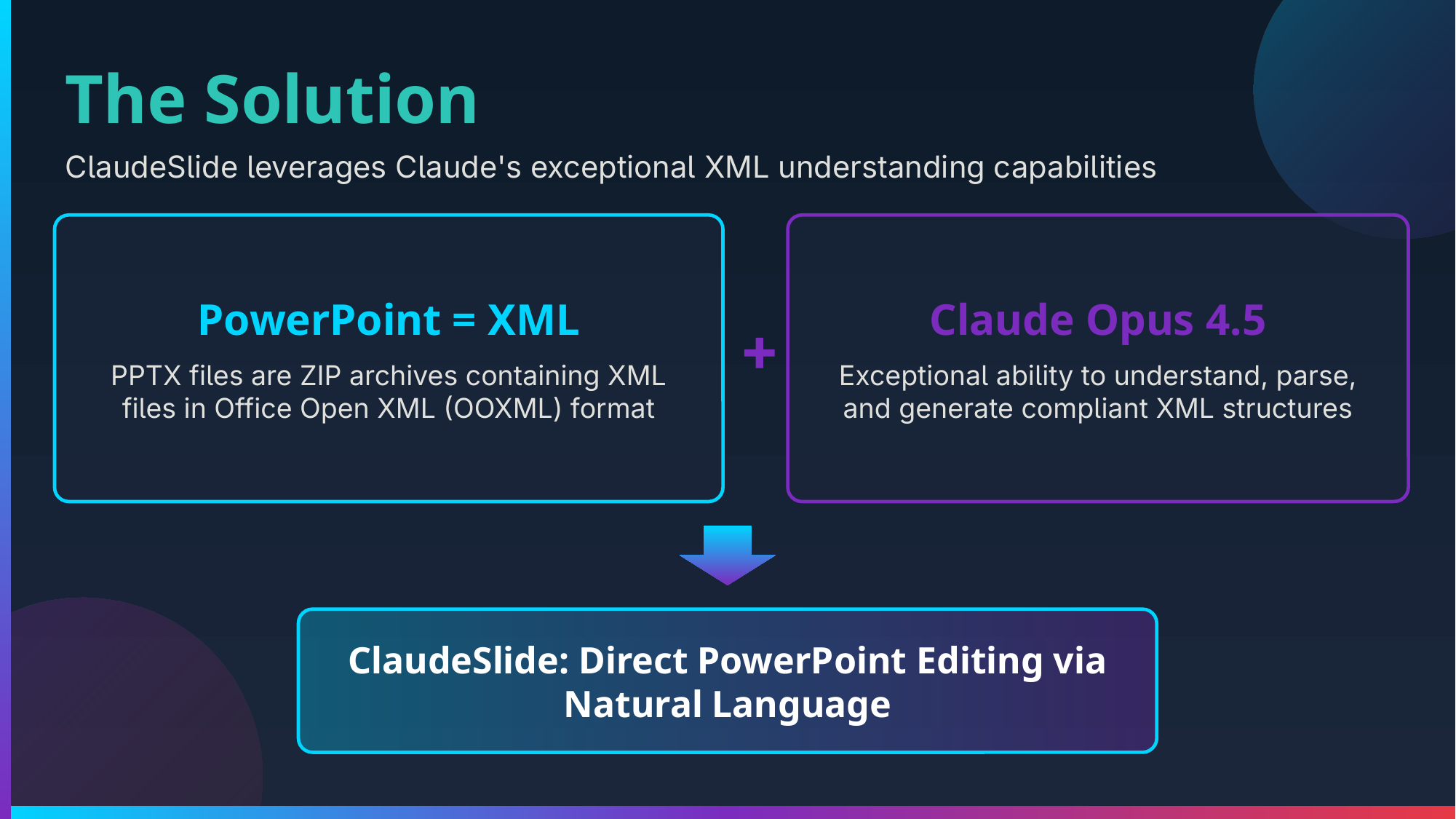
The Solution
PPTX files are actually ZIP archives containing XML files. Claude Opus 4.5 excels at understanding and generating structured XML with high accuracy. ClaudeSlide leverages this capability by:
- Extracting the PPTX into readable XML files
- Providing Claude with context about Office Open XML structure
- Enabling direct XML editing through Claude Code's agentic workflow
- Validating changes before repackaging to PPTX
This approach gives you the full power of natural language instructions for presentation editing—no API knowledge required.
What Claude Can Do
- Edit text, formatting, colors, and fonts
- Add, remove, or reorder slides
- Create shapes, diagrams, and layouts
- Insert and position images
- Modify themes and master slides
- Generate SVG graphics for complex visuals
- Fix broken presentations
Example
Check out the example repository to see ClaudeSlide in action.
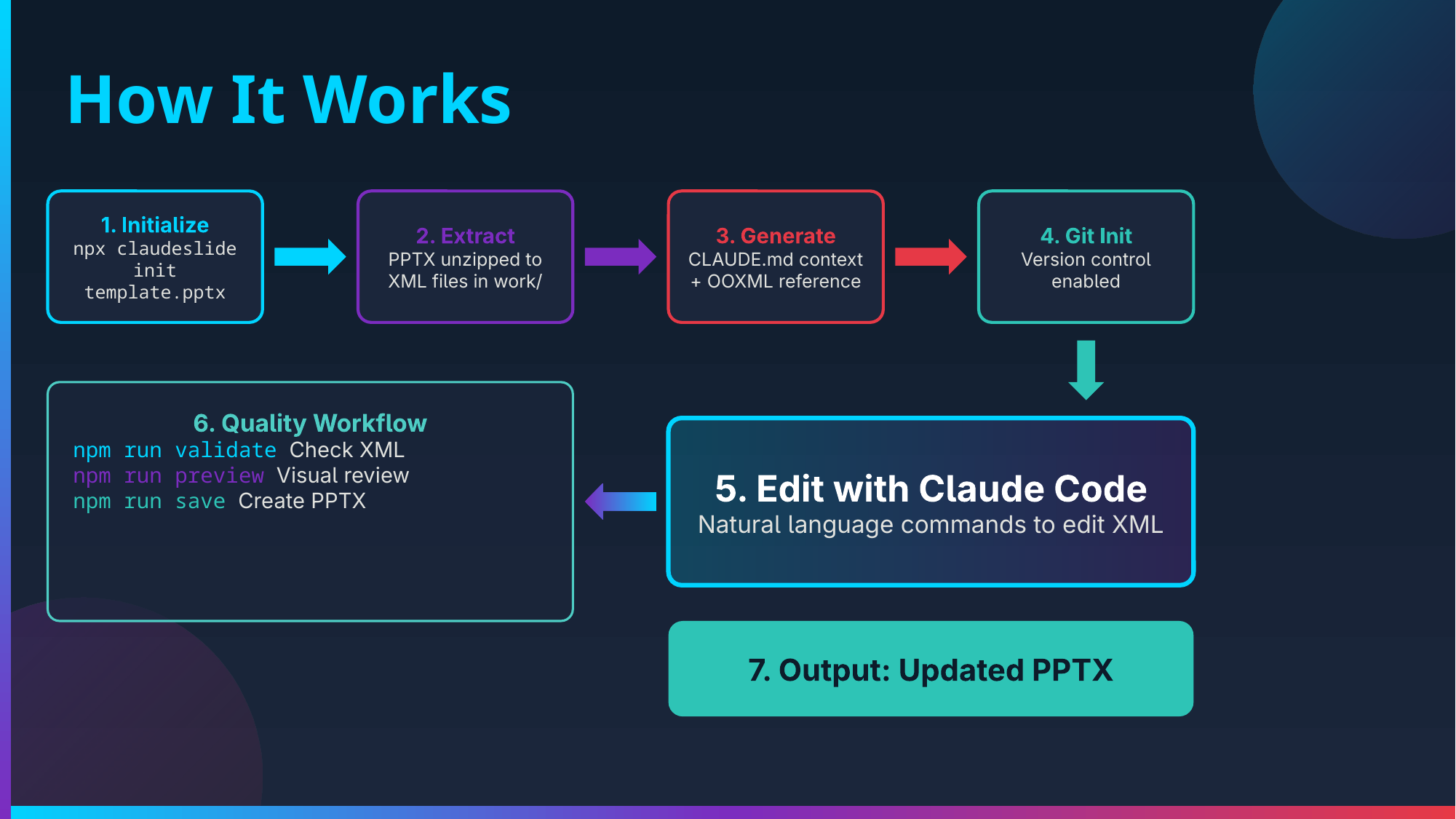
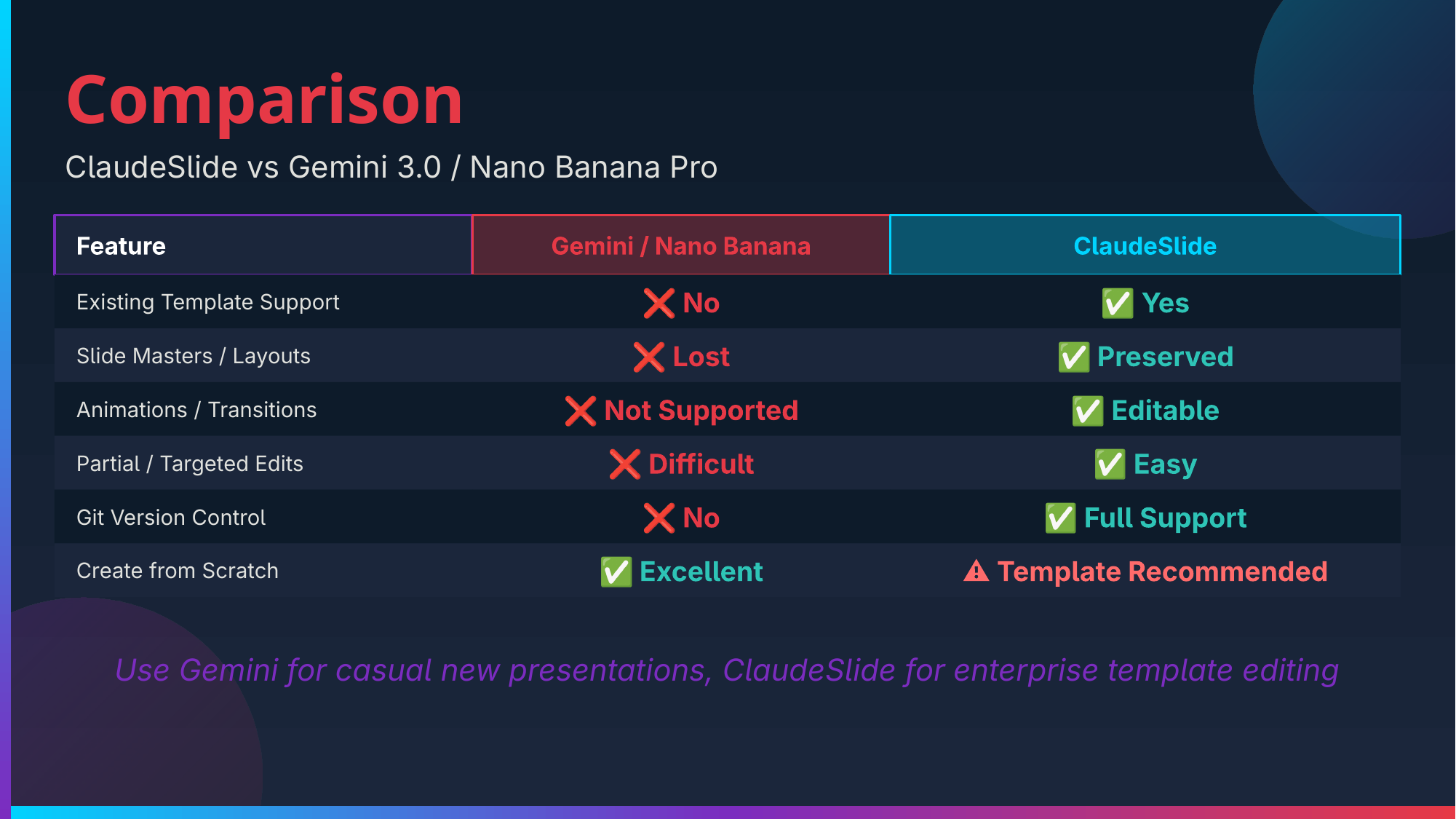
Sample slides generated/edited by Claude:
| | | |
|:---:|:---:|:---:|
|  |
|  |
|  |
|
|
|  |
|  |
|  |
|
|
|  |
|  |
|  |
|
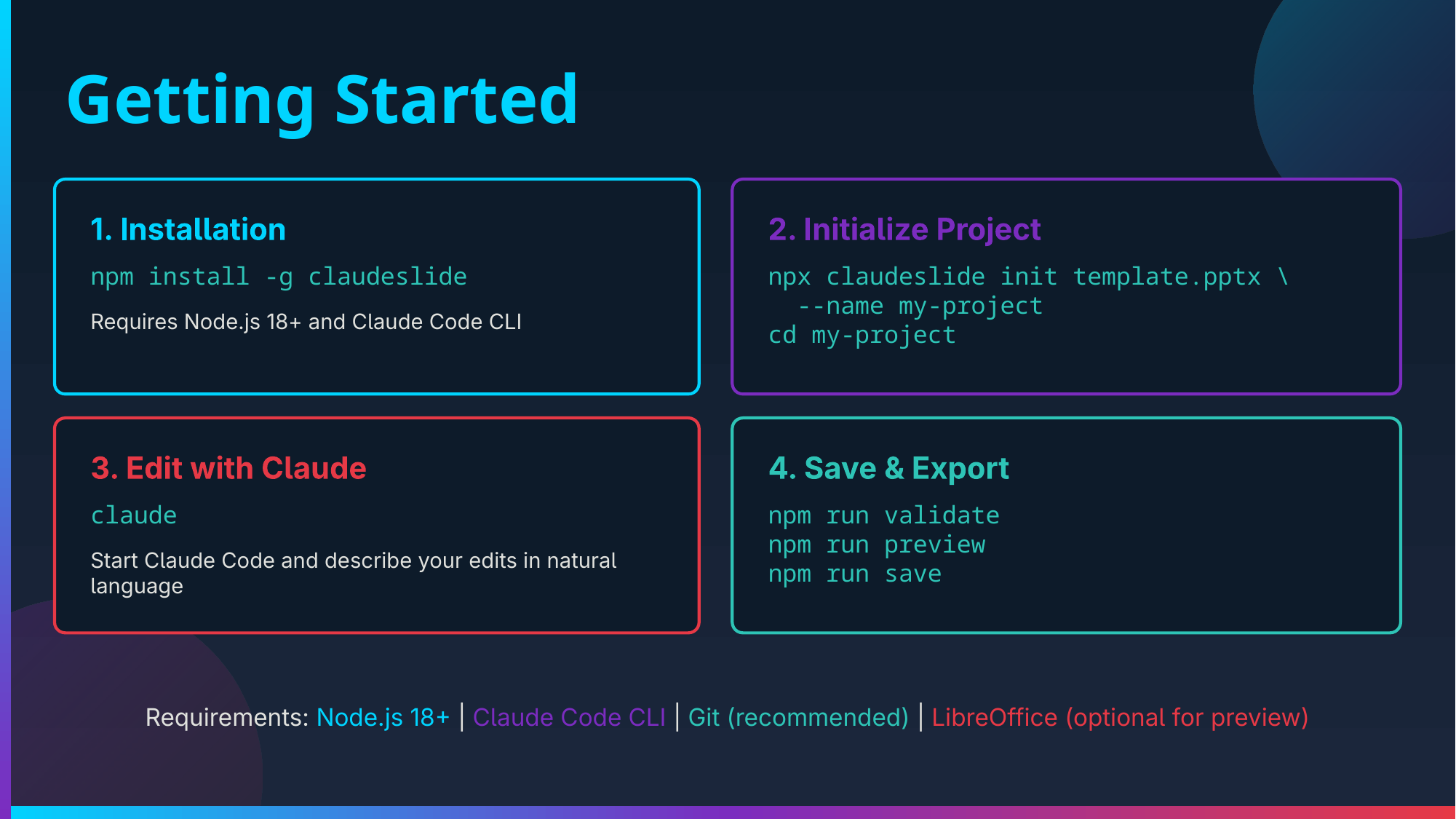
Installation
npm install -g claudeslideOr use directly with npx:
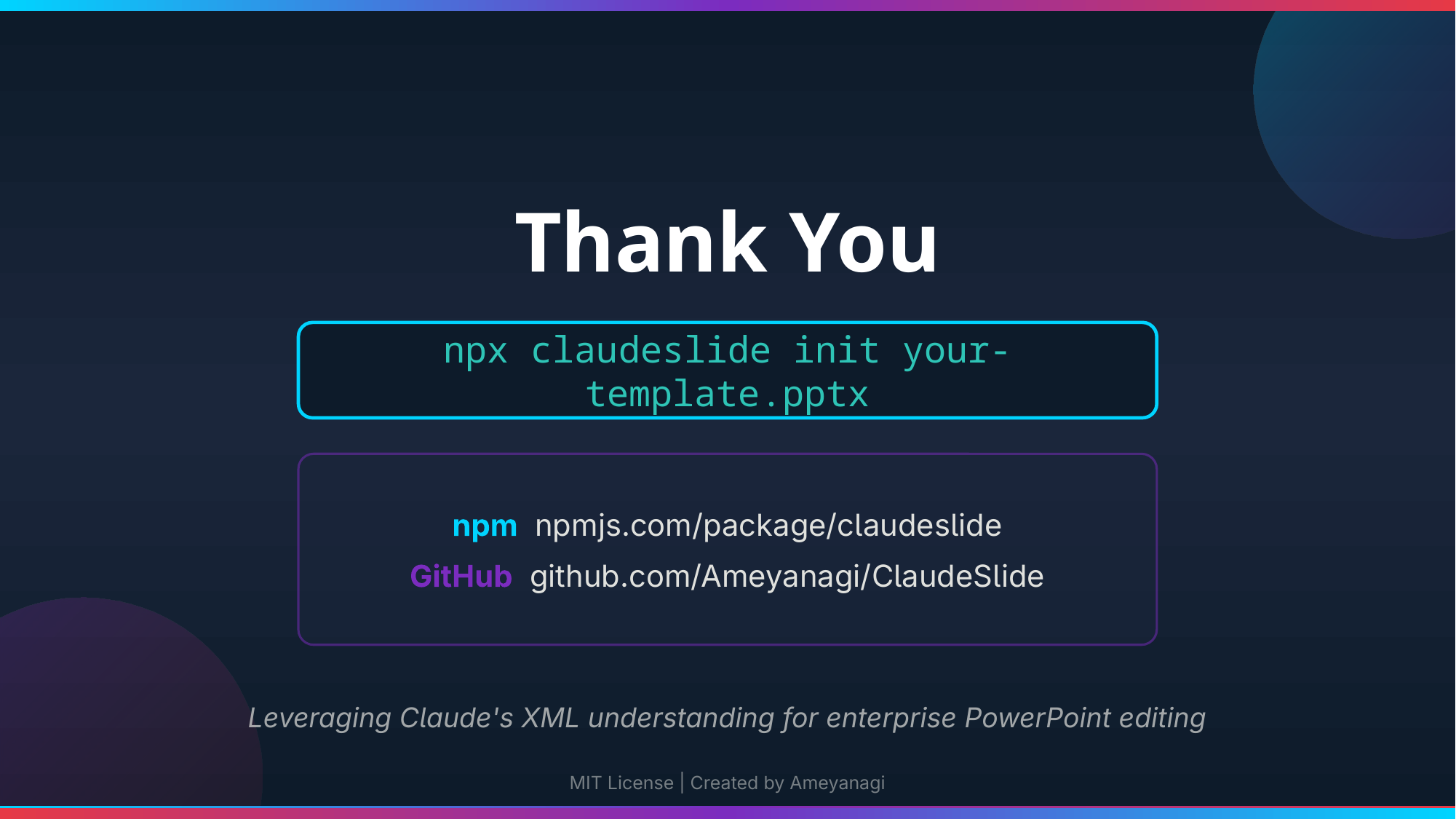
npx claudeslide init presentation.pptx --name my-projectQuick Start
# 1. Initialize from a PPTX file
npx claudeslide init presentation.pptx --name my-project
cd my-project

# 2. Start Claude Code and give instructions
claude
# "Change the title on slide 1 to 'Q4 Results'"
# "Add a new slide with a bullet list of our key achievements"
# "Make all headings blue and increase font size to 32pt"

# 3. Validate and save
npm run validate
npm run save
Commands
claudeslide init [pptx-file]
Extract a PPTX file and set up a Claude-ready editing environment.
# Interactive mode
claudeslide init

# With arguments
claudeslide init presentation.pptx --name my-project

# Options
-n, --name <name>   Project name (required)
-o, --output <dir>  Output directory
-f, --force         Overwrite existing directory
--no-git            Skip git initialization
What gets created:
work/- Extracted PPTX contents (XML files)CLAUDE.md- Context and instructions for Claude.claude/skills/pptx/- XML reference documentation.claude/commands/- Slash commands for common operationssource.pptx- Backup of original file
claudeslide validate
Check XML validity before saving:
- XML well-formedness
- Required files exist
- Relationship integrity
- Content-Types consistency
claudeslide save
Repackage the XML back into a valid PPTX file.
claudeslide save                    # Saves to <project-name>.pptx
claudeslide save -o output.pptx     # Custom output path
claudeslide preview
Generate PNG previews of slides (requires LibreOffice).
claudeslide preview           # Generate previews
claudeslide preview --dpi 300 # Higher resolution
Project Structure
my-project/
├── CLAUDE.md                 # Instructions and slide overview
├── package.json              # npm run scripts
├── .claudeslide.json         # Project metadata
├── source.pptx               # Original file backup
├── .claude/
│   ├── commands/             # Slash commands (/save, /validate, etc.)
│   └── skills/pptx/          # OOXML reference documentation
├── work/                     # Extracted PPTX contents
│   ├── [Content_Types].xml
│   ├── ppt/
│   │   ├── slides/           # Slide content (slide1.xml, slide2.xml, ...)
│   │   ├── slideLayouts/     # Layout templates
│   │   ├── slideMasters/     # Master slides
│   │   ├── theme/            # Colors and fonts
│   │   └── media/            # Images and media files
│   └── docProps/             # Document metadata
└── preview/                  # Generated PNG previews
Example Workflows
Edit Existing Content
"Change the title on slide 3 to 'Financial Overview'"
"Replace all instances of '2024' with '2025'"
"Make the subtitle on slide 1 italic"
Add New Content
"Add a new slide after slide 2 with a title 'Key Metrics' and three bullet points"
"Insert a blue rectangle shape at the bottom of slide 4"
"Add speaker notes to slide 1 explaining the agenda"
Restructure Presentation
"Move slide 5 to be the second slide"
"Delete slides 7 through 9"
"Duplicate slide 2 and change the title to 'Q2 Results'"
Fix Issues
"The presentation won't open - check for XML errors and fix them"
"Slide 3 is showing a broken image - diagnose and repair"
Requirements
- Node.js >= 18.0.0
- Git (optional) - for version control of changes
- LibreOffice (optional) - for preview generation
- poppler-utils (optional) - for PNG conversion
Installing Optional Dependencies
macOS:
brew install --cask libreoffice
brew install poppler
Ubuntu/Debian:
sudo apt install libreoffice poppler-utilsArch Linux:
sudo pacman -S libreoffice-fresh popplerHow It Works
- PPTX = ZIP + XML: PowerPoint files are ZIP archives containing Office Open XML (OOXML) files
- Extract: ClaudeSlide unzips the PPTX into the
work/directory - Context: CLAUDE.md and skill files give Claude the knowledge to edit OOXML
- Edit: Claude reads and modifies XML files based on your instructions
- Validate: XML structure is checked for correctness
- Package: Modified XML is zipped back into a valid PPTX
Tips for Best Results
- Be specific: "Make the title red" → "Change the title on slide 1 to red (#FF0000)"
- Validate often: Run
npm run validateafter significant changes - Use git: The project initializes with git—commit before major edits
- Check previews: Use
npm run previewto visually verify changes - Keep backups:
source.pptxis your original, but git history helps too
License
MIT © Ameyanagi