
client-creep
v0.3.0
Published
Find out why your Next.js components are client components — and what they cost you

Maintainers
 dhruvil0210
Readme
client-creep
The CLI that tells you why your Next.js components are client components — and what they cost you.
npx client-creep"You have client creep. Here's the cure."
The problem
React Server Components split your app into server and client — but the boundary spreads silently. You added "use client" to one file months ago. Now half your tree is client and you have no idea which import dragged it there.
Three questions no existing tool answers together:
- Why is this a client component? — which
"use client"file pulled it in, and through which import chain? - Did it need to be? — or is it client purely by accident, with zero hooks or browser APIs?
- What is it costing you? — how much JS is this boundary shipping to the browser?
client-creep answers all three. One command. Zero setup. Any Next.js version.
Demo
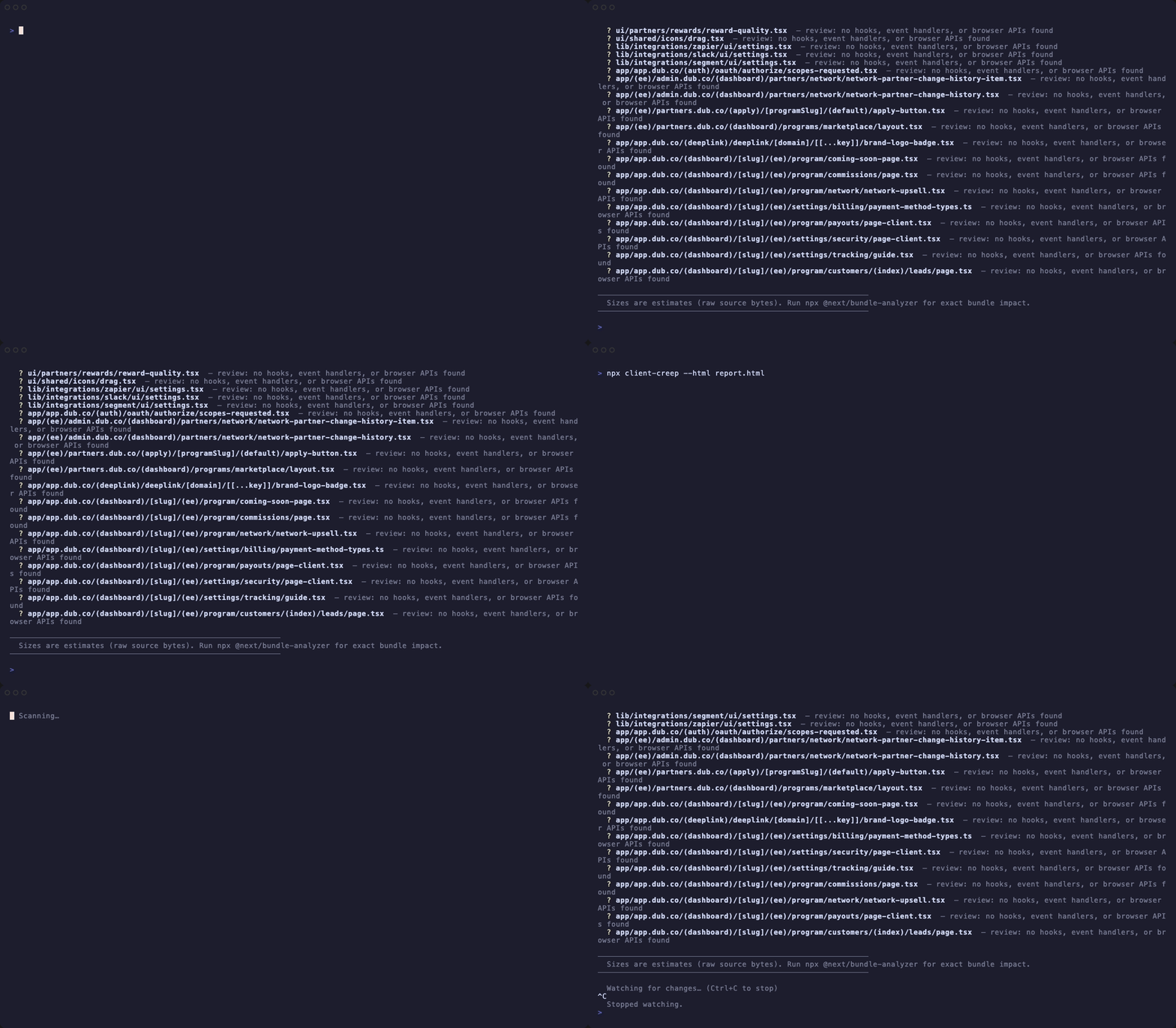
Running on a real 534-file Next.js app:
────────────────────────────────────────────────────────────
  client-creep  Next.js client component analysis
────────────────────────────────────────────────────────────

  Project:                  /your-next-app
  Files scanned:            534
  Client components:        418  (182 boundaries)
  Estimated client JS:      2.29 MB  (estimate — raw source bytes)
  Potentially recoverable:  237.4 KB  (113 creep candidates)

────────────────────────────────────────────────────────────
  Client Boundaries
────────────────────────────────────────────────────────────

  ⚡ src/app/home/Home.tsx  signals: useRouter, useState, useEffect, useUser
     └─ src/hooks/use-classrooms.ts
     └─ src/hooks/use-people.ts
     └─ … and 7 more

────────────────────────────────────────────────────────────
  ⚠  Accidental Client Creep  — components that may not need to be client
────────────────────────────────────────────────────────────

  ⚠ src/app/chat-insights/components/EmptyStates.tsx  19.7 KB potentially recoverable
    No client-only signals detected (no hooks, event handlers, or browser APIs)
    Why client:
    ⚡ src/app/chat-insights/page.tsx ← use client
      └─ src/app/chat-insights/components/index.ts
           └─ src/app/chat-insights/components/EmptyStates.tsx
Install
No install needed for one-shot use:
npx client-creepOr install globally:
npm install -g client-creep
client-creep
Requirements: Node ≥ 18. Works on Next.js 13, 14, 15, and 16.
Usage
# Scan the current directory
npx client-creep

# Scan a specific project
npx client-creep ./path/to/next-app

# Interactive HTML report — open in browser, share with your team
npx client-creep --html

# Watch mode — re-runs on every file save
npx client-creep --watch

# JSON output (for scripts, CI, tooling)
npx client-creep --json

# Auto-fix: remove "use client" from files with no client signals
npx client-creep --fix

# CI mode — exits 1 if any accidental creep is detected
npx client-creep --ci

# Fail CI if estimated client JS exceeds a size budget
npx client-creep --budget 500
Flags
| Flag | Description |
|---|---|
| [dir] | Path to the Next.js project (default: .) |
| --dir <path> | Named alias for the project path |
| --html [file] | Write an interactive HTML graph report (default: client-creep-report.html) |
| --watch | Re-run analysis on every file save |
| --json | Output results as JSON |
| --ci | Exit code 1 if creep candidates are found |
| --budget <kb> | Exit code 1 if estimated client JS exceeds this KB |
| --fix | Remove "use client" from files with no client signals (creep candidates) |
| --fix-barrels | Move "use client" from barrel files (index.ts) to the components that actually need it |
| --push | Push results to the client-creep dashboard |
| --token <token> | Supabase access token for --push (get from dashboard → Settings) |
| --dashboard <url> | Dashboard URL (default: https://client-creep-dashboard.vercel.app) |
| --owner <owner> | Repo owner override for --push (default: auto-detected from git remote) |
| --repo <name> | Repo name override for --push (default: auto-detected from git remote) |
Interactive HTML report
npx client-creep --html
# → writes client-creep-report.html
Opens a D3 force-directed graph of your entire import graph, color-coded by component type:
- Amber —
"use client"boundary roots - Red — accidental creep candidates (no client signals)
- Orange — client components (transitive)
- Blue — server components
Click any node to see its client signals, "why" import chain, and file size in the sidebar. Filter by boundaries, creep candidates, or search by filename.
CI usage
Option 1 — inline step
- name: Check for client creep
  run: npx client-creep --ci --budget 1000
Option 2 — GitHub Action
- uses: DhruvilChauahan0210/client-creep@main
  with:
    ci: true
    budget: 500   # fail if > 500 KB client JS
Action inputs:
| Input | Description | Default |
|---|---|---|
| dir | Path to the Next.js project | . |
| ci | Fail on creep candidates | true |
| budget | Max client JS in KB | — |
| version | client-creep version to use | latest |
Action outputs: client-components, boundaries, creep-candidates, estimated-kb, recoverable-kb
Exits 1 if:
--ci/ci: true— any accidental creep candidates are detected--budget <kb>— estimated client JS exceeds the threshold
Monorepo support
client-creep auto-detects monorepo roots via pnpm-workspace.yaml, turbo.json, or package.json workspaces. Cross-package imports (@acme/ui, @acme/utils) are resolved to their source files automatically — no config needed.
# Run from any app in a monorepo
npx client-creep ./apps/web
How it works
client-creep is a static analyzer — it reads your source files directly, no app running required.
- Globs all
.ts/.tsx/.js/.jsxfiles (respects.next/,node_modules/,dist/ignores) - Parses each file with a Babel AST — detects
"use client"directives and extracts imports - Resolves imports to absolute paths, including
tsconfig.jsonpath aliases and monorepo workspace packages - Builds a directed import graph and propagates the client boundary via BFS
- For each client node, computes the shortest import path back to its
"use client"root - Flags nodes with no detected client signals as accidental creep candidates
- Renders the terminal report, JSON, or interactive HTML graph
Client signal detection covers: React hooks (useState, useEffect, and any use[A-Z]* hook — including third-party like useMutation, useQuery), React.useXxx() namespaced calls, event handler props (onClick, onChange, etc.), browser globals (window, document, localStorage, etc.), dynamic({ssr: false}), and known client-only packages (@radix-ui/*, @apollo/client, framer-motion, sonner, and more).
vs. the alternatives
| | rsc-boundary | next-component-analyzer | client-creep |
|---|---|---|---|
| How to use | Add provider + run app | npx | npx — one shot, zero setup |
| Next.js versions | 16+ only | any | 13 / 14 / 15 / 16 |
| "Where is the boundary?" | ✅ live overlay | ❌ | ✅ |
| "Why is this client?" | ❌ | ❌ | ✅ full import chain trace |
| "Did it need to be?" | ❌ | partial | ✅ accidental creep detection |
| "What does it cost?" | ❌ | ❌ | ✅ estimated KB per boundary |
| Interactive graph | ❌ | ❌ | ✅ --html D3 force graph |
| Watch mode | ❌ | ❌ | ✅ --watch |
| CI / exit codes | ❌ | weak | ✅ --ci + --budget |
| Monorepo support | ❌ | ❌ | ✅ pnpm/turbo/yarn workspaces |
| Works without running the app | ❌ | ✅ | ✅ |
Limitations
- Static analysis approximates the real bundler graph. Dynamic
import(), conditional"use client", and tree-shaking aren't modeled. Treat size numbers as estimates. - Signals called through abstraction layers (e.g. a helper that internally calls
localStorage) won't be detected without following the full call graph. --htmlgraph requires an internet connection to load D3 from CDN.
Roadmap
v0.3+
- ESLint plugin (
eslint-plugin-client-creep) for inline editor warnings - Hosted dashboard — track creep trend over time per repo
- VS Code extension
License
MIT