
cnk-floating-button
v1.0.1
Published
An animated button component for React.
Downloads
21

Maintainers
 ceyhunkeklik
Readme
CNK-Floating-Button
An animated button component built with React.
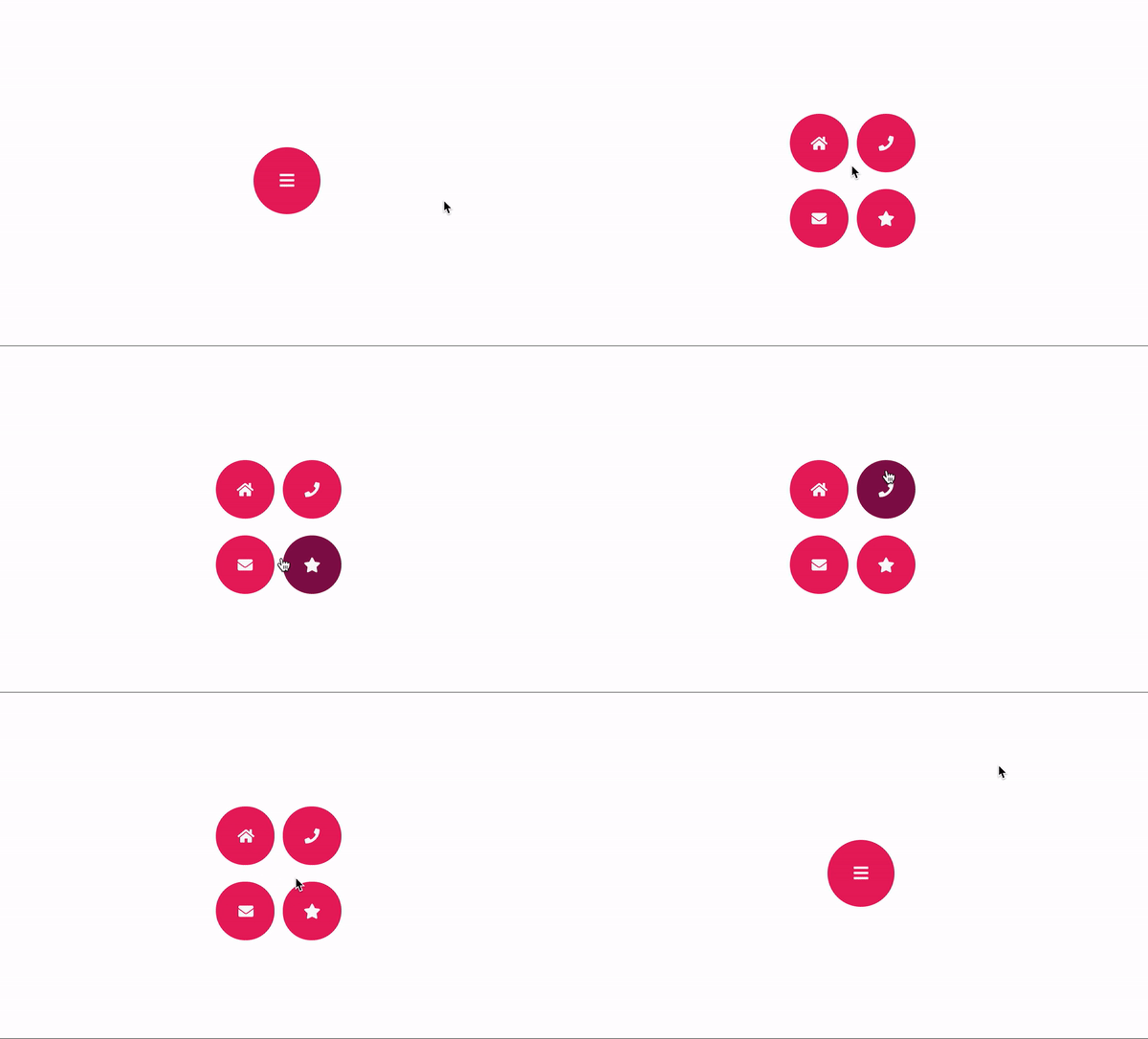
Installation
npm install cnk-floating-button --saveExample
import  React  from  "react";
import { render } from  "react-dom";
import  CNKFloatingButton  from  "../../src";

const  buttonConfigurations  = {
	button1: {
		iconName:  "home",
		onClick: () => {
			console.log("Button1: Clicked");
		}
	},
	button2: {
		iconName:  "phone",
		onClick: () => {
			console.log("Button2: Clicked");
		}
	},
	button3: {
		iconName:  "envelope",
		onClick: () => {
			console.log("Button3: Clicked");
		}
	},
	button4: {
		iconName:  "star",
		onClick: () => {
			console.log("Button4: Clicked");
		}
	}
};

const  App  = () => (
		<CNKFloatingButton
			iconName="sidebar"
			button1={buttonConfigurations.button1}
			button2={buttonConfigurations.button2}
			button3={buttonConfigurations.button3}
			button4={buttonConfigurations.button4} />
);

render(<App />, document.getElementById("root"));
Component Props
| Prop | Value | |--|--| | text | [String]: Label of the main button | | iconName | [String]: Icon name of the main button. We use semantic ui library for icons. | | size | [Number]: Width and Height's value of main button. One value for all of them.| |fontSize|[Number]: Font Size of the Text or Icon.| |button1|[Object]: Child button configuration for top-left | |button2|[Object]: Child button configuration for top-right | |button3|[Object]: Child button configuration for bottom-left | |button4|[Object]: Child button configuration for bottom-right | Note: At least one button configuration must be valid
Child Button Configuration
| Prop | Value | |--|--| | text | [String]: Label of the button | | iconName | [String]: Icon name of the button. We use semantic ui library for icons. | |fontSize|[Number]: Font Size of the Text or Icon.| |onClick|[Function][Required]: OnClick event for the button. | |backgroundColor|[String]: Background Color of the Button. This must be valid css color. | |foregroundColor|[String]: Foreground Color of the Button for Text or Icon. This must be valid css color. | |hoverBackgroundColor|[String]: Hover effect background color of the button. This must be valid css color. |