
codedungeon
v0.21.1
Published
A medieval dungeon you walk through, where every coder is a real AI coding agent working through your GitHub issues.

Maintainers
 emiledutoit
Readme
Code Dungeon
A medieval dungeon you walk through in first person, where every coder is a real AI coding agent working through your GitHub issues. Each of your projects gets its own chamber. You watch the coders write the code, the testers check every pull request, and the work get merged. When an app is ready, you ship it to Vercel from the same place.
You are the Overlord. The DungeonMaster plans the work, the guild does it, and nothing happens out of sight: the slate on every workbench is that coder's live terminal.
The User Guide (also in the dungeon: press B): https://codedungeon-guide.vercel.app
Watch it first
|  |
|  |
| --- | --- |
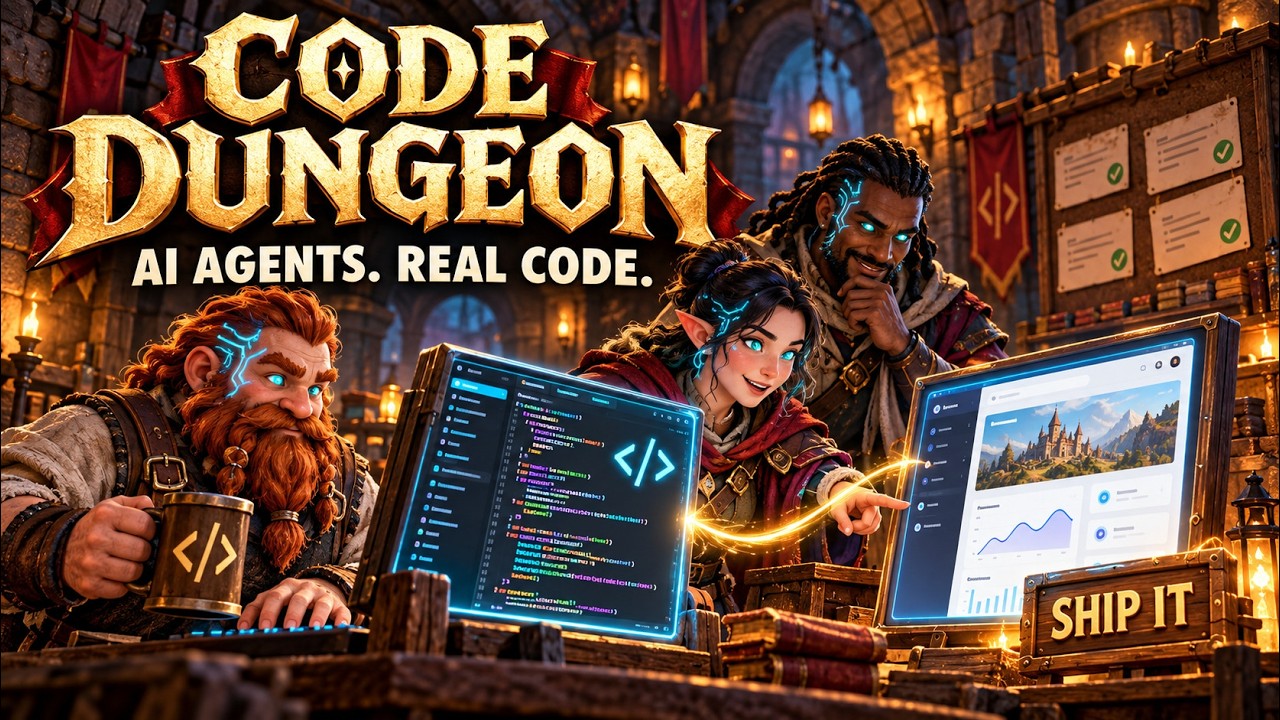
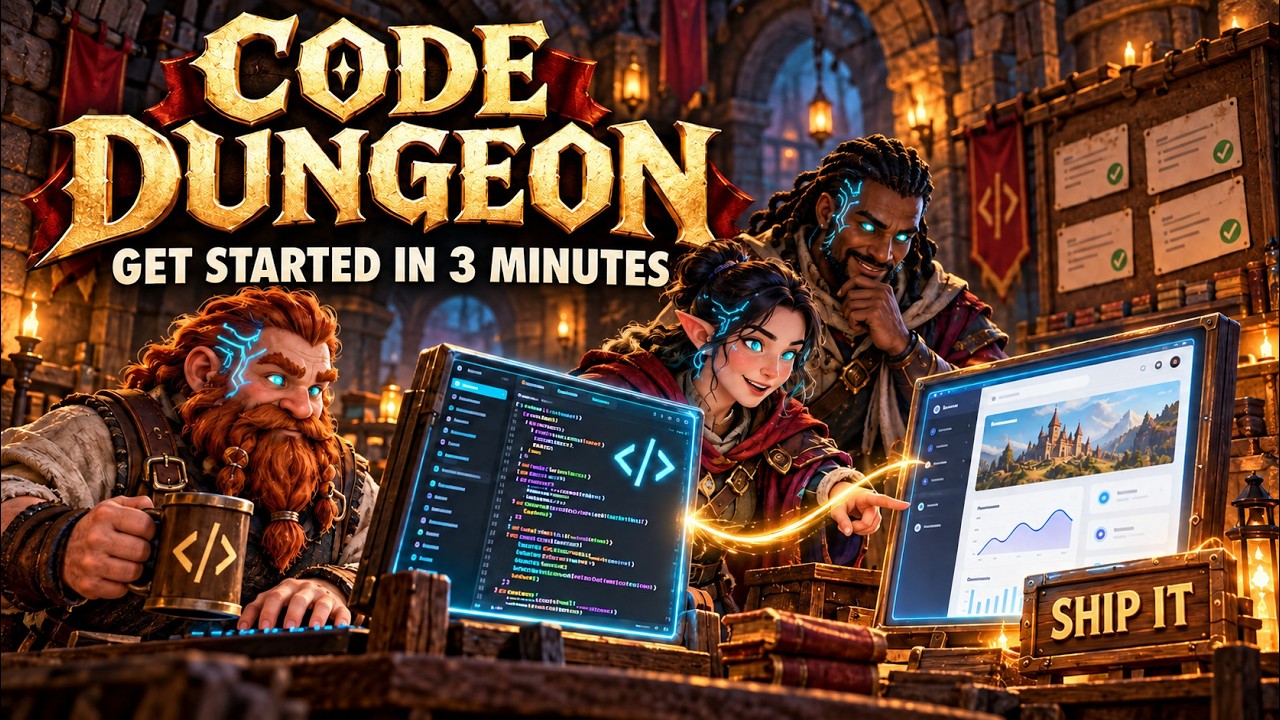
| Introduction to Code Dungeon (2 min 23 s): what it is and how the guild works. | Getting started (2 min 35 s): installing it and your first project. |
|
| --- | --- |
| Introduction to Code Dungeon (2 min 23 s): what it is and how the guild works. | Getting started (2 min 35 s): installing it and your first project. |
Both are in the Code Dungeon playlist. The projects in them come from demo mode and are made up.
Code Dungeon grew out of Leon van Zyl's cubefarm. It is free, under the MIT licence.
What you need
- Windows 10 or 11. It is built and run on Windows. The tests also pass on Linux; macOS hasn't been tried yet.
- Node.js 22 or newer, from nodejs.org.
- git, from git-scm.com.
- A GitHub account (github.com) and the GitHub command line, from
cli.github.com. Sign it in with
gh auth login. Every project must be on GitHub, because issues and pull requests are how the guild works. - A Claude subscription, from claude.ai, for Claude Code, the coders' default agent. You don't install Claude Code yourself: it comes with the dungeon, and you sign it in once. Coders can also run Codex or OpenCode if you have them installed and signed in.
- Google Chrome, from google.com/chrome, for testers who check apps in a real browser.
- Optional, for shipping apps: a Vercel account and its command line, signed in
(
npm i -g vercel, thenvercel login).
On Windows, winget (built into Windows 10 and 11) installs Node.js, git, the GitHub CLI and Chrome in one command; leave out any you already have, then open a new window so they're found:
winget install OpenJS.NodeJS.LTS Git.Git GitHub.cli Google.ChromeInstall and start
Open PowerShell or Command Prompt (on Linux, a terminal) anywhere, and run these one at a time:
npx codedungeon@latest login
npx codedungeon@latest
The first signs Claude Code in (once; a browser window asks you to allow it). The second starts the dungeon and opens
http://localhost:4417; press Enter the dungeon. npm asks the first time whether it may fetch codedungeon:
answer y. Your projects, guild and settings live in codedungeon-home in your home folder, and each
npx codedungeon@latest fetches the newest version, so updating is just starting it again.
npx codedungeon@latest doctor checks what's missing; npx codedungeon@latest --demo starts a pretend dungeon.
Or from a copy of the code
To change Code Dungeon itself (it is open source on GitHub), open PowerShell or Command Prompt in the folder where you keep your projects and run these one at a time, letting each finish:
git clone https://github.com/brainit-consulting/codedungeon.git
cd codedungeon
npm install
npm run login
npm run dev
That fetches Code Dungeon into a codedungeon folder, installs what it needs (about a minute), signs Claude Code in
(once; a browser window asks you to allow it), and starts the dungeon. Then open http://localhost:5417 and press
Enter the dungeon.
If PowerShell says running scripts is disabled on this system when you run npm (Windows blocks npm's PowerShell
helper on a new computer), run Set-ExecutionPolicy -Scope CurrentUser RemoteSigned once and try again, or use
Command Prompt, which doesn't need it.
If something is missing, npm run doctor checks Node, git, the GitHub CLI and the Claude sign-in, and says what to fix.
Starting, stopping and restarting
The dungeon runs while its terminal window is open.
| To | Do this, in the codedungeon folder |
| --- | --- |
| Start it | npm run dev, then open http://localhost:5417 |
| Stop it | press Ctrl+C in its window (this stops the coders' sessions too) |
| Restart it | Ctrl+C, then npm run dev again |
| Update it | Ctrl+C, then git pull, npm install and npm run dev, one at a time |
Your projects, guild and settings live in the codedungeon-home folder beside it, so they survive restarts and
updates. When the dungeon restarts by itself after a change to its own code, the coders' sessions carry on. The
ledger's Chambers tab shows when a newer Code Dungeon is on GitHub.
There are two other ways to run it:
| | Command | What you get |
| --- | --- | --- |
| Built | npm run build, then npm start | The built dungeon at http://localhost:4417, opened in your browser. npm start -- --no-open skips the browser. |
| Demo | see below | Fake GitHub and fake coders: look around without touching your repos or spending any usage. |
The demo
To walk round with pretend projects and pretend coders, start it with npm run dev -- --demo. To keep a demo apart
from your real dungeon, give it its own data folder and ports. In PowerShell:
$env:SWARM_HOME = "$PWD\..\codedungeon-home\demo"; $env:SWARM_PORT = "4460"; $env:SWARM_CLIENT_PORT = "5460"
npm run dev -- --demo
Then open http://localhost:5460. The banner says DEMO MODE when it's right.
Your first minutes
- Enter the dungeon. A short setup asks your name, names your hold and your DungeonMaster, and a tour shows you round.
- Bring in a project. Go to your table in your study (back left of the great hall) and press
Efor the Overlord's ledger. Add a project connects a project folder or a GitHub repo, or starts a new one. It gets a chamber off the gallery. - Let the DungeonMaster plan. They study the project, write its test checklist, turn your brief into GitHub
issues and put forward recruits. Press
Pfor your scroll to write to them and approve recruits. - Watch the work. Coders take issues and open pull requests. Testers check each one, in a real browser when it has a page to see, and post a report with screenshots. With auto-merge on, a pull request merges itself once it passes and GitHub's checks are green.
- Ship it. Press
Eon a chamber's SHIP IT sign (or Ship in the ledger) to put its app on Vercel.
Keys
| Key | Action |
| --- | --- |
| W A S D or arrows | walk (Shift to run) |
| mouse | look around (click the view first; in a browser pane that can't capture the mouse, drag) |
| E or click | use what the cross is on |
| P | your scroll |
| B | the User Guide |
| H | help |
| C | call the cat |
| M / N | all sound / just the music, on or off |
| Esc | let go of the mouse, or close a panel |
The guide's chapter X lists every key.
Commands
| Command | What it does |
| --- | --- |
| npm run dev | run the dungeon from source (http://localhost:5417) |
| npm run build | check the types and build the dungeon into dist/ and dist-server/ |
| npm start | run the built dungeon (http://localhost:4417) |
| npm run doctor | check that this machine is ready |
| npm run login | sign Claude Code in |
| npm test | the unit tests |
| npm run typecheck | the type check |
| npm run test:e2e | build, start a demo dungeon and test it in a headless browser |
| npm run guide:site -- <folder> | write the public User Guide's pages into a folder |
Where it keeps things
- Data: a
codedungeon-homefolder next to the repo: settings, clones of your repos, one working copy per coder, and logs. SetSWARM_HOMEto use another folder. - Ports: 4417 for the server, and 5417 for the page in
npm run dev. SetSWARM_PORTandSWARM_CLIENT_PORTto change them. Innpm run dev, opening 4417 sends you to 5417: the server's own page is the last build.
Good to know
- It runs on your subscriptions. Coders on the same agent share its usage limits. To cap how many work at once, set a session limit in the ledger's Settings.
- Coders work on your machine with your own skills, MCP servers and settings, each in its own copy of the repo. They don't push to your main branch and they don't merge: the dungeon merges, after the testers pass the work.
- Shipping to your own domain: set your domain in the ledger's Settings, and Launch suggests an address under it for each app.
Contributing
See CONTRIBUTING.md and, for how it all fits together, docs/how-it-works.md.
License
MIT. Copyright Leon van Zyl (cubefarm) and BrainIT Consulting (Code Dungeon).