
codojo
v0.3.1
Published
AI-powered coding dojo for developers learning new languages — concept mapping, guided practice, and quizzing

Maintainers
 jasonnoble
Readme
codojo is an AI-powered coding dojo — a mentor for developers learning a new
programming language or framework. Instead of dumping code on you, it teaches
the way a great senior engineer would: it maps new concepts onto the languages
you already know, asks questions to guide you to the answer, checks your
understanding before moving on, and quizzes you interview-style as you go. It
runs inside Claude Code, scaffolding a
workspace whose CLAUDE.md turns Claude into your personal mentor.
Quickstart
npx codojo@latest init
cd ~/workspace/codojo   # or wherever you chose
claude
codojo init only scaffolds the workspace. The first time you run claude in
it, the mentor walks you through a short onboarding interview — your background,
the languages you already know, and what you want to learn — then gets to work.
If you use the GitHub CLI, codojo init --allow-gh-cli opts into a read-only set
of gh lookups — see Permission model.
Get to know each other
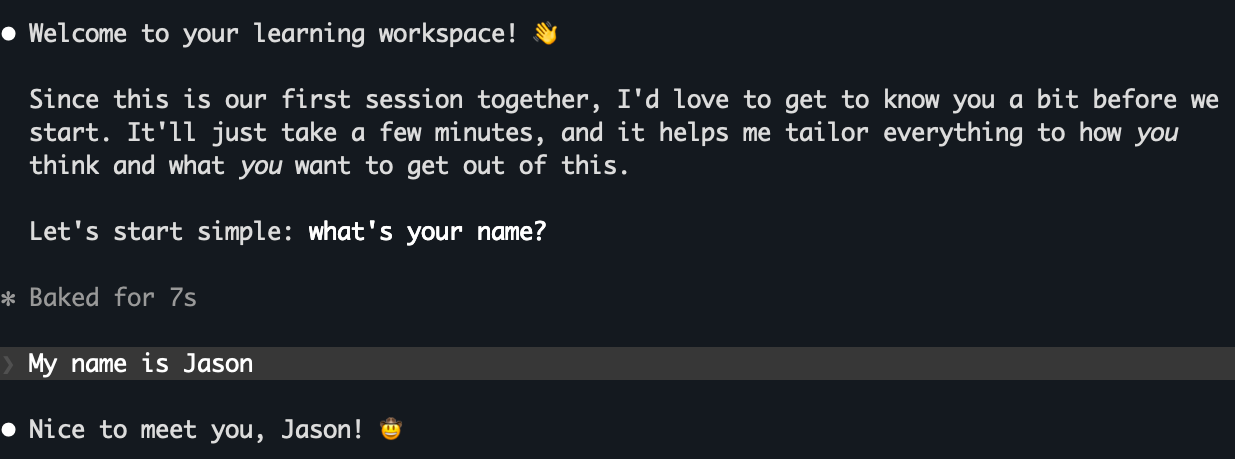
Provide 4-5 ways of learning your background

Parse your resume to learn your background
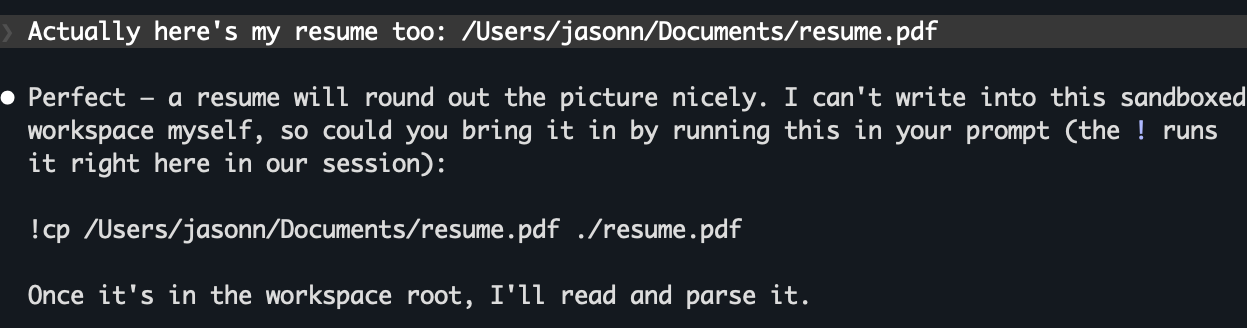
What do you want to learn or practice?
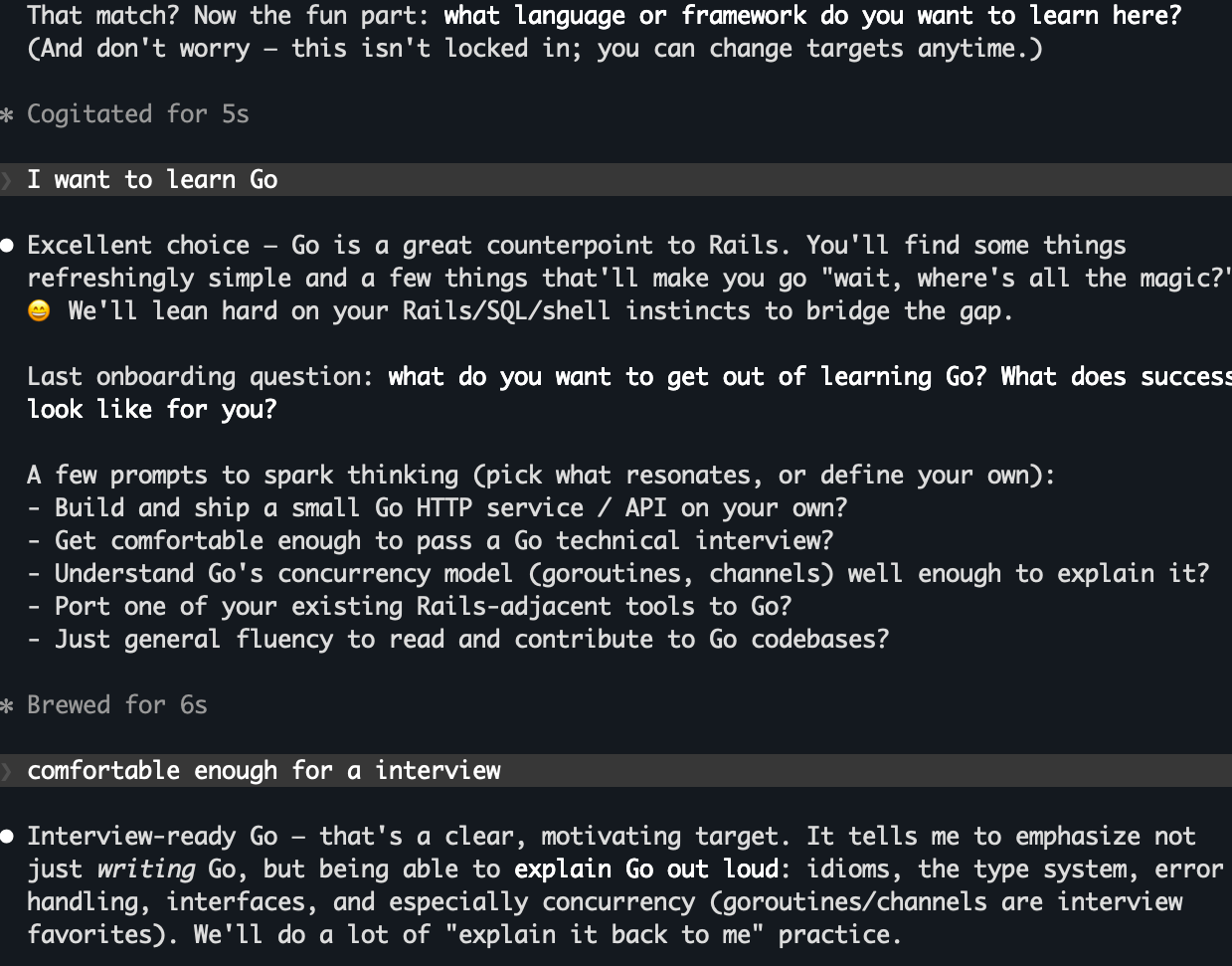
End with a summary and recording to profile.md and goals.md

Where were we?
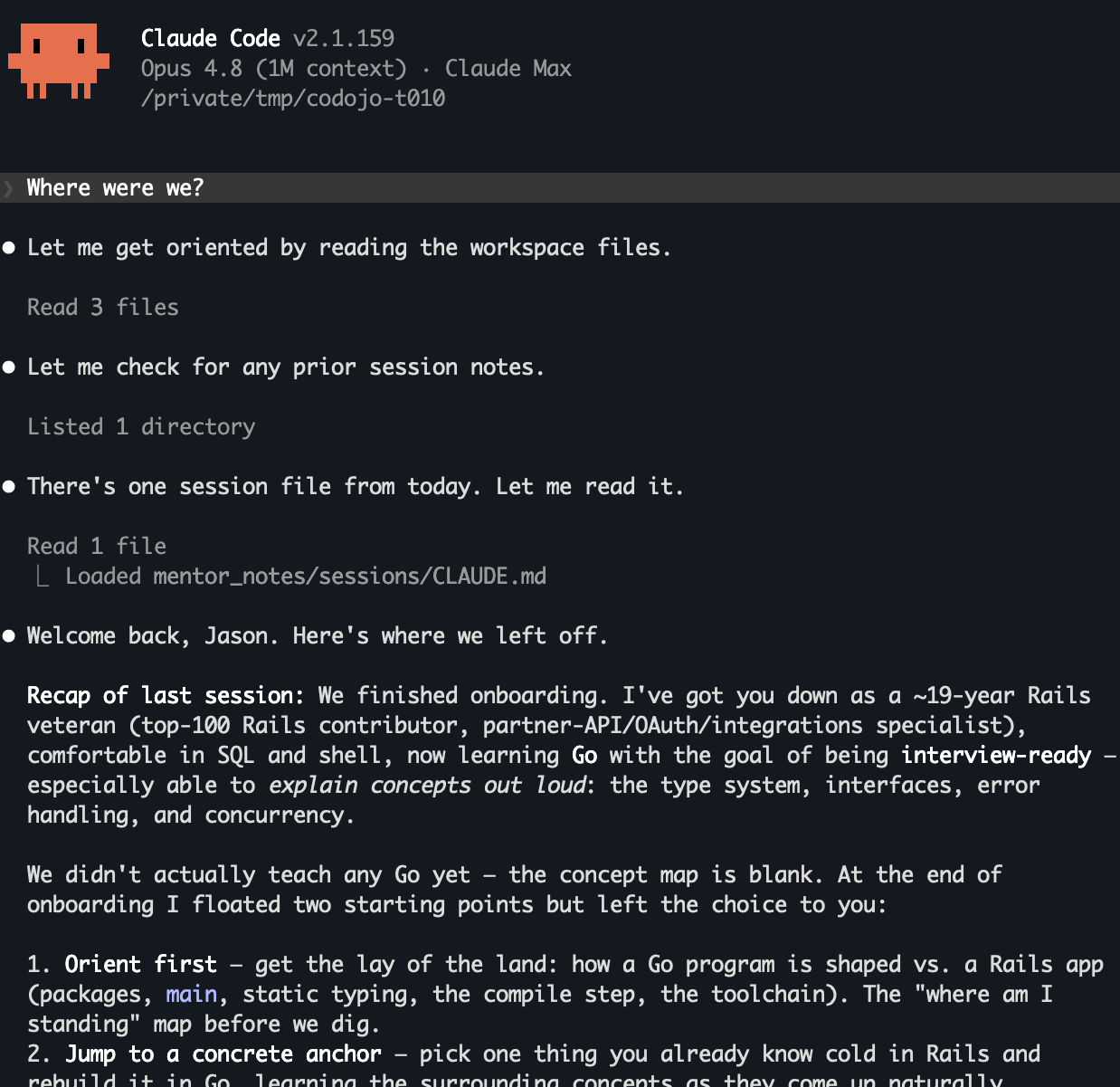
What should we work on in this session?
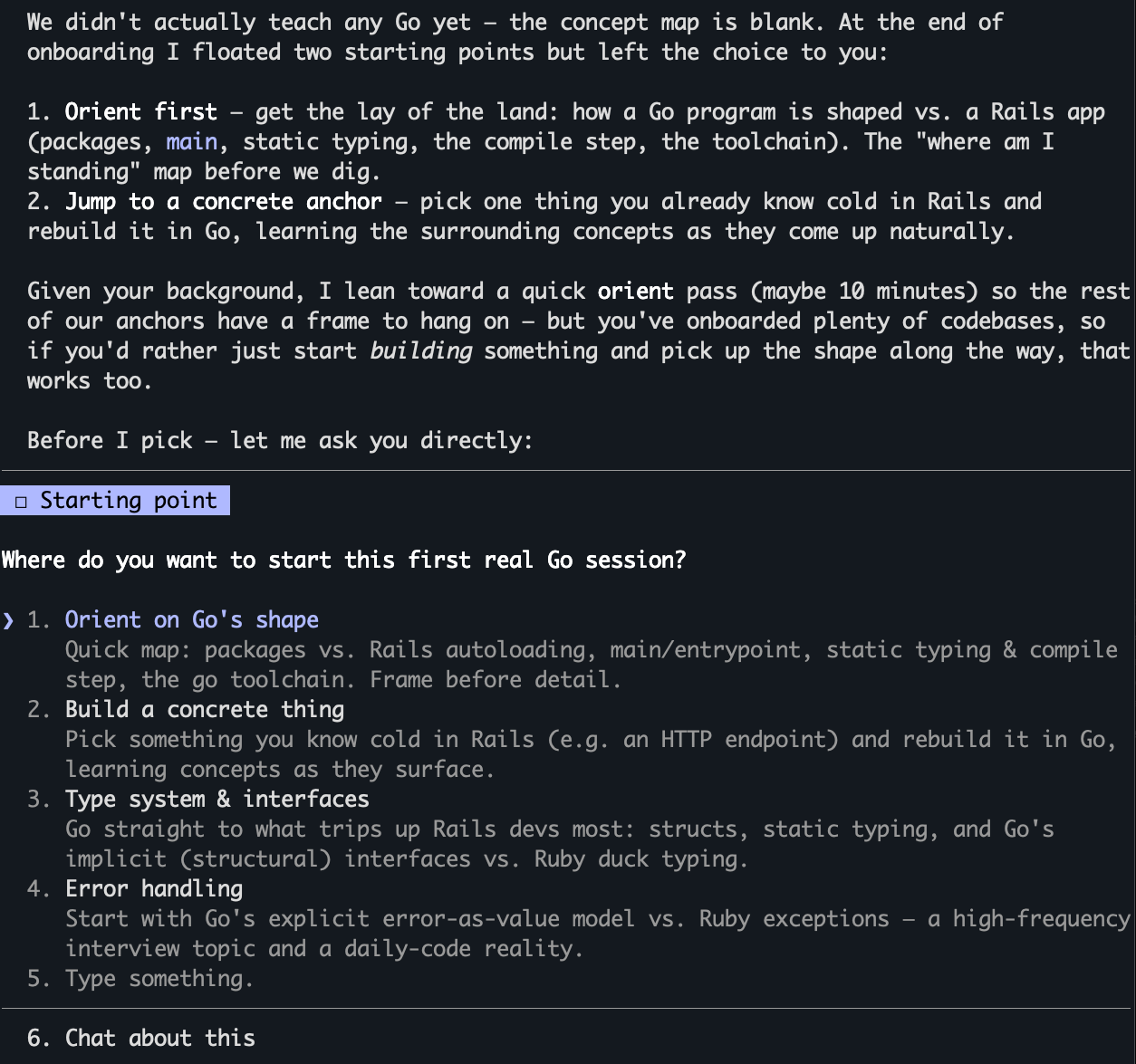
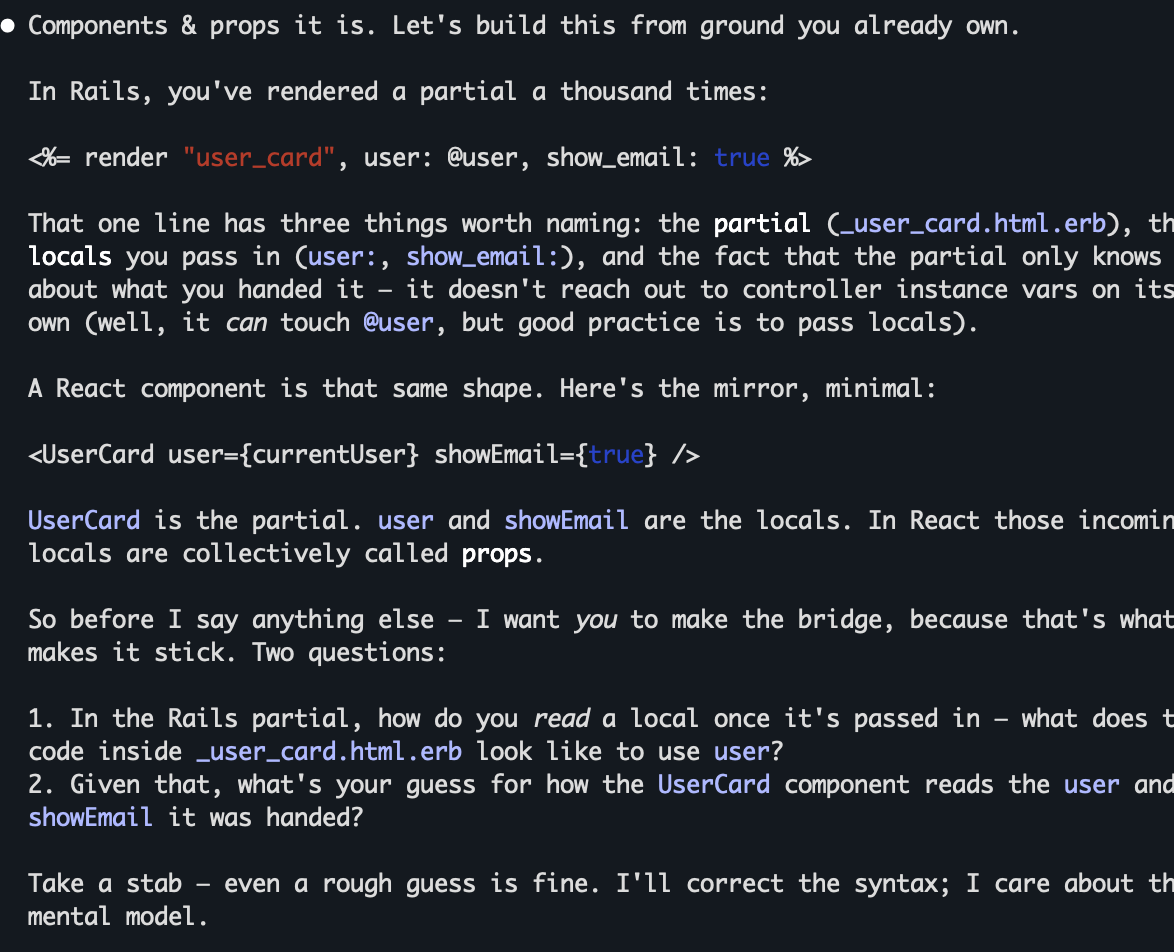
Learn about React components using existing knowledge as a guide
How it works
- Mentor mode, not autocomplete. The generated
CLAUDE.mdinstructs Claude to guide you to solutions and write code only rarely, and only after explaining the concept behind it. - Concept mapping. New ideas are anchored to what you already know — e.g.
Rails routing in
config/routes.rbbecomes the bridge to how routing works in Go, Next.js, or PHP. - Your notes vs. the mentor's notes.
notes/andprojects/are yours and are read-only to the mentor;mentor_notes/is where it logs sessions, tracks a concept map, and records quiz history to space your practice. - Interview-style quizzing. The mentor periodically checks understanding and quizzes you in a job-interview style, always letting you say "let's move on."
Workspace layout
<workspace>/
├── CLAUDE.md            # puts Claude into mentor mode
├── .claude/
│   └── settings.json    # file-permission boundaries (see below)
├── profile.md           # who you are (mentor edits only with your OK)
├── goals.md             # what you want to learn
├── notes/               # your notes — mentor read-only
├── projects/            # your code — mentor read-only
└── mentor_notes/        # mentor read/write
    ├── sessions/        # per-session summaries
    ├── topics/          # per-topic progress
    ├── quiz_history.md
    └── concept_map.md
Permission model
A generated workspace is confined two ways:
- OS-level sandbox (the real boundary).
.claude/settings.jsondeclares asandboxblock that Claude Code enforces at the OS level (Seatbelt on macOS, bubblewrap on Linux/WSL2): the mentor's shell commands can only read inside the workspace, and all shell writes are denied. This holds regardless of what the mentor runs — it isn't just a guardrail on Claude's own tools. - Permission rules (tool-level). The same file keeps
notes/andprojects/read-only to the mentor and lets it writementor_notes/,profile.md, andgoals.md— but these rules bind only Claude's own file tools, not the shell subprocesses it spawns, so they are backed by the sandbox rather than relied on alone.
Because shell writes are denied workspace-wide, the mentor changes its own files through its Edit/Write tools and hands any write-needing shell command to you to run. Network tools are blocked too, with one opt-in exception:
codojo init --allow-gh-clienables a closed, read-only set of GitHub CLI lookups (viewing/listing PRs, issues, and runs; searching; repo and status views).ghruns outside the sandbox (it can't complete TLS inside it), so the flag is a deliberate, opt-in widening of the boundary; mutating andgh authcommands still require your approval. Without the flag,ghis blocked entirely.
Requirements
- Node.js >= 20
- Claude Code installed and on your
PATH
Contributing
codojo is built with Spec-Driven Development.
Note that .claude/ (the spec-kit slash-command skills) is git-ignored, so after
cloning you'll need to regenerate it locally with specify init . --integration
claude --force. See CONTRIBUTING.md for the full setup,
including an important caveat about not overwriting the committed .specify/
config.
License
MIT © 2026 Jason Noble