
computer-graphics
v0.2.2
Published
CPU-based computer graphics playground for JS: 2D/3D transforms, ImageData, simple projection.

Maintainers
 mertulas
Readme
Computer Graphics in JS (Canvas, CPU-Based)
Demo GIFs
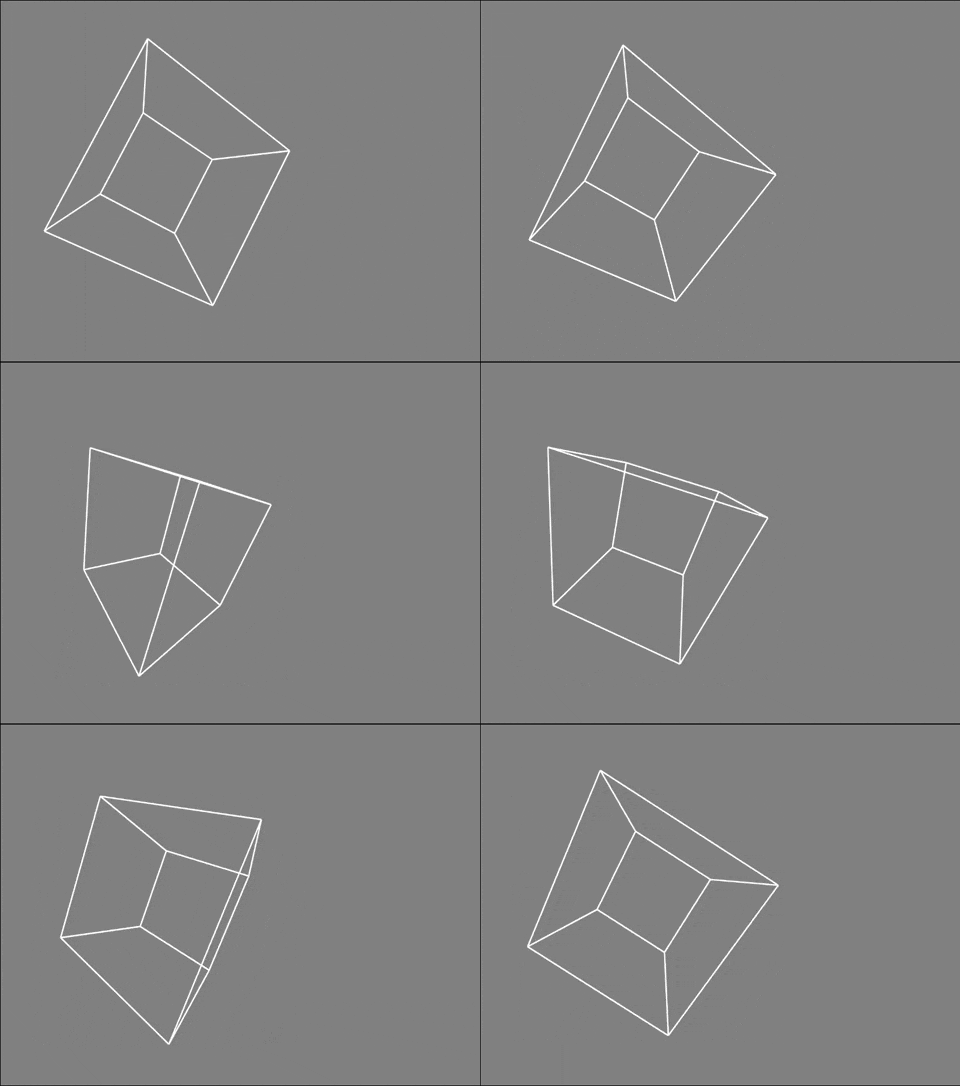
1) 3D Box: wireframe rotation with simple projection
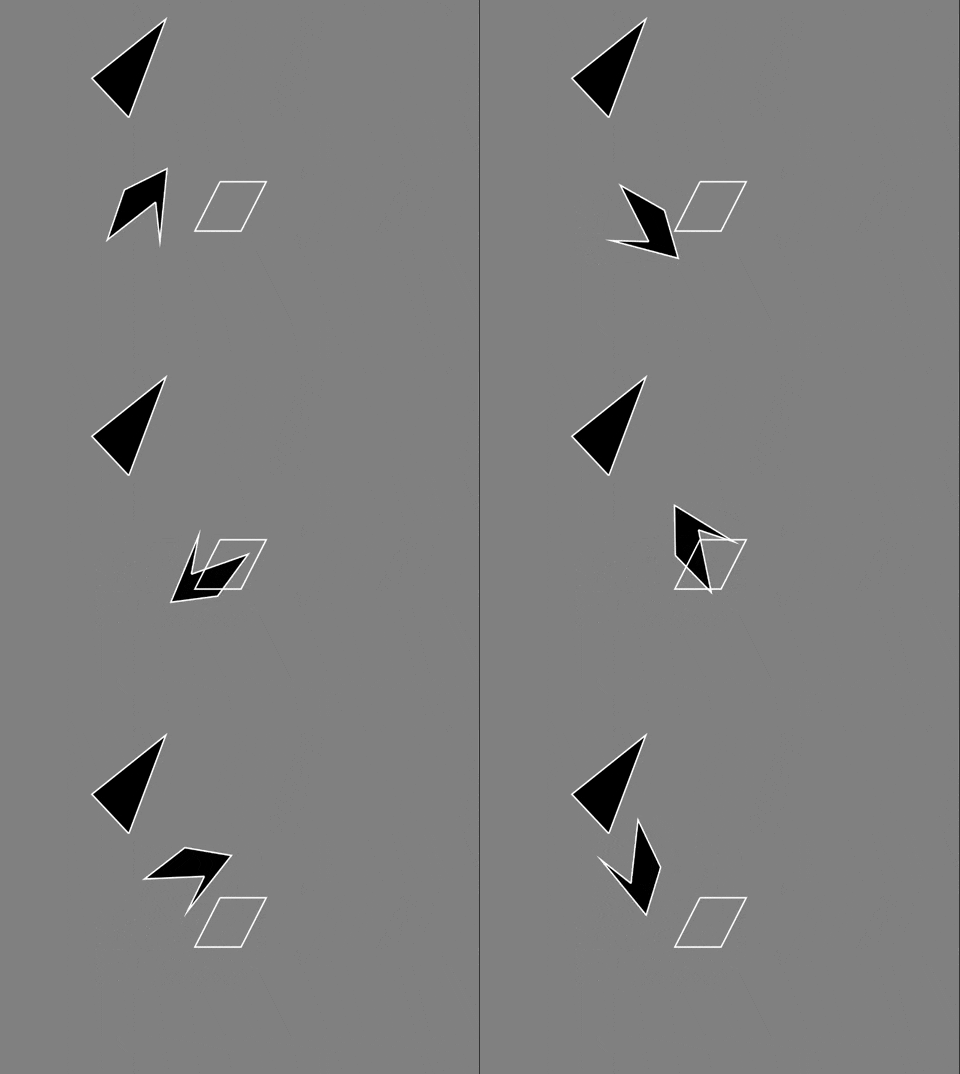
- Shows live 2D transformations on polygons/rectangles using a simple animation loop.
- The center-compensation keeps objects rotating/scaling around their centroid.
2) ImageData: per-pixel rendering as a vector and transformation
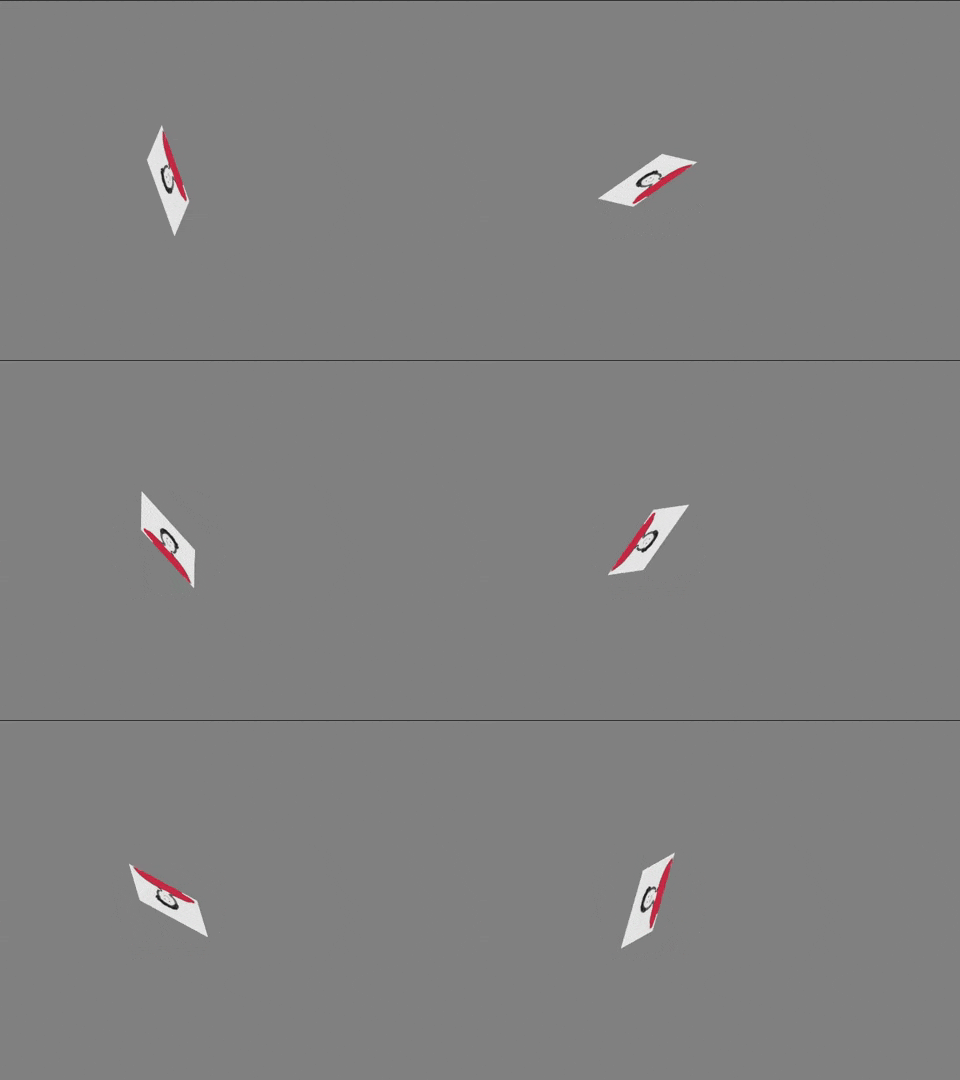
- The image is drawn pixel-by-pixel via
ImageDataand moved with a simple translate. - Indexing uses
base = (y * width + x) * 4to access RGBA channels correctly.
3) 2D Transforms: rotate, scale, shear
- A minimal 3D-to-2D pipeline renders a rotating cube in wireframe.
- Mouse-driven rotation simulates a camera-like experience.
A playground to learn and implement core computer graphics techniques in JavaScript on the CPU, step by step.
This project aims to demonstrate matrices, vectors, transformations (translate/rotate/scale/shear), a simple 3D → 2D projection, and pixel-level operations (ImageData) with an approachable, experiment-friendly setup. Everything intentionally runs on the CPU; the goal is learning rather than performance.
Contents & Architecture
- 2D module (
shapes/shapes2d.js)- Types:
Point,Pixel Transformbase:translate,rotate,scale,shearX/Y/XY(with center compensation)Polygon,Rectangle,Triangle(Triangle = Polygon[3])ImageShape: builds pixels fromImageDataand renders 1×1fillRects (RGBA)
- Types:
- 3D module (
shapes/shapes3d.js)Transform3DandBox(wireframe cube)- A simple perspective approach and 2D projection (minimal teaching pipeline)
- Canvas bootstrap (
canvas/canvas.js)- Returns
{ canvas, ctx, dpr, clearCanvas, resize }and also setswindow.__canvas__,window.__ctx__for convenience
- Returns
- Vector/Matrix helpers (
VectorJS/vector.js)dot(matrix multiplication),normalize, 2D rotation helpers
Installation
npm i
npm run dev
Vite is used only for development (devDependency). A production-ready dist/ build or alternative bundlers can be added later.
Quick Start
The snippet below adds a rectangle and a polygon to the scene and applies basic transforms:
import { initCanvas, Rectangle, Polygon } from "computer-graphics";

const { clearCanvas } = initCanvas("canvas1", window.innerWidth, window.innerHeight);

const rect = new Rectangle(100, 100, 120, 80);
const poly = new Polygon([300, 300], [360, 220], [420, 320], [340, 360]);

function animate() {
  clearCanvas();
  rect.rotate(1);
  poly.shearX(Math.sin(0.01));
  rect.draw();
  poly.draw(true);
  requestAnimationFrame(animate);
}

animate();
Working with ImageData (Pixel Level)
- Draw the image onto the canvas, then grab the pixel buffer with
getImageData. - Correct indexing:
base = (y * width + x) * 4→ iterate[r,g,b,a]in order. ImageShapeconverts pixels intoPixelobjects and paints them with 1×1fillRects.
import { initCanvas, ImageShape } from "computer-graphics";

const { ctx } = initCanvas("canvas1", window.innerWidth, window.innerHeight);

const image = new Image();
image.src = "./assets/img.jpg";
image.onload = () => {
  const w = image.naturalWidth, h = image.naturalHeight;
  ctx.drawImage(image, 0, 0, w, h);
  const { data } = ctx.getImageData(0, 0, w, h);
  const img = new ImageShape(0, 0, data, w, h);
  img.translate(200, 200);
  img.rotate(37);
  img.draw();
};
Note: If you want to use alpha in the 0–1 range, divide by 255 (a/255).
3D → 2D Projection (Educational)
- A
Boxis created in 3D space and projected to 2D before drawing. - Rotations (
rotateX/Y/Z) operate directly on 3D vertices, around the shape’s center. - Camera model/focal length and related parameters can be extended later.
import { initCanvas, Box } from "computer-graphics";

const { clearCanvas } = initCanvas("canvas1", window.innerWidth, window.innerHeight);
const box = new Box([500, 500, 1.5], 500);

function animate() {
  clearCanvas();
  box.rotateY(1);
  box.draw();
  requestAnimationFrame(animate);
}
animate();
Design Choices & Learning Notes
- As long as transforms are affine, a shape’s centroid moves linearly; center handling matters.
- For GUI slider inputs, prefer “absolute” semantics (e.g., scale relative to the original, not cumulatively per frame).
- If canvas CSS size differs from its real resolution, you might see blur; consider
devicePixelRatio. - We return
ctxand also expose a global for convenience; prefer passingctxexplicitly for encapsulation/testing.
Roadmap
- [ ] Camera parameters (orthographic/perspective,
f, near/far, view matrix) - [ ] Absolute T·R·S model matrix per frame (reduce cumulative errors)
- [ ] Triangle rasterization, barycentric coordinates, z-buffer (depth test)
- [ ] Basic lighting (Lambert/Phong) — CPU-based
- [ ] OffscreenCanvas / Worker experiment for pixel rendering
- [ ] Production package (ESM/CJS) and a minimal demo page
Run / Development
npm run dev   # development server
# npm run build  # production build (planned)
Contributing
- Feel free to open issues or PRs for bugs and improvements.
- Since the goal is learning, small, focused PRs with explanatory commit messages are appreciated.
This repository is meant to be a practical toolbox for “Computer Graphics 101”. Code and comments are intentionally simple to maximize learnability and experimentation. Have fun!