
conv3d
v1.0.5
Published
An interactive CLI tool for converting 3D models to GLB format and outputting React components to use with r3f. Supports FBX, OBJ, and glTF input formats.

Maintainers
 trebeljahr
Readme
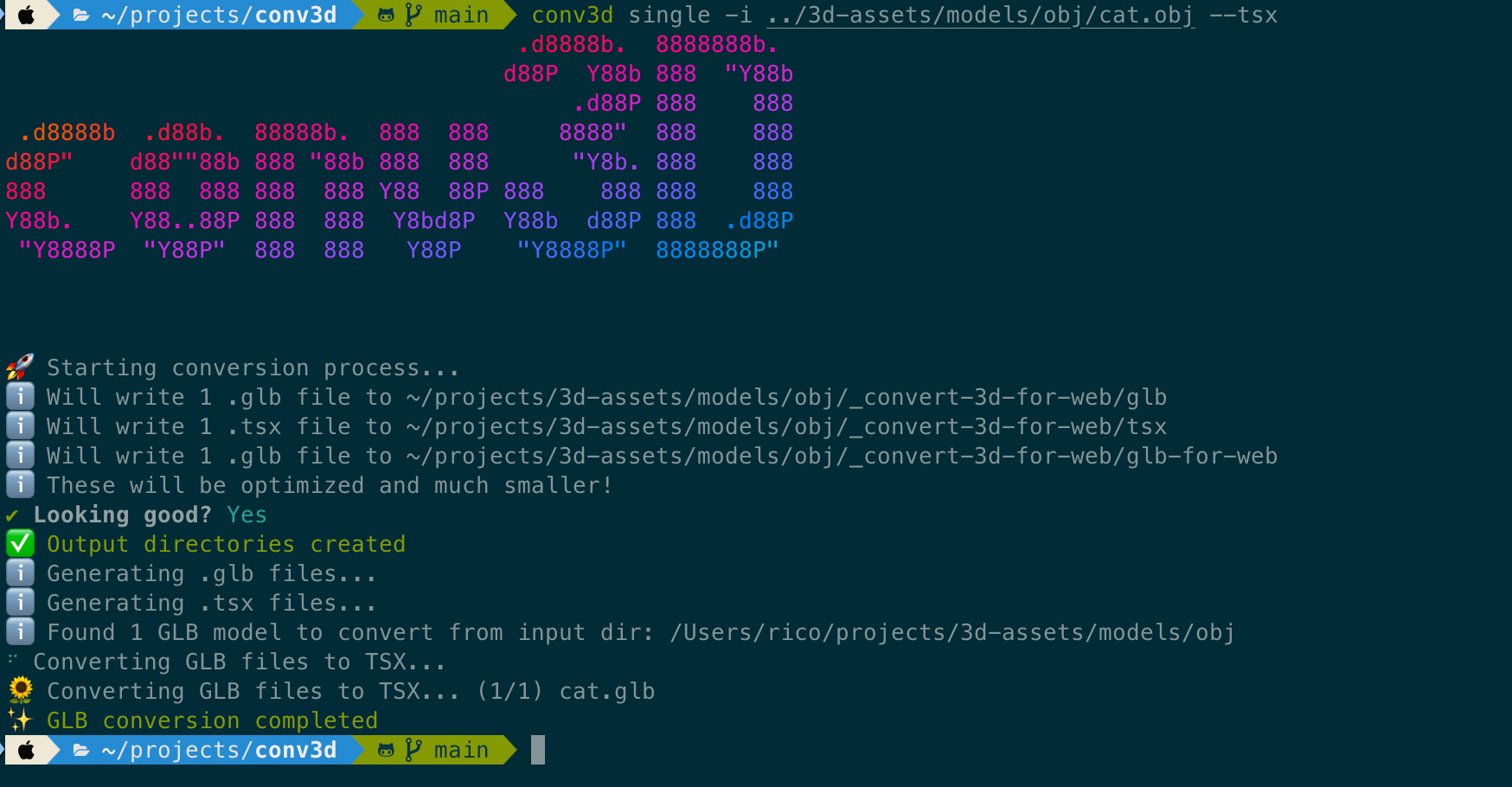
conv3d
An interactive command-line tool for converting 3D models (GLTF, FBX, OBJ) to GLB format and generating React components for use with react-three-fiber.
You have a bunch of models lying around that are not in the right format for your project? You want to use them in a React project with react-three-fiber or for three.js and need those GLBs, but not want to go into Blender for every single one of them?
Then this is the tool for you!
Installation
npm install -g conv3dUsage
conv3d --help .d8888b. 8888888b.
d88P Y88b 888 "Y88b
.d88P 888 888
.d8888b .d88b. 88888b. 888 888 8888" 888 888
d88P" d88""88b 888 "88b 888 888 "Y8b. 888 888
888 888 888 888 888 Y88 88P 888 888 888 888
Y88b. Y88..88P 888 888 Y8bd8P Y88b d88P 888 .d88P
"Y8888P "Y88P" 888 888 Y88P "Y8888P" 8888888P"
Usage: conv3d [command] [options]
An interactive CLI tool for converting 3D models to GLB format and outputting React components to use with r3f. Supports FBX, OBJ, and glTF input formats.
Options:
-V, --version output the version number
--tsx Create .tsx files. Per default it will ask for user input.
--no-tsx Don't create .tsx files
--optimize Create optimized .glb files. Per default it will ask for user input.
--no-optimize Don't create optimized output .glb files
--forceOverwrite Overwrite existing files without asking
-h, --help display help for command
Commands:
bulk [options] Convert all 3D models from a directory
single [options] Convert a single 3D model from directory
tsx-gen [options] Generate .tsx files for 3D models and optimize .glb for web
help [command] display help for commandFeatures
- Interactive CLI, shows you what it creates and asks for confirmation
- Bulk Mode for converting multiple 3D models at once
- Supports GLTF, FBX, and OBJ file formats
- Generates React/TSX components using gltfjsx
The CLI will try it's best to guide you through it's steps:
- Selecting the type of 3D models to convert (GLTF, FBX, or OBJ, or ALL) (unless you did so in the command line already).
- Show you which output it is going to create
- Ask you for confirmation to proceed
- Create the necessary output directories
- Convert the 3D model files to GLB format
- Generate React components with gltfjsx (if you specified that)
- Optimize the GLB files for web use (if you specified that)
Single Mode Examples
Minimum:
conv3d single -i ./path/to/3d-model.fbxWith generating tsx file generation:
conv3d single -i ./path/to/3d-model.fbx --tsxWithout generating TSX files:
conv3d single -i ./path/to/3d-model.obj --no-tsxIf you don't specify a flag for tsx output the program will ask you.
Bulk Mode Examples
Minimum:
conv3d bulk -i ./path/to/3d-models-folder/ Recursively convert all FBX models in a directory, with optimized GLB files and TSX generation.
conv3d bulk -i models/fbx/mixamo/characters/ --recursive -m FBX --tsx --optimizeTSX Generation
Minimum:
conv3d tsx-gen -i ./path/to/3d-models-folder/ Recursive example, with overwriting existing files without asking
conv3d tsx-gen -i ./path/to/3d-models-folder/ --recursive --forceOverwriteAcknowledgements
This tool uses a bunch of other libraries to do its heavy lifting and just provides a wrapper around using them in a more convenient manner.
For converting OBJ to GLB:
- obj2gltf For converting GLTF to GLB:
- gltf-pipeline For converting FBX to GLTF:
- fbx2gltf For generating React components from GLTF and optimizing GLB files for the web:
- gltfjsx
It is heavily reliant on a few others to make the command prompt beautiful and nice to interact with as well: