
cool-globe
v0.2.0
Published
Reusable interactive React globe component library.

Maintainers
 ulecki
Readme
Description
cool-globe is an interactive React globe library for country and region analytics, drill-down exploration, and metric-based geospatial dashboards.
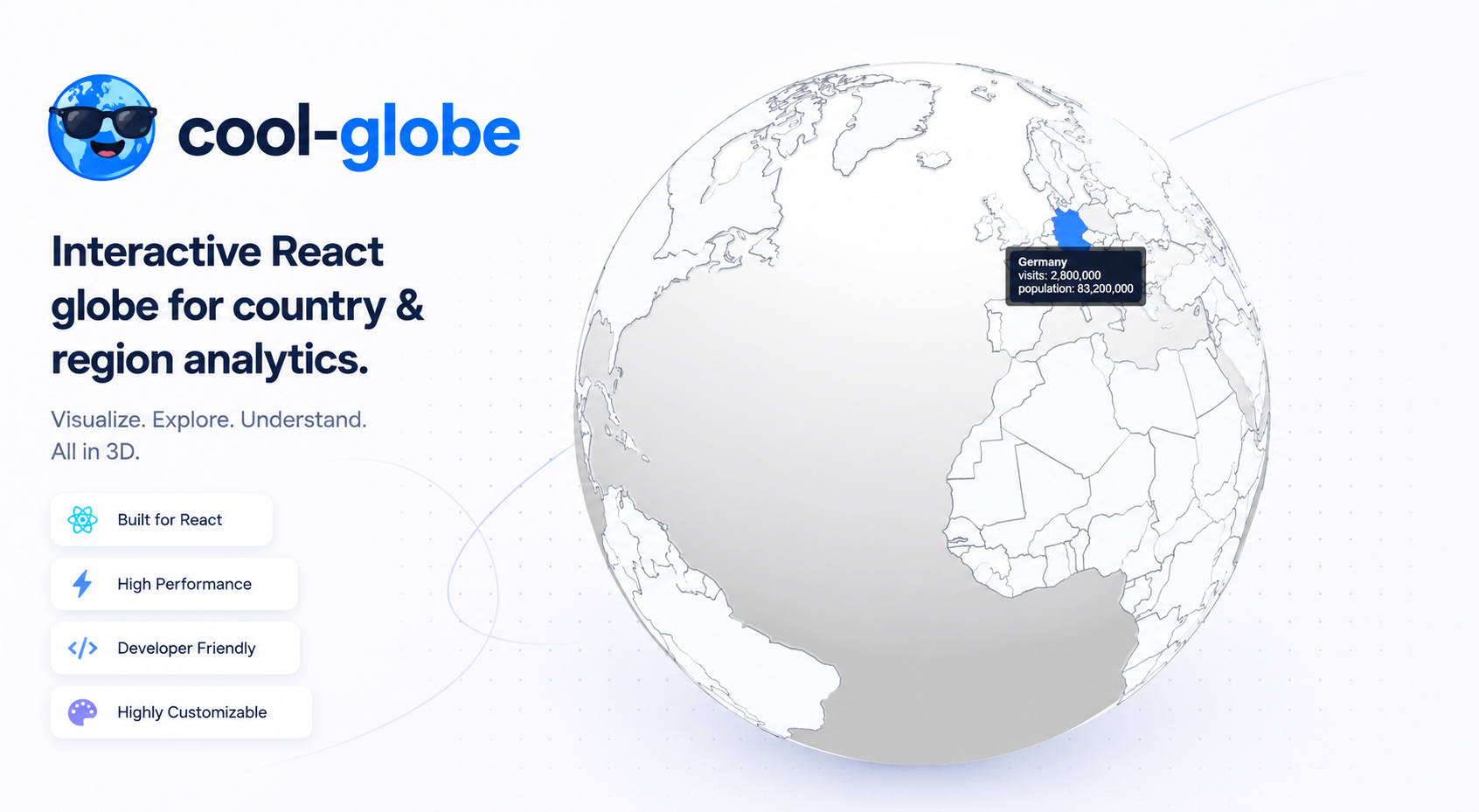
Overview
cool-globe helps to present geographic analytics in a clean and interactive way:
- Renders a 3D world globe with country and region polygons.
- Supports click drill-down from countries to regions.
- Colors areas by metric intensity (
primaryMetric). - Shows dynamic tooltip metrics (for example
visits,population,revenue). - Handles "no data" regions clearly in tooltip output.
- Exposes a library-level
resetSignalAPI so frontend apps control reset UX. - Ships as npm-ready ESM/CJS bundles with TypeScript declarations.
Installation
npm install cool-globe react-globe.gl three
react,react-dom,react-globe.glandthreeare peer dependencies — they must be installed by the consuming app. This guarantees a single sharedthree.jsinstance in the page (multiplethreecopies break WebGL state, materials and shaders).
Peer dependency versions
react(^18 || ^19)react-dom(^18 || ^19)react-globe.gl(^2.37.1)three(^0.180.0)
Requirements
- Node.js
>= 18
Basic usage
Uncontrolled (globe owns selection)
import { useState } from "react";
import { CoolGlobe, type StatisticsData } from "cool-globe";

const statisticsData: StatisticsData = {
  countries: {
    LT: { population: 2801000, visits: 85000, revenue: 1200000 },
    DE: { population: 83200000, visits: 2800000, revenue: 52000000 },
  },
  regions: {
    LT: {
      Vilnius: { population: 580000, visits: 45000, revenue: 700000 },
    },
    DE: {
      Bayern: { population: 13100000, visits: 510000, revenue: 9800000 },
    },
  },
};

export default function Example() {
  const [resetSignal, setResetSignal] = useState(0);

  return (
    <div style={{ height: "100vh", width: "100vw", position: "relative" }}>
      <button
        type="button"
        onClick={() => setResetSignal((value) => value + 1)}
        style={{ position: "absolute", top: 16, left: 16, zIndex: 10 }}
      >
        Reset globe
      </button>
      <CoolGlobe
        statisticsData={statisticsData}
        resetSignal={resetSignal}
        onSelectionChange={(selection) => {
          console.log("Selection changed:", selection);
        }}
      />
    </div>
  );
}
Controlled (parent drives selection)
Use selectedCountry, selectedRegion, and onSelectionChange to sync the globe with side panels, URL state, or breadcrumbs:
import { useState } from "react";
import {
  CoolGlobe,
  type GlobeSelection,
  type StatisticsData,
} from "cool-globe";

export default function Dashboard({ statisticsData }: { statisticsData: StatisticsData }) {
  const [resetSignal, setResetSignal] = useState(0);
  const [selection, setSelection] = useState<GlobeSelection>({ level: 0 });

  return (
    <>
      <aside>
        {selection.level === 0 && <p>Select a country on the globe</p>}
        {selection.countryCode && <p>Country: {selection.countryCode}</p>}
        {selection.regionName && <p>Region: {selection.regionName}</p>}
      </aside>
      <CoolGlobe
        statisticsData={statisticsData}
        resetSignal={resetSignal}
        selectedCountry={selection.countryCode ?? null}
        selectedRegion={selection.regionName ?? null}
        onSelectionChange={setSelection}
      />
    </>
  );
}
When using controlled selection with resetSignal, update selectedCountry / selectedRegion inside onSelectionChange when reset fires — the globe notifies { level: 0 } and expects the parent to clear its selection state.
Props
statisticsData(required): country/region metric tree.resetSignal(optional): when this value changes, globe view and selection state reset. WithpreselectedCountry, reset returns to that country instead of the world view (uncontrolled mode only). In controlled mode, the globe notifies{ level: 0 }viaonSelectionChangeand the parent should clearselectedCountry/selectedRegion.autoRotate(optional, default:false): whentrue, the globe spins slowly at the world view (zoom level 0, no country selected). Spinning stops on country/region selection, zoom-in, or globe click.selectedCountry(optional, controlled): ISO 3166-1 alpha-2 code (e.g."LT") ornullfor world view. When provided, the parent owns country selection. Omit for uncontrolled mode.selectedRegion(optional, controlled): region name matching keys instatisticsData.regions(e.g."Bayern") ornullto clear region selection. When provided, the parent owns region selection. Omit for uncontrolled mode.onSelectionChange(optional): callback fired on every selection transition (clicks, zoom-out, reset, preselection). Receives aGlobeSelectionobject:{ level, countryCode?, regionName? }wherelevelis0(world),1(country), or2(region).preselectedCountry(optional): ISO 3166-1 alpha-2 code (e.g."LT"). Auto-selects and zooms to this country once geo data and the globe are ready. PreferselectedCountryfor new integrations; ignored whenselectedCountryis provided.primaryMetric(optional, default:"visits"): metric key used for color scale.colorScale(optional):{ minColor, maxColor }.countryNumericToIsoMap(optional): fallback mapping from numeric country ids to ISO2.countryNameToIsoMap(optional): fallback mapping from country names to ISO2.
Types
GlobeSelection:{ level: GlobeLevel; countryCode?: string; regionName?: string }GlobeLevel:0 | 1 | 2
Development
npm install
npm run dev          # local landing page + playground
npm run build:demo   # production demo build (GitHub Pages)
npm run preview:demo # preview demo build locally
Build
Library build (for npm publish):
npm run buildGitHub Pages
The interactive demo deploys automatically to rafalulecki.github.io/cool-globe when changes are pushed to main.
One-time setup in the GitHub repo:
- Go to Settings → Pages
- Set Source to GitHub Actions
- Push to
main— thedeploy-demo.ymlworkflow buildsdist-demo/and publishes it
Local preview uses the same base path as production (/cool-globe/):
npm run build:demo && npm run preview:demoThen open http://localhost:4173/cool-globe/.
License
MIT