
coverage-pretty-html-reporter
v1.0.2
Published
> [!WARNING] > This package is still in the experimental phase. You can expect new functionalities, but with this comes the possibility of more frequent errors


Readme
coverage-pretty-html-reporter
[!WARNING] This package is still in the experimental phase. You can expect new functionalities, but with this comes the possibility of more frequent errors
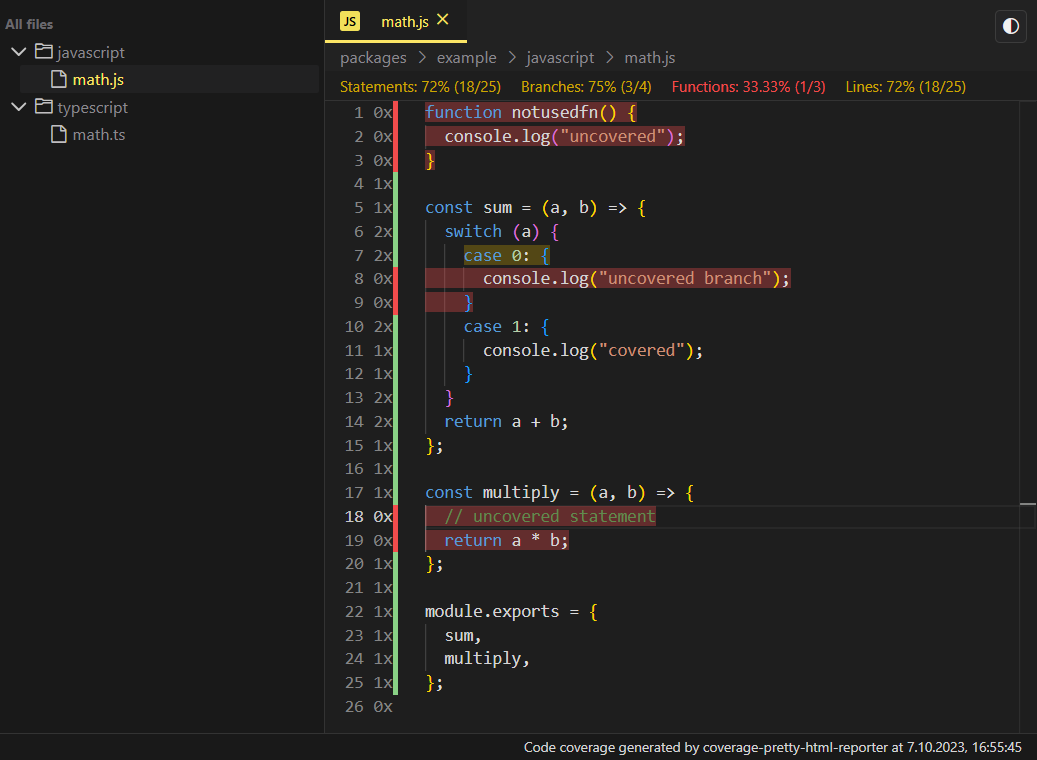
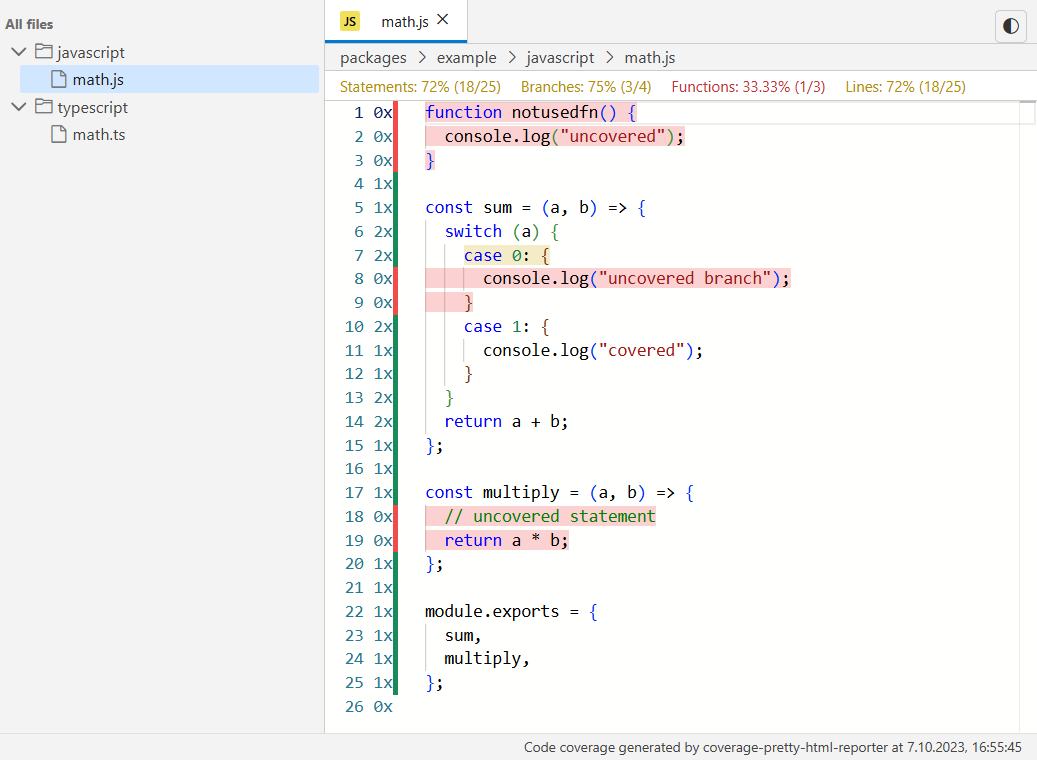
Home | Stats | Code
:----:|:---:|:---:
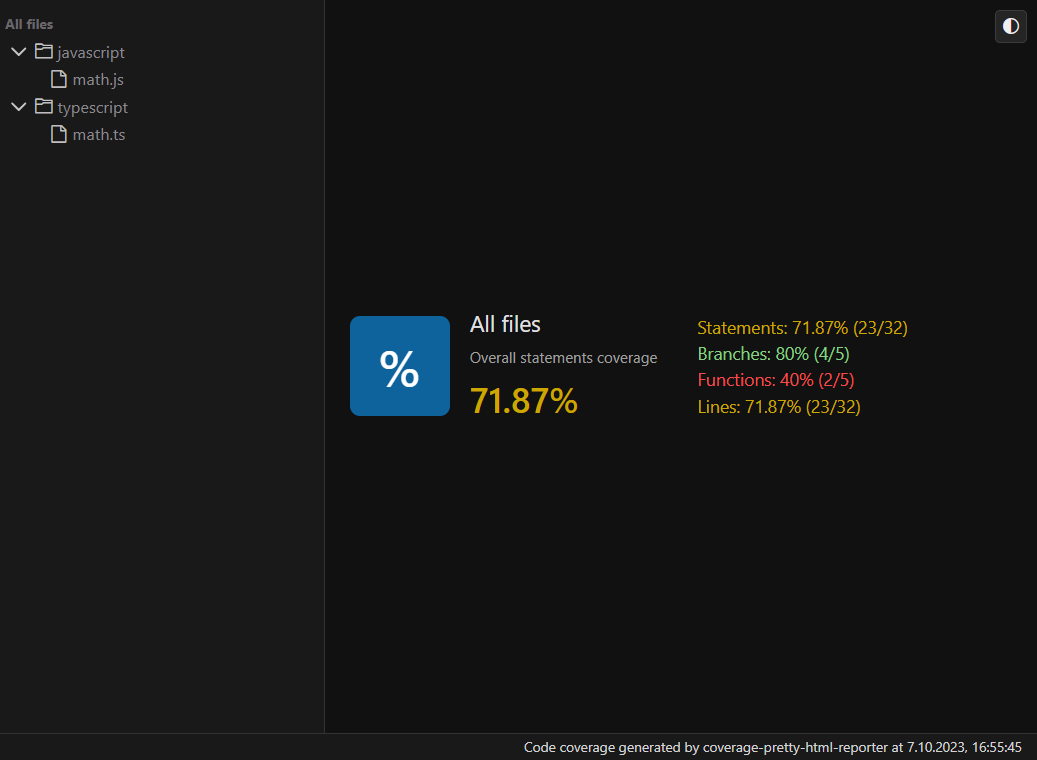 |
| 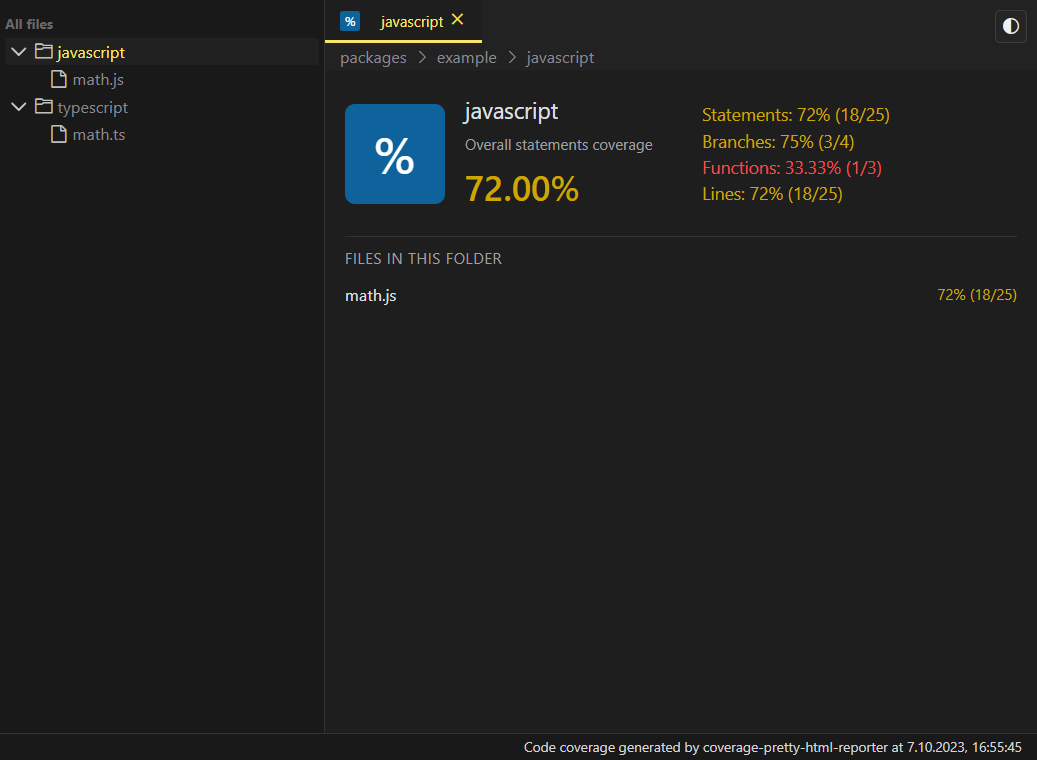 |
| 
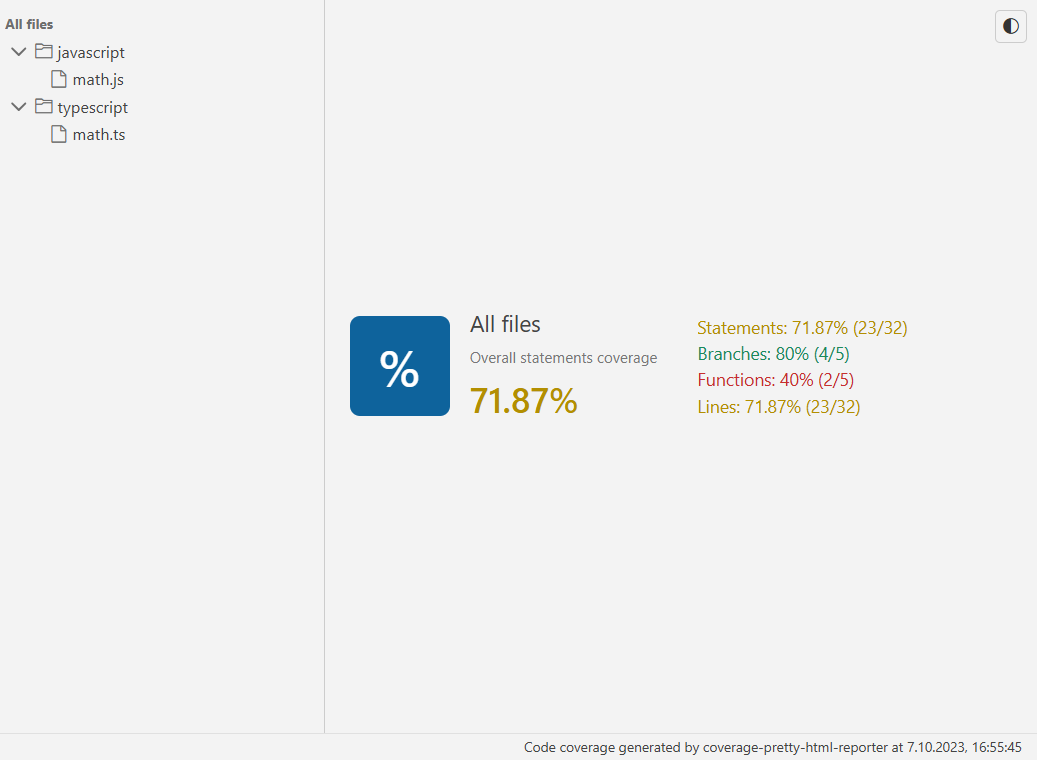 |
| 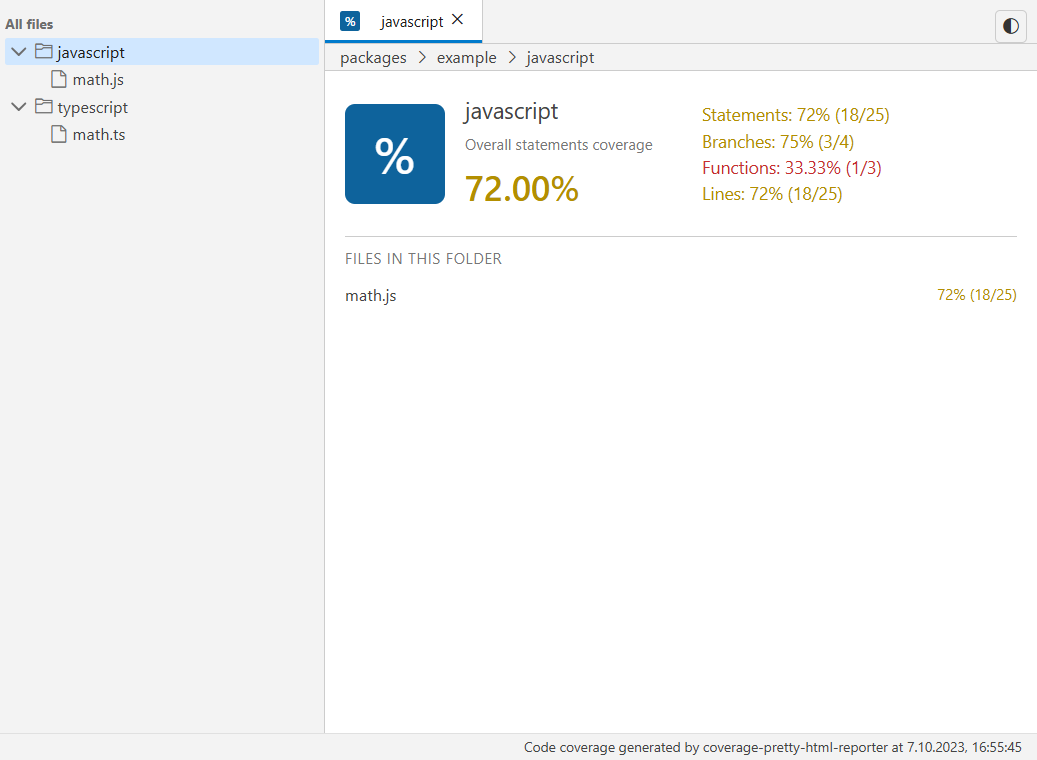 |
| 
Installation
You can use your favorite package manager
npm i -D coverage-pretty-html-reporter
yarn add -D coverage-pretty-html-reporter
pnpm add -D coverage-pretty-html-reporter
bun add -D coverage-pretty-html-reporter
Then configure nyc / c8 to use coverage-pretty-html-reporter
nyc --reporter=coverage-pretty-html-reporter mocha # ...
c8 --reporter=coverage-pretty-html-reporter mocha # ...
If you are using jest / vitest or other framework you may place correct config ex.:
/** @type {import('jest').Config} */
const config = {
  coverageReporters: ['coverage-pretty-html-reporter'],
};
import { defineConfig } from "vitest/config";
export default defineConfig({
plugins: [],
test: {
coverage: {
enabled: true,
// @ts-expect-error
reporter: ["coverage-pretty-html-reporter"],
},
},
});Iframe - theme support
When the reporter UI is embedded in an iframe, the built-in theme toggle button is hidden. In this mode you are expected to control the theme from the parent window.
The iframe listens for postMessage events with the following payload:
type CoverageThemeMessage = {
  type: "coverage-theme";
  theme: "light" | "dark";
};
Example integration in the parent page:
<iframe
  id="coverage-report"
  src="/path/to/coverage/index.html"
  style="width: 100%; height: 100%; border: 0;"
></iframe>

<script>
  const iframe = document.getElementById("coverage-report");

  function setCoverageTheme(theme) {
    iframe?.contentWindow?.postMessage({ type: "coverage-theme", theme }, "*");
  }

  // Send initial theme once the iframe is loaded
  iframe.addEventListener("load", () => {
    const prefersDark = window.matchMedia("(prefers-color-scheme: dark)").matches;
    setCoverageTheme(prefersDark ? "dark" : "light");
  });

  // Example: hook into your own app theme system
  window.addEventListener("app-theme-changed", (event) => {
    setCoverageTheme(event.detail.theme); // "light" | "dark"
  });
<\/script>
Inside the iframe, the selected theme is persisted in localStorage under the coverage-theme key and a coverage-theme-changed CustomEvent is dispatched on window so internal components can react to theme changes.
## Contributing

Fell free to report any bugs & share your ideas. PRs are welcome.

## Developer guide

Requirements (see package.json#packageManager):
- [email protected]
- node@^18.17.1

```sh
git clone [email protected]:akcyp/coverage-pretty-html-reporter.git
cd coverage-pretty-html-reporter

# Init
bun i
bun run build

# Production testing
bun run demo:nyc # or demo:c8
bun run demo:preview

# UI development
cd packages/reporter
bun run dev

# Reporter development - only production testing
# edit packages/reporter/node/index.ts
cd packages/example
bun run test:c8
bun run test:nyc