
crafleet
v0.5.3
Published
Reproducible Minecraft servers, managed files, safe updates and cold backups.

Maintainers
 sya-ri
Readme
Crafleet
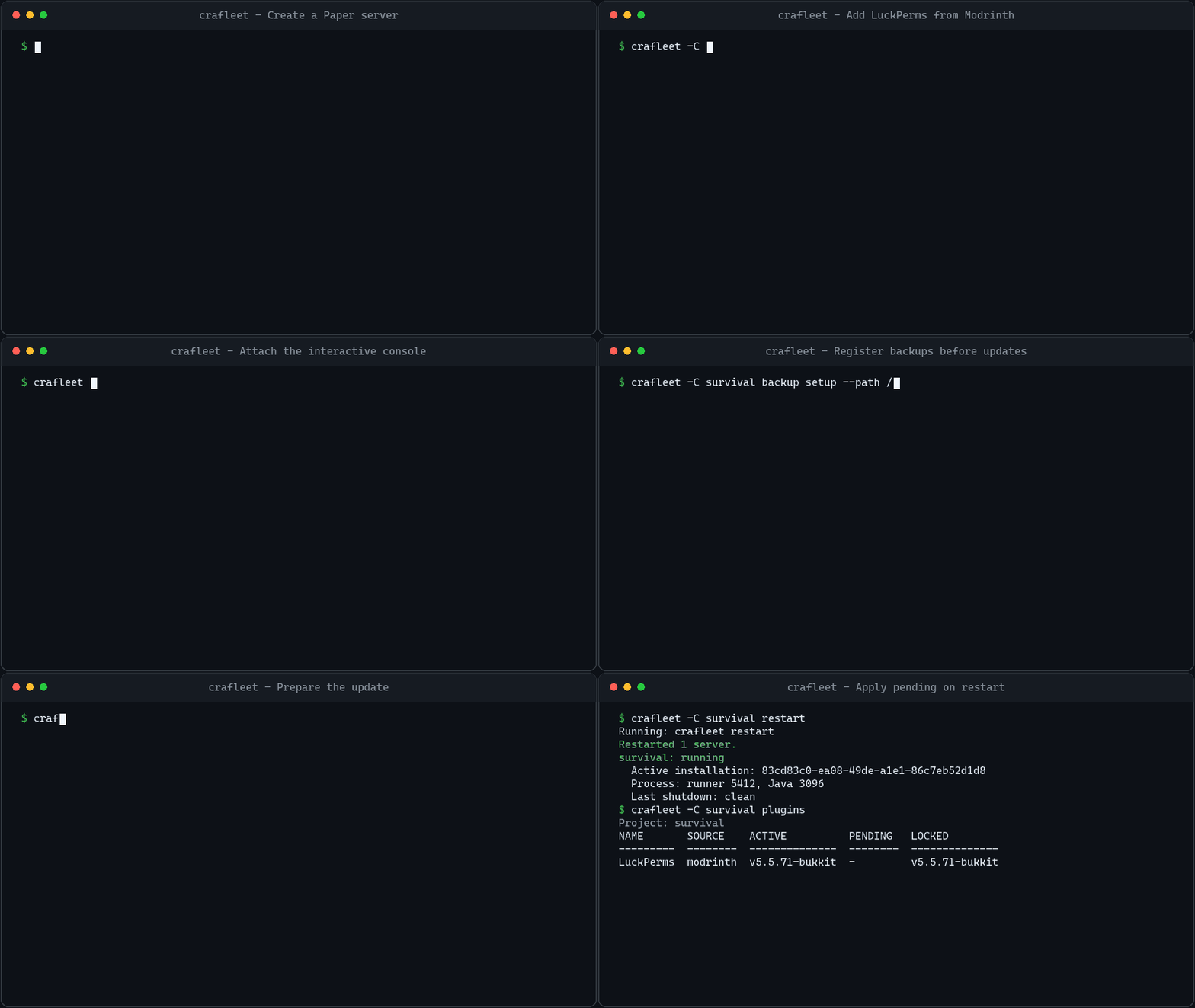
Manage Paper and Velocity servers as reproducible projects: keep declarations and reviewed files in Git, prepare updates while the server runs, and apply them during a managed restart with optional backups.
Install
Crafleet runs on the server host on Linux, Windows, and macOS. You need Node.js 24, 25, or 26 and the Java version required by your server, available on PATH or through java.command in crafleet.yaml. Java installation, SSH access, and OS service setup are managed separately.
npm install --global crafleet
crafleet
You can also use npx crafleet without a global installation.
Run crafleet with no arguments to see commands grouped by purpose and a create → install → start example. Explore a command group with crafleet backup or crafleet files, and append --help for flags and examples, such as crafleet plugins add --help. crafleet help init also opens command help. Help works outside a project and does not change files.
Start a server
Paper requires acceptance of the Minecraft EULA. Interactive init asks for consent and remembers it for your OS user and Crafleet home. In automation, supply --yes only after explicitly accepting the EULA.
For interactive setup, crafleet init my-server prompts for the server version and EULA consent. Then run crafleet -C my-server install and crafleet -C my-server start.
crafleet init my-server --name survival --type paper --version 26.2
cd my-server
crafleet install
crafleet plugins add modrinth:luckperms
crafleet doctor
crafleet start
crafleet console
In console, PageUp or the mouse wheel loads older logs; End returns to live output. Ctrl-C detaches and leaves the server running. Use crafleet stop to shut it down.
console, logs, logs --follow, and run display ANSI and Minecraft § colors in terminals. Redirected output, TERM=dumb, and nonempty NO_COLOR use plain text; JSON preserves the original log text. See log display for supported formatting and startup defaults.
Backup setup is optional for startup and updates. Omit backup.repository to skip automatic backups, or configure a repository to require successful update backups. To bring in an existing server, stop it and use crafleet import --help; import copies the source into a new project.
Console history and completion
Up/Down recalls saved commands for the current server and restores the draft when you return to the newest position. History keeps the latest 1,000 nonempty submissions, and consecutive duplicates are collapsed.
On a supported running server, crafleet console offers Install addon, Not now (the default), or Don't ask again for this server. Installation takes effect at the next server restart; the command never restarts automatically. The preference is saved per canonical project path in your Crafleet user home. Use console --ask-addon to ask again once.
crafleet addons info console
crafleet addons add console
crafleet addons update console
crafleet addons remove console
The addon supports catalogued Paper versions starting at 1.8.8 and Velocity starting at 3.4.0-SNAPSHOT build 507, including 3.4.0 stable. Unsupported targets are explained and skipped. Tab completes commands and arguments; Enter accepts a selected candidate without executing it. See the console addon guide for exact support, manual operations, offline usage and development.
Prepare and apply updates
crafleet plugins check LuckPerms
crafleet plugins update LuckPerms
crafleet deploy plan
crafleet restart
crafleet plugins
Updates prepare a pending installation. The active installation keeps running until restart verifies prerequisites, stops Java, takes a cold backup when configured, and applies the prepared files. restart --active restarts the current installation without applying pending changes. Use server check and server update for the server JAR.
Project layout
| Path | Purpose |
| --- | --- |
| crafleet.yaml | Server, plugins, Java, file selection, secrets, and backup settings. |
| crafleet-lock.yaml | Exact artifact versions and hashes; generated by Crafleet. |
| files/ | Saved configuration, worlds, plugin data, and binary assets. |
| runtime/ | Live server files and deployed JARs. |
| .crafleet/ | Local state, pending installations, and recovery journals. |
Keep declarations, the lock, and reviewed saved files in Git. Keep runtime data, local state, and secret values private. Register secret references before capturing configuration; binary data is not redacted. See file management for capture and migration from legacy config/ projects.
Guides
| Task | Guide |
| --- | --- |
| Choose plugins, manage runtime, or group servers | Server operations |
| Capture files, resolve conflicts, or migrate config/ | Managed files and secrets |
| Configure backups or recover data | Backups and recovery |
| Back up PostgreSQL | PostgreSQL configuration and recovery |
| Script commands or use JSON console sessions | Automation contract |
| Check upgrades and removed interfaces | Changelog · Deprecations |
| Develop or release Crafleet | Contributing |
Use a command's --help for options, --dry-run for supported previews, and --json for scripts. crafleet completion install previews and confirms shell completion setup.
AI agent skill
The Crafleet skill provides task-specific operating instructions for AI agents. Install it with either CLI below.
Install with npx skills
npx skills add sya-ri/crafleet --skill crafleetInstall with gh skill
gh skill install sya-ri/crafleet skills/crafleetCommand progress
Human-readable commands report their start and current operation on stderr, then show results as each item becomes ready. Interactive terminals use a spinner and measured download bytes; redirected output uses plain lines with a waiting update every ten seconds. Download completion is distinct from verification and saving the pending installation. --json disables progress and preserves the complete structured result.