
create-arsh-electron
v0.2.0
Published
Scaffold an Arshdelight-style Electron + React + TypeScript desktop app — frameless window, UI primitives, and packaging fixes built in.

Maintainers
 inclaucia
Readme
create-arsh-electron

The Electron desktop stack we use for client work, one command away: Electron 42 + Vite 8 + React 19 + TypeScript 6 + Tailwind CSS 4, a frameless window with a hand-rolled title bar, a small UI kit — and every packaging pitfall from our build write-up fixed at the factory level.
npm create arsh-electron@latest my-app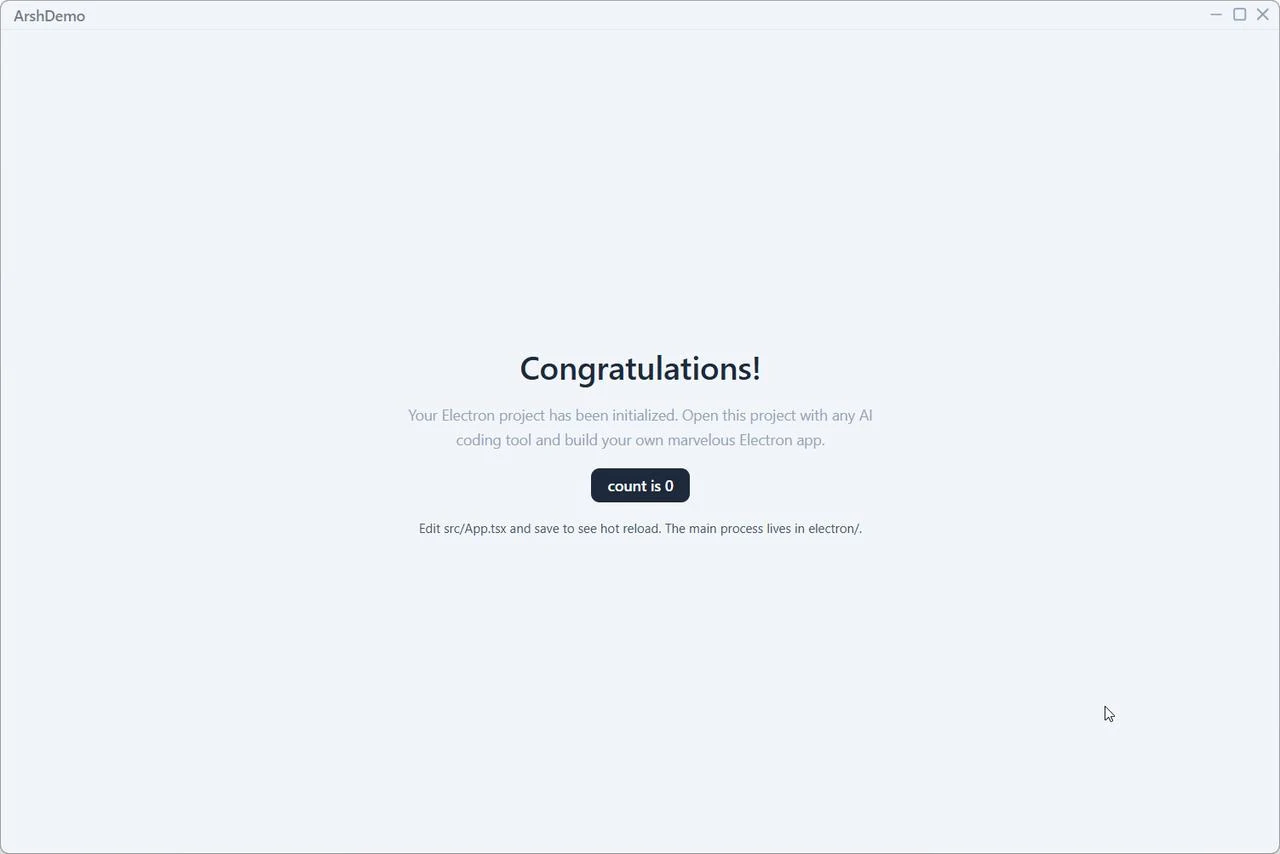
What you get
├── electron/            # main process + preload (all Node/Electron code)
├── src/                 # renderer (React + Tailwind 4)
│   └── ui/              # AppLayout, TitleBar, NavItem, Button, Dialog,
│   │                    # Tooltip, Spinner, Switch — theme tokens in
│   │                    # plain CSS variables
├── AGENTS.md            # bootstrap: the first AI session interviews you
│                        # and writes this project's conventions
├── electron-builder.json5   # appId, NSIS targets, binary mirror
└── vite.config.ts- Frameless window, custom title bar — minimize / maximize / close, double-click to toggle maximize, an optional always-on-top pin, drag regions already wired up
- Minimal single-page starter — enough to see hot reload work, nothing to delete first
- Test & CI baseline — vitest wired up (
npm test), a GitHub Actions workflow running lint + typecheck + tests on push/PR - Packaging fixed before you hit it — build outputs cleaned every run (no ghost files), a
dependencies/devDependenciessplit that keepsapp.asarat ~0.26 MB, Electron binary mirrors for reliable installs, a complete.gitignore, and git initialized with a first commit so AI edits are diffable from day one
Usage
npm create arsh-electron@latest [project-name]
npm create arsh-electron@latest [project-name] -- --scope <name>

# non-interactive
npm create arsh-electron@latest my-app -- --yes
| Flag | Description |
|---|---|
| --scope <name> | appId namespace, com.<scope>.<app> (default: arshdelight) |
| --yes | Skip prompts, use defaults (git init included) |
The CLI asks two questions — project name, git init or not — and derives everything else: package.json name (and author, from your git config), installer productName, appId, window title and title-bar brand. Answer arsh-demo and you get ArshDemo / com.arshdelight.arshdemo; add --scope mycompany and it becomes com.mycompany.arshdemo.
Requires Node.js ≥ 20.11.
Why these fixes exist
This scaffold exists because we kept fixing the same four build pitfalls in freshly generated Electron projects: TS6133 on the very first build, flaky binary downloads, bloated asar, ghost files in dist-electron/. The field notes became a three-part series on our blog:
- create-electron-vite quickstart, with AI coding
- Four build pitfalls and the unified fix
- Why we built create-arsh-electron
License
MIT