
create-lazor-dapp
v1.0.2
Published
A CLI to create a new lazor dapp from a template


Readme
Create Lazor Dapp
This is a CLI tool to create a new lazor dapp from a template.
Video Tutorial
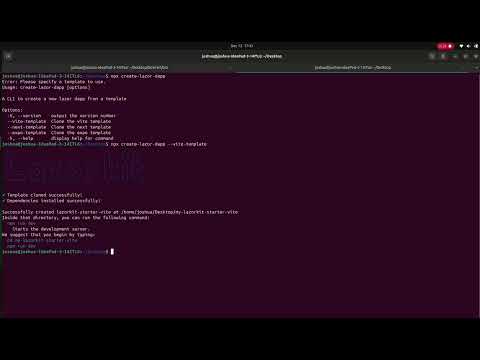
Watch the complete tutorial: https://youtu.be/OAPFucEohHM
Quick Start with Vite
Get started with Lazorkit using Vite in just 3 simple steps:
1. Create Your Project
npx create-lazor-dapp --vite-template2. Navigate and Install
cd my-lazorkit-starter-vite
npm install
3. Start Development
npm run devYour Lazorkit dapp will be running at http://localhost:5173
Environment Variables for Generated Projects
The projects generated by this CLI tool often utilize environment variables for configuration. You should create a .env file in the root of your newly created project (e.g., my-lazorkit-starter-vite/.env).
Here are some common environment variables you might need to configure:
- VITE_LAZORKIT_RPC_URL: The URL for the RPC endpoint your dapp will connect to.
- Example:
VITE_LAZORKIT_RPC_URL=https://api.devnet.solana.com
- Example:
- VITE_LAZORKIT_PORTAL_URL: The URL for the Lazorkit portal.
- Example:
VITE_LAZORKIT_PORTAL_URL=https://portal.lazorkit.com
- Example:
- VITE_LAZORKIT_PAYMASTER_URL: The URL for the Lazorkit paymaster service.
- Example:
VITE_LAZORKIT_PAYMASTER_URL=https://paymaster.lazorkit.com
- Example:
Note: The specific variables and their usage will depend on the chosen template. Refer to the README.md within your generated project for more detailed instructions.