
create-odlabs-payload
v1.2.0
Published
OD Labs White-label Payload CMS template CLI for internal use.

Maintainers
 znaxnor
Readme
OD Labs Payload CMS Template CLI
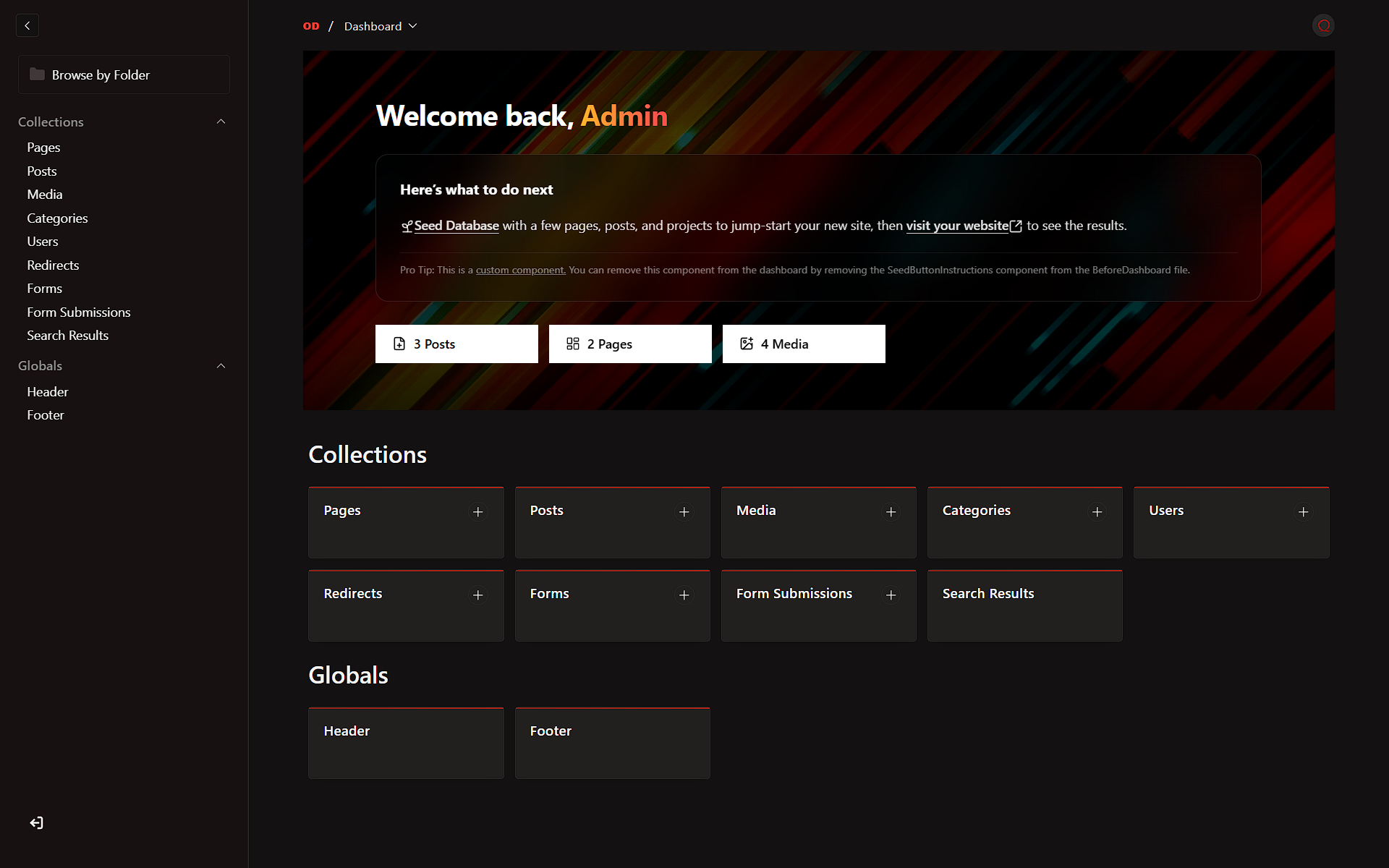

An internal tool for OD Labs to quickly bootstrap new Payload CMS projects pre-configured with our premium white-label branding, customized UI, and optimized developer experience.
Quick Start
The easiest way to start a new project is using npx (which runs the CLI without installing it permanently):
npx create-odlabs-payload

# Or use the npm init shorthand:
npm init odlabs-payload
Global Installation (Optional)
If you prefer to install it globally:
pnpm add -g create-odlabs-payload

# or
npm install -g create-odlabs-payload

# Then run:
create-odlabs-payload
Setup Process
- Project Name: Enter a name for a new directory, or leave it blank to use the current directory.
- Current Directory Confirmation: If left blank, the CLI confirms whether it should scaffold into the current directory and warns again if that directory is not empty.
- Template Selection: Choose either the Website Template or Plugin Template.
- Configuration:
- Website Template: Provide a validated PostgreSQL connection string.
- Plugin Template: Optionally provide a validated GitHub repository URL and choose whether to enable the sample post seed.
- Review: Confirm the generated project path, template, environment file target, and configuration before the CLI starts downloading files.
- Wait: The CLI will download the selected template, generate the appropriate
.envfile, and install dependencies automatically.
Dry Run
Use --dry-run to walk through the prompts and preview what the CLI would do without writing files, removing .git, or installing dependencies.
npx create-odlabs-payload --dry-runProject Structure
The generated project follows the standard Payload CMS structure, with template-specific scaffolding for:
website/: A white-labeled Payload website starter with OD Labs branding.plugin/: A branded Payload plugin template with a local dev app and seeded plugin metadata.
Features
- Template Selection: Choose between website and plugin scaffolds from the CLI.
- Prompt Validation: Database URIs, GitHub repository URLs, and project names are validated with clearer recovery messages.
- Current Directory Support: Leave the project name blank to scaffold into the current directory after confirmation.
- OD Labs Branding: A branded CLI splash screen using the ANSI Shadow wordmark plus pre-configured plugin defaults.
- Setup Review Screen: Confirm target path, template, environment output, and template-specific settings before execution.
- Plugin Env Customization: Plugin scaffolds generate
dev/.envfromdev/.env.examplewith fixed internal defaults, generated secrets, and your optional repository URL. - Streamlined Setup: Automatic environment variable configuration and dependency installation.
After Generation
The CLI installs dependencies for you. When setup completes, run:
cd your-project-name
pnpm dev
If you scaffolded into the current directory, just run:
pnpm devLicense
This project is licensed under the MIT License.
© 2026 OD Labs. Internal use only.