
create-react-crt
v1.0.11
Published
CLI tool to scaffold Vite + React + Tailwind projects. Run with: npx create-react-crt (my-app is you app name put here)

Maintainers
 vishal9334
Readme
create-crt

CLI Preview
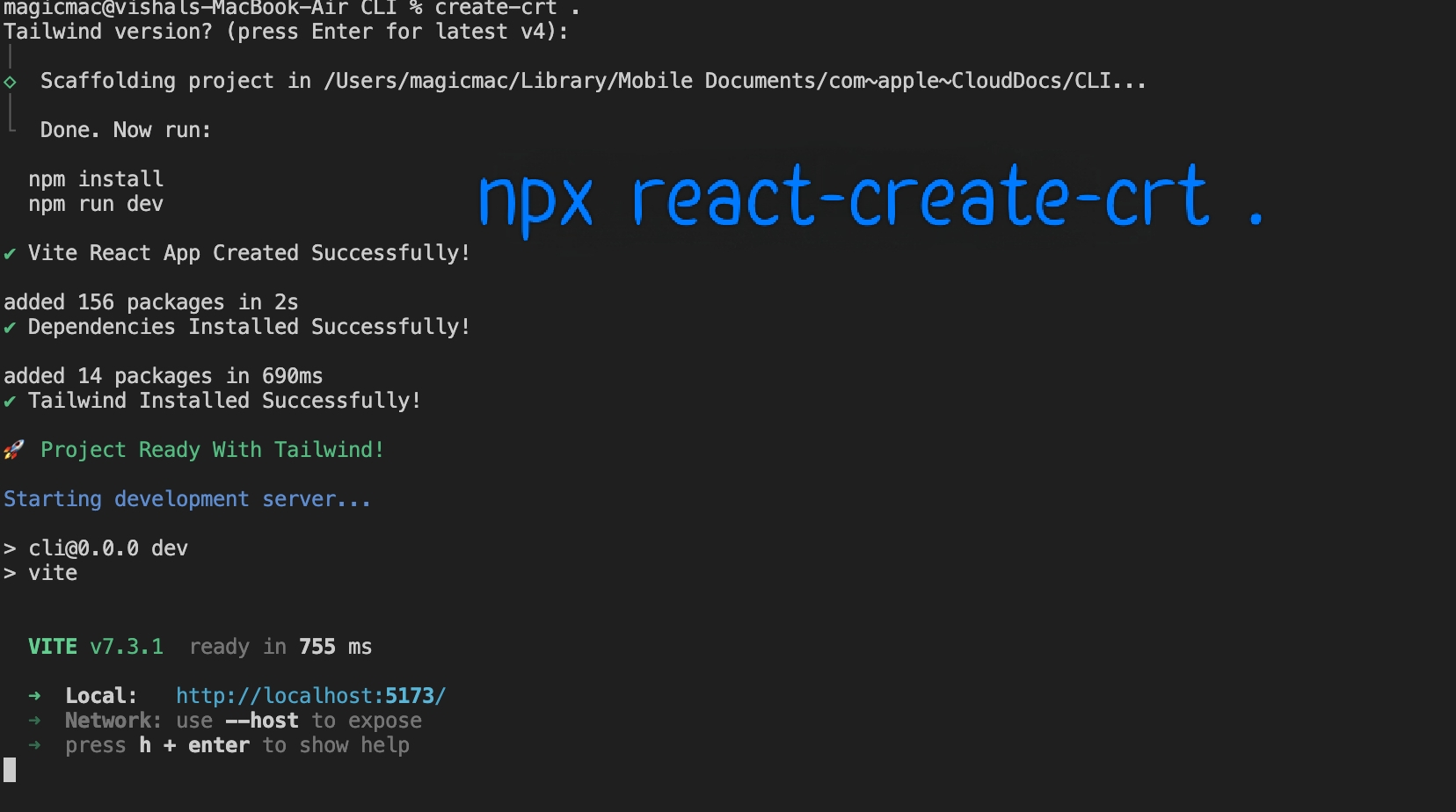
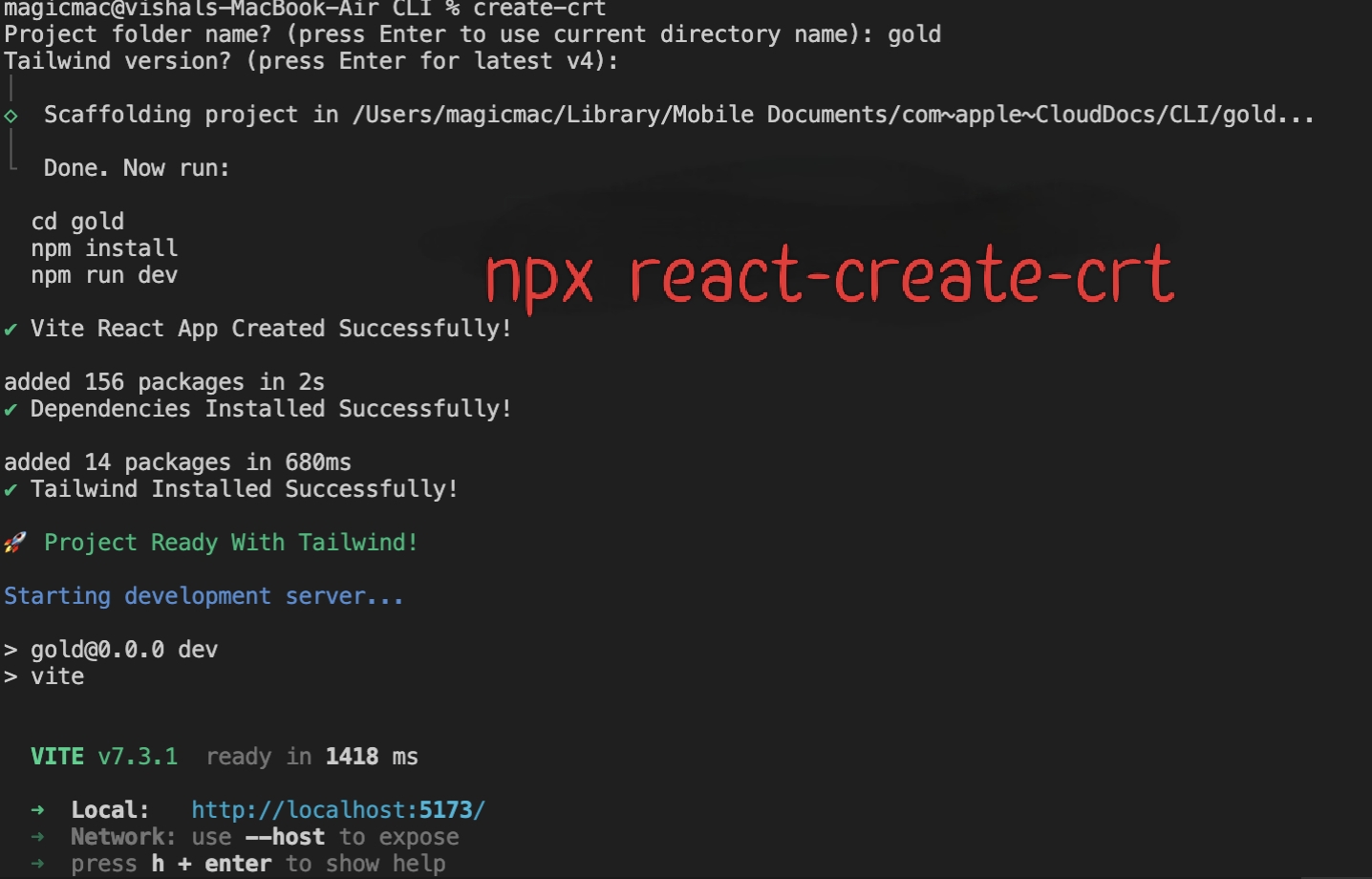
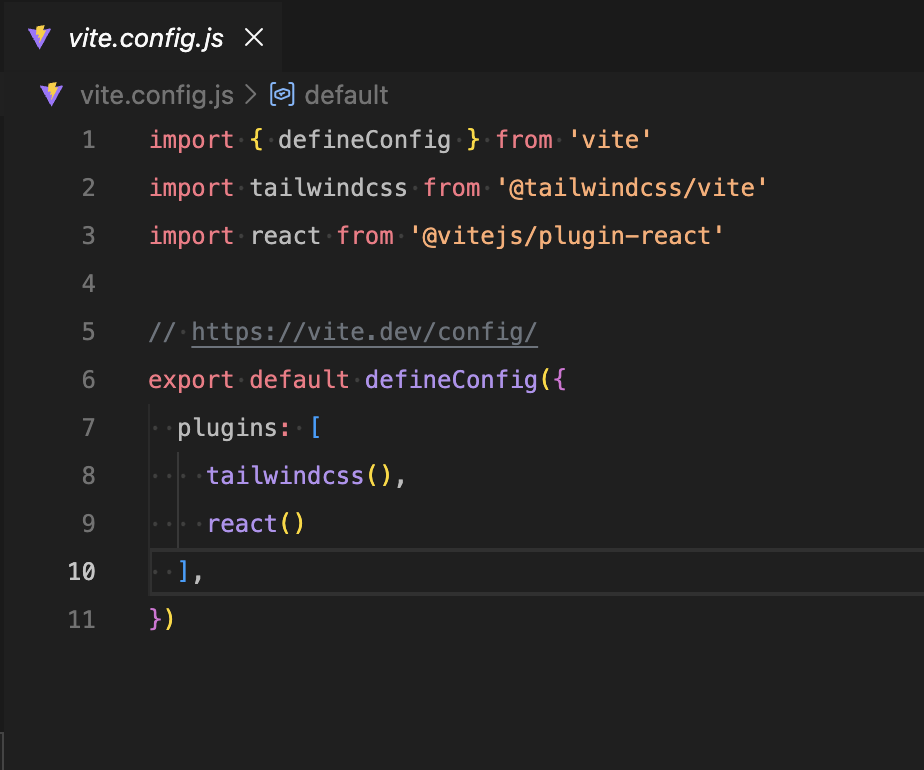
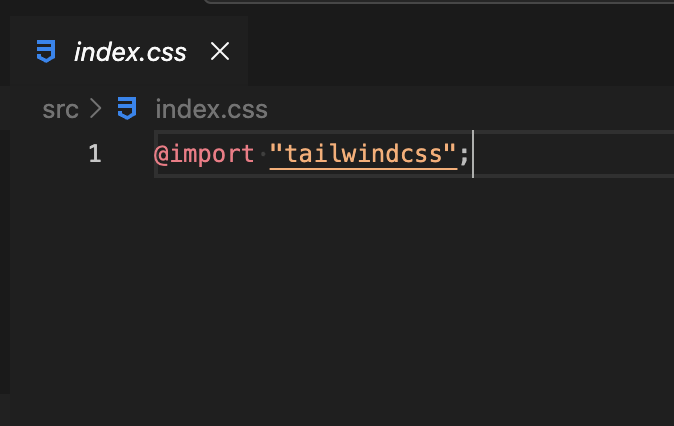
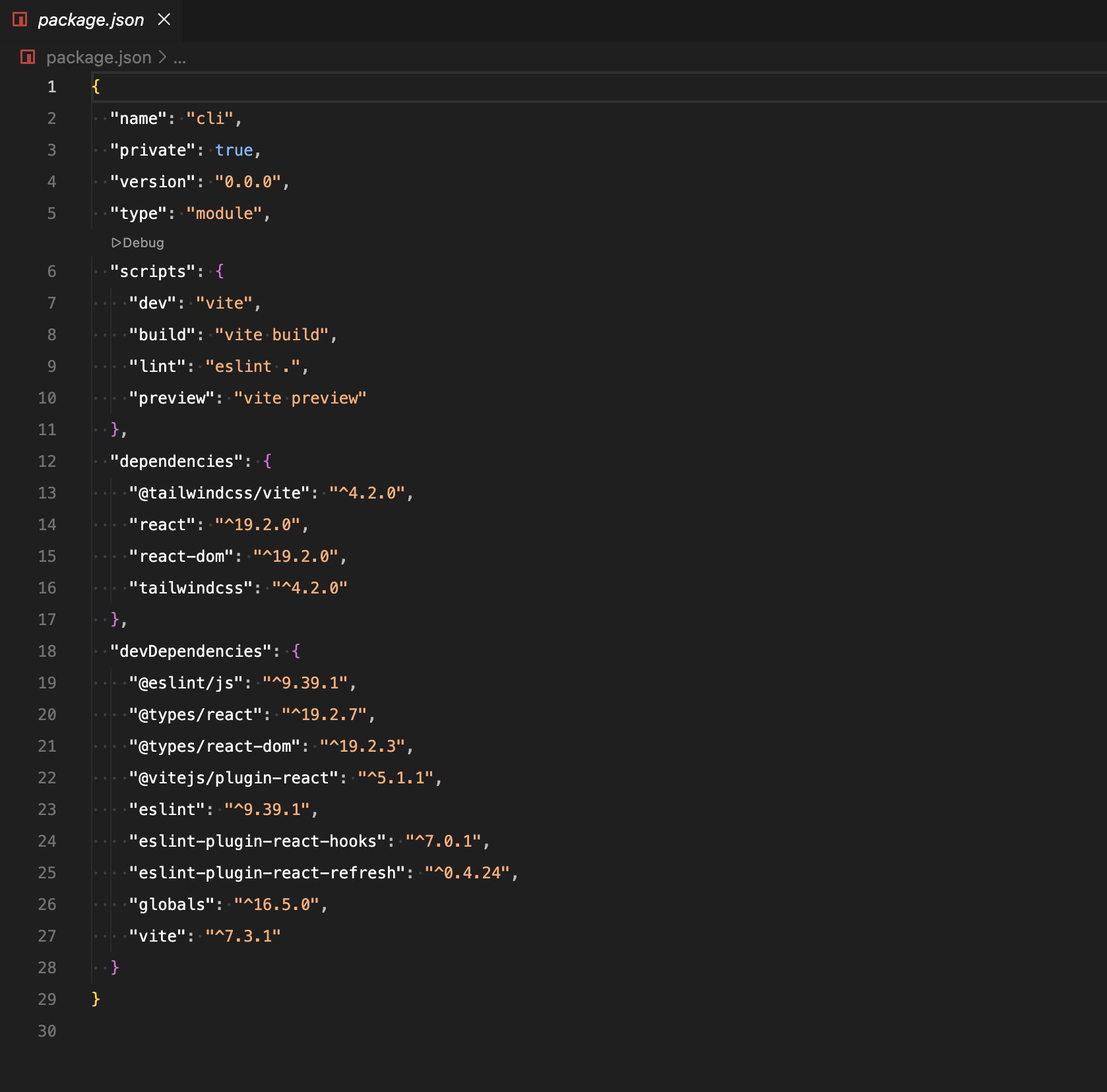
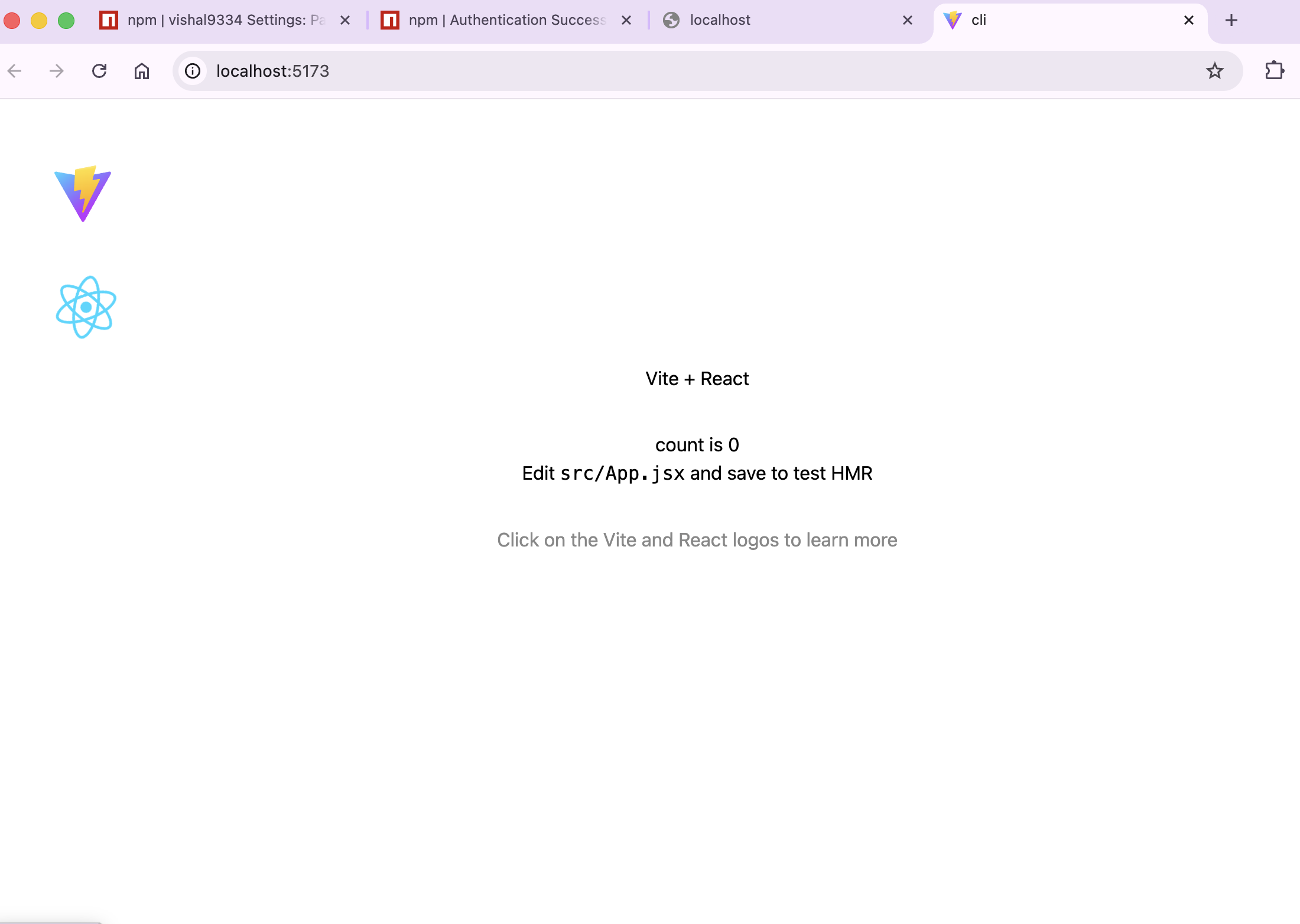
One command to scaffold a production-ready React + Tailwind CSS project — no manual config needed.
🤔 Why this tool?
Every time you start a new frontend project the drill is the same:
- Run
create-viteto scaffold React. - Install Tailwind CSS and
@tailwindcss/vite. - Open
vite.config.jsand add the Tailwind plugin. - Edit
src/index.cssto import Tailwind.
It's tedious, repetitive, and easy to mess up.
create-react-crt does all of this in a single command. It creates the Vite + React app, installs Tailwind CSS, wires up the config files, and even starts the dev server — so you go from zero to coding in seconds.
✨ What it does
| Step | What happens |
|------|-------------|
| 1 | Scaffolds a Vite + React project using create-vite |
| 2 | Installs all npm dependencies |
| 3 | Installs Tailwind CSS and @tailwindcss/vite (version of your choice) |
| 4 | Configures vite.config.js with Tailwind & React plugins |
| 5 | Sets up src/index.css with @import "tailwindcss" |
| 6 | Starts the dev server automatically |
📦 Installation
Global install (recommended)
npm install -g create-react-crtOnce installed globally, you can use the create-crt command from anywhere.
Run without installing (via npx)
npx create-react-crt my-app🚀 Usage
Basic — create a new project
create-react-crt my-appThis will:
- Create a folder called
my-app - Set up React + Vite inside it
- Install Tailwind CSS (latest v4 by default)
- Configure everything
- Start the dev server
Scaffold in the current directory
create-react-crt .Use . to set up the project in your current directory instead of creating a new folder.
Specify a Tailwind version
# Using = syntax
create-react-crt my-app --tailwind-version=3

# Using space syntax
create-react-crt my-app --tailwind-version 3.4.17
If you don't pass --tailwind-version, the CLI will prompt you to enter one. Press Enter to use the default (latest v4).
🛠️ Example Walkthrough
$ create-react-crt my-portfolio

Tailwind version? (press Enter for latest v4):

⚡ Creating Vite React App...        ✔ Vite React App Created Successfully!
📦 Installing dependencies...        ✔ Dependencies Installed Successfully!
🎨 Installing Tailwind (tailwindcss@4, @tailwindcss/vite@4)...
                                     ✔ Tailwind Installed Successfully!

🚀 Project Ready With Tailwind!

Starting development server...

  VITE v6.x.x  ready in 300ms

  ➜  Local:   http://localhost:5173/
That's it — open http://localhost:5173/ and start building.
📁 Generated Project Structure
my-app/
├── node_modules/
├── public/
├── src/
│   ├── App.jsx
│   ├── App.css
│   ├── index.css        ← Pre-configured with @import "tailwindcss"
│   └── main.jsx
├── index.html
├── vite.config.js       ← Pre-configured with Tailwind + React plugins
├── package.json
└── package-lock.json
What gets configured automatically
vite.config.js
import { defineConfig } from 'vite'
import tailwindcss from '@tailwindcss/vite'
import react from '@vitejs/plugin-react'

export default defineConfig({
  plugins: [
    tailwindcss(),
    react()
  ],
})
src/index.css
@import "tailwindcss";⚙️ CLI Options
| Option | Description | Default |
|--------|-------------|---------|
| <project-name> | Name of the project folder to create | my-app |
| . | Scaffold in the current directory | — |
| --tailwind-version <version> | Tailwind CSS version to install | 4 (latest) |
📋 Requirements
- Node.js v18 or higher
- npm v9 or higher
🧑💻 Author
Vishal Kr
- GitHub: https://github.com/vishu9334
- LinkedIn: https://www.linkedin.com/in/vishal-kumar-46b05b258/
Built to solve a real problem — no more repetitive setup every time you start a React project.
📄 License
ISC