
deepmonkey-studio
v0.2.3
Published
Start the complete DeepMonkey Studio Web/API application


Readme
deepmonkey-studio
Start the complete DeepMonkey Studio Web editor and API on your computer.
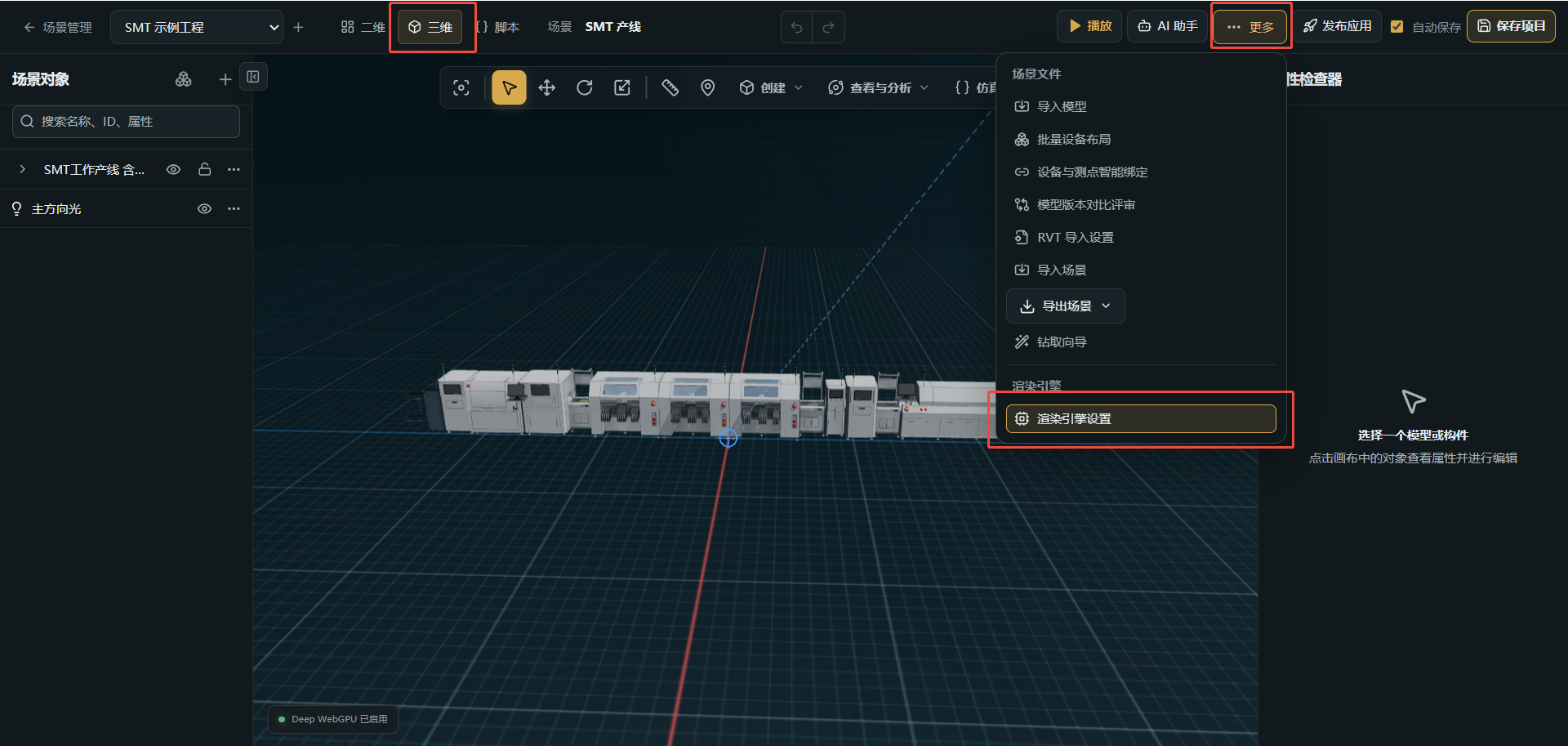
一条命令启动 DeepMonkey Studio 三维编辑器。 提供场景编辑、资源管理、数据与 AI 服务入口,项目保存到本机。
Online demo · GitHub · Installation guide
npx deepmonkey-studioRequires Node.js 24+. The first run installs verified runtime components through your configured npm registry, including npm mirrors. Windows x64 includes server dependencies; other platforms install them on first launch. Later runs reuse the cache. Project data stays in your local DeepMonkeyStudio data directory across version upgrades.
Use --port 4200, --data-dir ./my-studio-data or --no-open as needed. The administrator account is admin; the terminal shows the location of its generated password. AI providers and remote render workers use the same configuration as a normal Studio deployment.
npx deepmonkey-studio --port 4200 --data-dir ./my-studio-dataRead adminPassword in the printed standalone-credentials.json file to sign in. --prepare-only downloads and prepares the runtime; --cache-dir selects its cache. Ctrl+C stops the server.
The Web/API runtime is about 111 MB. Windows x64 adds about 151 MB of native tools and dependencies and a 13 MB client exporter. Each component is cached separately. Studio installation no longer requires a GitHub Releases download.
Use AI or build an application
Connect Codex or Claude Code to Studio's authenticated /api/mcp endpoint to read and edit the open scene. Skill / MCP setup.
For independent application development, install deepmonkey with npm i deepmonkey, or start from npx create-deepmonkey my-world. npx deepmonkey starts the same Studio runtime as this package.
Windows downloads · Docker · Issues
See the included license files for project terms and third-party notices.