
dembrandt
v0.37.0
Published
Extract design tokens and publicly visible CSS information from any website

Maintainers
 thevangelist
Readme
Dembrandt.




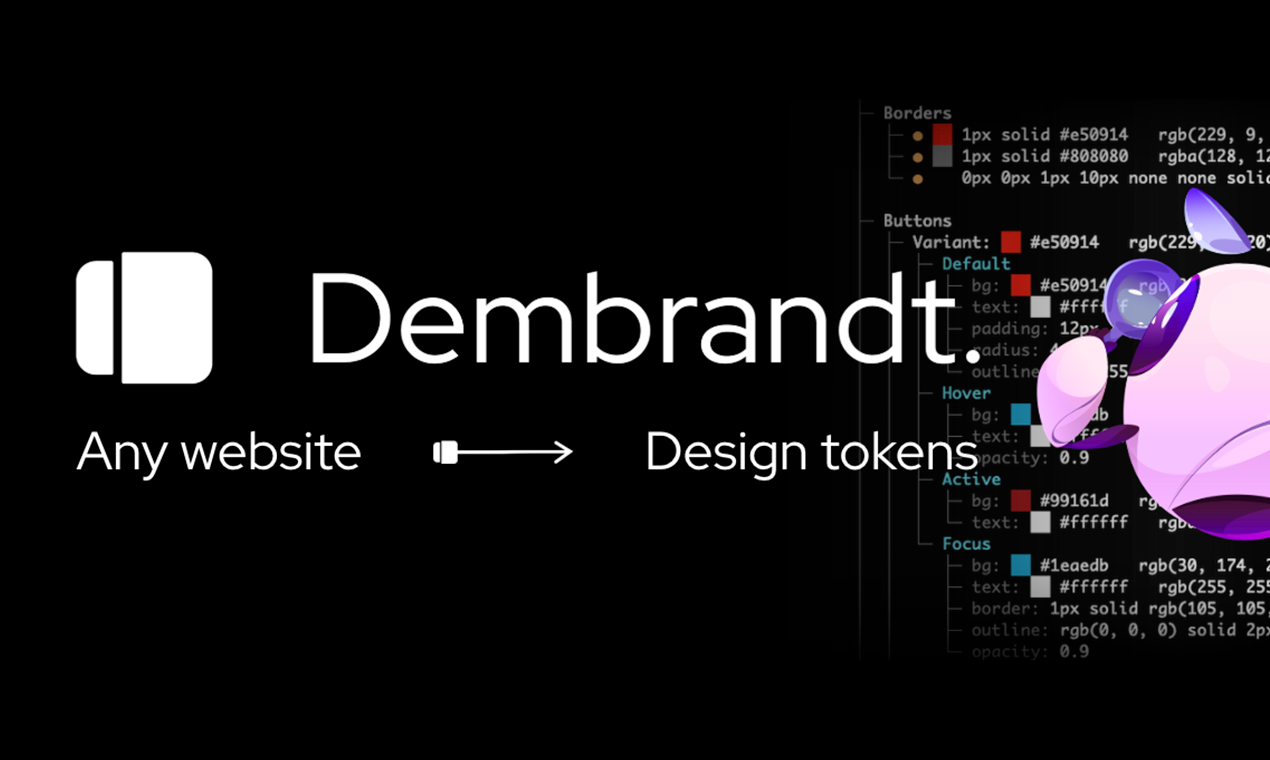
Extract any website's design system in one command. Enforce it in CI.
Logo, colors, typography, spacing, borders, shadows, motion, components. W3C design tokens in seconds.
Install
npm install -g dembrandt
dembrandt install-browser        # one-time: fetches the matching Chromium
dembrandt dembrandt.com
The browser step is required. dembrandt drives Chromium through playwright-core,
which ships no browser binaries, so a fresh install has nothing to launch until you
run it. Skipping it fails with browser engine not available.
Or use npx without installing: npx dembrandt dembrandt.com. The browser step applies
here too: run npx dembrandt install-browser first. Browsers land in a shared
Playwright cache, so either route only needs it once.
Requires Node.js 18+
What you get
- Colors (semantic, palette, CSS variables, gradients)
- Typography (fonts, sizes, weights, sources, font file URLs)
- Spacing (margin/padding scales)
- Borders (radius, widths, styles, colors)
- Shadows
- Motion (duration scale, easing curves, hover patterns per component type)
- Components (buttons, badges, inputs, links)
- Breakpoints
- Icons & frameworks
Playwright renders the page, dembrandt reads computed styles from the DOM, analyzes color usage and confidence, groups similar typography, detects spacing patterns, and returns design tokens.
Flags
dembrandt dembrandt.com --shadcn        # shadcn/ui theme, observed slots only
dembrandt dembrandt.com --dtcg          # W3C design tokens, for Style Dictionary or Tokens Studio
dembrandt dembrandt.com --wcag          # WCAG 2.1 contrast on real DOM pairs
Default is formatted terminal output only. Every flag below; the detailed reference is docs/usage.md.
Export
| Flag | What you get |
|---|---|
| --dtcg | W3C design tokens (DTCG) |
| --design-md | DESIGN.md for AI agents |
| --tailwind [path] | Tailwind v4 @theme CSS |
| --shadcn [path] | shadcn/ui theme, observed slots only |
| --html [path] | Self-contained HTML report |
| --brand-guide | Brand guide PDF |
| --json-only | Raw JSON to stdout |
| --save-output | JSON to output/<domain>/ |
| --screenshot <path> | Viewport screenshot |
| --color-format <f> | Colour notation: hex, rgb, oklch, lch, source |
| --raw-colors | Pre-filter colours too |
Analysis
| Flag | What you get |
|---|---|
| --wcag | Contrast grades on real DOM pairs |
| --compare <baseline> | Drift gate; exits 1 when tokens moved |
| --approve | Accept the current run as the new baseline |
| --ai | ML brand-primary prediction (experimental) |
Coverage
| Flag | What you get |
|---|---|
| --crawl [n] | Merge N pages, cross-page confidence |
| --sitemap | Discover pages from sitemap.xml |
| --dark-mode | The dark theme's tokens |
| --mobile | Mobile viewport |
| --slow | 3x timeouts for heavy sites |
| --browser <type> | chromium or firefox; CDP via env |
| --no-sandbox | For Docker and CI |
Access
| Flag | What you get |
|---|---|
| --cookie <string> | Reach pages behind a session |
| --header <string> | Any extra request header |
| --user-agent <string> | Custom user agent |
| --locale <string> | Locale for the fingerprint |
| --timezone <string> | Timezone for the fingerprint |
| --accept-language <s> | Accept-Language header |
| --screen-size <WxH> | Reported screen resolution |
| --stealth | Anti-detection; authorized use only |
| --key <string> | Sync runs to your account |
Catch design drift in CI
Extract a preview deployment, compare against a committed baseline, fail the job when tokens moved:
- uses: dembrandt/[email protected]
  with:
    url: https://preview.example.com
    baseline: .dembrandt/baseline.json
The action annotates the PR with the drifted tokens. On any other runner the gate is just an exit code plus JSON: dembrandt URL --compare baseline.json --json-only exits 1 on drift and prints per-token changes[]. See docs/ci.md for the Action inputs, the platform-neutral gate, and the exit code table.
Recipes
Copy a command, paste a prompt, get a result. Competitor benchmarking, WCAG audits, Figma token push, agentic design system builds. Filterable by role at dembrandt.com/recipes, with the basics in docs/recipes.md.
AI Agent Integration (MCP)
Use Dembrandt as a tool in Claude Code, Cursor, Windsurf, or any MCP-compatible client. Ask your agent to "extract the color palette from dembrandt.com" and it calls Dembrandt automatically.
claude mcp add --transport stdio dembrandt -- npx -y --package dembrandt dembrandt-mcpOr add to your project's .mcp.json:
{
  "mcpServers": {
    "dembrandt": {
      "command": "npx",
      "args": ["-y", "--package", "dembrandt", "dembrandt-mcp"]
    }
  }
}
Available tools include get_design_tokens, get_color_palette, get_typography, get_component_styles, get_surfaces, get_spacing, and get_brand_identity, plus pure analysis tools (compute_drift, get_findings, export_dtcg, generate_design_md, render_report) and job-control tools.
Extraction tools accept slow, mobile, darkMode, wcag, cookie and header (for authenticated pages), userAgent, and noSandbox (Docker and most CI containers). Set pages above 1 to crawl and merge several pages, which produces a markedly stronger token set than one page; paths names them explicitly and sitemap discovers them from sitemap.xml.
Extraction returns a job_id. Poll it with get_job_status, then hand that same id to the pure tools instead of passing the extraction back as an argument:
get_design_tokens(url: "example.com", pages: 5)  ->  job_id
get_job_status(job_id)                           ->  tokens
get_findings(job_id)                             ->  contrast and consistency issues
export_dtcg(job_id)                              ->  W3C design tokens
Pair with dembrandt-skills to give your agent UX intelligence on top of extracted tokens: hierarchy, accessibility, interaction states, and a full 6-stage design pipeline orchestrator.
npx skills add dembrandt/dembrandt-skillsDembrandt App (Beta)
Load extractions, track token drift, and compare snapshots. dembrandt.com/app
- Automatic drift tracking from CI. Generate an API key at dembrandt.com/app/api-keys, then pass
--keyto the CLI. Every run uploads a snapshot to your account and scores it against the previous one for that domain. Wire into GitHub Actions or any CI runner and every deploy records itself. - Pin a baseline. Mark any snapshot as your reference. Every subsequent extraction is automatically scored against it.
- Visual diff. Color swatches, before/after values, delta scores per category: colors, typography, spacing, radius, shadows.
- Snapshot timeline. Proportional timeline per domain, scrub across any date range from days to years.
- Compare side by side. Load multiple extractions into one view: two releases, two sites, or two surfaces.
- Copy tokens. Paste values straight into Copilot, Claude, or Cursor.
- No login required for local use. Data stays in the browser. Sign in with GitHub to enable cloud sync.
Limitations
- Dark mode requires
--dark-modeflag (not automatically detected) - Hover/focus states extracted from CSS (not fully interactive)
- Canvas/WebGL-rendered sites cannot be analyzed (no DOM to read)
- JavaScript-heavy sites require hydration time (8s initial + 4s stabilization)
- Some dynamically-loaded content may be missed
- Default viewport is 1920x1080 (use
--mobilefor 390x844 mobile viewport)
Intended Use
Dembrandt reads publicly available CSS and computed styles from website DOMs for documentation, learning, and analysis of design systems you own or have permission to analyze.
Only run Dembrandt against sites whose Terms of Service permit automated access, or against your own properties. Do not use extracted material to reproduce third-party brand identities, logos, or trademarks. Respect robots.txt, rate limits, and copyright.
Dembrandt does not host, redistribute, or claim rights to any third-party brand assets.
Sponsors
The CLI is MIT-licensed and free. Sponsorship funds the enforcement layer: a committed project-level token baseline, --compare and the ingest API for CI/CD drift gates, and the App platform (snapshot history, team drift dashboard, alerts to Slack, Linear, and GitHub).
Documentation
- docs/usage.md: every flag, multi-page extraction, browser selection, CDP, DTCG, DESIGN.md, Tailwind theme, WCAG, motion, brand guide PDF
- docs/ci.md: GitHub Action, drift gate, exit codes
- docs/recipes.md: copy-paste workflows
- docs/FLAGS.md: flag interactions, ignored combinations, multi-page propagation
Contributing
Bugs, weird sites, pull requests. All welcome.
Open an Issue or PR.
@thevangelist
MIT. Do whatever you want with it.