
deta-ai-module
v1.0.12
Published
A chat widget as a Web Component via iframe


Readme
deta-ai-module
一个轻量级、可拖拽的 AI 聊天窗口 Web 组件。只需一个 HTML 标签,即可在任意网页嵌入 AI 助手。

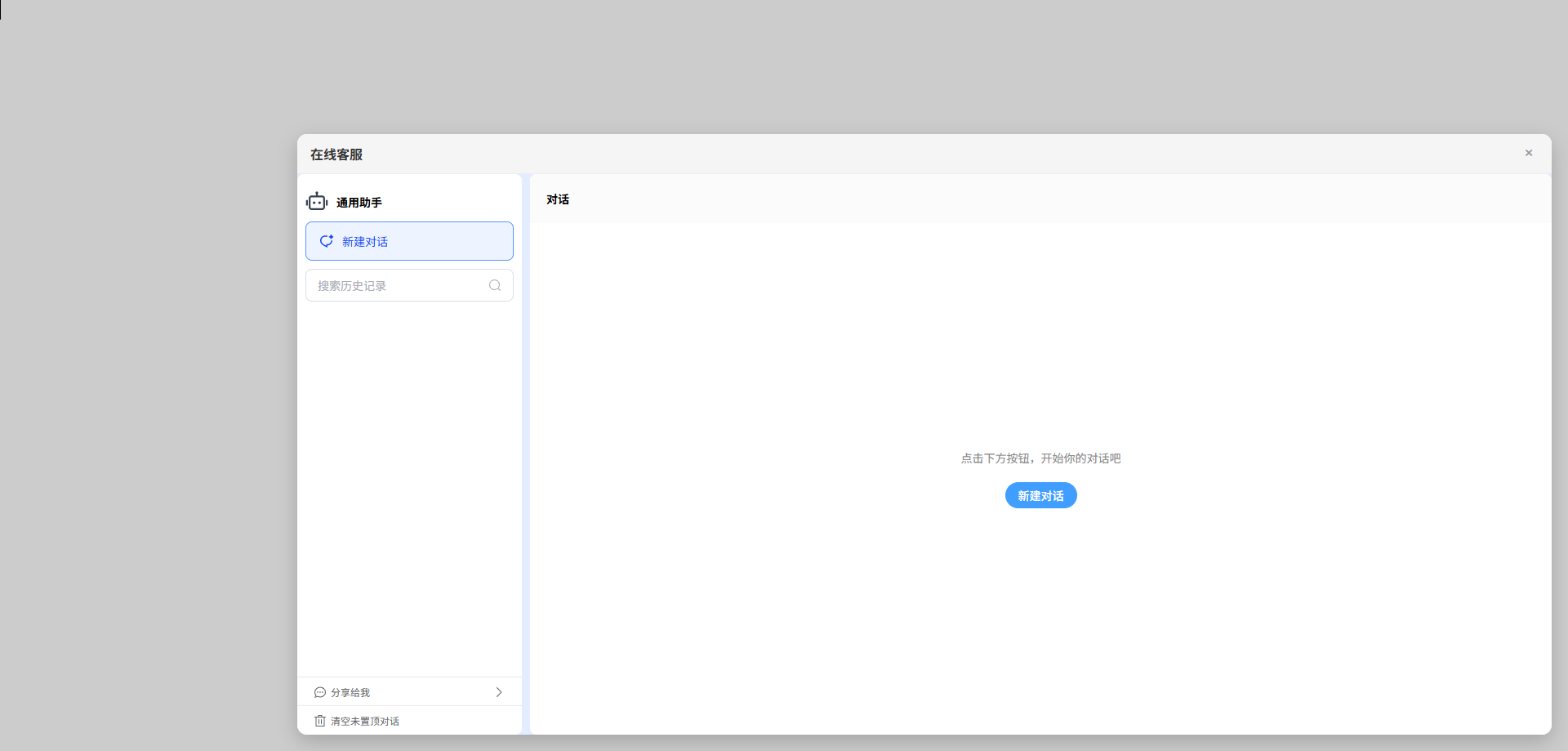
📦 安装与使用
你可以通过以下两种方式使用 <deta-ai-module>:
1️⃣ 通过 CDN 引入(无需构建步骤)
在你的 HTML 文件中添加以下脚本:
<script type="module" src="https://unpkg.com/deta-ai-module/dist/index.js"></script>

<deta-ai-module
  chat-url="https://your-ai-endpoint.com"
  position="bottom-right"
  draggable
  movable-toggle
></deta-ai-module>
✅ 支持所有现代浏览器,无需安装 npm 或使用打包工具
2️⃣ 通过 npm 安装(适用于使用构建工具的项目)
安装包:
npm install deta-ai-module然后在你的 JavaScript/TypeScript 文件中导入:
// In your main JS file (e.g., main.js)
import 'deta-ai-module';
并在 HTML 中使用:
<deta-ai-module
  chat-url="https://your-ai-endpoint.com"
  position="bottom-right"
  draggable
  movable-toggle
></deta-ai-module>
💡 该组件会自动注册为自定义元素,无需额外初始化。
⚙️ Attributes (Props)
| 属性(Attribute) | 类型(Type) | 是否必填 | 默认值 | 说明 |
|------------------|------------|--------|--------|------|
| chat-url | string | ✅ 是 | — | AI 聊天页面的 URL 或 iframe 源地址。 |
| position | string | ❌ 否 | bottom-right | 聊天窗口的初始位置。可选值:top-left、top-right、bottom-left、bottom-right。 |
| draggable | boolean | ❌ 否 | false | 是否允许拖拽聊天窗口。只需添加该属性即可启用(如 <deta-ai-module draggable>)。 |
| movable-toggle | boolean | ❌ 否 | false | 是否允许拖拽开关按钮(聊天图标)。添加该属性即可启用。 |
| icon | string | ❌ 否 | 默认机器人表情 🤖 | 自定义开关按钮的图标。支持 emoji(如 💬)或图片 URL(如 https://example.com/icon.png)。 |
🧪 完整 HTML 示例
<!DOCTYPE html>
<html lang="en">
<head>
  <meta charset="UTF-8" />
  <meta name="viewport" content="width=device-width, initial-scale=1.0"/>
  <title>AI Chat Demo</title>
</head>
<body>
  <h1>Welcome to My Website</h1>
  <p>Your AI assistant is ready!</p>

  <!-- AI Chat Widget -->
  <deta-ai-module
    chat-url="https://your-ai-service.com/chat"
    position="bottom-right"
    draggable
    movable-toggle
    icon="🤖"
  ></deta-ai-module>

  <!-- Load via CDN -->
  <script type="module" src="https://unpkg.com/deta-ai-module/dist/index.js"></script>
</body>
</html>