
devicons-react-kit
v0.4.0
Published
[](https://www.npmjs.com/package/devicons-react-kit) [](https://opensource.org/lice

Maintainers
 sonubhosle
Readme
DevIcons React Kit


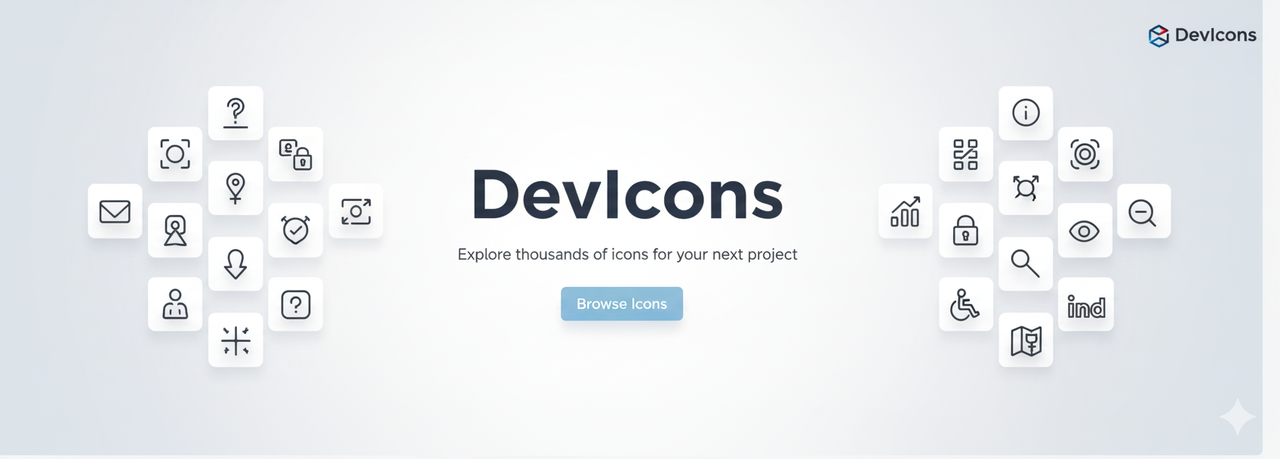
A sleek, modern, and tree-shakable icon library for developers, built for React. This library provides a comprehensive set of developer-focused icons that are easy to use and customize in your projects.
Developed by sonubhosle.
✨ Key Features
- Tree-Shakable: Only import the icons you need, keeping your app's bundle size small.
- Highly Customizable: Easily change the size, color, and stroke width with simple props.
- Consistent Design: All icons are designed on a 24x24 grid for visual consistency.
- TypeScript Ready: Built with TypeScript for a great developer experience.
- Developer Focused: A curated collection of icons for tech stacks, tools, and common UI elements in development.
🚀 Installation
Install the package using your favorite package manager.
npm
npm install devicons-react-kityarn
yarn add devicons-react-kitpnpm
pnpm add devicons-react-kitusage
Using the icons is simple. Just import the component for the icon you want to use.
import React from 'react';
import { HomeIcon, GithubIcon } from 'devicons-react-kit';

function MyComponent() {
  return (
    <div>
      <p>Welcome to my portfolio!</p>
      <a href="/">
        <HomeIcon />
        <span>Home</span>
      </a>

      <a href="https://github.com/sonubhosle">
        <GithubIcon />
        <span>My GitHub</span>
      </a>
    </div>
  );
}

export default MyComponent;
🎨 Customization
You can customize the appearance of the icons using props.
size: Sets the width and height of the icon (default:24).color: Sets thestrokeorfillcolor (default:currentColor).strokeWidth: Sets the stroke width for non-filled icons (default:2).
Any other standard SVG props (like className, onClick, etc.) will be passed directly to the SVG element.
Example
import { CodeIcon } from 'devicons-react-kit';

function CustomIconExample() {
  return (
    <CodeIcon
      size={48}
      color="#f97316"
      strokeWidth={1.5}
      className="hover:opacity-80"
    />
  );
}
🌐 Icon Browser
To see the full list of available icons and search for the one you need, check out the Official Icon Browser.
(Note: If you are running this project locally, the browser is available at http://localhost:5173)
🤝 Contributing
Contributions are welcome! If you have ideas for new icons or improvements, please feel free to open an issue or submit a pull request.
To get started with local development:
Fork and Clone the Repository
git clone https://github.com/sonubhosle/DevIcons.git
cd DevIcons
Install Dependencies
npm installStart the Development Server
npm run devThis will start the icon browser application, where you can see your changes live.
Adding a New Icon
- Find the SVG path data for your new icon.
- Add a new
IconDataobject to theICONSarray inconstants.ts. - The build process will automatically generate the corresponding React component.
📄 License
This project is licensed under the MIT License.
Copyright (c) 2024 sonubhosle.