
dino-ge-playground
v1.16.2
Published
Interactive, live-editing playground and inspector for Dino GE

Maintainers
 richgled
Readme
dino-ge-playground
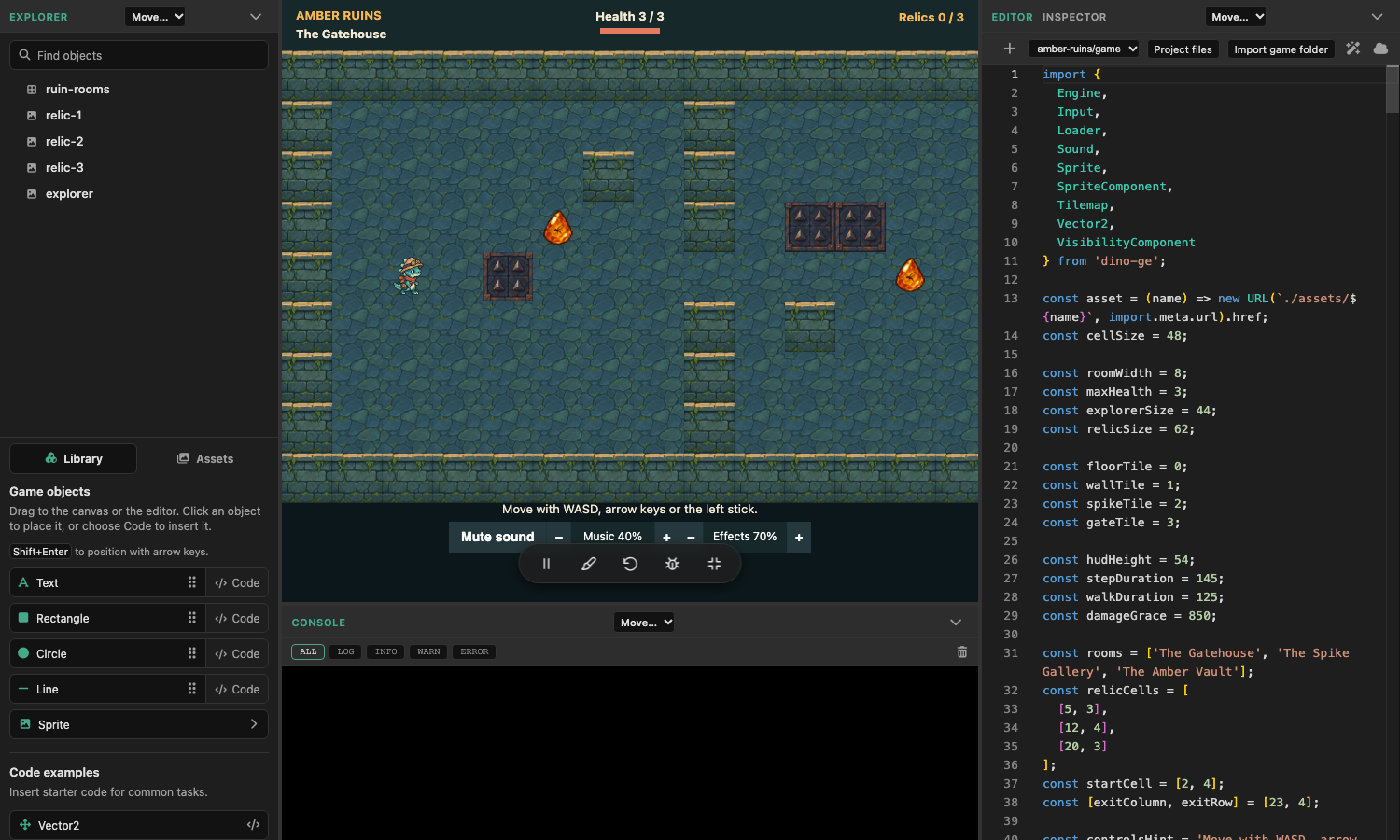
Edit Dino GE scripts, inspect scene objects and try changes in the browser.
Install and run
Use Node.js 24.22.1 or later on the 24.x line, or 26.13.0 or later on the 26.x line.
npm install -g dino-ge-playground
dino-ge-playground
Run the command from the directory where you want to work and open the Playground. The Playground stores projects and scripts in scripts/ under that directory. An empty workspace starts with an editable copy of Amber Ruins.
Use the workspace
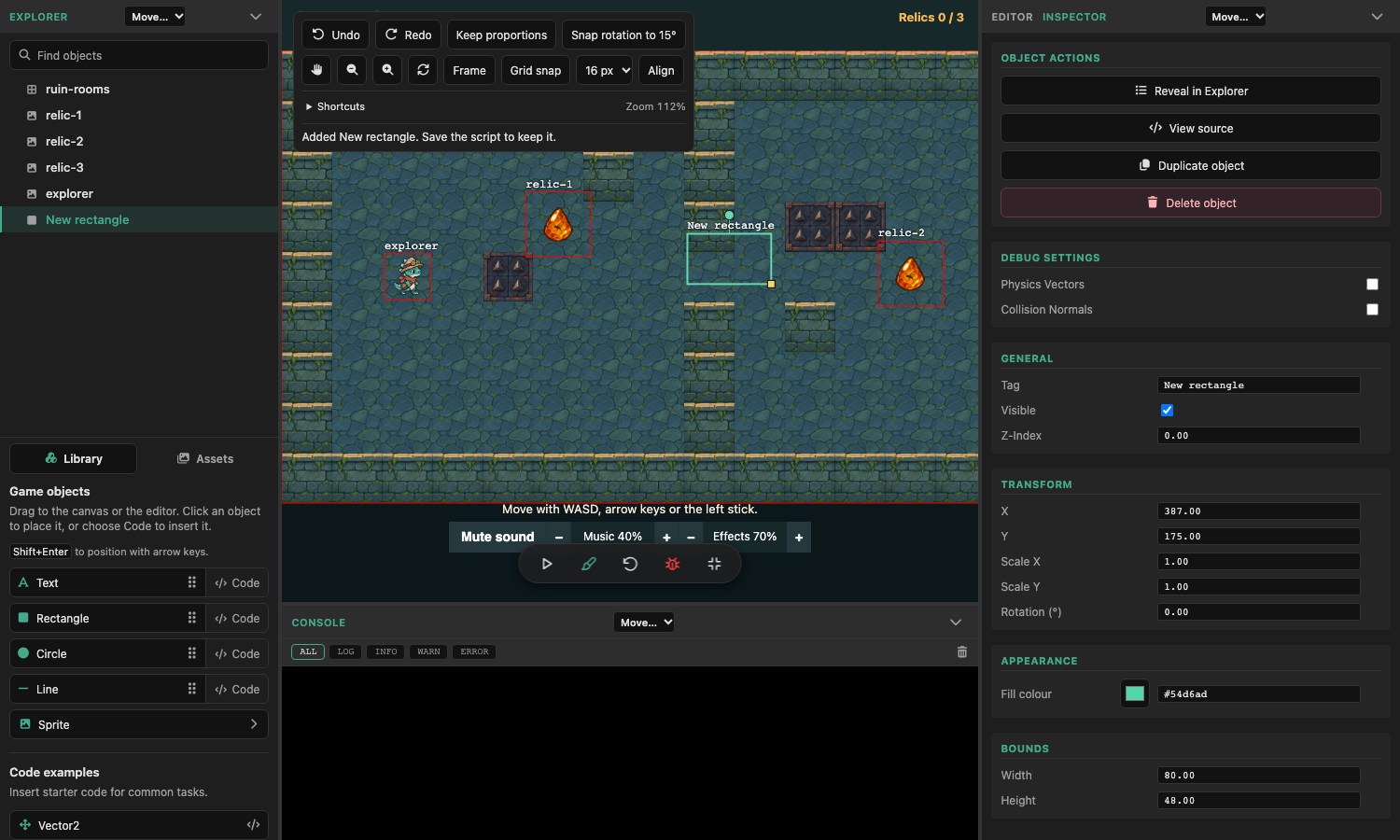
On desktop, drag tabs between docks or use a tab's Move menu. The browser remembers the layout. Use Reset dock layout to restore the defaults. On narrow screens, drag the drawer handle to reveal more of the game. To place an object from the Library, drag its grip onto the exposed canvas.
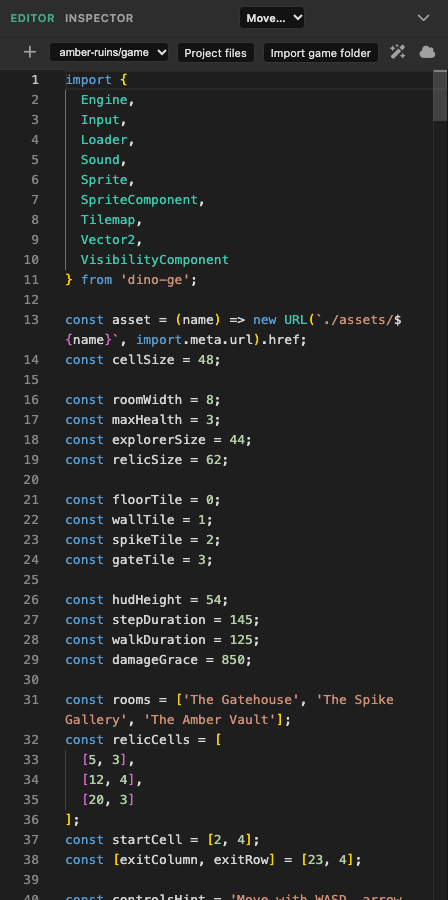
Save script changes with the editor's Save button. Use the toolbar to play, pause, reset the game or toggle debug overlays.
Try an engine example
Choose an Engine example in the editor and select Open example. The Playground creates an editable copy and opens the saved copy on subsequent visits. The examples cover named animation clips and action queues, smooth camera follow and named input, collision fixtures and raycasts, layered Tiled maps with authored colliders, mixed asset loading, and world shaders. The Tiled example includes its map, tileset, images and sound as project files. Use Project files to edit JSON, Tiled maps and Tiled tilesets, then reset the game to load the saved data.
In Edit scene, select an object with a physics component to inspect or change its collision category and mask. Use the save icon beside a field to write the value back to a supported constructor in the open script.
Import a game
In the editor, choose Import game folder, select the folder and its JavaScript entry file, then choose Import and run. The Playground copies up to 512 files and 16 MiB per project into scripts/, preserving relative paths for modules and assets. It accepts browser-native JavaScript modules that can import dino-ge. If you use a bundler, build the game first and import the output folder.
MIT licence.