
directus-extension-ai-field
v1.0.2
Published
Generate content with AI in any Directus field using Claude, GPT, Gemini, Mistral, or DeepSeek.

Maintainers
 mohamed-wahba
Readme
directus-extension-ai-field
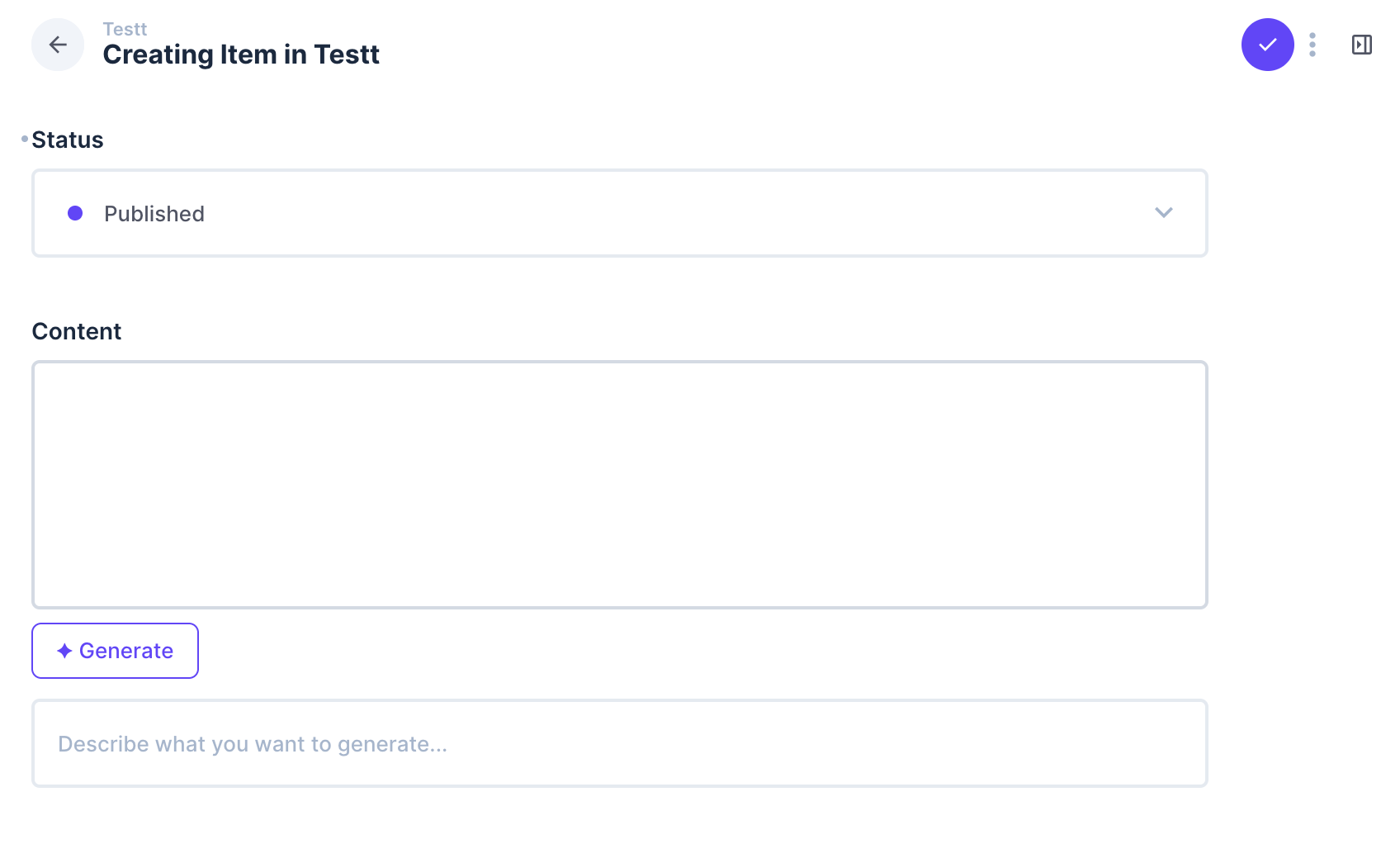
Generate content with Claude, GPT, Gemini, Mistral, or DeepSeek directly inside any Directus field — no copy-pasting, no tab switching.


Features
- ✦ Generate button on any string or text field
- 5 AI providers — Claude (Anthropic), GPT-4o mini (OpenAI), Gemini 2.0 Flash (Google), Mistral Small (Mistral AI), DeepSeek Chat (DeepSeek)
- Reference any field in your prompt using
{{fieldName}}syntax - Tone control — formal, casual, technical, or default
- Generation history — last 3 results, click to restore
- Regenerate button to get a new result without retyping
- Secure — API keys stay on the server, endpoint requires Directus authentication
Installation
cd your-directus-project/extensions
git clone https://github.com/mohammedwahba2/directus-extension-ai-field
cd directus-extension-ai-field
npm install
npm run build
Restart Directus after installation.
Configuration
Add your API keys to your Directus .env — you only need the provider(s) you plan to use:
ANTHROPIC_API_KEY=your_key_here
OPENAI_API_KEY=your_key_here
GEMINI_API_KEY=your_key_here
MISTRAL_API_KEY=your_key_here
DEEPSEEK_API_KEY=your_key_here
Usage
- Go to Settings → Data Model
- Open any collection and add or edit a String or Text field
- Under Interface, choose AI Field
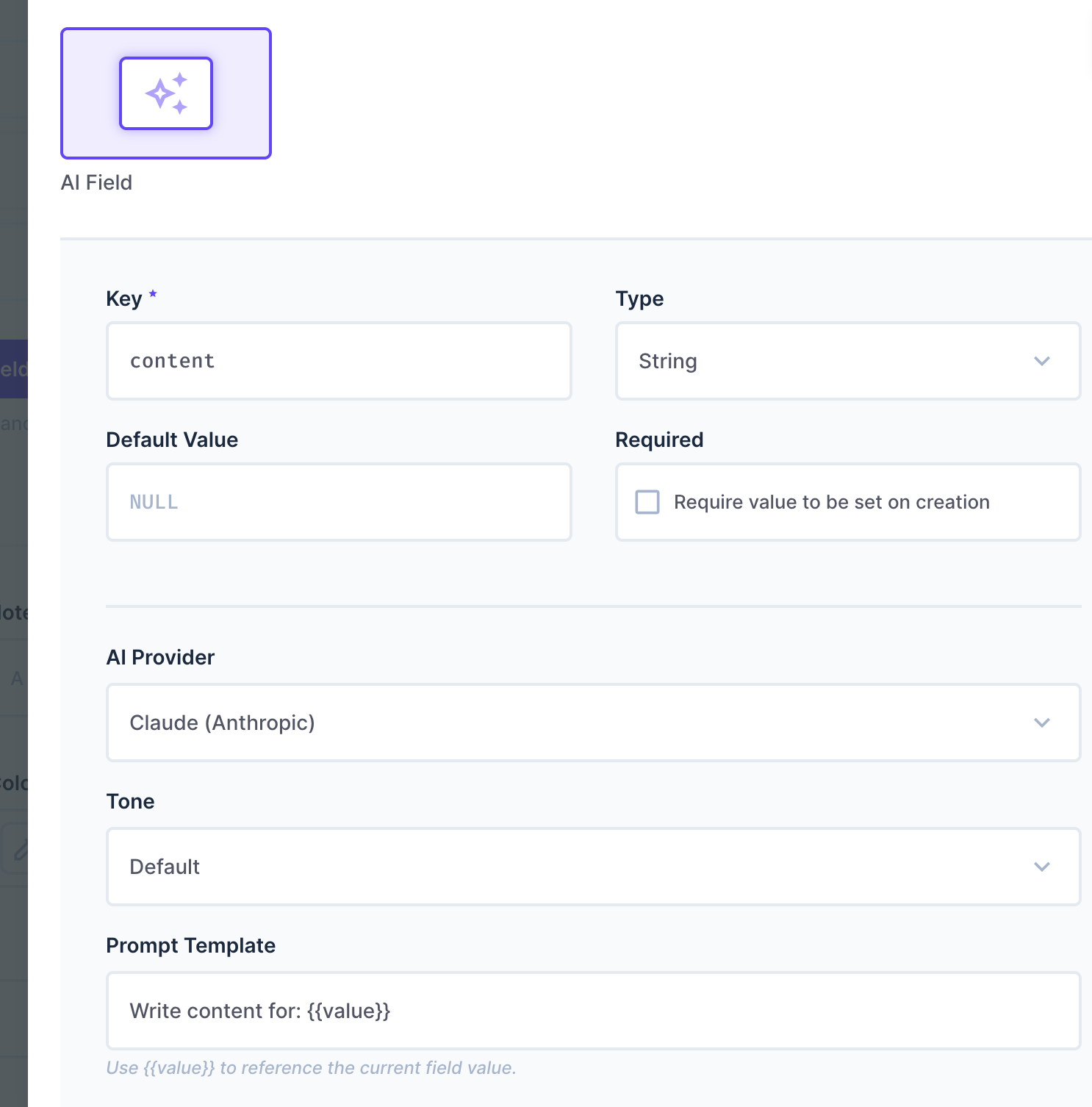
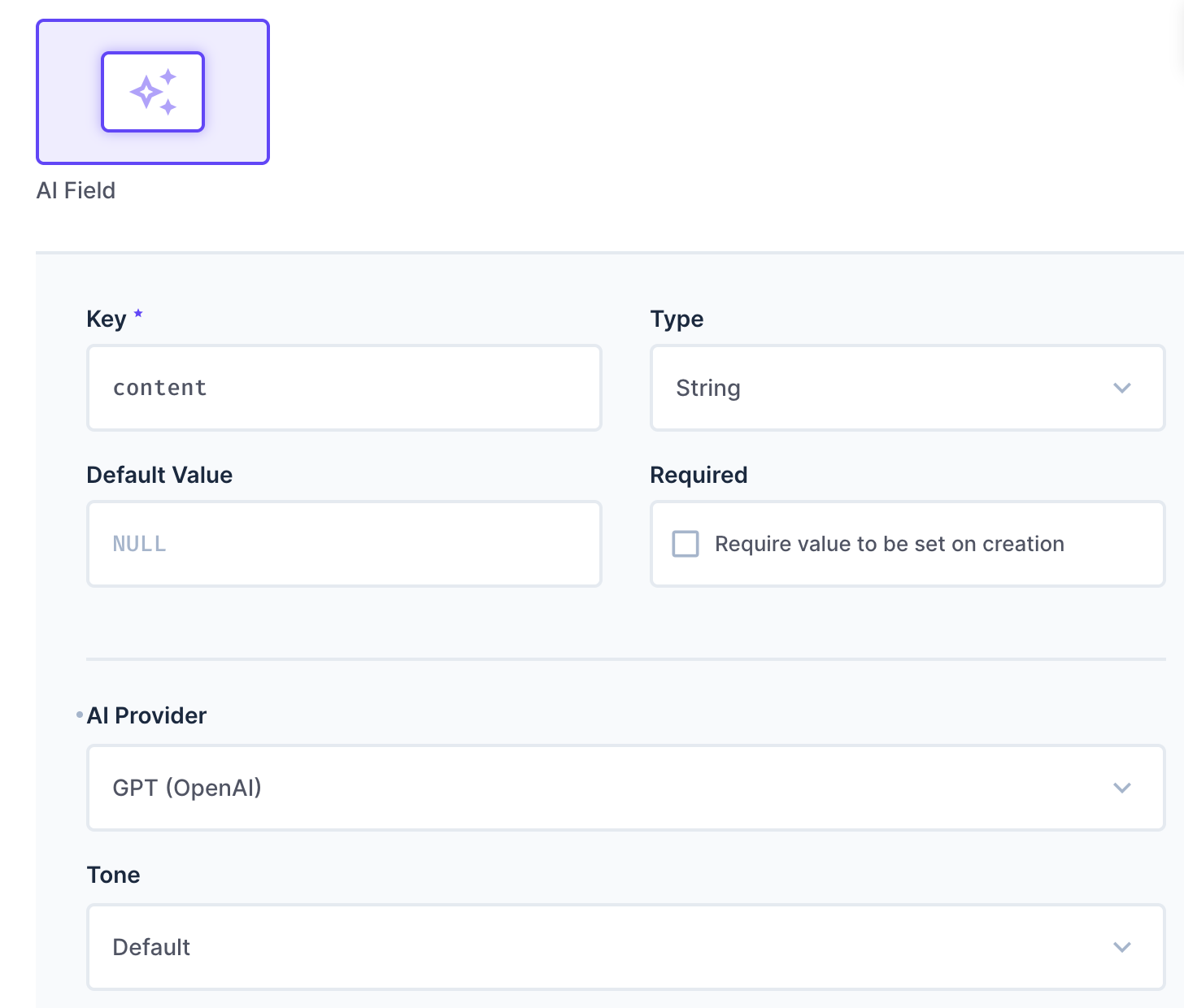
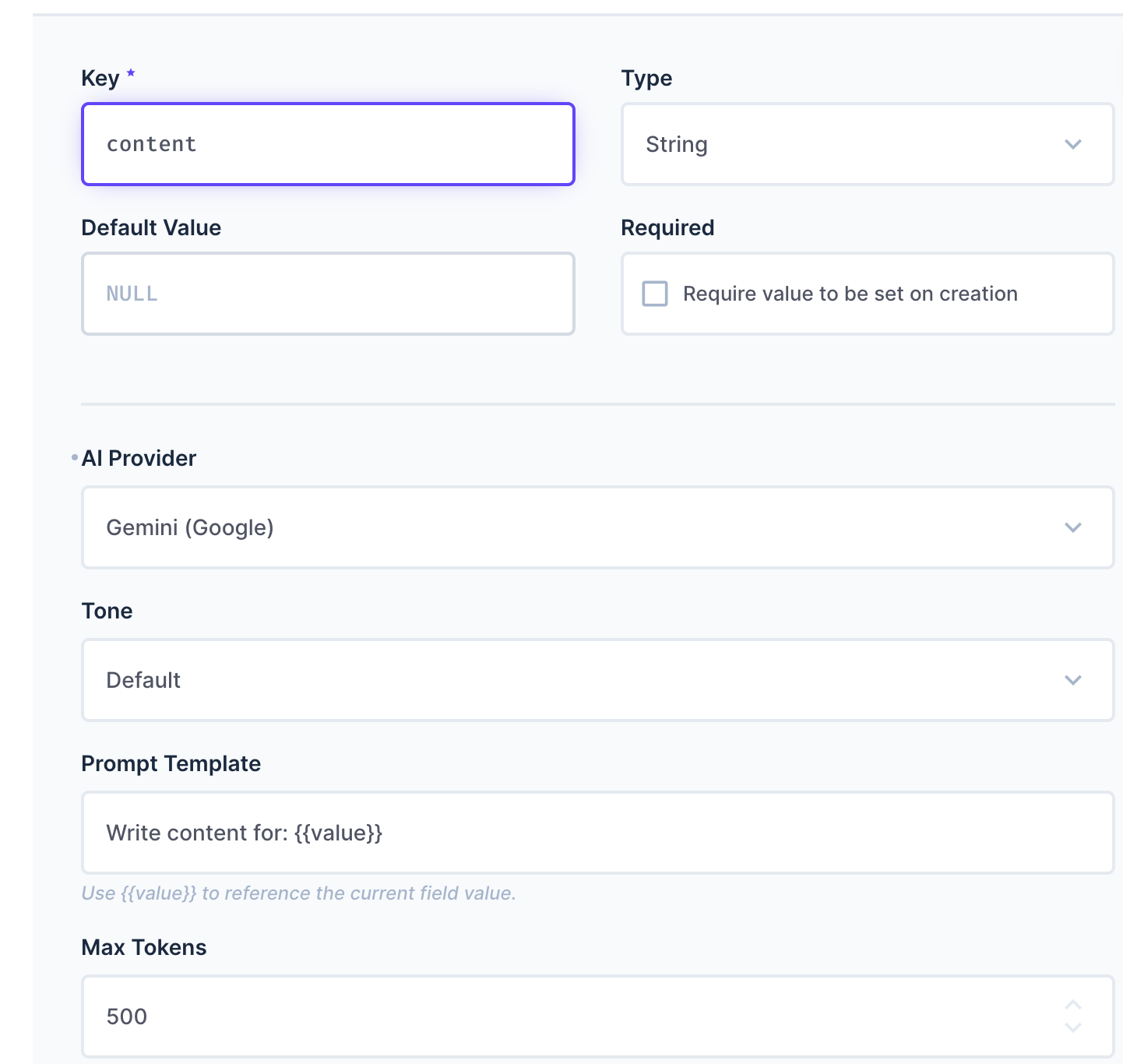
- Pick your provider, tone, and prompt template
- Save — the ✦ Generate button will appear on every item

Prompt Templates
Use {{value}} to reference the current field value, or {{fieldName}} to reference other fields in the same item:
Write an SEO meta description for: {{title}} in category {{category}}Summarize the following article in 2 sentences: {{body}}Translate to Arabic: {{value}}Provider Examples
Claude
GPT-4o mini
Gemini 2.0 Flash
Options
| Option | Description | Default |
|---|---|---|
| Provider | Claude, GPT, Gemini, Mistral, or DeepSeek | Claude |
| Tone | default, formal, casual, technical | default |
| Prompt Template | Template with {{value}} or {{fieldName}} | Write content for: {{value}} |
| Max Tokens | Max length of generated content (1–4096) | 500 |
Requirements
- Directus 11+
- Node.js 22+
- API key for at least one provider
Security
- API keys are stored in environment variables and never exposed to the browser
- The
/generateendpoint requires a valid Directus session (any logged-in user) - To restrict generation to specific roles, add a permission check in
src/endpoint/router.ts
Troubleshooting
| Error | Fix |
|---|---|
| ANTHROPIC_API_KEY is not configured | Add the key to .env and restart Directus |
| Unauthorized | Make sure you're logged in to Directus |
| Empty output | Increase Max Tokens in the field options |
| Build errors | Make sure you're on Node.js 22+ and ran npm install inside the extension folder |
License
MIT © Mohamed Wahba