
directus-extension-dbbackup
v1.0.2
Published
Back up and restore your PostgreSQL database with one click, with S3 and local storage support
Downloads
36

Maintainers
 yamenzak
Readme
DB Backup
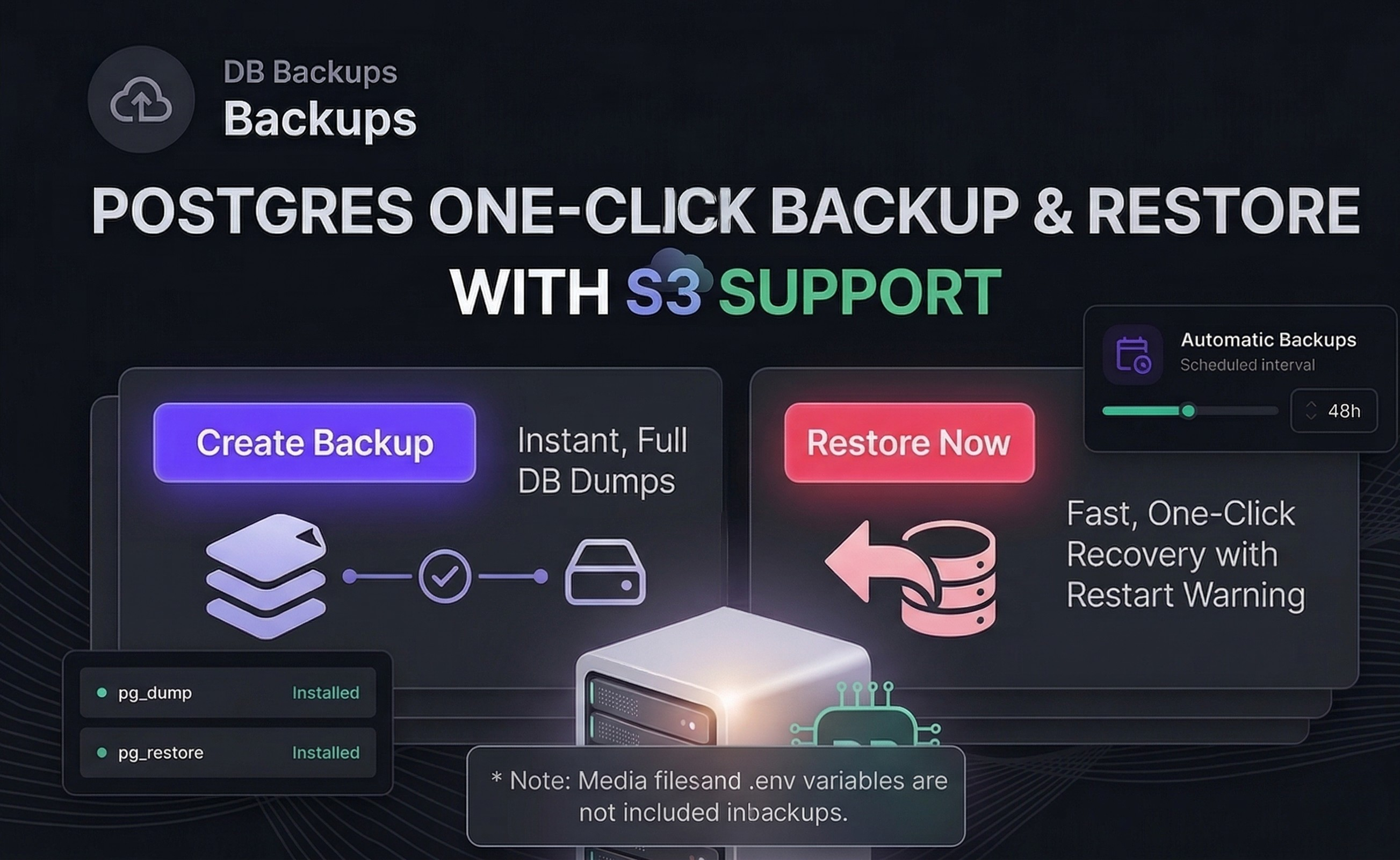
One-click PostgreSQL backup and restore for Directus. Schedule automatic backups, manage retention, and restore with confidence — all from a clean, built-in module.
Works with S3-compatible storage (AWS S3, Cloudflare R2, MinIO, etc.) and local storage out of the box.
Features
- One-click backup — Full
pg_dumpuploaded to your configured storage - One-click restore — Atomic restore via
pg_restore --single-transaction(safe rollback on failure) - S3 & local storage — Backups flow through your Directus storage config automatically
- Automatic backups — Schedule recurring backups at any hourly interval
- Retention policy — Set a max backup count; oldest are auto-deleted from both DB and storage
- Sync from storage — Recover backup references after a restore (files on S3 survive database rollbacks)
- Labels — Name your backups; labels are encoded in the filename and survive sync recovery
- Admin-only — All operations require admin access; non-admin users see an access denied screen
- Timeline UI — Visual backup history with badges (Latest, Largest, Oldest, Auto)
Installation
From the Directus Marketplace
Search for "DB Backup" in the Directus Marketplace and click Install.
Manual Installation
npm install directus-extension-dbbackupOr clone into your extensions directory and build:
cd extensions/directus-extension-dbbackup
npm install
npm run build
Prerequisites
This extension requires pg_dump and pg_restore to be available inside your Directus container. The standard Directus Docker image does not include these tools.
Add them by extending the Directus image in your Dockerfile:
FROM directus/directus:11
USER root
RUN corepack enable && apk add --no-cache postgresql16-client
USER node
This adds ~5MB to the image. Works with any deployment method — Docker Compose, Coolify, Kubernetes, etc.
The extension checks for tool availability on startup and shows a clear warning in the UI if they are missing.
S3-Compatible Storage
This extension uses the same storage configuration as Directus File Storage. If you already have S3 storage configured for Directus, backups will use it automatically — no additional setup needed.
If you haven't configured S3 yet, add these environment variables:
STORAGE_LOCATIONS=s3
STORAGE_S3_DRIVER=s3
STORAGE_S3_KEY=your-access-key
STORAGE_S3_SECRET=your-secret-key
STORAGE_S3_ENDPOINT=https://your-endpoint.r2.cloudflarestorage.com
STORAGE_S3_BUCKET=your-bucket-name
STORAGE_S3_REGION=auto
STORAGE_S3_ROOT=assets
This works with any S3-compatible provider: AWS S3, Cloudflare R2, MinIO, DigitalOcean Spaces, Backblaze B2, etc.
If no S3 storage is configured, backups are stored on the local filesystem under your uploads directory.
How It Works
Backup
- Runs
pg_dump -Fc(custom compressed format) against your PostgreSQL database - Uploads the dump to your configured storage under a
db-backups/prefix - Creates a
directus_filesentry so the backup appears in your file library - Enforces the retention policy, deleting the oldest backups beyond the limit
Restore
- Downloads the backup file from storage (S3 or local)
- Runs
pg_restore --clean --if-exists --single-transaction - If restore fails, the transaction is rolled back — your database is untouched
- If restore succeeds, the server restarts cleanly (~5 seconds with Docker)
Sync
After a restore, backup files created after the restore point still exist on storage but their database references are gone. The Sync button scans your storage for orphaned .dump files and re-creates their directus_files entries, preserving labels parsed from the filename.
Storage Layout
Backups are stored under a db-backups/ prefix in your configured storage location:
- S3:
{STORAGE_S3_ROOT}/db-backups/backup_2026-03-24T14-30-00_My-Label.dump - Local:
{uploads}/db-backups/backup_2026-03-24T14-30-00_My-Label.dump
The extension reads your STORAGE_LOCATIONS and related environment variables — no additional storage configuration is needed.
Settings
| Setting | Description | Default |
|---------|-------------|---------|
| Backup Interval | Hours between automatic backups. Set to 0 to disable. Minimum 1. | 0 (disabled) |
| Retention Count | Maximum backups to keep. Oldest are deleted when exceeded. | 10 |
Settings are stored in a JSON file at {EXTENSIONS_PATH}/.dbbackup/settings.json — no custom database collections required.
API Endpoints
All endpoints require admin authentication.
| Method | Route | Description |
|--------|-------|-------------|
| POST | /dbbackup/backup | Create a backup. Body: { "label": "..." } |
| GET | /dbbackup/backups | List all backups |
| DELETE | /dbbackup/backup/:id | Delete a backup from DB and storage |
| POST | /dbbackup/restore/:id | Restore from a backup |
| POST | /dbbackup/sync | Recover orphaned backups from storage |
| GET | /dbbackup/settings | Get current settings |
| PATCH | /dbbackup/settings | Update settings |
| GET | /dbbackup/status | Check pg_dump/pg_restore availability |
Compatibility
- Directus 11.0.0+
- PostgreSQL (any version supported by your
postgresql-clientpackage) - S3-compatible storage (AWS S3, Cloudflare R2, MinIO, DigitalOcean Spaces, etc.)
- Local file storage
License
MIT