
directus-extension-immich
v0.1.0
Published
Select and embed images from Immich photo management
Downloads
12

Maintainers
 be-ez
be-ezReadme
Directus Immich Extension
A Directus extension that integrates Immich with Directus, allowing you to browse and select images from your Immich library directly within Directus.
Features
- Image Picker Interface - Browse and select images from Immich within Directus fields
- Album Browsing - Switch between image grid and album view
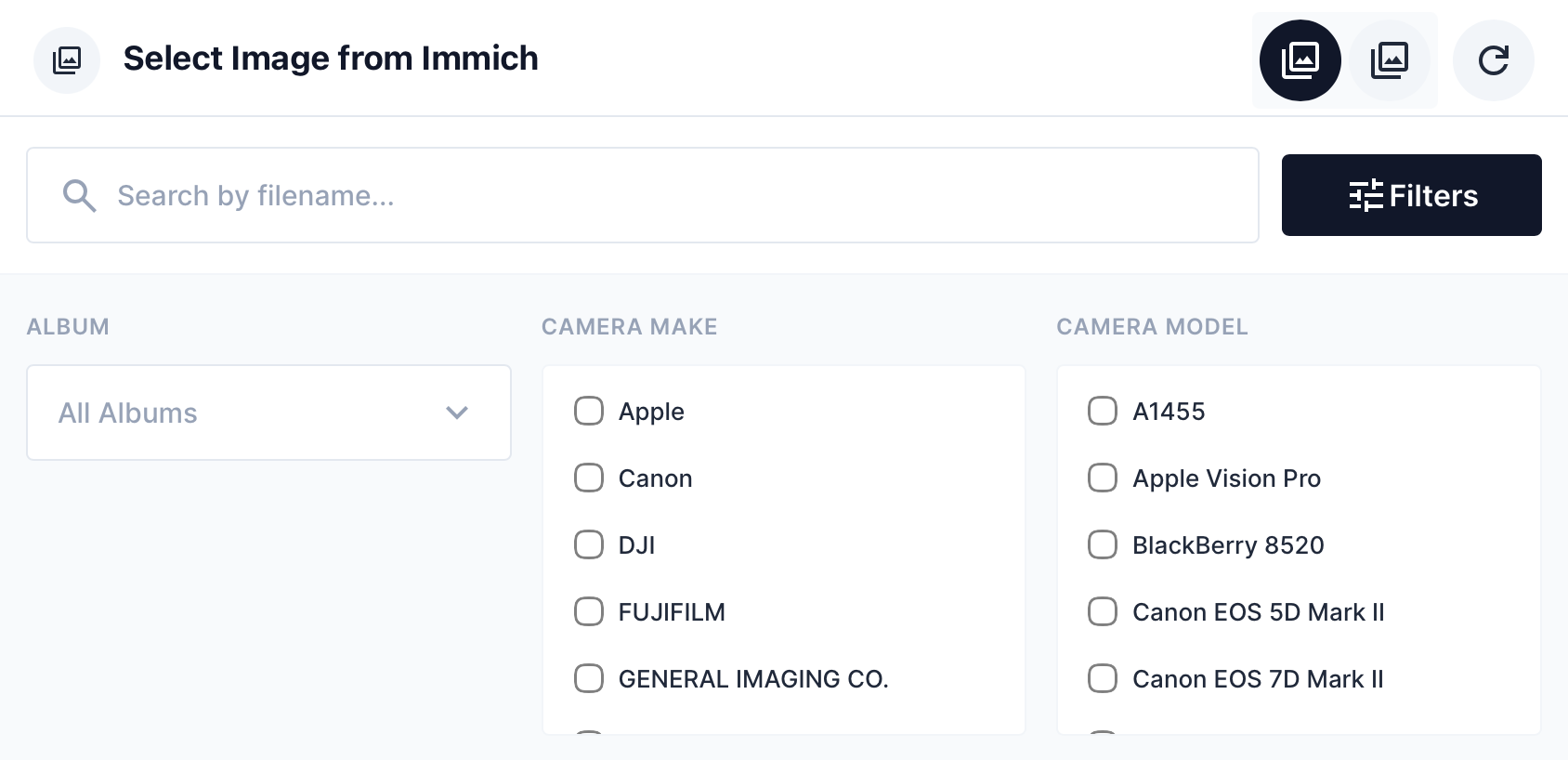
- Search & Filter - Search by filename, filter by album, camera make/model
- Stack Support - View and select from stacked images
- Multi-Select - Select multiple images or entire albums
- Album Sync - Link selections to albums with ability to sync when album contents change
- Image Display - Display component for showing selected Immich images
Screenshots
Select Button
Search & Filters
Field Interface

Requirements
- Directus 10.x or later
- Immich instance with API access
- Immich API key
Installation
Copy the extension to your Directus extensions folder:
extensions/directus-extension-immich/Add environment variables to your Directus configuration:
IMMICH_URL=http://your-immich-server:2283
IMMICH_API_KEY=your-api-key-here
Restart Directus
Configuration
Environment Variables
| Variable | Description | Example |
|----------|-------------|---------|
| IMMICH_URL | URL to your Immich server | http://10.0.0.3:2283 |
| IMMICH_API_KEY | Immich API key for authentication | abc123... |
Getting an Immich API Key
- Open Immich and go to Account Settings (click your user icon in the top right)
- Navigate to API Keys
- Click New API Key and give it a name (e.g., "Directus Extension")
- Important: Select the required scopes:
asset:read- Required to browse and view imagesalbum:read- Required to browse albums
- Click Create and copy the generated key
Note: The extension only requires read access. It does not modify, upload, or delete any assets in your Immich library.
Usage
Interface (Image Picker)
Add a JSON field to your collection and select Immich Image as the interface.
Options:
allowMultiple- Enable multi-select modealbumFilter- Pre-filter to a specific album ID
Display
Select Immich Image Display to show thumbnails of selected images in the collection view.
Data Structure
Single Image
{
  "id": "asset-uuid",
  "originalFileName": "photo.jpg",
  "type": "IMAGE",
  "thumbhash": "..."
}
Multiple Images (Album-Linked)
{
  "albumId": "album-uuid",
  "albumName": "My Album",
  "images": [
    { "id": "...", "originalFileName": "...", "type": "IMAGE" }
  ]
}
Building from Source
npm install
npm run build
License
MIT