
div-phone
v1.1.0
Published
Responsive iPhone frame component with black and orange finishes, built with Tailwind CSS.

Maintainers
 evanstewart
Readme
div-phone
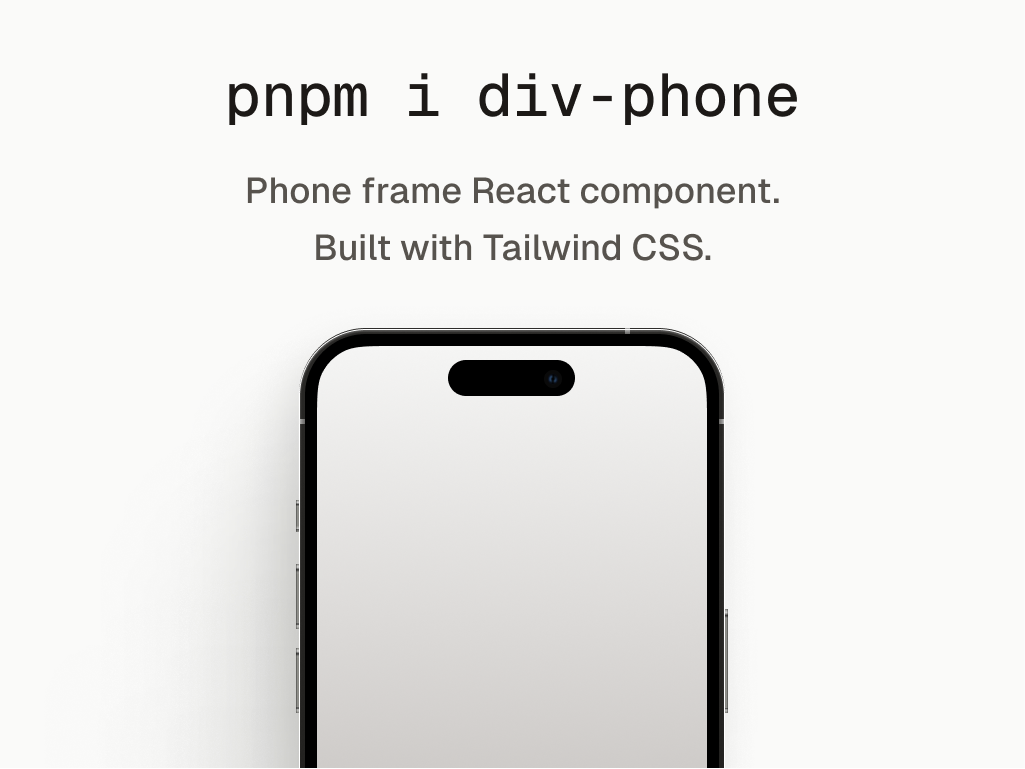
A responsive iPhone frame component for React, built with Tailwind CSS. Use the existing black finish or opt into the orange finish with a single prop.
Install
npm install div-phoneTailwind CSS setup
div-phone ships Tailwind utility classes rather than a compiled stylesheet.
Tailwind CSS v4 ignores node_modules during automatic source detection, so
register the package as a source in your main CSS file:
@import "tailwindcss";
@source "../node_modules/div-phone/dist";
The @source path is relative to the CSS file. Adjust the number of ../
segments for your project structure.
If your project uses PostCSS, install the optional integration packages:
npm install --save-dev postcss @tailwindcss/postcssThen configure the Tailwind v4 plugin:
export default {
	plugins: {
		'@tailwindcss/postcss': {},
	},
};
Usage
The existing black frame remains the default:
import { Phone } from 'div-phone';

export const BlackPhone = () => (
	<Phone>
		<div className="h-full w-full bg-neutral-900 text-white">
			Your app goes here.
		</div>
	</Phone>
);
Select the orange finish with color="orange":
import { Phone } from 'div-phone';

export const OrangePhone = () => (
	<Phone color="orange">
		<div className="h-full w-full bg-neutral-900 text-white">
			Your app goes here.
		</div>
	</Phone>
);
API
| Prop | Type | Default | Description |
| --- | --- | --- | --- |
| children | React.ReactNode | None | Content rendered inside the phone screen. |
| className | string | None | Classes added to the outer phone wrapper. |
| color | "black" \| "orange" | "black" | Selects the phone frame finish. |
| shadow | boolean | true | Applies the outer phone shadow. |
The color union is also exported for use in your own component APIs:
import type { PhoneColor } from 'div-phone';Requirements
- React 17, 18, or 19
- Tailwind CSS 4
- PostCSS 8 and
@tailwindcss/postcss4 when using the optional PostCSS integration - Node.js 16.14 or newer
Troubleshooting
If the phone renders without its frame styling, confirm that:
- Your application imports Tailwind with
@import "tailwindcss". - Your CSS includes an
@sourcepath that resolves tonode_modules/div-phone/dist. - You restarted the development server after installing or updating the package.