
dragge-dro-react
v0.1.4
Published
Now you can add drag and drop to your website easily with just including the components


Readme
Draggedro
Now you can add drag and drop to your website easily with just including the components
Table of contents
Getting Started
These instructions will get you a copy of the project up and running on your local machine for development and testing purposes. See deployment for notes on how to deploy the project on a live system.
Installation
To install and set up the library, run:
$ npm install dragge-dro-reactComponents
PannelAllowScreen
This component does not allow you to set the size of the component. The width and height of the component will be 100vw and 100vh respectively
<PannelAllowScreen>
    {children...}
</PannelAllowScreen>
Supported props for PannelAllowScreen component are listed below.
Props
children -> JSX.Element[]: Elements needed to be draggable
Note: The child components of the elements passed as children will not be draggable
React.CSSProperties: Any react css property can be passed as a prop to this component
Note:
widthandheightwill not have any effect on this component, Its width and height are set to100vwand100vhrespectively
Example:
const MyComponent: React.FC = () => {

	const itemStyle: React.CSSProperties = {
		padding: '1rem',
		backgroundColor: 'black',
		display: 'inline-block',
		borderRadius: '1rem',
		width: "inline",
	};
    return (
    <PannelAllowAnywhere background="cyan">
        <div style={itemStyle}>Object 1</div>
	    <div style={itemStyle}>Object 2</div>
    </PannelAllowAnywhere>

  );
};
Output:
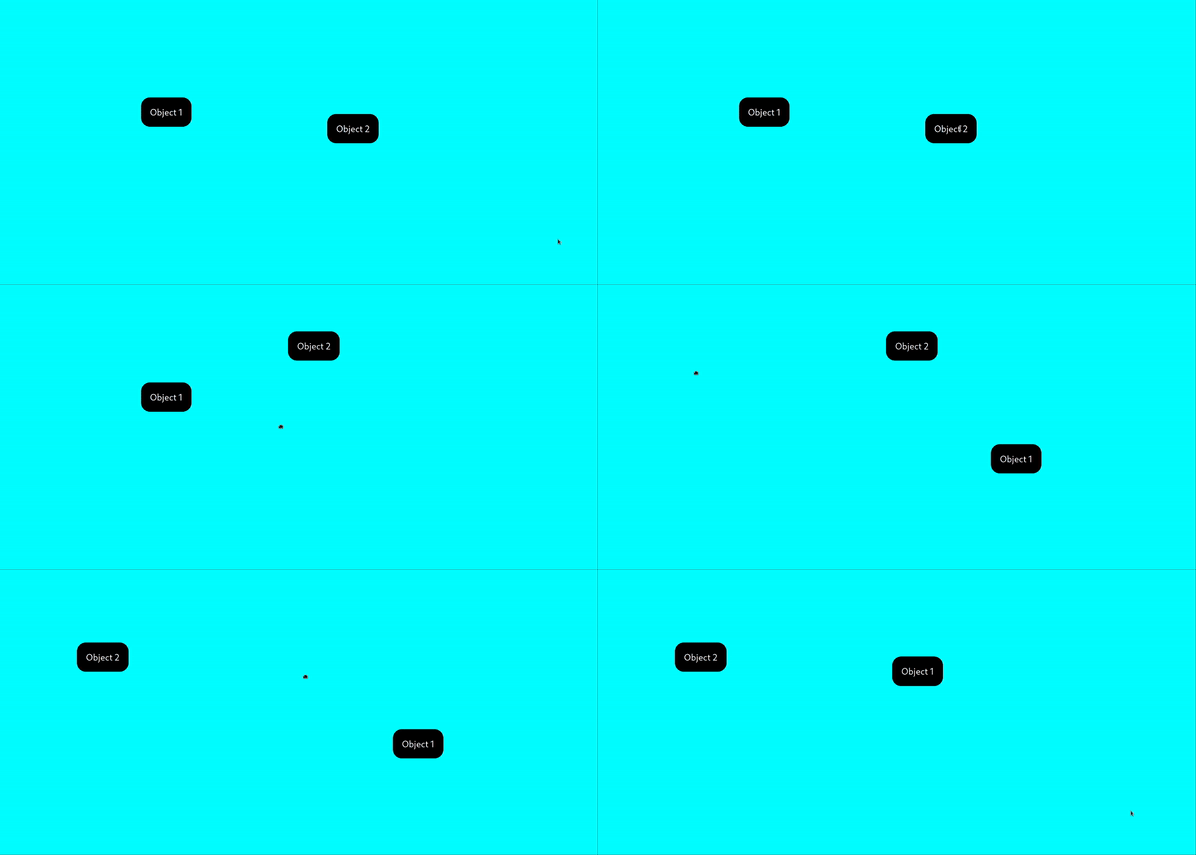
PannelAllowSpecified
This component allows you to set the size of the component. The elements passed to this component cannot be dragged outside of the component. By default the width and height of the component will be 100vw and 100vh respectively
<PannelAllowSpecified>
    {children...}
</PannelAllowSpecified>
Supported props for PannelAllowSpecified component are listed below.
Props
children -> JSX.Element[]: Elements needed to be draggable
Note: The child components of the elements passed as children will not be draggable
React.CSSProperties: Any react css property can be passed as a prop to this component
Example:
const MyComponent: React.FC = () => {

	const itemStyle: React.CSSProperties = {
		padding: '1rem',
		backgroundColor: 'black',
		display: 'inline-block',
		borderRadius: '1rem',
		width: "inline",
	};
    return (
    <PannelAllowAnywhere background="cyan" width= "50vw" height= "50vh" background= "aqua">
      <div style={itemStyle}>Object</div>
    </PannelAllowAnywhere>

  );
};
Output:

Contributing
- Fork it!
- Create your feature branch:
git checkout -b my-new-feature - Add your changes:
git add . - Commit your changes:
git commit -am 'Add some feature' - Push to the branch:
git push origin my-new-feature - Submit a pull request :sunglasses:
Built With
- React
- Rollup
- Storybook
- Love
Authors
- Pravith B A - Initial work - Pravith