
droidline
v0.1.13
Published
Android automation from Node.js: test your apps on real phones, script the tasks you repeat and run many phones at once. No ADB, no USB cable, no root.

Maintainers
 knifelemon
Readme
droidline
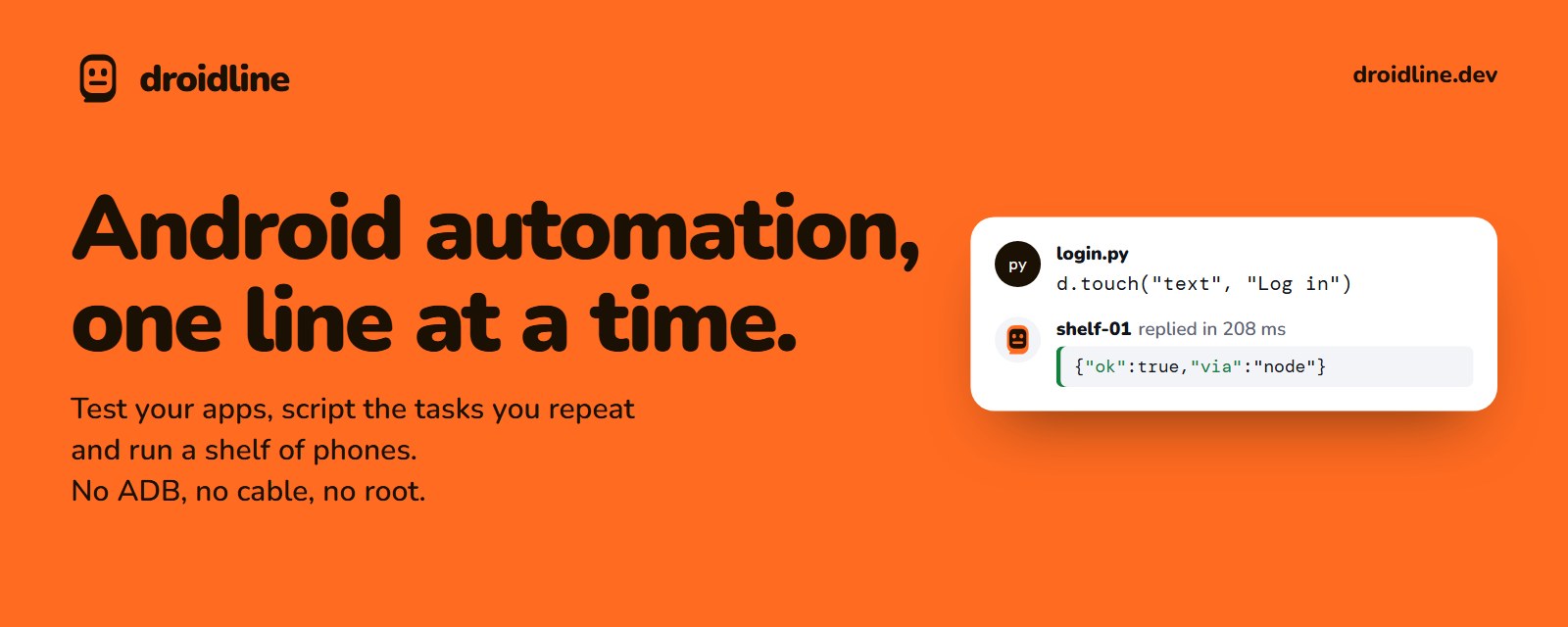
Node.js SDK for Droidline, Android automation from code. Test your apps on real phones, script the tasks you repeat and run many phones at once, without ADB, a USB cable or root.
The SDK talks to the Droidline server on your PC (droidline serve, port 8780). The server and the phone do the waiting, retries and fallbacks; this package sends commands and turns errors into rejected promises. Node 18+, no dependencies, ES modules with TypeScript types.
Install
npm install droidlineExample
import { connect } from "droidline";

const d = await connect();
await d.launch("com.kakao.talk");
await d.dump("screen.json");
await d.touchById("com.kakao.talk:id/login");
await d.input("id", "com.kakao.talk:id/email", "knife");
await d.sendkey("enter");
if (await d.exists("text", "광고 닫기")) {
  await d.touch("text", "광고 닫기");
}
await d.intent("android.settings.WIFI_SETTINGS");    // open a Settings page by its intent action
await d.waitIdle();
Method names match the protocol (long_tap), and each has a camelCase alias (longTap). Optional parameters go by position or in an options object as the last argument: d.wait("text", "완료", { timeout: 30 }).
connect() uses the only online phone. With several, pass an ID or name: connect("shelf-01"), or use new Droidline().device("shelf-01") for each. DROIDLINE_HOST, DROIDLINE_PORT, DROIDLINE_TOKEN and DROIDLINE_DEVICE set the defaults.
A failed command rejects with a DroidlineError that has code, retryable and the server's extra fields in data.
The process exits when your script finishes, unless a notification callback is registered. d.close() closes the connection early.
Docs: https://droidline.dev/docs