
dsh-live-token-stats
v0.4.1
Published
DSH Web 插件:基于 DeepSeek 官方 BPE 分词表,在 composer 下方实时渲染 token 状态带,显示流式 TPS、输出 token 与首字延迟,并对比上次 step 的估算与实际偏差;纯插件自包含,不改 DSH 源码
Downloads
695

Maintainers
 betterer-
Readme
dsh·实时 Token 统计·溺水检测插件
引言
DeepSeek Harness 经常会看起来像卡住了,只显示深度潜水中而没有更详细的说明,根本不知道是在准备大惊喜还是仅仅是溺水了。
这里点名批评 Opencode Go,先是在 X 上宣传自己能够复现 DeepSeek 的价格,结果半夜悄悄同步涨价和峰谷价的同时,还把额度削减到原来的 1/4。虽然后续回调到 1/2,但代价是从不知道哪里找来的超级量化还超级慢又超级不稳定的模型,不仅思考强度无法调整,首字延迟还高达数十秒,完全就是溺水死掉了。
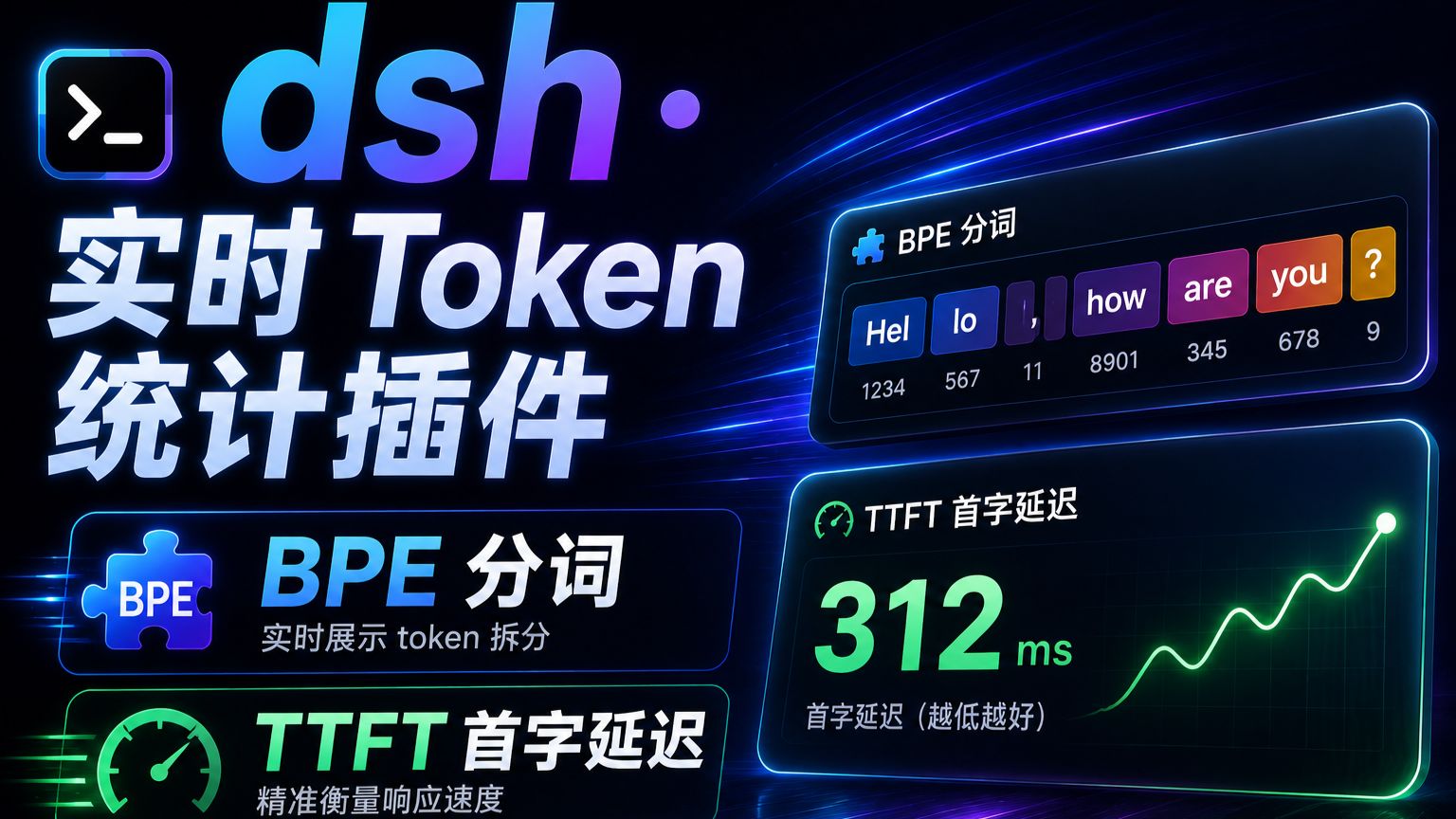
此插件两个核心功能,读取实时的大模型流式返回并实时使用 DeepSeek 分词表分词,得到实时的 token/s 计数,并在流式结束后显示估计与实际的偏差;另外轮询首字是否返回以实时更新首字延迟,用于判断是否溺水。
功能
- 估算算法:默认
bpe模式将流式文本的每个 delta 增量喂入字节级 BPE 切分器,本地内置 DeepSeek V4 词表;跨 delta 维护未完成尾段,计数与整段一次性切分逐 token 一致,并已用 transformers 逐 token id 黄金对照验证。可选density双密度回退,按字符类别分别折算,配置见下方。 - added tokens 对齐:内置完整 added tokens 元数据,与官方 tokenizer.json 逐项一致,编码时按最长前缀匹配;仅特殊 token 直接输出其 id,其余命中与 BPE 处理等价,与 transformers 逐 id 对齐,已实测对照。
- 偏差对账与系统误差:输出 token 估算与官方 usage 双字段并列,结算后由 usage 校准,偏差如实显示。工具调用因官方额外计费消息模板与调用 id,本地估算会低于实际值——实测单工具约 +40~60 token、双工具约 +70~80 token;纯文本与推理输出偏差约 1~2 token。
它长什么样
状态带只有两种形态,全中文标签,用 | 分隔:
生成中 · 已出首字
实时速度 ~53.0 tok/s | 平均速度 ~40.3 tok/s | 已停顿 2.5s | 实时输出 ~2,123 token | 首字延迟 1.2s等待首字 / 空闲
准确速度 28.7 tok/s | 估算 2,123 / 实际 1,966 (+8%) | 首字延迟 1.2s实时速度 ~53.0 tok/s:当前 step 的实时速率,~表示窗口估算。分母取「自 step 开始流逝时间」与「rateWindowMs窗口定值」中较小者,首字延迟含入分母并随窗口滑动爬升,首字摊完后固定为窗口定值;流停住时窗口样本滑出,超过窗口后宿主不再外发速率,速度格消失,停顿时长由已停顿实时反映。等待首字期间没有 token,速度格不出现。平均速度 ~40.3 tok/s:本 step 自请求发出起的全程平均 = 实时输出 token ÷ 总耗时,分母含首字延迟与一切停顿;实时 > 平均表示推流在加速,反之减速。已停顿 2.5s:本 step 累计卡住时长,相邻 delta 间隔不足 300ms 不计入;页面每 100ms 轮询宿主刷新,流停住时持续增长。实时输出 ~2,123 token:当前 step 实时输出 token 估算,usage 到达后切换为官方实际值。首字延迟 1.2s:TTFT。生成中取本 step 精确值;等待首字时是本轮等待的实时耗时,每 100ms 上涨,出首字瞬间定格为精确 TTFT;空闲时取上次结算值静态显示。准确速度 28.7 tok/s:上次结算 step 的实际输出 token ÷ 该 step 耗时,分母含首字延迟与停顿,由官方 usage 校准,不受估算方式影响。等待首字与空闲态复用其作对照。估算 2,123 / 实际 1,966 (+8%):上次 step 估算 vs 官方实际,正号表示估算偏高;未报告 usage 时只显示估算并带~。
演示视频
| 溺水检测插件演示 · 48 秒 |
| :---: |
|  |
|
安装
从 GitHub 安装:源码在 src/,lib/ 不入仓库,安装时 npm 会触发 prepare 脚本现场构建。
dsh plugin --profile web add github:better-er/dsh-live-token-stats从 npm 安装:包内已含构建产物 lib/index.js 与 lib/client.js,安装时不再构建。
dsh plugin --profile web add dsh-live-token-stats两种方式装完都会自动挂载,重启 DSH web 后启用,无需手工编辑任何文件。
卸载
dsh plugin --profile web remove dsh-live-token-stats彻底移除,重启 DSH web 后不再加载。
配置
在 profile 的 cordis.yml 或 overlay 中配置:
enabled:boolean,默认true,总开关。tokenizerMode:'bpe'或'density',默认'bpe'。bpe:用内置的 DeepSeek V4 词表做真实 BPE 切分,与 provider usage 最接近。density:回退到双密度字符估算,下方两个配置项仅在此模式生效。asciiTokenPerChar:number,默认0.3,每个 ASCII 字符折算的 token 数。cjkTokenPerChar:number,默认0.6,每个 CJK 字符折算的 token 数。
rateWindowMs:number,默认3000,实时 TPS 的滑动窗口毫秒数。debug:boolean,默认false,诊断日志开关。也可用环境变量DSH_LIVE_TOKEN_STATS_DEBUG=1免改配置打开。
# 例:缩短 TPS 窗口、调高中文密度,density 模式
- id: dsh-live-token-stats
  config:
    rateWindowMs: 2000
    tokenizerMode: density
    cjkTokenPerChar: 0.65
要求与开发
- 是标准形态的 dsh 客户端加主机双半身插件,host 提供数据服务,
./client提供 UI。 - 同时声明了
dsh.bundle,因此也是一个自挂载的 bundle 层插件:用dsh plugin --profile <name> add安装后,会被自动识别为 profile layer 并挂载,无需手工写组合 entry。 - 纯插件自包含,不改 DSH 源码。
- 构建:
pnpm install后依次执行pnpm typecheck、pnpm test、pnpm build;源码在src/,发布产物在lib/,由 tsdown 构建,运行时加载的是 lib。
开发、CI 与发布
- 仓库托管于 GitHub,主分支
master。所有改动经 PR 合入master,master建议开启分支保护,拒绝直接 push 与 force push。 - CI:
.github/workflows/ci.yml在master的 push 与所有 PR 上自动执行typecheck → test → build,全绿是合并门槛。 - CD:
.github/workflows/release.yml在推送vX.Y.Ztag 如v0.3.0时自动发布——凭 tag 号更新package.json版本并回写 master、构建、发布到 npm、并生成 GitHub Release 草稿人工确认。npm 发布走 Trusted Publishing,需先在 npm 侧把此仓库的 Actions 绑定到对应包,无需NPM_TOKENsecret。 - 具体分支、提交、PR 约定见 CONTRIBUTING.md。