
dsh-plugin-remote
v0.5.12
Published
Remote access gateway and zero-install Windows desktop projection for the DeepSeek Harness Web GUI.

Maintainers
 siberiah0h
Readme
dsh-plugin-remote
DeepSeek Harness (DSH) Web GUI 的远程访问网关:登录认证 + HTTP/WebSocket 反向代理到本机 DSH 服务。
English · MIT
安装
dsh plugin --profile web add dsh-plugin-remote && dsh web注意:这是 DSH(DeepSeek Harness)插件,需要通过
dsh plugin(或 profile 依赖)安装到 profile 中才会激活网关;单独npm i不会生效。
截图
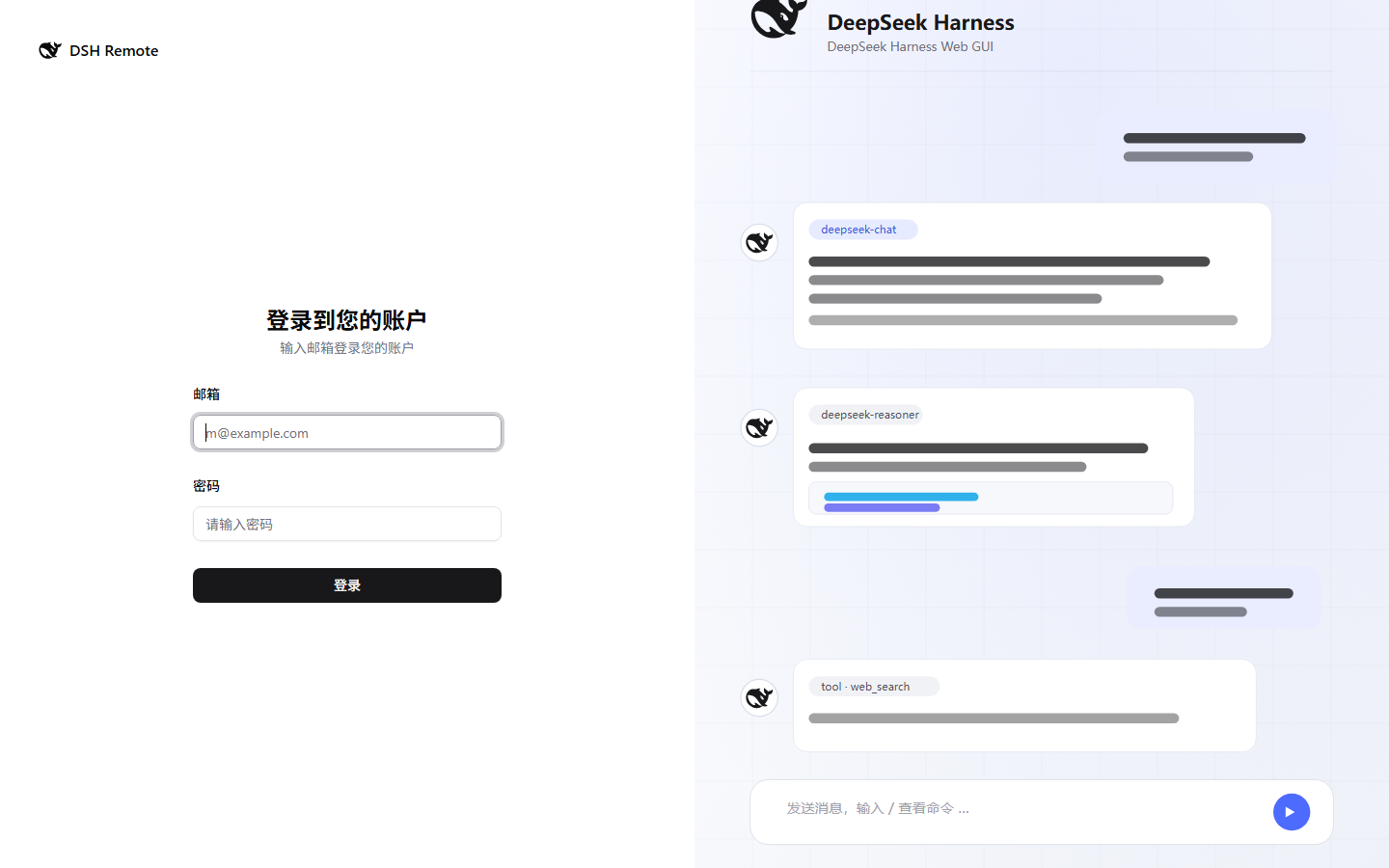
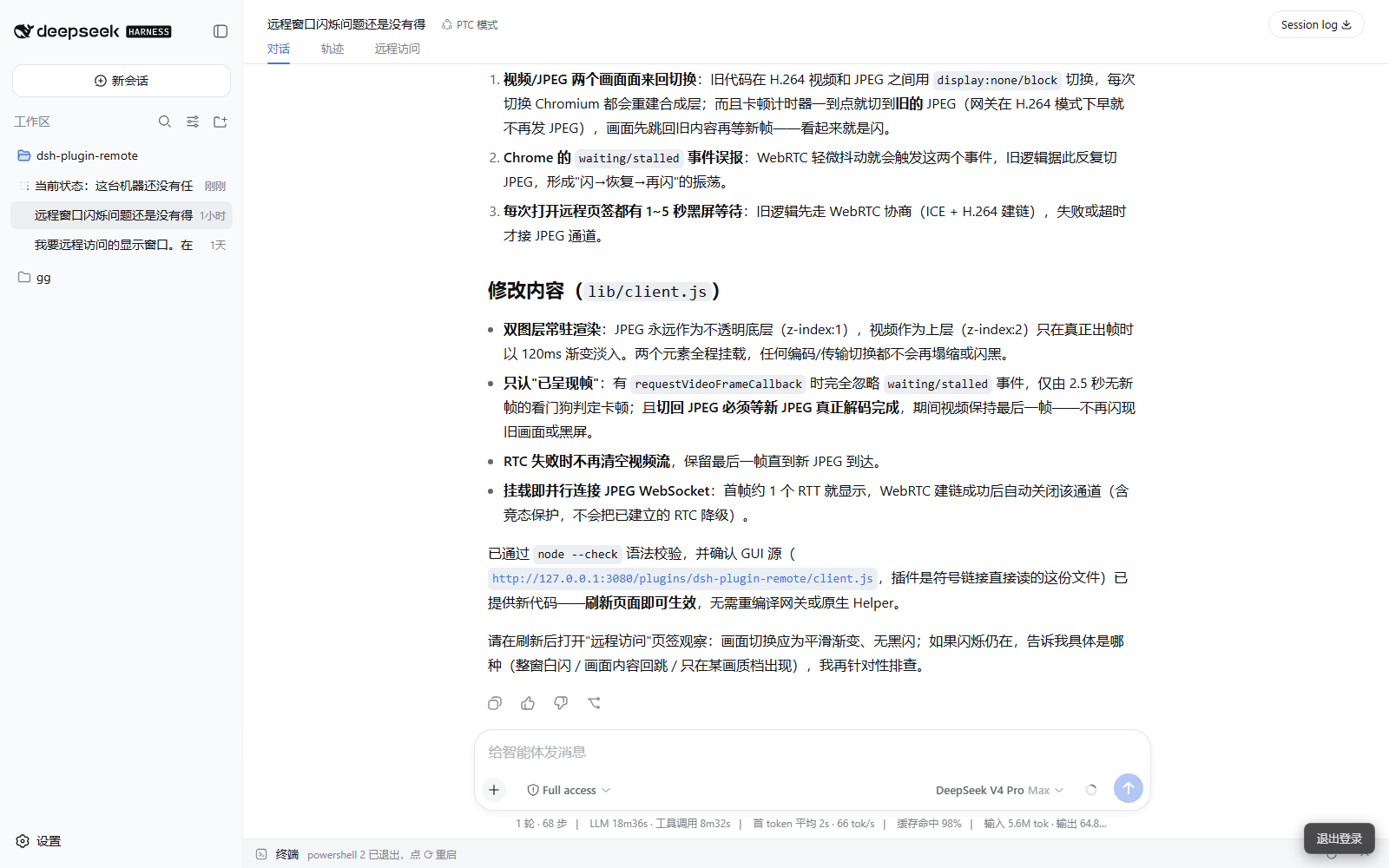
| 登录页 | 主界面(对话 / 轨迹 / 远程访问 页签) |
|---|---|
|  |
|  |
|
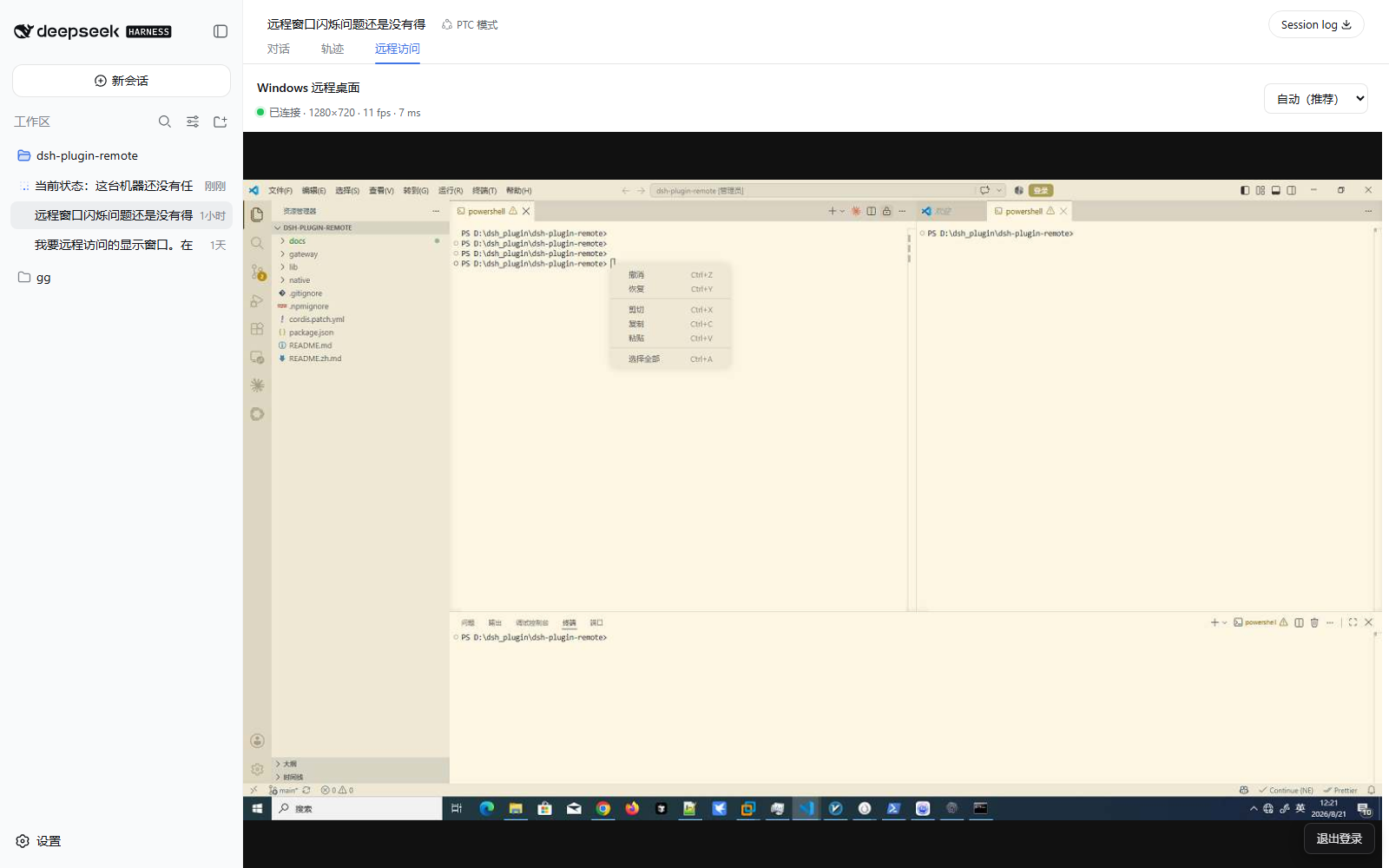
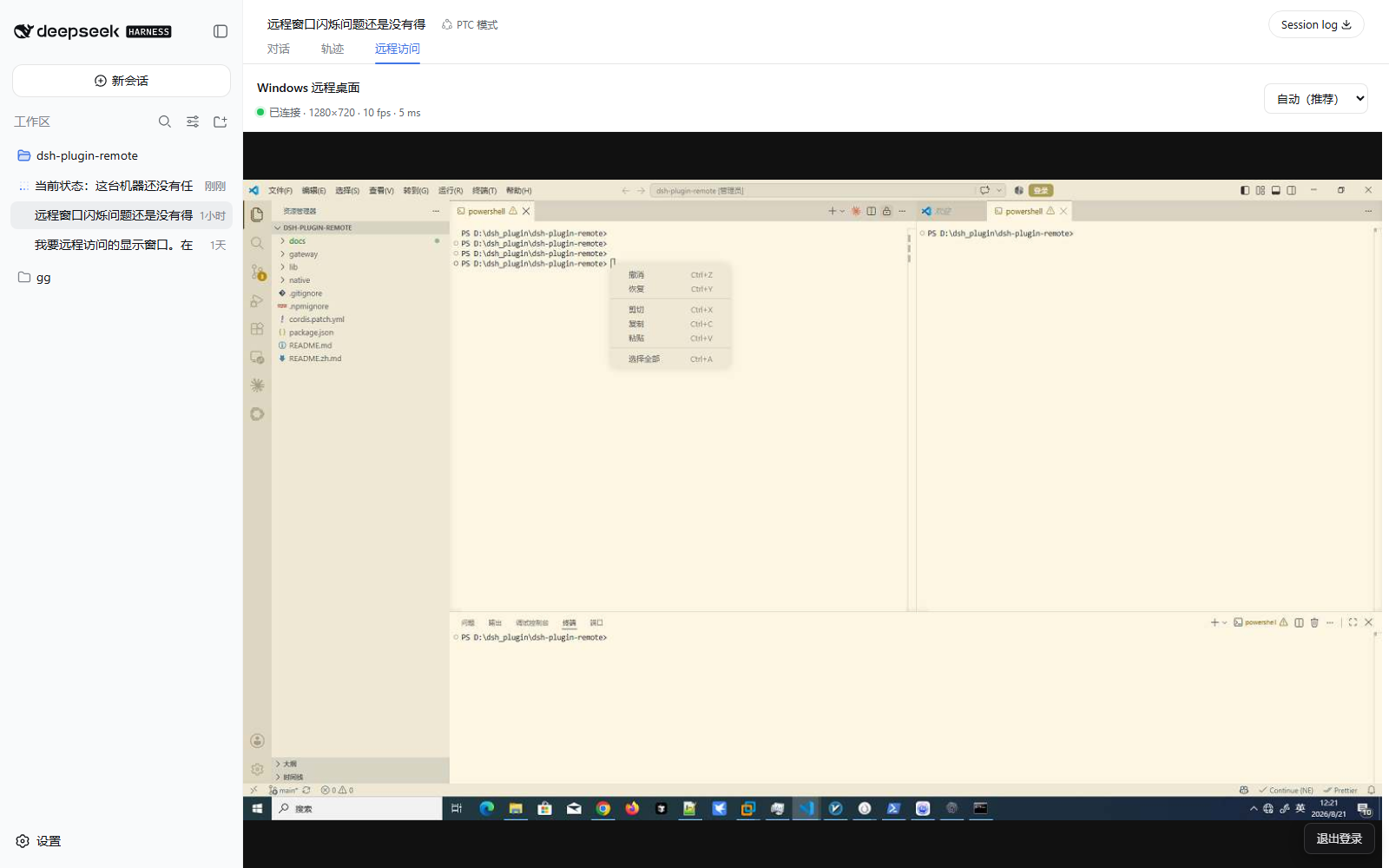
| 远程桌面页签 | 设置 → 远程访问 |
|---|---|
|  |
|  |
|
功能
- 登录后远程访问:scrypt 凭据 + HttpOnly 会话 Cookie;HTTP/WebSocket 反向代理并重写 Host/Origin,无需
--trusted-host - 白色主题登录页(shadcn/ui,移动端适配)带 DeepSeek Harness 品牌
- 网关管理接口(
/admin/*,需登录会话),在 设置 → 远程访问 分区中管理:- 远程访问白名单(IP / CIDR;127.0.0.1 始终放行;热加载)
- 账号密码修改(改后旧会话立即失效)
- 来源请求记录:全部请求按天 JSONL 分片存储,支持下载与 1/3/7 天保留规则
- 中英文双语,跟随 GUI 语言
- Windows 桌面零安装投影:插件自动启动随包携带的 x64 原生 Helper, 用户无需安装 .NET、FFmpeg、驱动或独立 Agent
- 可交互远程桌面:作为对话视图页签环中的“远程访问”页签 (位于 轨迹 旁),全宽投影 Windows 桌面;支持鼠标、键盘以及 弱网/平衡/文字清晰三档画质
- 网关的 HTTP/WebSocket 核心仍使用 Node 内置模块;可选的原生
node-datachannel提供 WebRTC 快速链路,Next.js 登录应用在gateway/内
使用
- 打开
http://<服务器IP>:4080—— 首次访问创建唯一账号 - 管理账号:
node lib/remote-passwd.mjs add|set-password|list|del <用户名> - 数据位于
$DSH_HOME/plugin-data/dsh-plugin-remote/(users.json、whitelist.json、logs/)
Windows 桌面
在 Windows 10/11 x64 上,网关就绪后插件会自动启动
native/windows-x64/dsh-remote-host.exe。Helper 使用每次启动时随机生成且不落盘的
令牌回连网关;只有已登录网关的用户才能查看和控制桌面。
当前源码提供两级画面链路。执行 native:build 后,Windows Helper 会通过
Media Foundation 将 BGRA 画面编码为 H.264,并把每个访问单元送入真正的
WebRTC H.264/RTP 视频轨道,由媒体层负责节流、拥塞反馈、NACK 和关键帧请求;
这避免把完整 JPEG 帧持续堆进 TCP 队列。启动阶段、H.264 解码不可用或视频
轨道卡顿时,网关会自动保留并切换到 JPEG DataChannel;ICE 建链失败时再回退
到已认证的 WebSocket。包内会优先使用 dsh-remote-host-h264.exe,旧 exe
保留作兼容回退;执行 npm run native:build 会同时刷新两份 Helper。
鼠标移动和滚轮使用可丢弃的低延迟通道,键盘、点击、ACK 与输入复位使用可靠 有序通道,避免弱网下旧画面阻塞新输入;受限网络建议在插件配置中填写 TURN。
rtcIceServers 使用浏览器 RTCConfiguration 格式,例如:
{
  rtcIceServers: [
    'stun:stun.example.net:3478',
    { urls: 'turns:turn.example.net:5349', username: 'user', credential: 'secret' },
  ],
}
Windows 安全桌面(UAC、登录界面及锁屏)不能被捕获或控制。设置
config.desktop: false 可以禁用桌面投影。
开发验证
npm run native:build
npm run gateway:build
npm run test:desktop
License
MIT