npm package discovery and stats viewer.

Discover Tips

  • General search

    [free text search, go nuts!]

  • Package details

    pkg:[package-name]

  • User packages

    @[username]

Sponsor

Optimize Toolset

I’ve always been into building performant and accessible sites, but lately I’ve been taking it extremely seriously. So much so that I’ve been building a tool to help me optimize and monitor the sites that I build to make sure that I’m making an attempt to offer the best experience to those who visit them. If you’re into performant, accessible and SEO friendly sites, you might like it too! You can check it out at Optimize Toolset.

About

Hi, 👋, I’m Ryan Hefner  and I built this site for me, and you! The goal of this site was to provide an easy way for me to check the stats on my npm packages, both for prioritizing issues and updates, and to give me a little kick in the pants to keep up on stuff.

As I was building it, I realized that I was actually using the tool to build the tool, and figured I might as well put this out there and hopefully others will find it to be a fast and useful way to search and browse npm packages as I have.

If you’re interested in other things I’m working on, follow me on Twitter or check out the open source projects I’ve been publishing on GitHub.

I am also working on a Twitter bot for this site to tweet the most popular, newest, random packages from npm. Please follow that account now and it will start sending out packages soon–ish.

Open Software & Tools

This site wouldn’t be possible without the immense generosity and tireless efforts from the people who make contributions to the world and share their work via open source initiatives. Thank you 🙏

© 2026 – Pkg Stats / Ryan Hefner

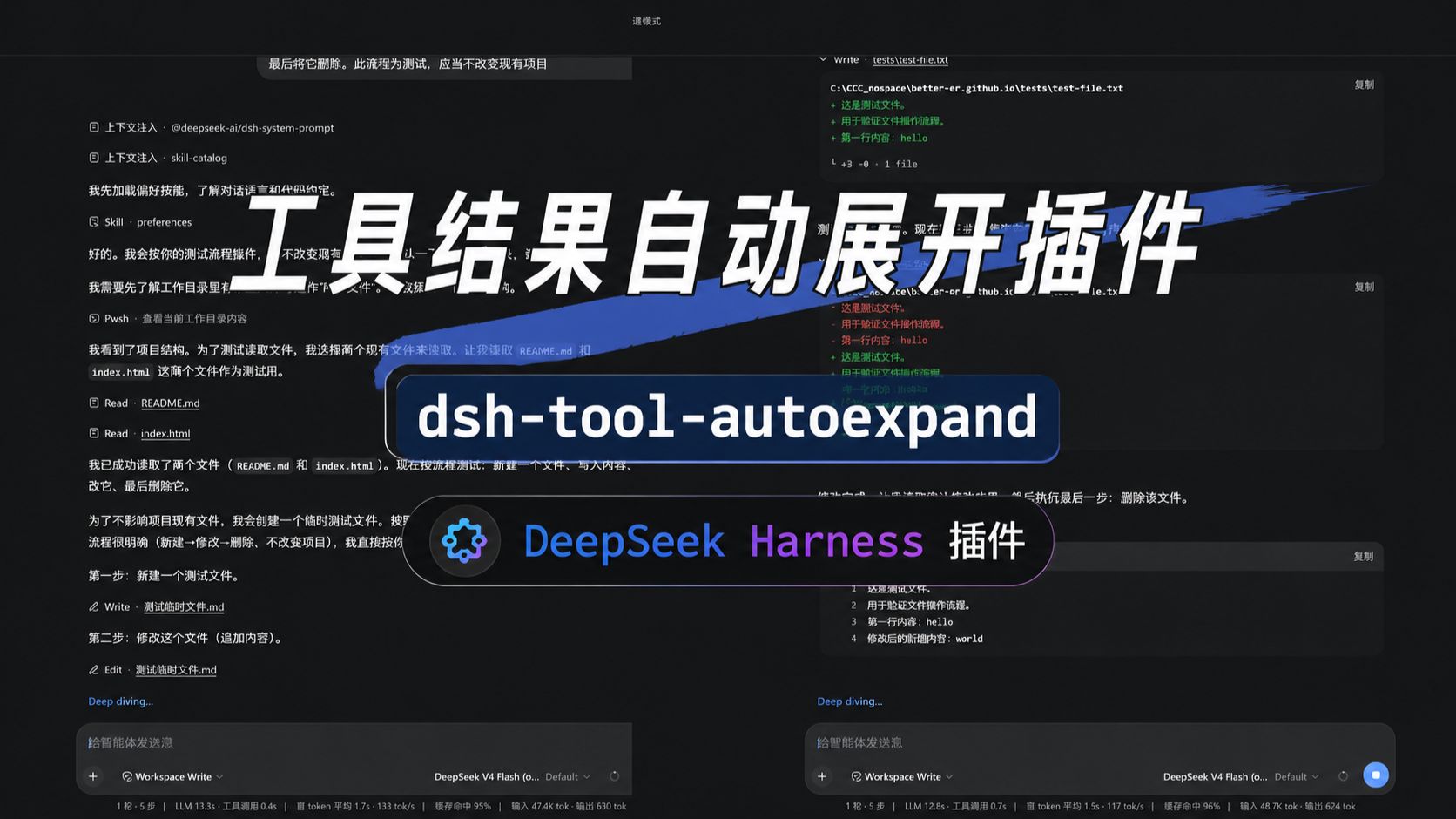
dsh-tool-autoexpand

v0.1.2

Published

Auto-expand tool-call cards in the DSH web GUI (with a sidebar toggle). Standard installable dsh client plugin.

Readme

dsh·工具结果自动展开插件

自动展开 DSH 浏览器界面里随后新到达的工具调用卡片,并在侧栏底部提供插件开关,默认开启。

纯浏览器端 client 插件,不替换任何原生工具卡片渲染器。

插件开关

引言

DeepSeek Harness 的工具调用,默认和 CloseAI 一样是收着的——结果全都藏在折叠里不给你看。可这哪符合开源精神?Open!所有的工具调用结果,就该统统打开。

于是祥云做了这个插件,专门帮你把 DeepSeek Harness 自动开源掉——新到达的工具调用结果全部自动展开。

当然,为了避免无意义的刷屏,这个「打开」是短打开模式:只执行一级展开,而不会把那些修改行统统二级展开。既能看到结论,又不糊一脸改动细节。

这样,你就能爽爽监工 DeepSeek Harness——它每一步在背后做了什么,都摊开在你眼皮子底下,清清楚楚。

却没想到,这狡猾的蓝色大肥鱼,就在你眼皮子底下偷偷啃着你的 Token——拿着你的钱上网玩儿去了。

DSH 偷吃图

功能

  • 自动展开新渲染的工具调用卡片。
  • 只展开卡片顶层折叠行,不会误开内部 ReadBlock / TerminalBlock / DiffBlock / SearchBlock 的行数折叠。
  • 侧栏底部开关卡:图标 + 标题 + ON/OFF 状态胶囊 + 一句效果说明,随 DSH 明/暗主题自适应。
  • 整卡可点击,aria-pressed 同步状态;切换即启用/停用,无需重启。

效果

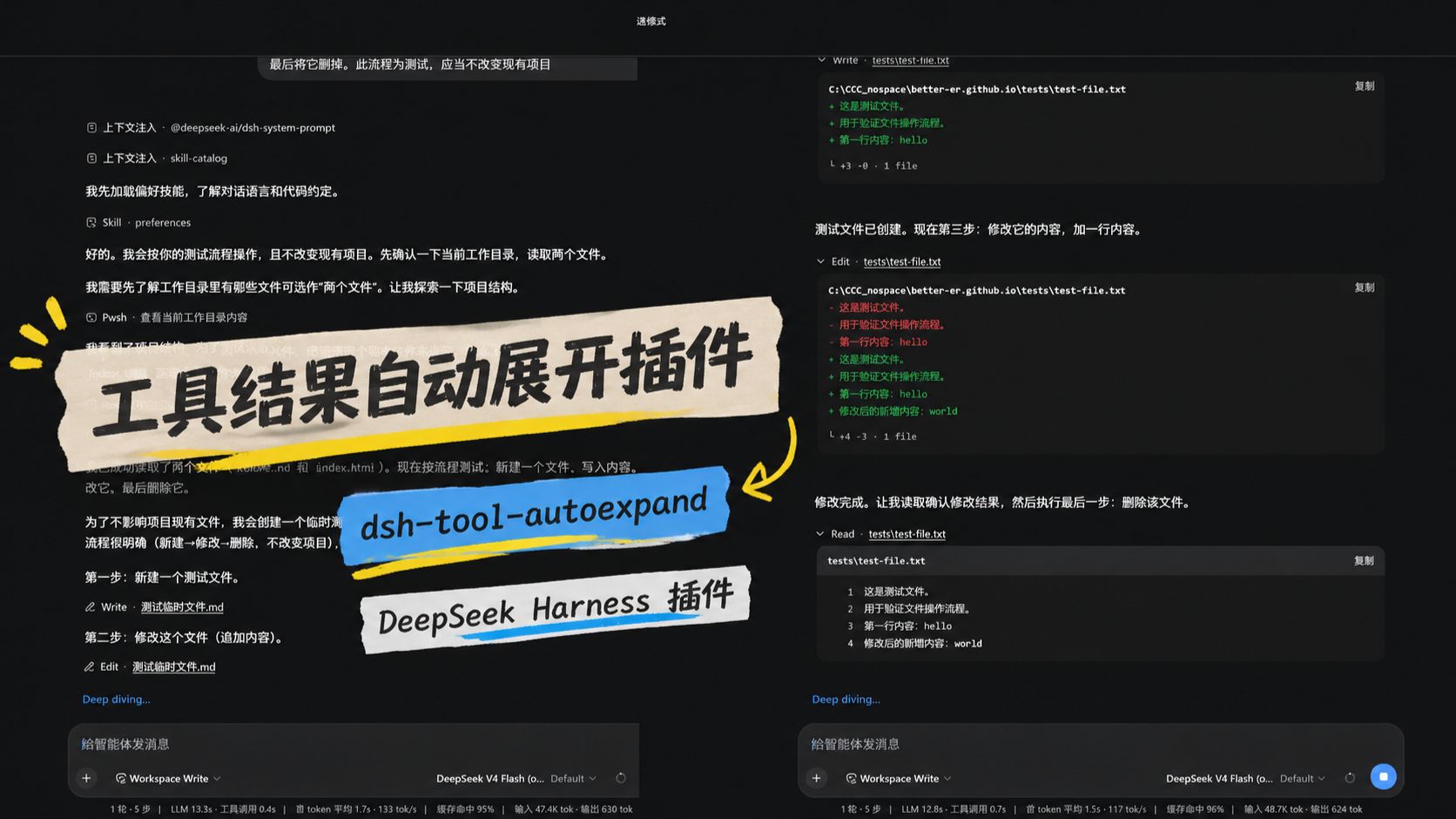
新到达的工具调用卡片自动展开后的实际效果:

dsh-tool-autoexpand

演示视频

光看静态截图不过瘾?两位同好分别给这个插件拍了演示视频,还在标题上互相点名对方,欢迎点开对比观看:

| 祥云版(34 秒) | dpsk 版(23 秒) | | :---: | :---: | | 祥云版演示视频 | dpsk 版演示视频 |
安装

dsh plugin --profile web add github:better-er/dsh-tool-autoexpand

一条命令装完即生效,自动挂载,重启 DSH web 后启用,无需手工编辑任何组合文件。

卸载

dsh plugin --profile web remove dsh-tool-autoexpand

彻底移除,重启 DSH web 后不再加载。

要求与开发

  • 标准形态的 dsh client 插件,声明 dsh.client,导出 ./client
  • 同时声明了 dsh.bundle,因此也是一个自挂载的 bundle 层插件:用 dsh plugin --profile <name> add 从 GitHub 安装后,会被自动识别为 profile layer 并挂载,无需手工写组合 entry。
  • 纯浏览器半身,无 host 行为。
  • 无构建:lib/client.js 是按 DSH client bundle 产出的注册式模块,源码即产物。
  • 硬性约束:lib/client.jsfactory 必须以 return module.exports 结尾,否则模块导出为 undefined,DSH 启动即 fail-loud。

License

MIT