npm package discovery and stats viewer.

Discover Tips

  • General search

    [free text search, go nuts!]

  • Package details

    pkg:[package-name]

  • User packages

    @[username]

Sponsor

Optimize Toolset

I’ve always been into building performant and accessible sites, but lately I’ve been taking it extremely seriously. So much so that I’ve been building a tool to help me optimize and monitor the sites that I build to make sure that I’m making an attempt to offer the best experience to those who visit them. If you’re into performant, accessible and SEO friendly sites, you might like it too! You can check it out at Optimize Toolset.

About

Hi, 👋, I’m Ryan Hefner  and I built this site for me, and you! The goal of this site was to provide an easy way for me to check the stats on my npm packages, both for prioritizing issues and updates, and to give me a little kick in the pants to keep up on stuff.

As I was building it, I realized that I was actually using the tool to build the tool, and figured I might as well put this out there and hopefully others will find it to be a fast and useful way to search and browse npm packages as I have.

If you’re interested in other things I’m working on, follow me on Twitter or check out the open source projects I’ve been publishing on GitHub.

I am also working on a Twitter bot for this site to tweet the most popular, newest, random packages from npm. Please follow that account now and it will start sending out packages soon–ish.

Open Software & Tools

This site wouldn’t be possible without the immense generosity and tireless efforts from the people who make contributions to the world and share their work via open source initiatives. Thank you 🙏

© 2026 – Pkg Stats / Ryan Hefner

easycanvas

v0.8.5

Published

Canvas framework. See https://c-zhuo.github.io/easycanvas/

Readme

Easycanvas
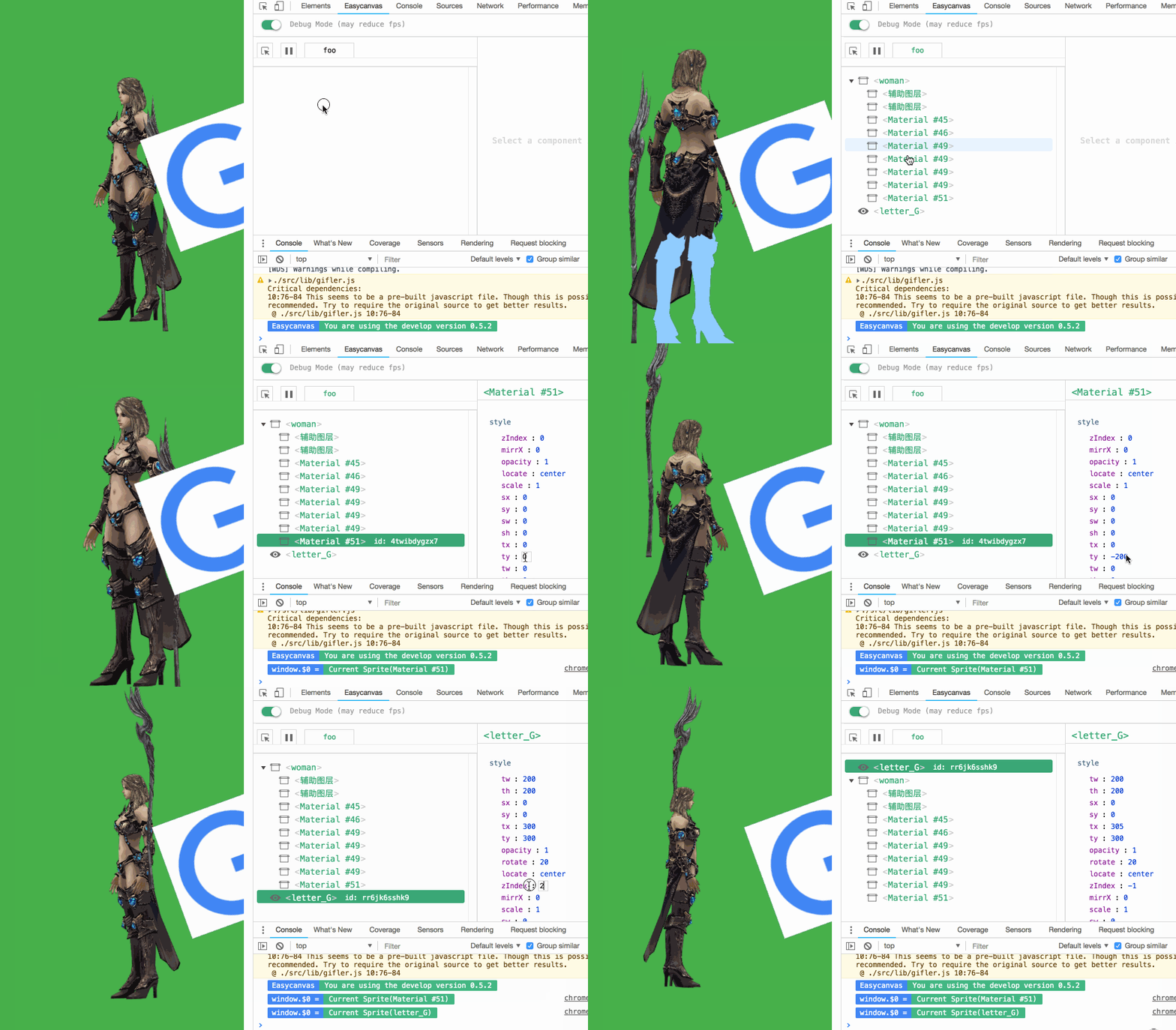
https://raw.githubusercontent.com/c-zhuo/easycanvas/master/demos/index_v2.gif

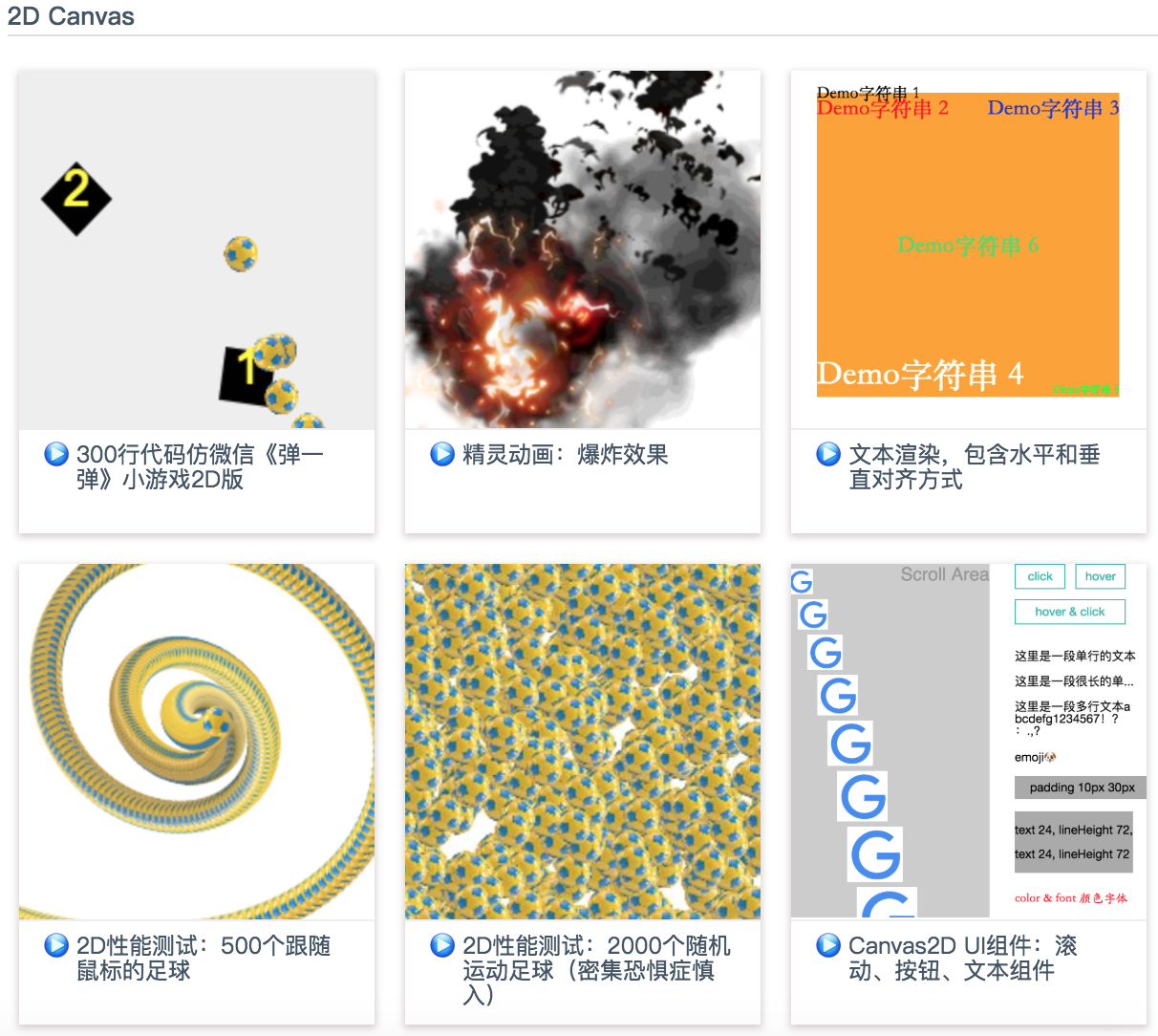
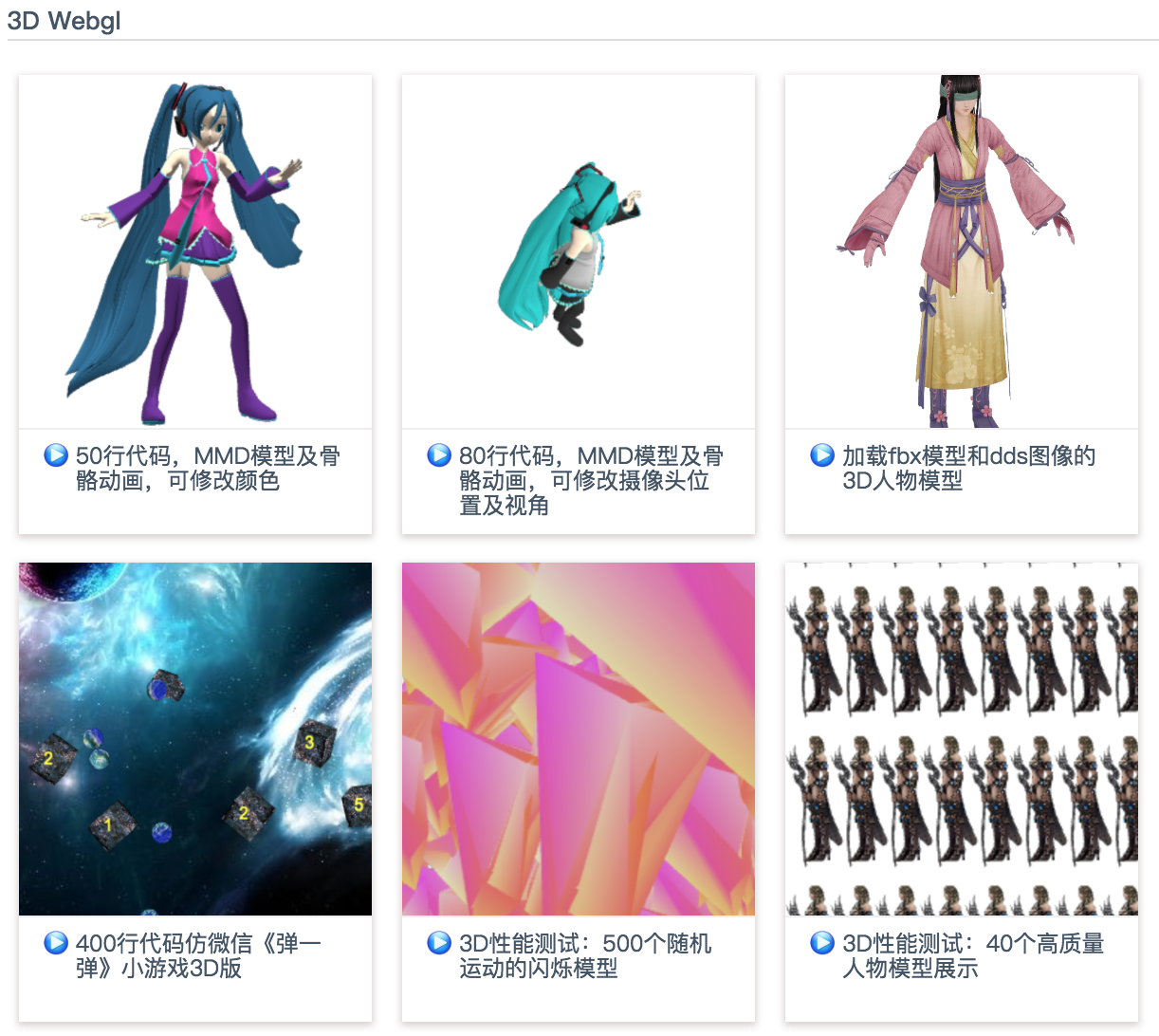
Easycanvas是一个同时支持2D和3D渲染、轻量、高效、MVVM模式的渐进式canvas渲染库。提供了基于组件的开发方式,支持JSX写法,可在浏览器、微信小游戏和小程序中使用,并具备Chrome插件来便于开发(包括数据结构的显示、对canvas中某个元素的样式进行调整等),也支持物理引擎、3D模型渲染等插件的渐进式引入。

浏览器兼容性:IE>=9(原因为defineProperty)
https://c-zhuo.github.io/easycanvas/

https://c-zhuo.github.io/easycanvas/

Feature

  • ☑ 渐进式基础库
  • ☑ JSX写法
  • ☑ 脚手架
  • ☑ 2D渲染
  • ☑ 精灵动画(组件形式)
  • ☑ 物理引擎(插件)
  • ☑ 事件、生命周期钩子、自定义钩子
  • ☑ 使用JSX开发(babel-plugin)
  • ☑ 开发者工具(Chrome扩展插件)
  • ☑ 基础文档
  • ☑ 基础功能的单元测试
  • ☑ 3D渲染(插件)
  • ☑ 2D、3D混合渲染
  • ☑ 3000个150x150的图片2D渲染时保持60fps
  • ☑ 1000个3D模型渲染时保持60fps
  • ☑ 允许自定义组件
  • ☑ 允许自定义插件
  • ☑ 2D图片的运行时像素编辑
  • ☑ 文档补齐
  • ☑ 支持加载mmd模型(插件)
  • ☑ 支持加载3ds模型(插件)
  • ☑ 支持加载fbx模型(插件)
  • ☑ 支持加载dds图片(插件)
  • ☑ 支持微信小游戏(插件)
  • ☑ 支持微信小程序(插件)
  • ☑ CanvasUI基础组件
  • ☐ 支持typescript
  • ☐ 导出原生javascript+canvas骨架屏(未开放)
  • ☐ 调试工具完善
  • ☐ CanvasRouter路由(插件)
  • ☐ CanvasStore数据管理(插件)
  • ☐ 更多功能的单元测试
  • ☐ Webgl的3D渲染性能优化

Changelog

Chrome调试工具

Clone这个仓库,打开Chrome://extensions,然后将chrome-devtools/dist目录拽进去安装即可。

Introduction

A lite(30kb+) canvas library, includes a Chrome plugin for debugging. Support physics and animations with high performace. Suits mobile and PC(including IE).

More demos

  • npm run dev, then localhost:8080/demos/demo1.html.

How to use

Import Easycanvas:

  • build/index.common.js: For Node.

  • build/easycanvas.standalone.dev.js: Standalone version, support chrome develop tools.

  • build/easycanvas.standalone.prod.js: Standalone version for production mode, 30kb+.