
eddy-app
v2.0.2
Published
AI-powered text editing from your macOS menubar

Maintainers
 renatoworks
Readme
Eddy
Native macOS menubar app for AI-powered text editing. Select text anywhere, press a shortcut, and Eddy improves it using OpenAI.
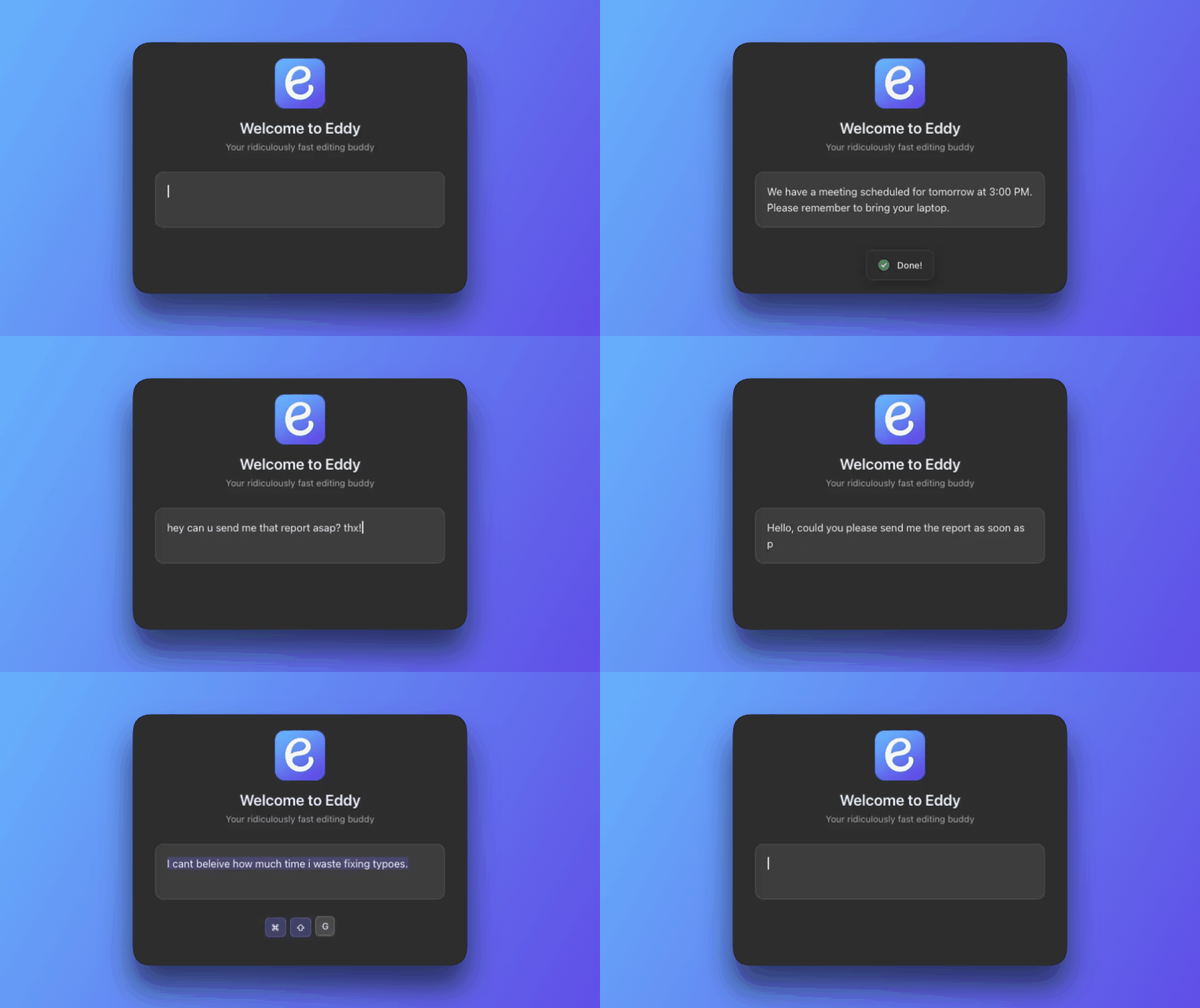
Installation
npx eddy-appOr download directly from Releases.
Requirements
- macOS 14.0 (Sonoma) or later
- OpenAI API key
Actions
| Action | Shortcut | Description |
| -------- | ------------- | ------------------------------------ |
| Grammar | Cmd+Shift+G | Fix spelling and grammar |
| Improve | Cmd+Shift+I | Enhance clarity and readability |
| Expand | Cmd+Shift+E | Make text longer with more detail |
| Shorten | Cmd+Shift+S | Condense text |
| Formal | Cmd+Shift+F | Professional tone |
| Casual | Cmd+Shift+C | Friendly, relaxed tone |
| Markdown | Cmd+Shift+M | Convert to Markdown |
| Vision | Cmd+Shift+V | Analyze screenshot and suggest reply |
Permissions Required
- Accessibility - For global keyboard shortcuts
- Automation (System Events) - For simulating Cmd+C/V in other apps
- Screen Recording - For Vision screenshot feature (optional)
Development
Requirements
- Xcode 15.0 or later
Setup
If you have both Xcode and Command Line Tools installed, ensure Xcode is the active developer directory:
sudo xcode-select -s /Applications/Xcode.app/Contents/DeveloperProject Structure
eddy-app/
├── Eddy.xcodeproj/          # Xcode project
├── Eddy/                    # Source code
│   ├── EddyApp.swift        # Main entry point & AppDelegate
│   ├── Info.plist           # App configuration
│   ├── Eddy.entitlements    # Permissions
│   ├── Models/              # Data models
│   ├── Services/            # Core services (OpenAI, Clipboard, etc.)
│   ├── Views/               # SwiftUI views
│   ├── Windows/             # Window controllers
│   └── Resources/
│       ├── Assets.xcassets/ # Icons
│       └── Prompts/         # Action prompts
├── bin/cli.js               # NPM installer CLI
└── package.json             # NPM package config
Building & Running
From Xcode:
- Open
Eddy.xcodeproj - Press
Cmd+Rto build and run
From Terminal:
# Build
xcodebuild -project Eddy.xcodeproj -scheme Eddy -configuration Debug build

# Run
open ~/Library/Developer/Xcode/DerivedData/Eddy-*/Build/Products/Debug/Eddy.app

# Stop
pkill -x Eddy
Debugging
# View logs
log stream --predicate 'process == "Eddy"' --level debug
Adding New Actions
Create a .md file in Eddy/Resources/Prompts/:
---
id: myaction
label: My Action
description: What this action does
action: Processing
shortcut: CommandOrControl+Shift+X
icon: icon-name
order: 9
type: text
---

Your system prompt here.
For screenshot-based actions, use type: screenshot.
License
MIT