
edgeone-pages-mcp
v0.0.16
Published
An MCP service for deploying HTML content to EdgeOne Pages and obtaining a publicly accessible URL.

Maintainers
 tencent-player
Readme
EdgeOne Pages MCP
An MCP service for deploying HTML content, folders, or full-stack projects to EdgeOne Pages and obtaining publicly accessible URLs.
Demo
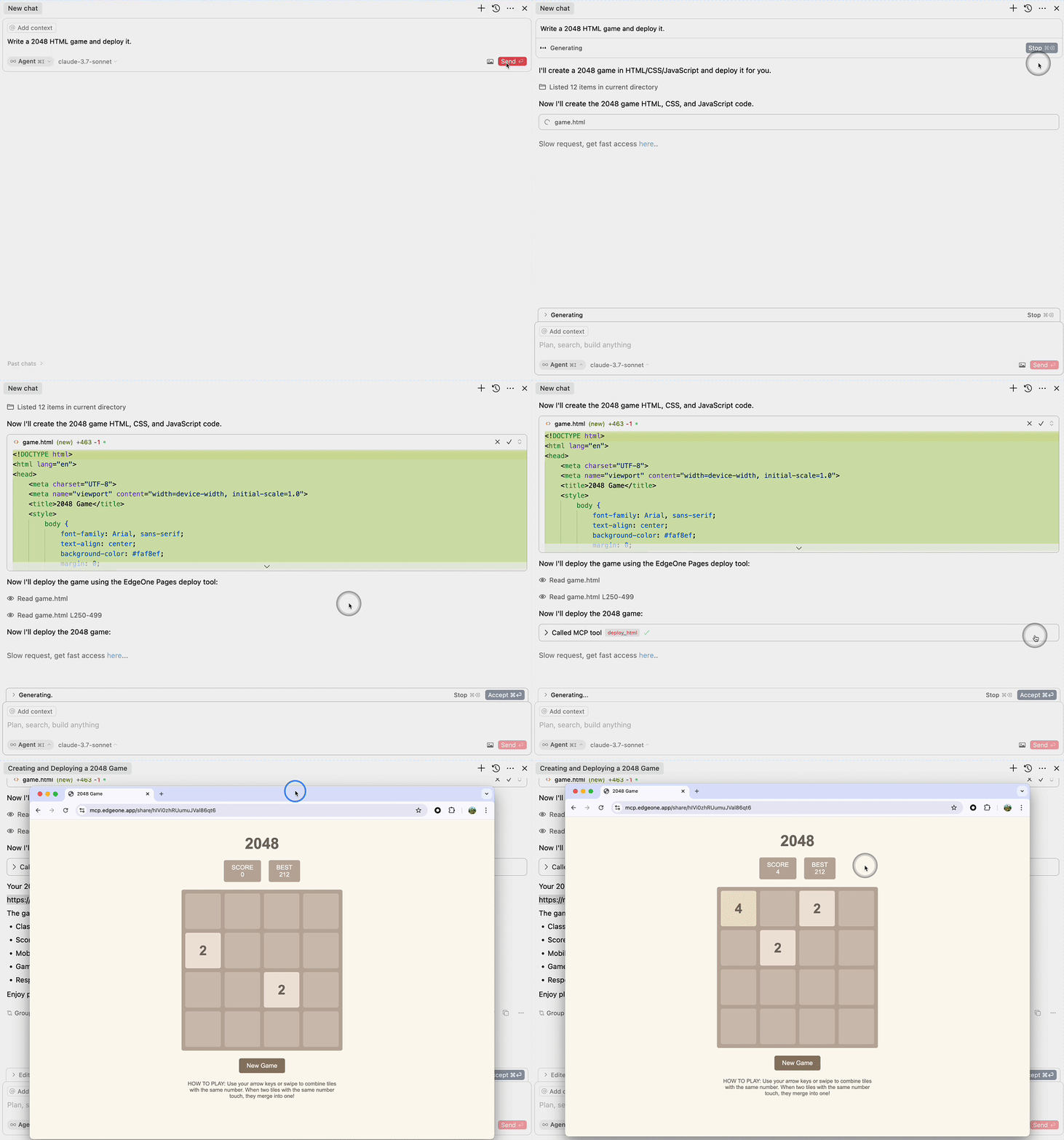
Deploy HTML
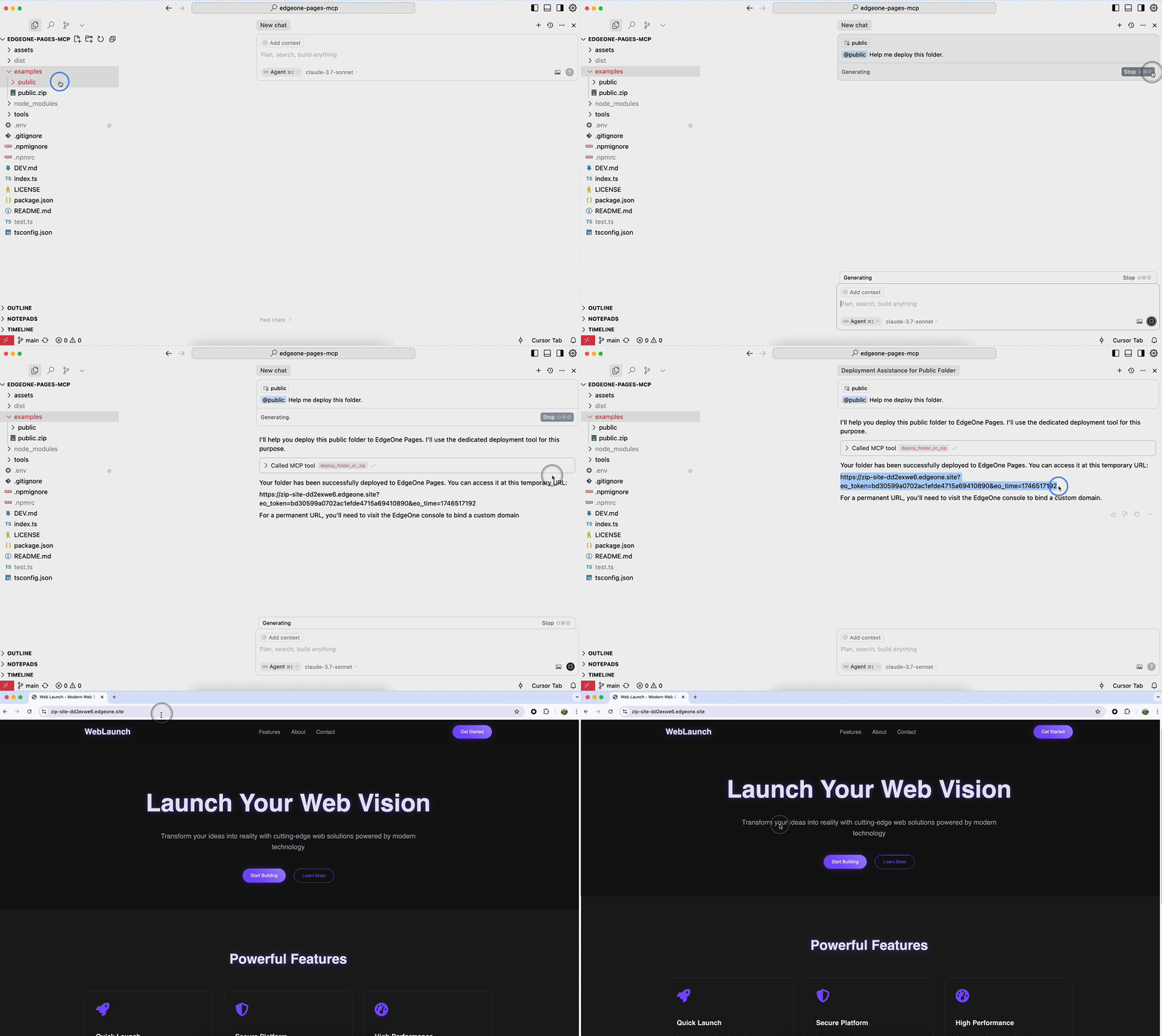
Deploy Folder
Requirements
- Node.js 18 or higher
MCP Configuration
stdio MCP Server
Full-featured MCP service that supports the deploy_folder tool for deploying full-stack projects.
// Tencent Cloud International (Default)
{
  "mcpServers": {
    "edgeone-pages-mcp-server": {
      "timeout": 600,
      "command": "npx",
      "args": ["edgeone-pages-mcp-fullstack@latest"]
    }
  }
}

// Tencent Cloud China
{
  "mcpServers": {
    "edgeone-pages-mcp-server": {
      "timeout": 600,
      "command": "npx",
      "args": ["edgeone-pages-mcp-fullstack@latest", "--region", "china"]
    }
  }
}
The following MCP Server will be deprecated soon:
Supports both deploy_html and deploy_folder_or_zip tools.
{
  "mcpServers": {
    "edgeone-pages-mcp-server": {
      "command": "npx",
      "args": ["edgeone-pages-mcp@latest"],
      "env": {
        // Optional.
        // If you need to deploy folders or zip files to
        // EdgeOne Pages projects, provide your EdgeOne Pages API token.
        // How to obtain your API token:
        // https://edgeone.ai/document/177158578324279296
        "EDGEONE_PAGES_API_TOKEN": "",
        // Optional. Leave empty to create a new EdgeOne Pages project.
        // Provide a project name to update an existing project.
        "EDGEONE_PAGES_PROJECT_NAME": ""
      }
    }
  }
}
Streaming HTTP MCP Server
For MCP clients that support HTTP streaming, only supports the deploy_html tool.
{
  "mcpServers": {
    "edgeone-pages-mcp-server": {
      "url": "https://mcp-on-edge.edgeone.site/mcp-server"
    }
  }
}
Tool Details
deploy_html Tool
Architecture Design

The architecture diagram shows the complete workflow of the deploy_html tool:
- Large Language Model generates HTML content
- Content is sent to the EdgeOne Pages MCP Server
- MCP Server deploys the content to EdgeOne Pages Edge Functions
- Content is stored in EdgeOne KV Store for fast edge access
- MCP Server returns a publicly accessible URL
- Users can access the deployed content via browser with fast edge delivery
Implementation Details
This tool integrates with EdgeOne Pages Functions to deploy static HTML content:
EdgeOne Pages Functions - A serverless computing platform that supports executing JavaScript/TypeScript code at the edge
Core Implementation Features:
- Uses EdgeOne Pages KV storage to save and serve HTML content
- Automatically generates publicly accessible URLs for each deployment
- Provides comprehensive API error handling and feedback
How It Works:
- MCP server receives HTML content through the
deploy_htmltool - Connects to EdgeOne Pages API to obtain the base URL
- Deploys HTML content using the EdgeOne Pages KV API
- Returns an immediately accessible public URL
- MCP server receives HTML content through the
For more information, refer to the EdgeOne Pages Functions documentation and EdgeOne Pages KV Storage Guide.
The source code is open source and can be self-deployed with custom domain binding: https://github.com/TencentEdgeOne/self-hosted-pages-mcp
deploy_folder Tool
This tool supports deploying complete projects to EdgeOne Pages:
- Supports full deployment of static website projects
- Supports deployment of full-stack applications
- Option to update existing projects or create new ones
License
MIT