
ee-runner
v0.0.37
Published
Node.js cli interface for Google Earth Engine JS scripts


Readme
ee-runner
Command line runner of Google Earth Engine Playground scripts using Node.js.

Install or update globally and use as a script
npm install -g ee-runner@latestRun Code Editor scripts as:
> ee-runner <script-file>or
> ee <script-file>Install as a package
npm install ee-runnerin your scripts, use:
require("ee-runner")

gee.initialize(function() {
  // ... your Google Earth Engine code comes here ...
}, opt_project)
Install as a command-line tool from GitHub
- Clone this repository.
- Inside Repository
Run: npm run init
Authenticate
If you don't have Python version of Earth Engine installed - install it and run earthengine authenticate command.
Usage
node ee-runner.js \<playground script file\> --project=<YOUR_PROJECT_NAME>
Example
node ee-runner.js examples/hello.js
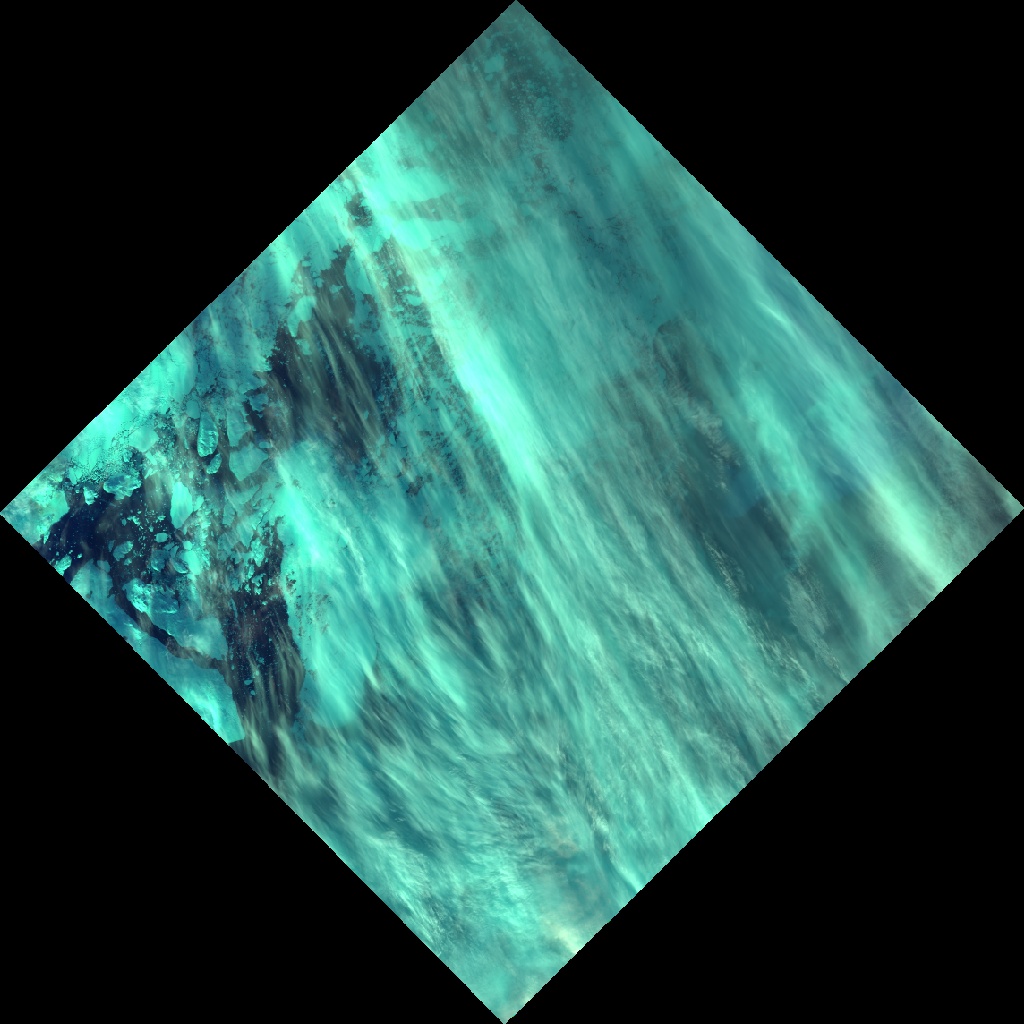
First image in LANDSAT 8 TOA collection was aquired on 2013-09-26
Downloading thumbnail ...- cat examples/hello.js
var image = new ee.Image(new ee.ImageCollection('LANDSAT/LC8_L1T_TOA').first());
var info = image.getInfo();

var date = info.properties['DATE_ACQUIRED'];
print('First image in LANDSAT 8 TOA collection was aquired on ' + date);

print('Downloading thumbnail ...');

var url = image
  .visualize({bands:['B6','B5','B3'], gamma: 1.5})
  .getThumbURL({dimensions:'1024x1024', format: 'jpg'});

download(url, 'hello.jpg');
- hello.jpg
Roadmap
- [ ] Fetch user scripts from https://earthengine.googlesource.com/
- [ ] Implement ui.Chart printing to PNG / SVG