
envify-example
v1.1.2
Published
Generate .env.example file from .env
Downloads
34


Readme
envify-example CLI
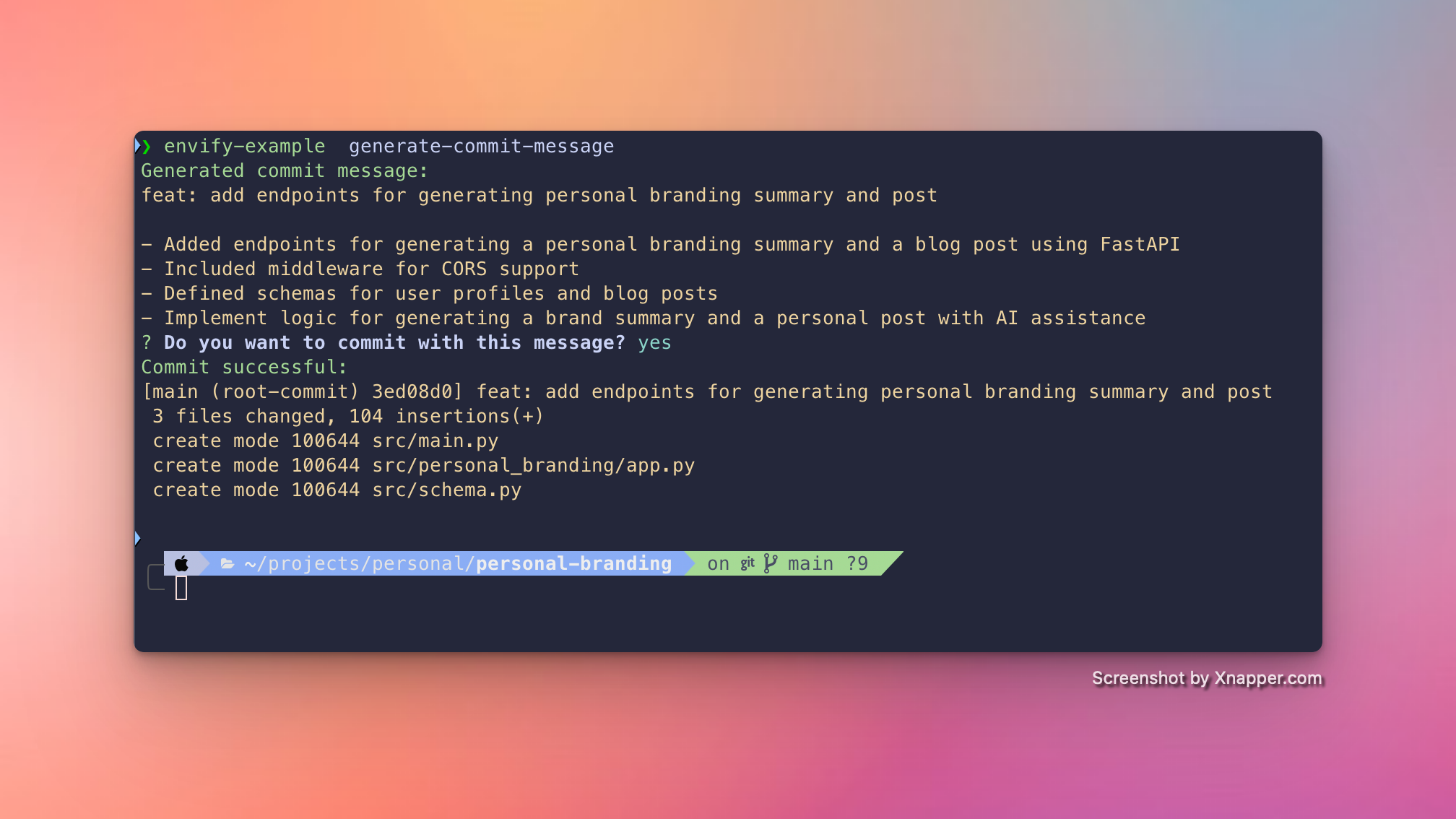
A command-line interface tool for generating conentional github commit messages using OpenAI and managing environment variables, converting .env files, and interacting with Consul.
Installation
npm install -g envify-exampleUsage
envify-example [command] [options]Commands
Generate Pytest
envify-example generate-pytestGenerate a commit message
envify-example generate-commit-messageconvert
Convert a .env file to .env.example or .env.json.
envify-example convert [options]Options:
-p, --path <path>: Path to the .env file (default: current directory's .env)-t, --type <type>: Output type: "example" or "json" (default: "example")
Examples:
envify-example convert
envify-example convert -p /path/to/.env -t json
configure-consul
Configure Consul settings.
envify-example configure-consul [options]Options:
-c, --configure: Configure Consul settings-s, --save-config: Save Consul configuration for future use
Example:
envify-example configure-consul -c -sdownload
Download .env file from Consul.
envify-example download [options]Options:
-p, --path <path>: Path to save the downloaded .env file (default: current directory's .env)
Example:
envify-example download
envify-example download -p /path/to/save/.env
upload
Upload .env file to Consul.
envify-example upload [options]Options:
-p, --path <path>: Path to the .env file to upload (default: current directory's .env)
Example:
envify-example upload
envify-example upload -p /path/to/.env
Global Options
-V, --version: Output the version number-h, --help: Display help for command
Examples
Convert a .env file to .env.example:
envify-example convertConvert a .env file to .env.json:
envify-example convert -t jsonConfigure Consul settings and save for future use:
envify-example configure-consul -c -sUpload a .env file to Consul:
envify-example uploadDownload a .env.json file from Consul:
envify-example download
Notes
- Make sure to configure Consul settings using the
configure-consulcommand before attempting to upload or download files. - The tool assumes that your .env file is in the current working directory unless specified otherwise using the
-por--pathoption.
Troubleshooting
If you encounter any issues, please check the following:
- Ensure that you have the necessary permissions to read/write files in the specified directories.
- Verify that your Consul configuration is correct and that you have network access to the Consul server.
- Make sure that the .env file exists in the specified location when using the
uploadcommand.
For any further assistance, please open an issue on the project's GitHub repository.