
ep_vim
v1.0.2
Published
Vim-mode plugin for Etherpad with modal editing, motions, and operators


Readme
ep_vim



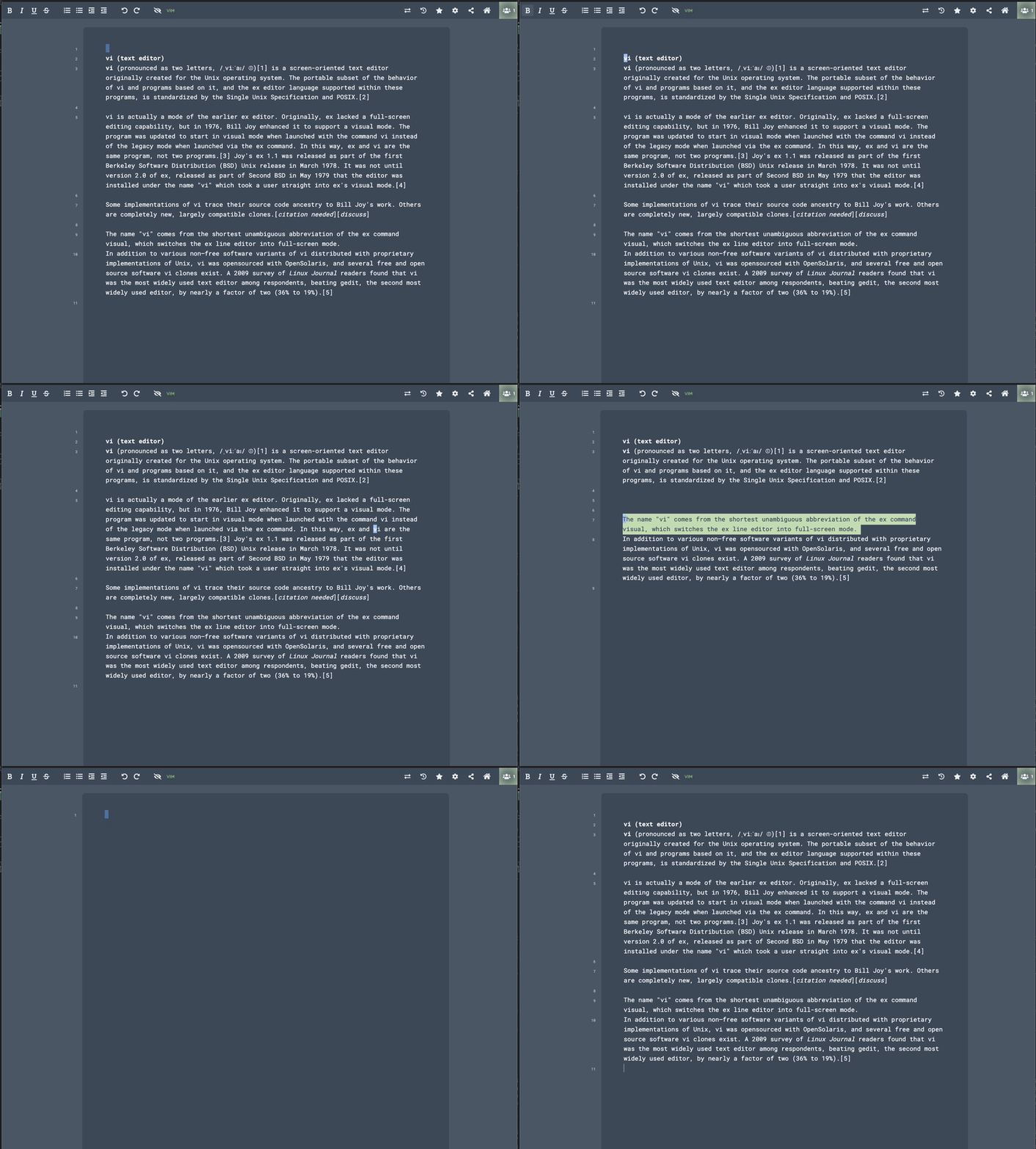
A vim-mode plugin for Etherpad. Adds modal editing with normal, insert, and visual modes to the pad editor. Mostly vibe coded with Claude Code.
Features
- Modal editing — normal, insert, and visual (char + line) modes; visual selections support all operators (
d,c,y) - Motions —
hjkl,wbe,0$^,ggG,f/F/t/Tchar search,{}paragraph forward/backward,HMLviewport (top/middle/bottom) - Char search —
f/F/t/Tfind,;repeat last search,,reverse direction - Bracket matching —
%jump to matching bracket - Text objects —
iw/aw(word),i"/a"andi'/a'(quotes),i{/a{etc. (brackets),ip/ap(paragraph),is/as(sentence) - Operators —
d,c,ywith motion and text object combinations (dw,ce,y$,ciw,da",yi(, etc.) - Line operations —
dd,cc,yy,D,J(join),Y(yank line) - Registers —
"a–"znamed registers for yank/delete/put,"_blackhole register - Put —
p/Pwith linewise and characterwise register handling - Editing —
iaAI(insert/append),x,X,r,R(replace mode),s,S,C,o,O,~(toggle case) - Case operators —
gu{motion}/gU{motion}lowercase/uppercase over motion or text object (e.g.guiw,gUap);u/Uin visual mode lowercase/uppercase selection - Marks —
m{a-z}to set,'{a-z}/`{a-z}to jump - Search —
/and?forward/backward,n/Nrepeat,*/#search word under cursor - Scrolling —
zz/zt/zbcenter/top/bottom,Ctrl+d/Ctrl+uhalf-page,Ctrl+f/Ctrl+bfull-page (requires ctrl keys enabled) - Visual —
vchar,Vline,gvreselect last selection;~toggle case in visual - Repeat —
.repeat last command - Counts — numeric prefixes work with motions and operators
- Undo/redo —
uundo,Ctrl+rredo (requires ctrl keys enabled) - Toggle — toolbar button to enable/disable vim mode, persisted in localStorage; settings panel for system clipboard and ctrl key behavior
Differences from vi
No further features are planned, but PRs are welcome. Notable exclusions in the current implementation are:
- No command line, macros, or globals
- No visual block mode
- No indentation operators —
>>,<<, and>/<in visual mode - No increment/decrement —
Ctrl+aandCtrl+x
Rate limiting
If you encounter rate limit errors, Etherpad's commit rate limiter (default: 10 per second) can be adjusted:
COMMIT_RATE_LIMIT_POINTS=100Installation
From your Etherpad directory run
pnpm run plugins install ep_vimLicense
GPL-3.0