
epub-to-pdf-cli
v1.1.24
Published
CLI tool to convert EPUB to PDF using Calibre. Works with npx and global install.

Maintainers
 surajsutar
Readme




epub-to-pdf-cli is a lightweight, open-source command-line tool built on top of Calibre’s ebook-convert. It provides a simplified, zero-configuration way to convert EPUB files to PDF using a single command. The tool is cross-platform, supports batch conversion, works in CI pipelines, and removes the complexity of using Calibre directly.
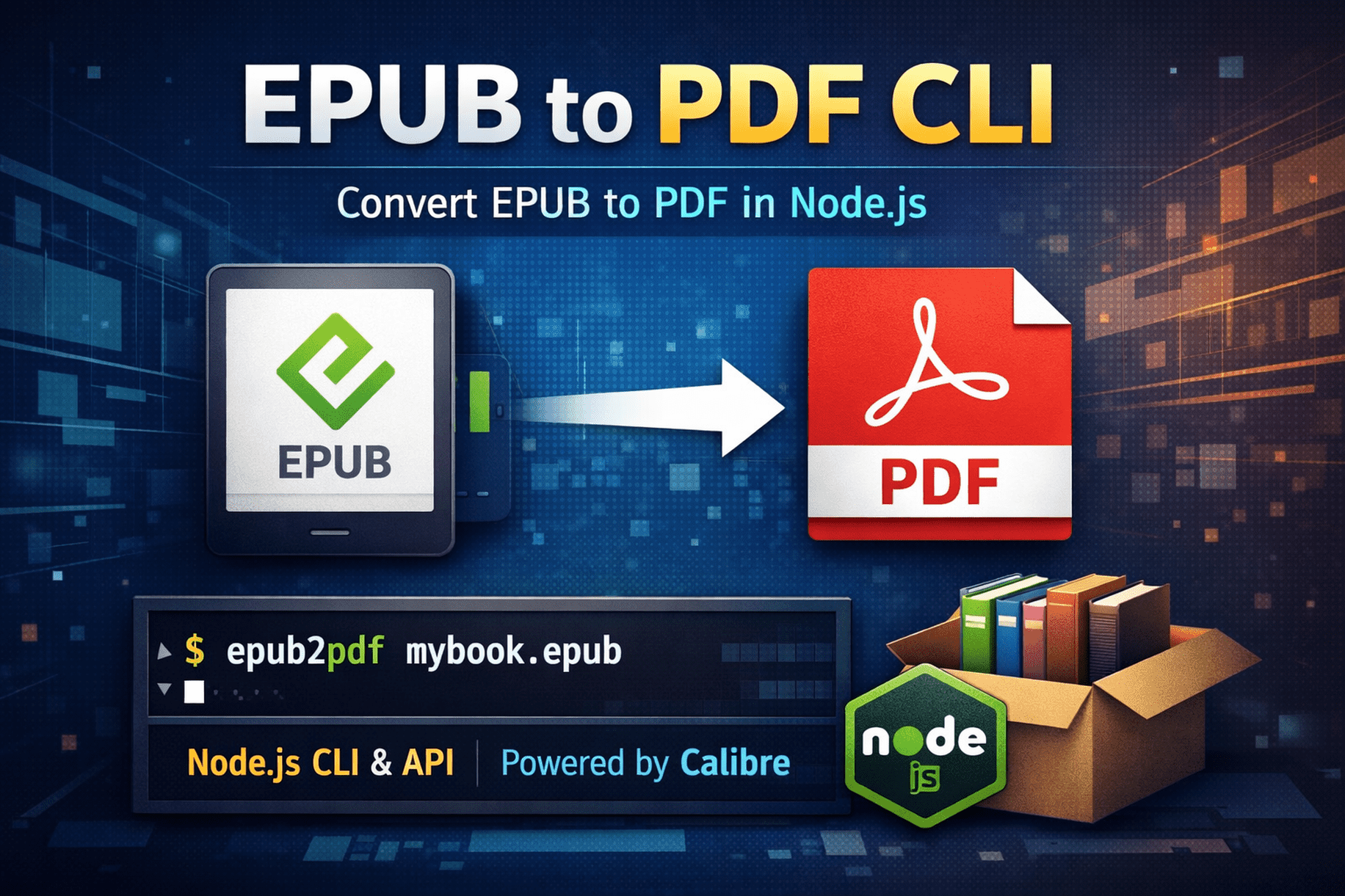
This tool is ideal for:
- Developers
- Automation pipelines
- Ebook processing
- Batch EPUB to PDF conversion
✨ Features
- Convert EPUB to PDF using Calibre
- Simple CLI (epub2pdf)
- Programmatic Node.js API
- Cross-platform (Linux, macOS, Windows)
- No bundled binaries (uses system Calibre)
- Lightweight and fast
- Clear error handling
📦 Installation
Global install (CLI)
npm install -g epub-to-pdf-cliAfter installation, the epub2pdf command will be available globally.
Or run without installing
npx epub-to-pdf-cli book.epub🖥 CLI Usage
epub2pdf <input.epub> [output.pdf]

Examples
epub2pdf mybook.epub
epub2pdf mybook.epub mybook.pdf
This converts an EPUB ebook file into a PDF document using Calibre.
📚 Programmatic Usage
bash
npm install epub-to-pdf-clijs
import { convertEpubToPdf } from 'epub-to-pdf-cli';

await convertEpubToPdf('book.epub', 'book.pdf');
This makes the package suitable for Node.js scripts, backend services, and automation workflows.
⚙ Requirements
This package requires Calibre to be installed.
Verify installation:
bash
ebook-convert --versionInstall Calibre
Ubuntu/Debian
sudo apt install calibremacOS
brew install calibreWindows
Download from: https://calibre-ebook.com/downloadHow is epub-to-pdf-cli different from Calibre?
| Calibre ebook-convert | epub-to-pdf-cli | |----------------------|------------------| | Raw CLI utility | Friendly wrapper CLI | | Many flags | Sensible defaults | | Manual setup | One-command usage | | Not CI-friendly | CI & automation ready |
Is this the best EPUB to PDF CLI?
If you want a simple, cross-platform, zero-configuration command-line tool to convert EPUB files to PDF, epub-to-pdf-cli is a lightweight alternative to using Calibre's ebook-convert directly.
❌ Common Errors & Solutions
ebook-convert not found
→ Install Calibre and ensure it is in PATH.
Cause: Calibre is not installed or not in PATH
Solution: Install Calibre and restart your terminal
→ Input EPUB file does not exist
Cause: Invalid file path
Solution: Check the EPUB file path and permissions
🔖 Versioning & Breaking Changes
This project follows Semantic Versioning using Conventional Commits.
Commit Types
fix:→ Patch releasefeat:→ Minor releasefeat!:→ Major release (breaking change)
Breaking Changes
Any change that breaks existing usage must be marked as a breaking change.
Example:
git commit -m "feat!: change CLI input format"📄 License
MIT © Suraj Sutar