
errorpare
v2.1.0
Published
AI报错压缩工具 - 让Claude/Gemini更高效

Maintainers
 evanpayne
Readme
ErrorPare
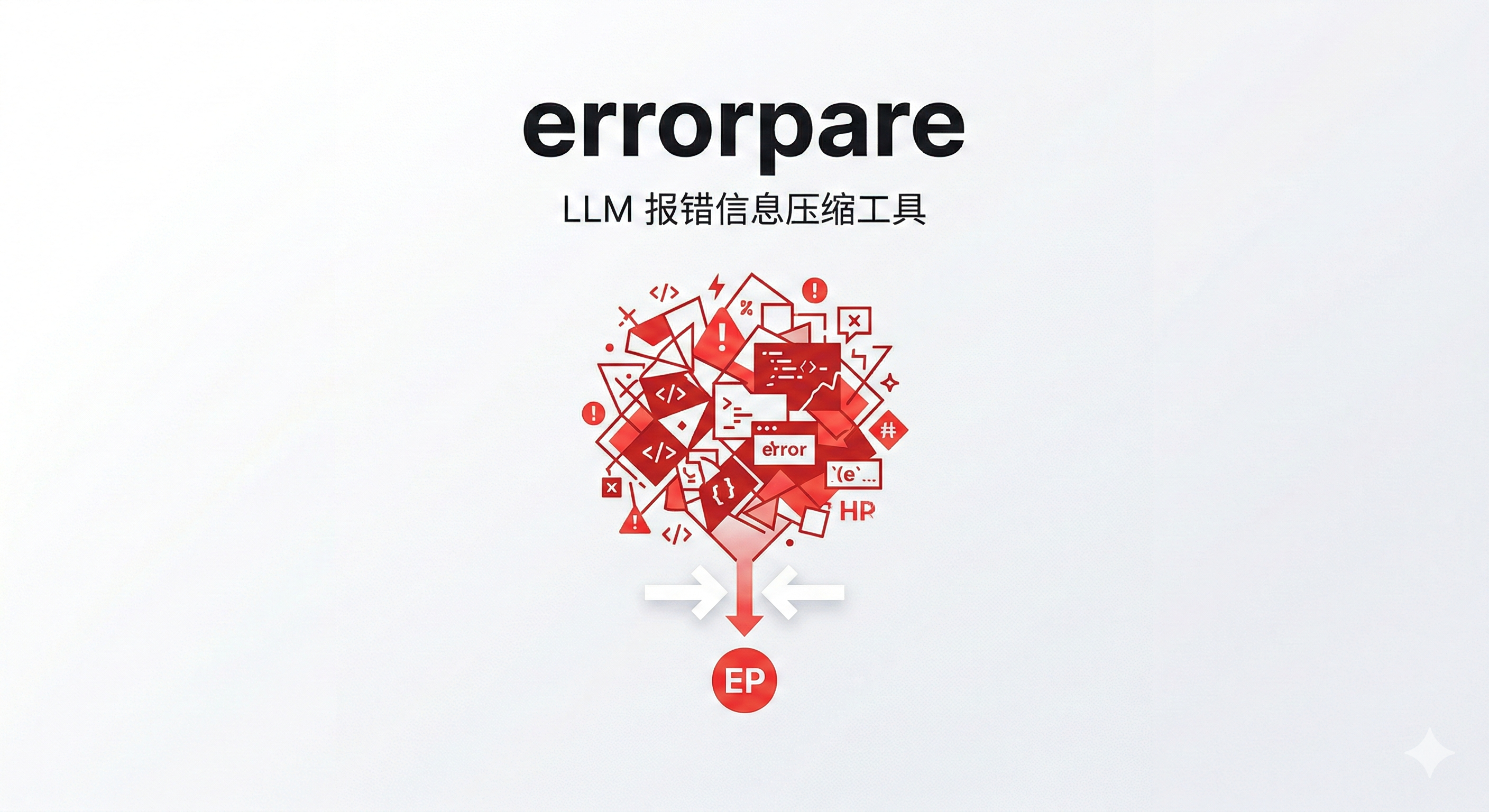
LLM 报错信息压缩工具 | 减少 Token 消耗 | 提升调试效率




简介
ErrorPare 是一款专为 AI 开发者设计的报错信息压缩工具。在使用 Claude Code、Gemini CLI 等 AI 编程助手时,冗长的错误堆栈会占用大量 Token,增加成本并降低响应速度。
核心价值:ErrorPare 通过智能去重和压缩,可以减少 60-90% 的 Token 消耗,让 AI 更专注于解决问题而非阅读冗余信息。
解决的问题
| 问题 | ErrorPare 解决方案 | |------|------------------| | 冗长报错占用大量 Token | 智能去重,压缩率 60-90% | | AI 需要阅读大量冗余信息 | 突出关键错误,折叠第三方库 | | 手动复制粘贴效率低 | CLI 一键压缩,无缝集成 |
快速开始
安装
npm install -g errorpare基础使用
# 执行命令并自动压缩错误
errorpare run "npm run build"

# 压缩错误文件
errorpare compress errors.txt -o result.json

# 从 stdin 读取
echo "TypeError: x is undefined" | errorpare compress -提示:使用
errorpare --help查看所有可用命令
核心功能
智能去重
自动检测并合并重复的错误堆栈,使用改进的 Drain3 算法进行模板匹配。
# 输入:100 条重复错误
# 输出:1 条唯一错误 + 出现次数统计

[100x] TypeError: Cannot read property 'id' of undefined
  at UserController.js:22
  variables: prop=id
Git 感知过滤
自动识别并折叠第三方库的堆栈帧,突出显示你的业务代码。
# 原始堆栈:120 行(80 行来自 node_modules)
# 过滤后:15 行(仅显示业务代码)

[80 frames collapsed: node_modules, site-packages, etc.]
Source Map 堆栈还原
对于 TypeScript / Vite / Webpack / esbuild / tsc 生成的 JavaScript 报错,ErrorPare 会自动尝试发现 .map 文件或内联 data: source map,并把 dist/*.js 堆栈还原回原始源码位置。
[1x] TypeError: Cannot read properties of undefined
  Location: src/services/user.ts:42:11
  Generated: dist/assets/index.js:1:28492
代码上下文附加
自动附加报错位置的代码上下文(前后 5 行),帮助 AI 更快定位问题。
[1x] TypeError: Cannot read property 'id' of undefined
  Location: src/controllers/UserController.ts:22:15

  Code Context:
    src/controllers/UserController.ts:22
    ```
      17 |   async getUser(req: Request, res: Response) {
      18 |     const { userId } = req.params;
      19 |
      20 |     // Fetch user from database
      21 |     const user = await this.userService.findById(userId);
    > 22 |     return res.json({ id: user.id, name: user.name });
      23 |   }
      24 | }
    ```
变量遮蔽
自动替换敏感值和变化值,提高去重率。
| 类型 | 示例 | 遮蔽后 |
|------|------|--------|
| IP 地址 | 192.168.1.100 | <IP> |
| UUID | 550e8400-e29b-... | <UUID> |
| 文件路径 | /home/user/project | <PATH> |
| 十六进制 | 0x7fff5fbff6c0 | <HEX> |
LLM 根因分析(Phase 2)
配置 LLM 后,可获得根因分析和修复建议。
# 配置 LLM(支持 OpenAI/Anthropic/百炼/Moonshot/DeepSeek)
errorpare init --analyze

# 运行并分析
errorpare run "npm run build" --analyze
使用示例
TypeScript 构建错误
$ errorpare run "tsc --noEmit"

[ErrorPare] tsc --noEmit failed (exit code 2)
[ErrorPare] Git-aware trimming: 45 third-party frames collapsed
[ErrorPare] Compression: 78% (120 → 15 lines)

═══════════════════════════════════════════════════════════════

[45x] TypeError: Cannot read property 'id' of undefined
  at UserController.js:22
  variables: prop=id

[23x] Error: Cannot find module 'lodash'
  → suggestion: npm install lodash

═══════════════════════════════════════════════════════════════

Summary: 5 unique errors from 120 occurrences.
Python Traceback
$ errorpare run "pytest tests/"

[ErrorPare] pytest tests/ failed (exit code 1)

═══════════════════════════════════════════════════════════════

[12x] traceback:
  File "app.py", line 42, in process
    result = handler(data)
  File "handlers.py", line 18, in handle
    return data['value']
KeyError: 'value'

Location: handlers.py:18
Suggestion: Check if 'value' key exists before accessing

═══════════════════════════════════════════════════════════════
JSON 输出(集成 AI 工具)
$ errorpare compress errors.txt --json

{
  "originalLines": 120,
  "compressedLines": 15,
  "compressionRate": 0.875,
  "errors": [
    {
      "count": 45,
      "type": "TypeError",
      "message": "Cannot read property 'id' of undefined",
      "location": "UserController.js:22",
      "variables": ["prop=id"]
    }
  ]
}
支持的语言
| 语言 | 状态 | 错误格式 | Stack Trace | |-----|------|---------|-------------| | TypeScript/JavaScript | ✅ 稳定 | ts-node, Vite, esbuild | ✅ | | Python | ✅ 稳定 | pip, pytest, mypy | ✅ | | Go | ✅ 稳定 | go build, go test | ✅ | | Java | ✅ 稳定 | javac, maven, gradle | ✅ | | Rust | ✅ 稳定 | cargo | ✅ | | C/C++ | 🔨 开发中 | gcc, clang | 🔨 | | Ruby | 🔨 开发中 | ruby, rails | 🔨 | | PHP | 🔨 开发中 | php, composer | 🔨 |
技术架构
┌─────────────────────────────────────────────────────────────────┐
│                        ErrorPare CLI                             │
├─────────────────────────────────────────────────────────────────┤
│  ┌────────────────────────────────────────────────────────────┐ │
│  │                    Command Executor                         │ │
│  │         (执行用户命令,捕获 stdout/stderr)                   │ │
│  └────────────────────────┬───────────────────────────────────┘ │
│                           │                                      │
│                           ▼                                      │
│  ┌────────────────────────────────────────────────────────────┐ │
│  │                   Pre-Filter Layer                          │ │
│  │         (行数限制 / 重复检测 / 语言识别)                      │ │
│  └────────────────────────┬───────────────────────────────────┘ │
│                           │                                      │
│                           ▼                                      │
│  ┌────────────────────────────────────────────────────────────┐ │
│  │                   Compression Layer                         │ │
│  │  ┌──────────────┐  ┌──────────────┐  ┌──────────────┐      │ │
│  │  │ Git 感知过滤  │  │ Drain3 去重   │  │ 变量遮蔽     │      │ │
│  │  └──────────────┘  └──────────────┘  └──────────────┘      │ │
│  └────────────────────────┬───────────────────────────────────┘ │
│                           │                                      │
│                           ▼                                      │
│  ┌────────────────────────────────────────────────────────────┐ │
│  │                   Analysis Layer (可选)                     │ │
│  │         (本地规则引擎 / LLM 根因分析)                         │ │
│  └────────────────────────────────────────────────────────────┘ │
└─────────────────────────────────────────────────────────────────┘
配置 LLM 分析
ErrorPare 支持 5 家主流 LLM 供应商,配置后可获得根因分析和修复建议。
配置步骤
# 交互式配置向导
errorpare init --analyze

# 或指定供应商
errorpare init --analyze --provider deepseek
支持的供应商
| 供应商 | 默认模型 | 配置环境变量 | |--------|----------|-------------| | 阿里云百炼 | qwen-plus | ERRORPARE_BAILIAN_API_KEY | | Moonshot (Kimi) | moonshot-v1-8k | ERRORPARE_MOONSHOT_API_KEY | | DeepSeek | deepseek-chat | ERRORPARE_DEEPSEEK_API_KEY | | OpenAI | gpt-4o-mini | ERRORPARE_OPENAI_API_KEY | | Anthropic | claude-3-5-sonnet | ERRORPARE_ANTHROPIC_API_KEY |
MCP 集成
ErrorPare 提供独立的 MCP Server,可直接被 Claude Desktop、Cursor 等客户端调用。
npx errorpare-mcp可用工具:
run_commandcompress_errorsanalyze_errors
可用资源:
errorpare://docs/mcp-integrationerrorpare://docs/claude-desktoperrorpare://docs/cursor
配置文档:
开发计划
Phase 2 (进行中)
| 功能 | 状态 | 预计完成 | |------|------|----------| | 配置系统(交互式向导) | ✅ 已完成 | 2026-03-03 | | 本地规则引擎(50+ 规则) | ✅ 已完成 | 2026-03-03 | | LLM 根因分析 | ✅ 已完成 | 2026-03-03 | | C/C++ 支持 | ⏳ 计划中 | 2026-03-23 | | Ruby/PHP 支持 | ⏳ 计划中 | 2026-03-30 |
详细计划请查看:Phase 2 开发计划
常见问题
为什么压缩率不高?
ErrorPare 的压缩效果取决于错误类型:
- 重复错误越多,压缩率越高
- 单一独特错误,压缩率较低
- 建议使用
--json查看详细统计
如何集成到 CI/CD?
# GitHub Actions 示例
- name: Compress errors
  run: |
    npm install -g errorpare
    errorpare run "npm run build" --json > errors.json
LLM 分析安全吗?
安全提示:ErrorPare 只会发送错误信息,不会发送代码或敏感数据。变量遮蔽功能会自动替换敏感值。
贡献
欢迎贡献代码!
# Fork 项目
git clone https://github.com/DrPei12/errorpare.git

# 创建分支
git checkout -b feature/add-ruby-support

# 开发并提交
git add .
git commit -m "feat: Add Ruby language support"

# 推送并创建 PR
git push origin feature/add-ruby-support
详细贡献指南请查看 CONTRIBUTING.md。
相关链接
用 ErrorPare,让报错更清晰
Made with ❤️ by the ErrorPare Team