
eslint-plugin-washing-code
v1.1.0
Published
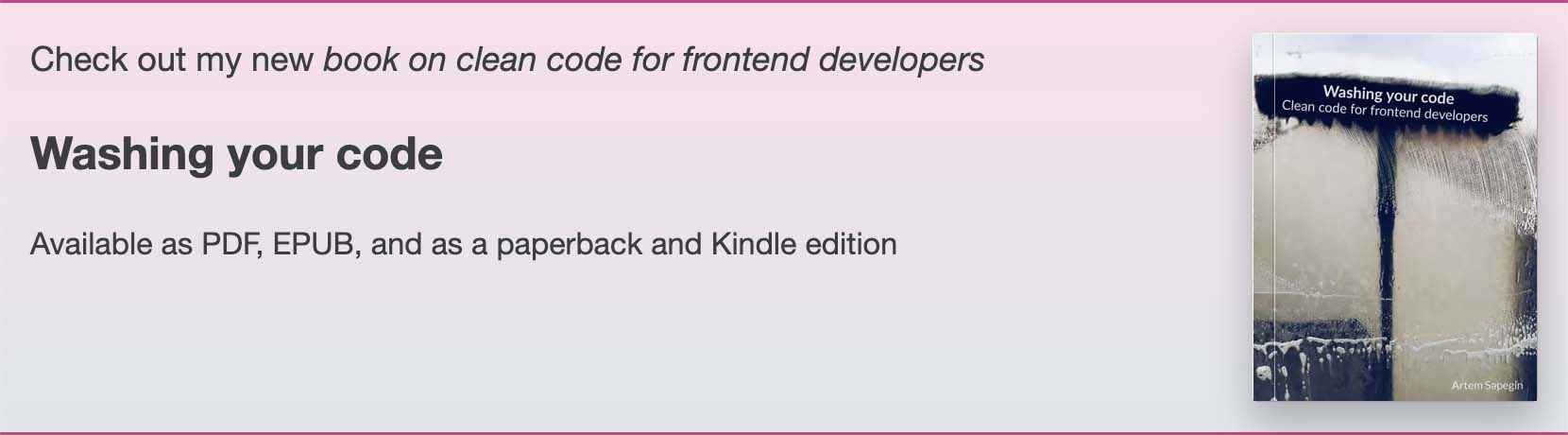
ESLint rules inspired by Washing your code book
Downloads
509

Maintainers
 sapegin
Readme
eslint-plugin-washing-code


ESLint rules inspired by Washing your code book.
Warning: this rule is highly experimental, use at your own risk!
Installation
npm install --save-dev eslint-plugin-washing-codeUsage
Use the recommended configuration:
import washingCode from 'eslint-plugin-washing-code';

export default [washingCode.configs.recommended];
Or configure individual rules:
import washingCode from 'eslint-plugin-washing-code';

export default [
  {
    plugins: {
      'washing-code': washingCode
    },
    rules: {
      'washing-code/explicit-boolean-check': 'error'
    }
  }
];
Configuration for TypeScript projects
Many rules in this plugin work best with TypeScript type information, which enables safe automatic fixing in more cases.
Add something like this to your ESLint config:
export default [
  {
    languageOptions: {
      parserOptions: {
        projectService: true
      }
    }
  }
];
Rules
✅ Set in the recommended configuration.
🔧 Automatically fixable by the --fix CLI option.
| Rule | Description | ✅ | 🔧 |
| --- | --- | --- | --- |
| explicit-boolean-check | Require explicit comparison instead of negation operator | ✅ | 🔧 |
| prefer-function-optional-chain | Prefer optional chaining over conditional function calls | ✅ | 🔧 |
| prefer-includes-conditions | Prefer .includes() over multiple equality comparisons | ✅ | 🔧 |
Motivation
TODO
Sources
TODO
Sponsoring
This software has been developed with lots of coffee, buy me one more cup to keep it going.
Contributing
Bug fixes are welcome, but not new features. Please take a moment to review the contributing guidelines.
Authors and license
Artem Sapegin and contributors.
MIT License, see the included License.md file.