
eustia
v1.0.0
Published
Tool for generating utility libraries

Maintainers
 surunzi
Readme
Eustia




Eustia is a tool for generating JavaScript utility libraries. It scans your code to generate libraries containing only methods needed on the fly.
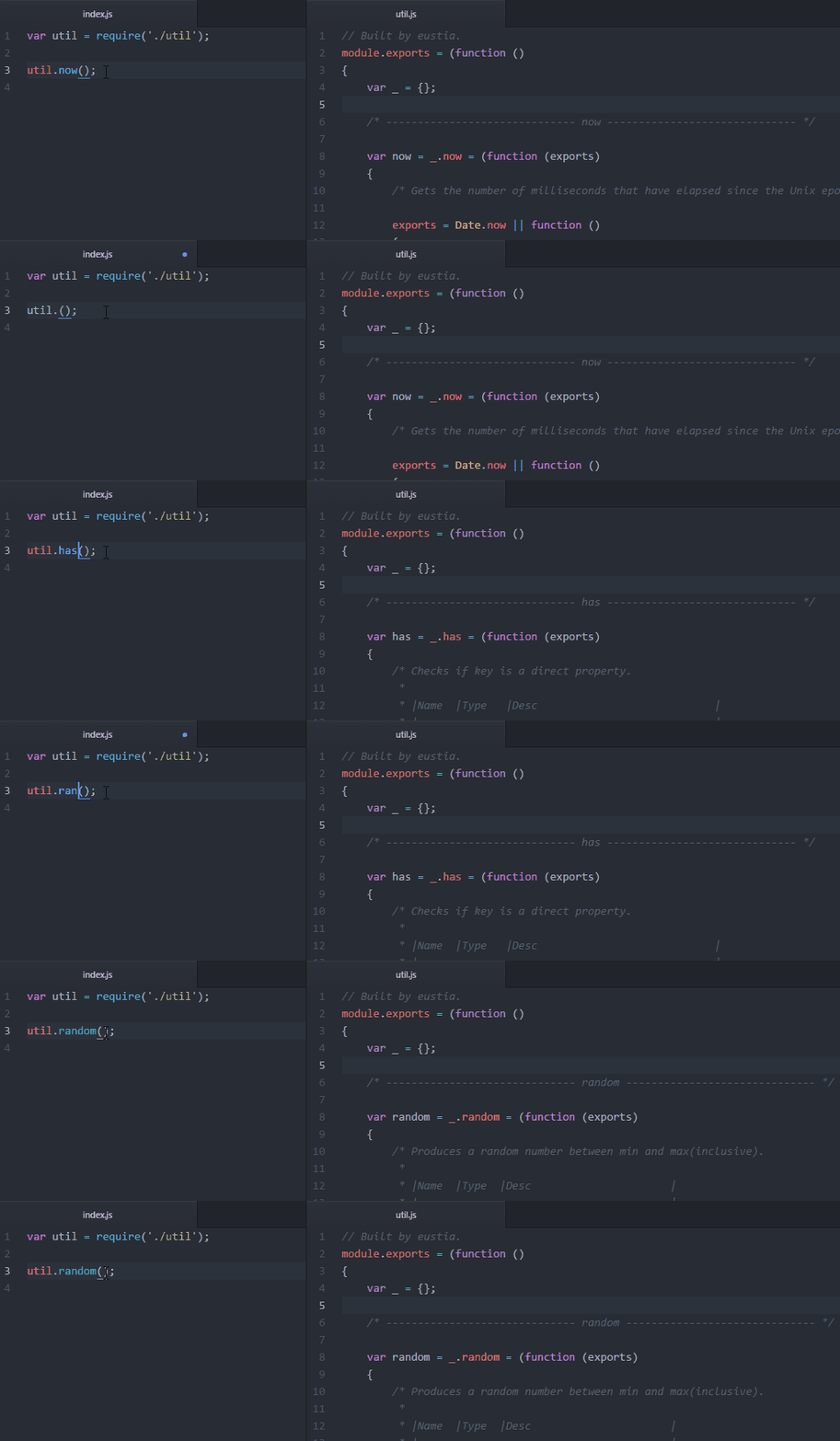
Installation
You can install Eustia using Node Package Manager(npm).
npm install -g eustiaQuick Example
Suppose you want to use trim function in index.html, just write the code down as follows:
<html>
<head>
    <meta charset="utf-8"/>
    <title>Eustia</title>
    <script src="util.js"></script>
</head>
<body>
    <script>
    var projectName = _.trim(' Eustia ');
    // Some code...
    </script>
</body>
</html>
Run command:
eustia buildThe tool will scan you html code and generate a file name util.js(Default output file name). And that is it, everything is just done!
Use a Configuration File
You can use Eustia with command lines totally. It usually follows the same pattern described below:
eustia build -o util.js index.html *.js ...<list of files to be scanned>It's also possible to use a configuration file to save settings. This is pretty helpful especially when you want to generate multiple utility libraries for different sections of your website.
Just create a file named .eustia in your project root.
{
    "page": {
        "files": "./layout/**/*.jade",
        "output": "./static/js/eustia.js"
    },
    "node": {
        "files": ["./lib/*.js", "./tool/**/*.js"],
        "output": "./lib/util.js"
    }
}
Running Eustia without any sub commands, the tool will find .eustia under current working directory to read configuration to generate libraries. It is almost the same as running build command from console, just a different way of passing options.
For a full list of options can be used, please check document page.
Prepare Modules
Materials must be prepared first to cook a good meal. Right now, our materials is a bunch of small modules. Eustia provides many utilities itself(currently under development). Still, there are times you want to add your own ones. To achieve that, create a directory named eustia in the root directory.
Now, let's say I want to have a function to compare version numbers. The first step is to create a js file named compareVersion.js in eustia directory. Then fills it with actual codes to finish the procedure.
// eustia/compareVersion.js
_('isStr each'); // dependencies

// export object
function exports(v1, v2)
{
    if (!isStr(v1) || !isStr(v2)) return;
    ...
}
Now you can use compareVersion anywhere in your project.
Using option library allows you to search functions in other paths, quite useful when sharing functions among several projects. Besides, Lodash functions is available by using eustia-lodash.